Indietool
Email Generator Free: 10 Best Tools for Better Outreach

The best free email generator is the one that fits your sending workflow: choose an inbox assistant for drafting, an integrated email service provider for sending, or a standalone writer for flexible experimentation. Email-user estimates put the global total at approximately 4.48 billion in 2024, while another compilation reports roughly 4.5 billion, a reminder that estimates vary by methodology and forecast year. (Email usage estimates)
A free AI writer can help shape a welcome message, newsletter, sales follow-up, or cold outreach draft, but generating copy and delivering it are separate jobs. The right choice depends on whether you want to write inside Gmail, build and send a campaign in an email platform, or experiment with copy before moving it into your existing tools. This comparison ranks 10 options by their place in the workflow, looking at drafting quality, sending integration, free access, and the editing or setup each requires.
A useful generator should also be clear about what it creates. A generated email address is only a string unless its domain and mail infrastructure can receive messages; email standards distinguish address structure from a functioning mailbox. For testing, use a reserved or controlled domain rather than an invented address that might belong to a real person. (Email address structure and standards)
For founders preparing a product launch, an email generator can support outreach and announcements, while a public launch profile helps people discover the product. IndieTool's free email generator can sit alongside that workflow, before a founder submits a product to its directory. If your priority is outreach infrastructure rather than copy, compare options for cold email software.
Table of Contents
- 1. HubSpot AI Email Writer
- 2. Mailmeteor AI Email Writer
- 3. Grammarly Free AI Email Writer
- 4. Copy.ai Marketing Email Generator
- 5. Rytr
- 6. Brevo Aura AI Email Builder
- 7. Benchmark Email Smart Content
- 8. GetResponse AI Email Generator
- 9. MailerLite AI Writing Assistant
- 10. Shortwave AI Email Assistant
- Top 10 Free Email Generators: Feature Comparison
- Turn Generated Copy Into a Launch Strategy
1. HubSpot AI Email Writer
HubSpot's AI Email Writer makes the most sense when the campaign already lives in HubSpot. It can draft marketing or sales email copy and subject lines from a prompt inside the email workflow, which means you can build a message and prepare it for sending without shuttling text between unrelated tools.
That integration is the practical advantage. If your contact lists, campaign assets, and sending activity are already in HubSpot, you can work closer to the context that should shape the email. A founder writing a product announcement, for example, can start with the audience and offer, generate a draft, then revise it in the same environment used to prepare the campaign.
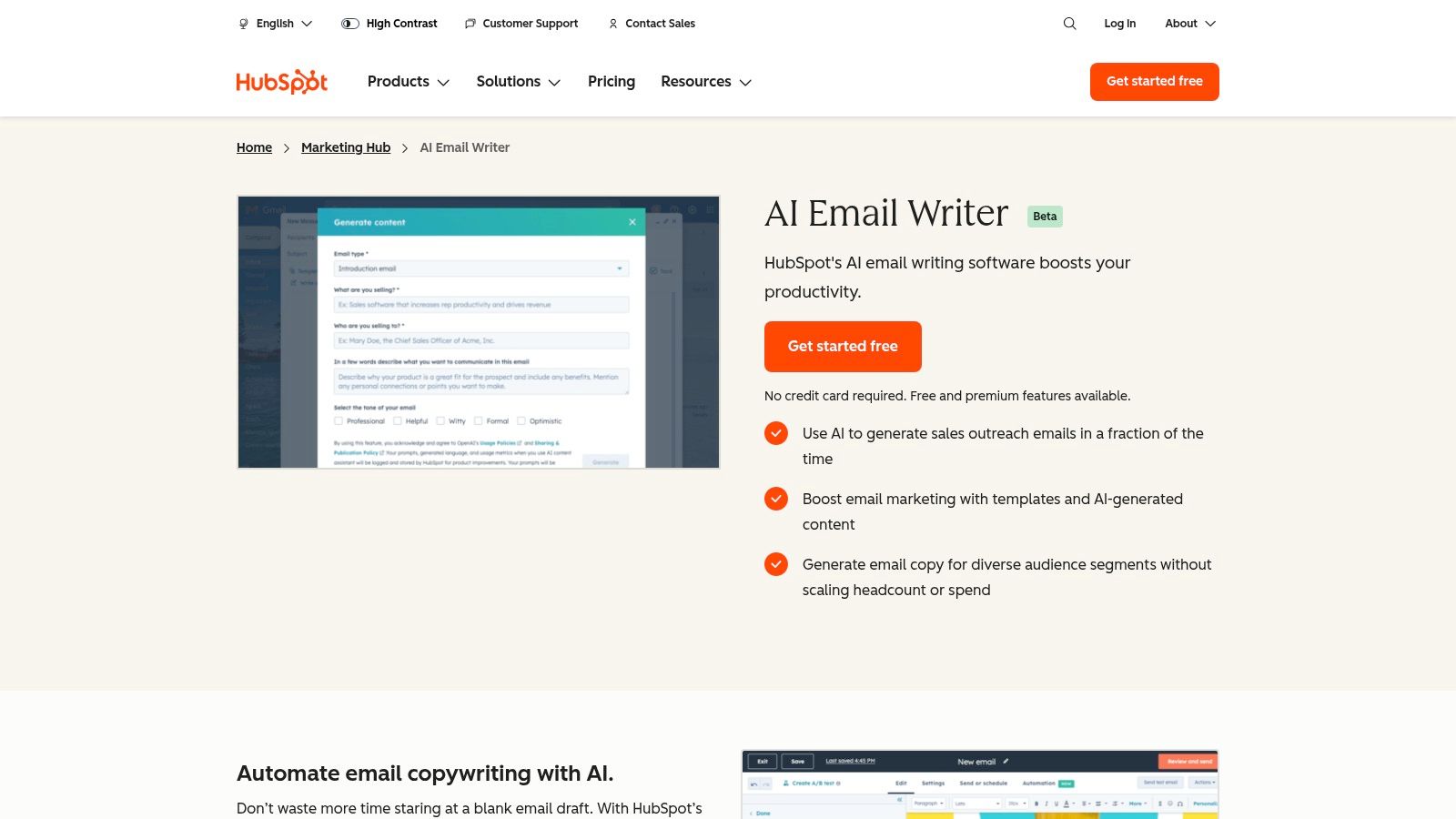
Where it fits
HubSpot is less compelling as a standalone copy toy. Its value rises when you want a connected CRM and email editor, and falls if you only need an occasional draft to paste into another service. Some AI features may be in beta or roll out gradually, so confirm which capabilities are available in your account before planning a workflow around them.
Use the generated copy as a starting point, not as a campaign ready to send. Add the exact offer, audience detail, and next step, then check that the message matches the contact context and your campaign's purpose. For founders already using HubSpot's free marketing tools, the reduced copy-and-paste work can outweigh the platform's learning curve.
2. Mailmeteor AI Email Writer
Gmail-first teams often want a draft where they already handle replies. Mailmeteor's AI Email Writer serves that workflow with an online writer for subject lines and body copy, plus a Gmail add-on or extension for drafting and replying in the inbox. It's a practical fit for warm follow-ups and personalized outreach that starts from an existing conversation.
The distinction between the free writer and the broader sending workflow matters. Mailmeteor lists 500 sends per month on platform basics in its free plan, while features such as auto-drafting in your voice and warmup require paid tiers. Check the current plan details before treating a free writing tool as a complete outreach setup.
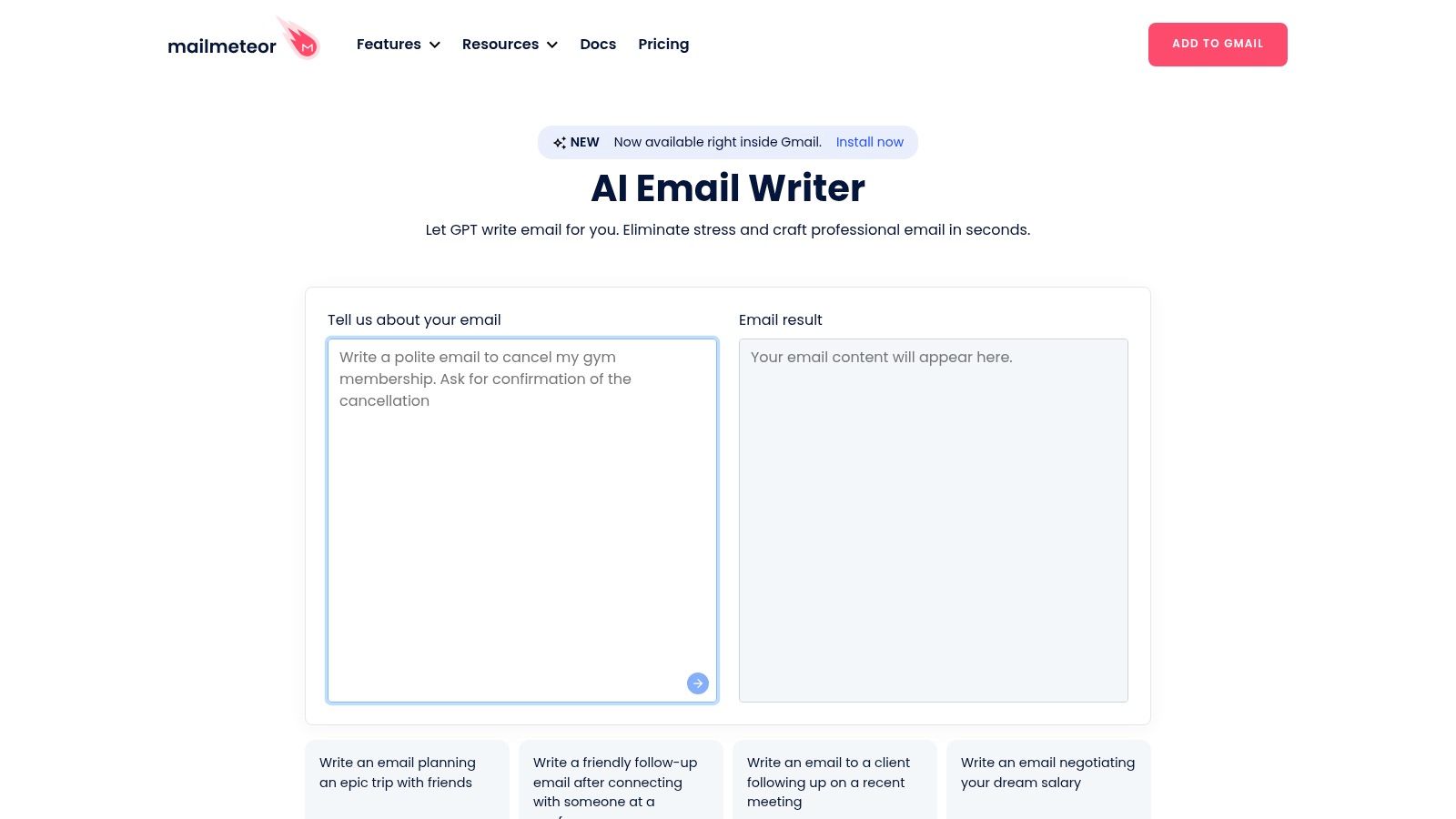
Good for replies, less useful outside Gmail
The inbox extension reduces the friction of moving a draft into a message, which helps when you're replying to a prospect or sending a one-to-one note. It doesn't eliminate the need to personalize: replace generic openings with a relevant reason for contacting the recipient, and make the requested next step easy to understand.
Workflow fit: Pick Mailmeteor when the message starts or ends in Gmail. If you don't use Google's email tools, its inbox integration offers less benefit.
For a launch sequence, draft one message at a time and review each against the conversation or audience segment. Don't assume that a generated draft is automatically deliverable or that paid deliverability features are included in free access.
3. Grammarly Free AI Email Writer
Grammarly's AI Email Writer is strongest as a drafting and editing layer, rather than as a sending platform. It generates and revises professional email copy, then supports tone, grammar, and clarity checks across browsers and many apps. That makes it useful for a founder who writes in a separate campaign tool but wants help polishing a draft before it goes out.
A realistic workflow is straightforward: prompt Grammarly for a first version, check whether it sounds like your brand, then move the revised message into your email service. The writing support can help catch awkward phrasing, but the tool can't supply product proof or know whether a claim is accurate unless you provide the context and verify the result.
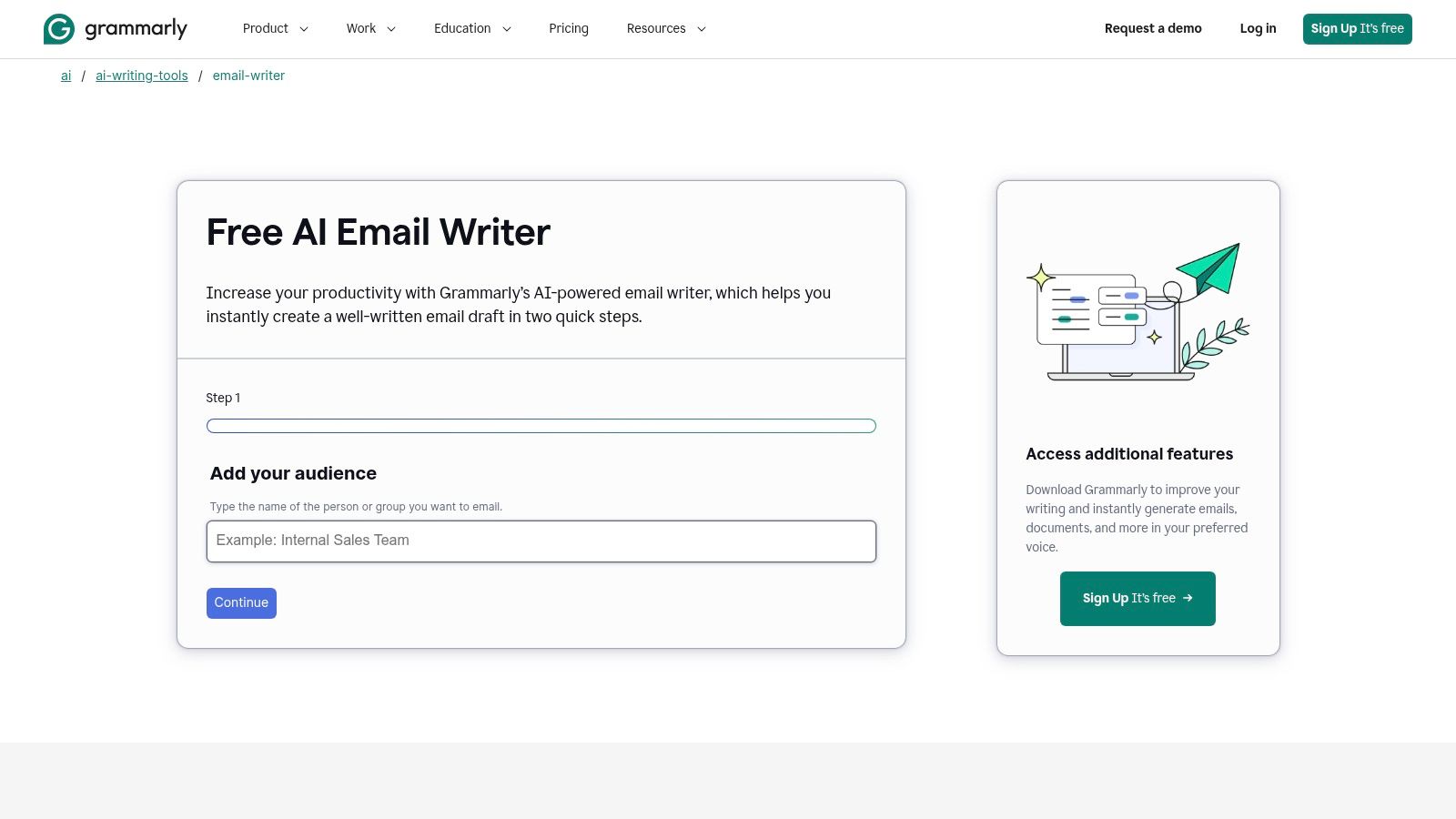
A useful editor, not an ESP
The separation between writing and sending is the main trade-off. You'll copy the draft into a mail client or campaign platform, then handle formatting, audience selection, and delivery there. That extra step is manageable for occasional emails, but less convenient if you're building a repeatable campaign workflow.
Free users have a monthly AI prompt limit, so save prompts for drafts that need more than basic proofreading. A useful instruction includes the recipient, purpose, key information, and desired tone. Then review the output for unsupported promises, overly formal language, and calls to action that don't match what you want the reader to do.
4. Copy.ai Marketing Email Generator
When the main job is coming up with campaign angles, Copy.ai's Marketing Email Generator is a flexible place to start. Its templates cover marketing emails, sequences, and promotions, so you can explore different ways to frame a launch announcement or nurture message without treating the first draft as final.
The separation from delivery is clear. Copy.ai helps produce copy, but you'll need an email service provider to format, schedule, and send it. Free access is limited, and advanced workflow, collaboration, and brand-voice capabilities sit on paid tiers, so assess whether you need a quick batch of ideas or a repeatable content system.
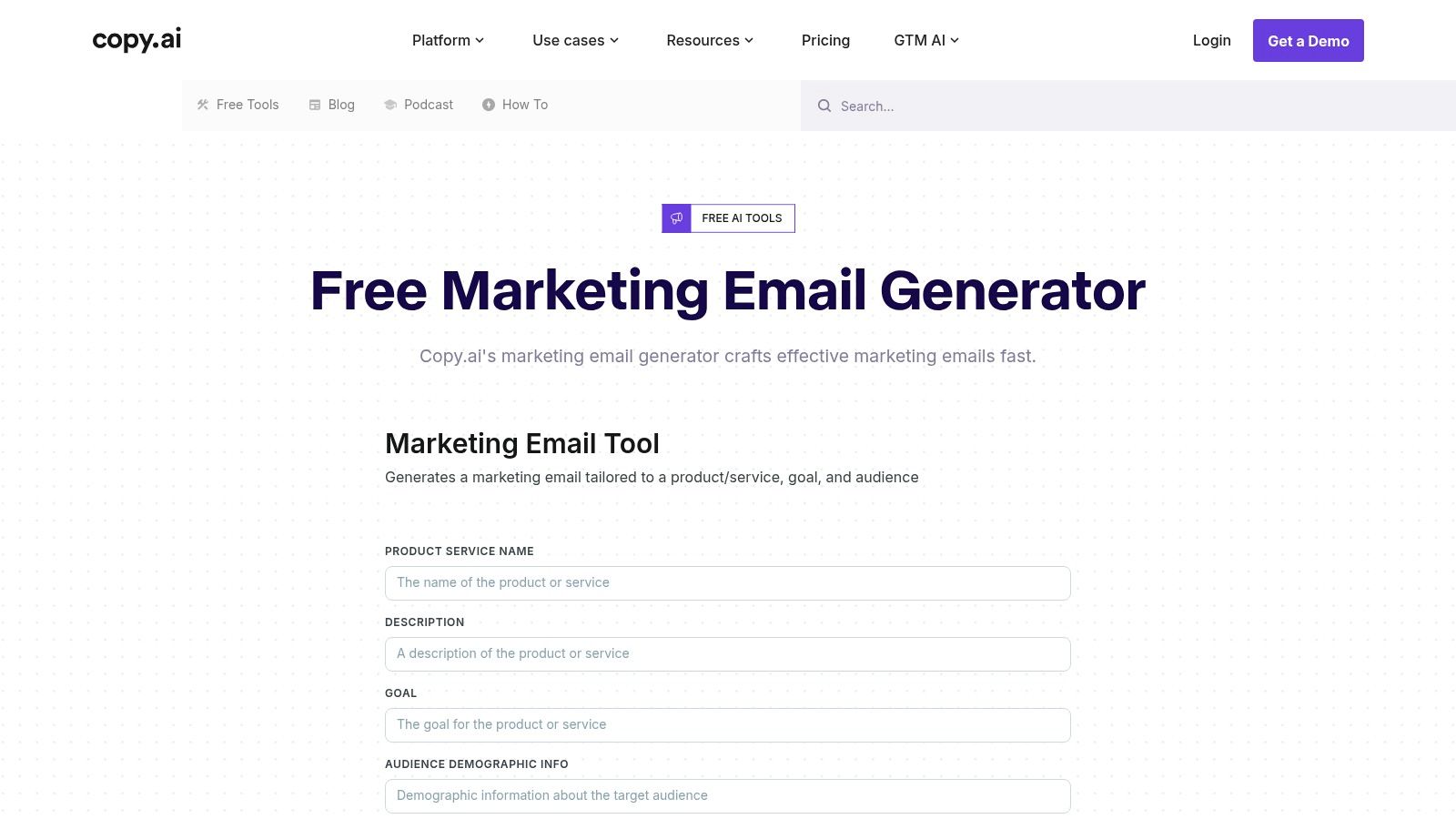
Turn variations into a usable draft
A practical use is to generate several versions of the same promotion, then keep the strongest opening and call to action rather than sending an untouched output. Check that the email makes a specific offer, explains who it's for, and gives the reader a clear next step. If you need a more focused tool for quick copy, see this guide to a quick email generator.
Copy.ai can also support work beyond email, which is useful when a launch involves matching messages across channels. That flexibility comes with adaptation effort: you'll need to transfer the selected copy into your sending tool and format it for the email design. It's best for ideation and variations, not for teams expecting generation and delivery in one place.
5. Rytr
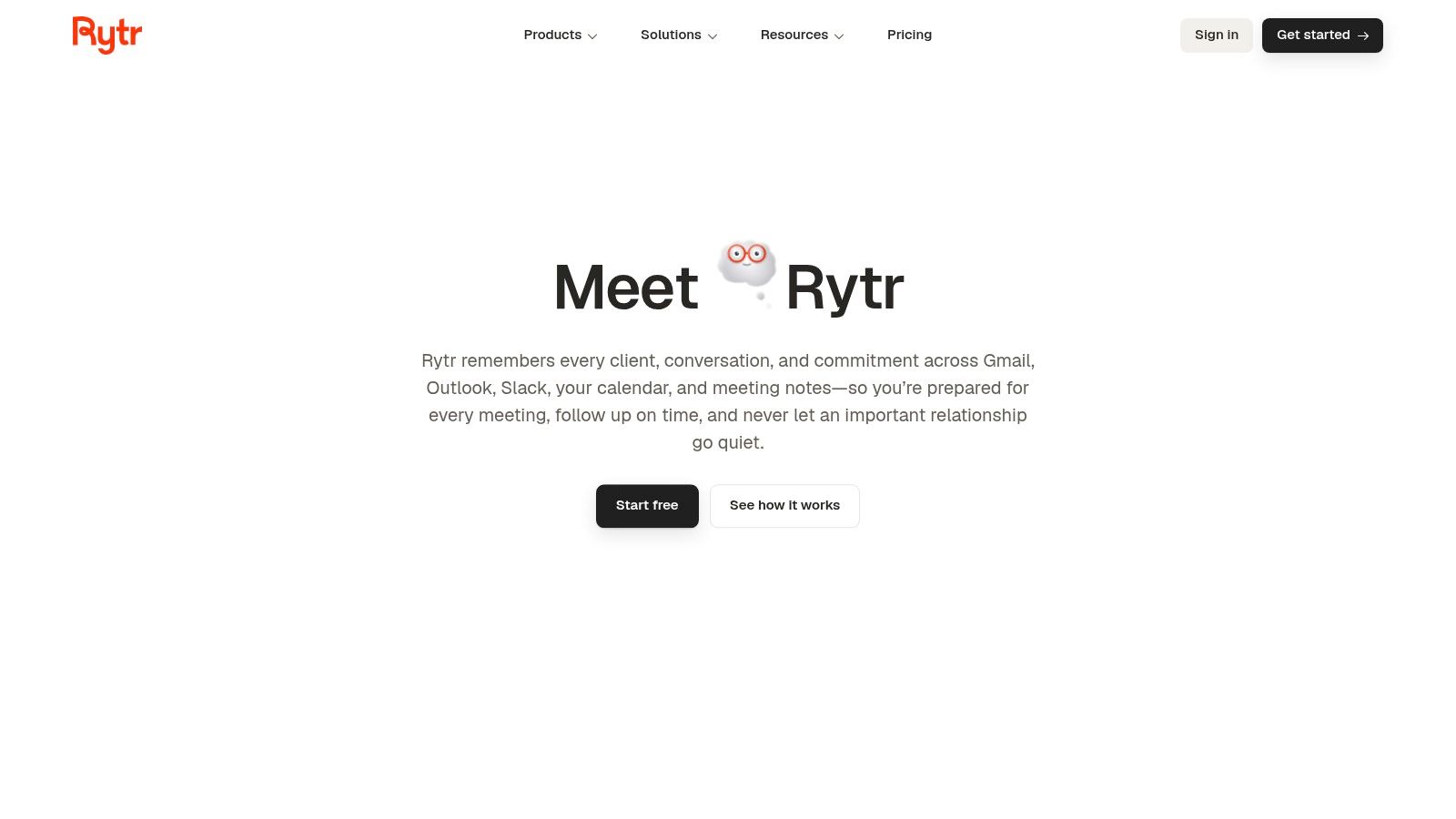
For quick drafting without much setup, Rytr offers email and outreach templates, tone and length controls, and a simple interface. It suits the solo operator who needs a rough follow-up or promotional note and wants to move directly from prompt to editable text.
The free tier provides an ongoing allowance, but its character limits can constrain frequent or long-form use. Rytr also doesn't send email, so your completed draft still needs to be pasted into a mailbox or email service provider. That's a small cost for occasional use, but a meaningful extra step if you're producing campaigns regularly.
Keep the prompt narrow
Rytr is most effective when you know the email's job before you open the generator. Specify the recipient, the reason for writing, the one detail they need to know, and the action you want them to take. Broad prompts tend to produce broad copy, which means more editing rather than less.
A draft becomes useful when it contains a real reason to contact this person, not just a polished greeting.
For business communication, keep a small set of approved product facts nearby and check every claim against them. You can find more practical guidance for a business email generator, then use Rytr to create a first pass that you adapt to your own audience and sending workflow.
6. Brevo Aura AI Email Builder
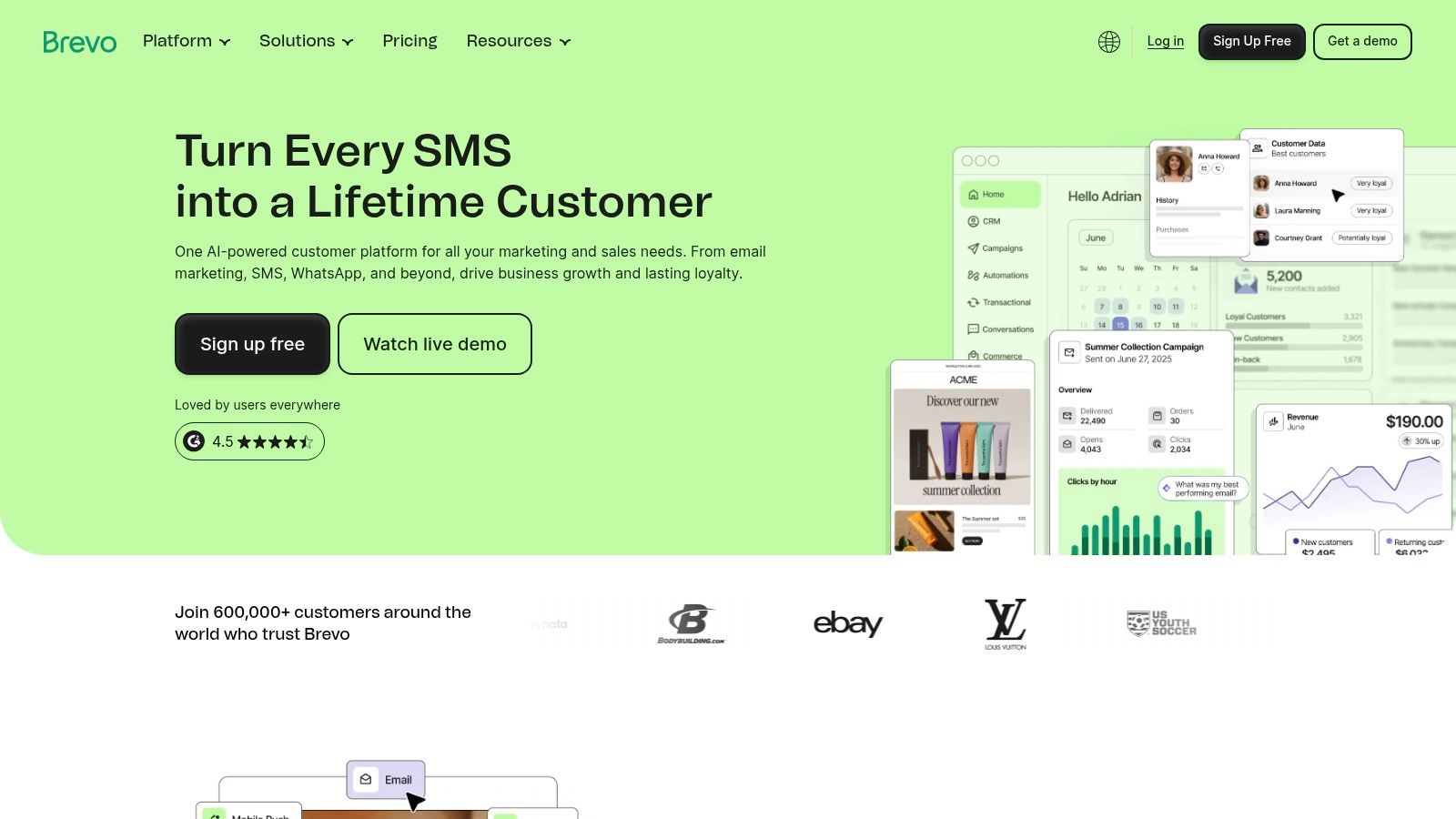
Brevo combines AI-assisted content in a drag-and-drop email builder with email sending, SMS tools, and basic automation. That makes it a reasonable choice for an early-stage newsletter or product promotion when you want to draft, design, and deliver from one platform rather than assembling separate tools.
Its free plan includes a daily sending allowance, listed in the product notes as 300 emails per day, and keeps Brevo branding on the free experience. Advanced automation and removing that branding require an upgrade, so check the plan terms against your campaign before investing time in the builder.
One platform, more to configure
Brevo's advantage is that generated copy can move straight into a designed campaign. You can create a message, build its layout, and prepare delivery without first exporting content from a standalone writer. That helps when you're setting up a newsletter or promotion, but a full platform takes more setup than a basic text generator.
Treat the AI copy and layout as a draft. Check that the message reads clearly on mobile, that the offer is visible, and that the design doesn't bury the call to action. The free plan can be a practical starting point, but branding and automation limits may prompt an upgrade as your campaign needs grow.
7. Benchmark Email Smart Content
Benchmark Email brings AI writing into its email editor, alongside templates, a drag-and-drop builder, and reporting. If you want to move from draft to send without leaving the same service, that integrated workflow is its clearest advantage.
Smart Content can help draft email copy, and the platform also includes subject-line tools. Its free plan supports writing and sending, but contact and sending caps can limit how far you can take a growing campaign. Free users also face monthly AI credit limits, so don't assume that access to the editor means unlimited generation.
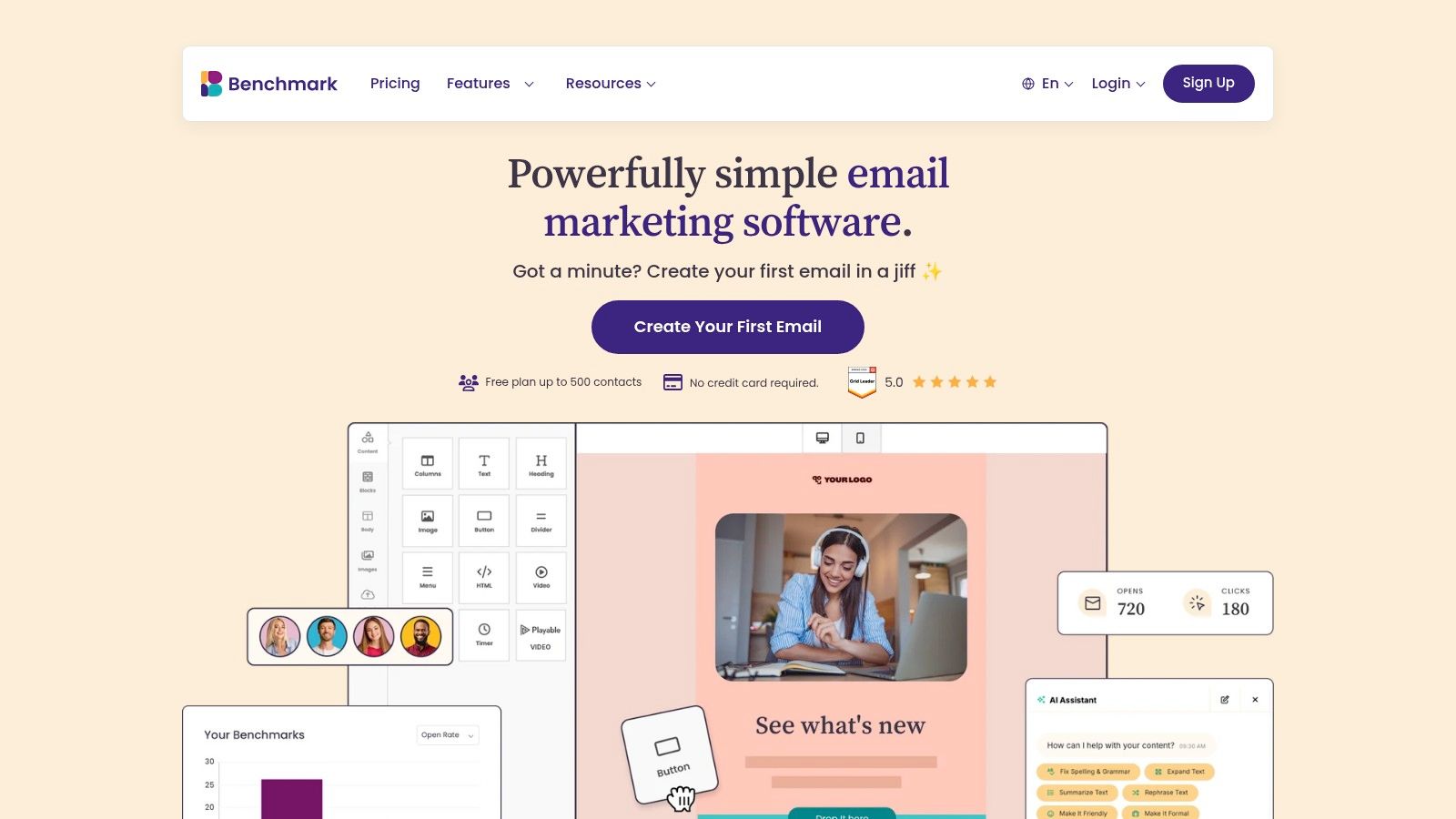
The workflow is a good fit for a small team preparing a regular newsletter: draft, arrange the content in the builder, review the email, and send from the same service. Before committing, compare the free caps with your audience and planned sending needs. If your list or volume outgrows the included limits, you may need a paid plan regardless of how useful the writing tools are.
The editor handles production, not editorial judgment. Check factual claims, subject-line relevance, and whether the message has one clear purpose. A generated draft can speed up the first pass, but it won't decide which campaign is worth sending.
8. GetResponse AI Email Generator
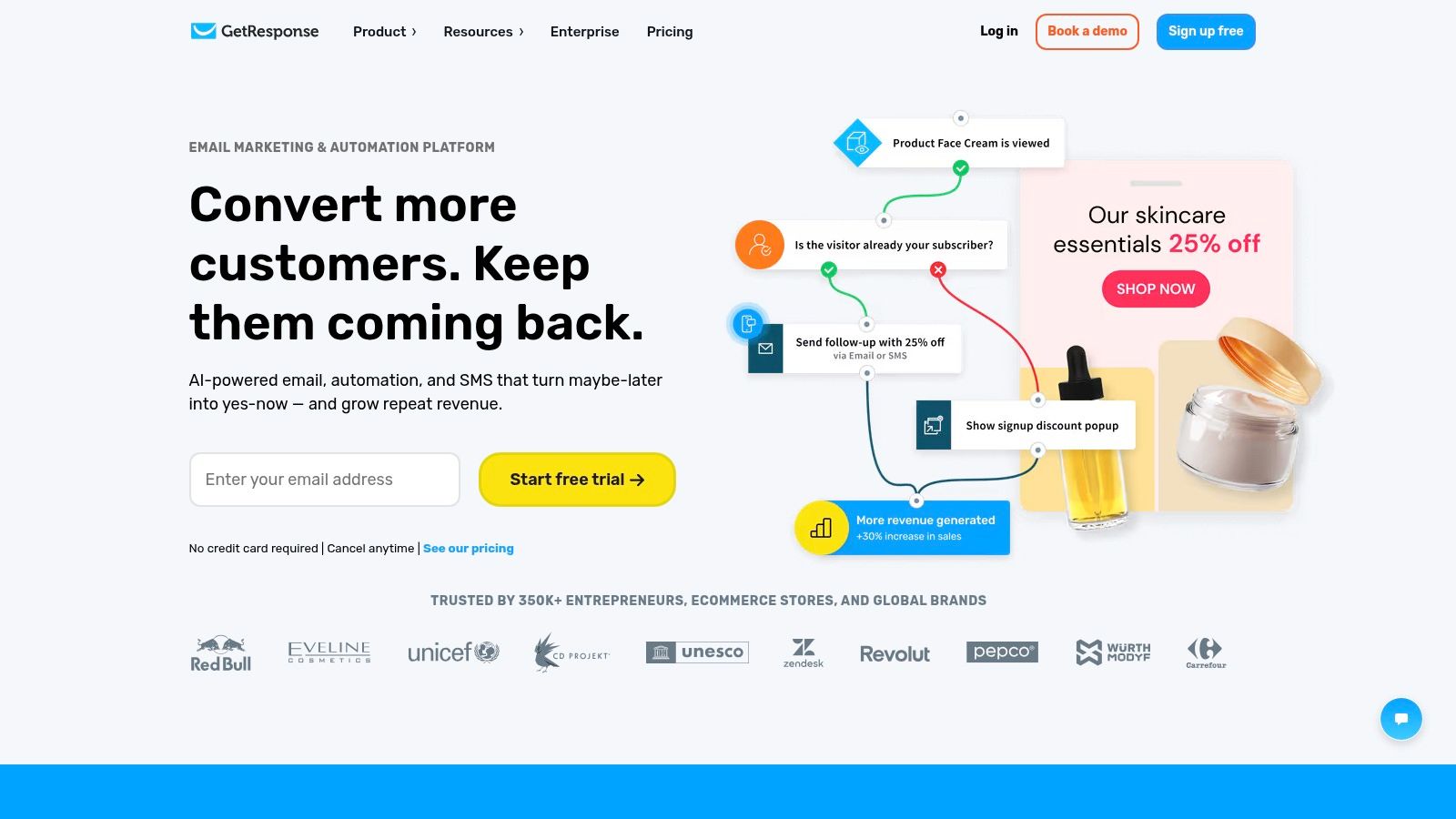
GetResponse pairs email generation with list management, automation, and landing pages. Its AI Email Generator can create newsletter copy and subject lines from a prompt, while design-section generation is available on higher tiers. That wider platform can suit founders who want email to connect with landing-page and follow-up workflows.
The free or trial pathway is useful for exploring the interface, but access to AI features may be restricted on free or Starter access. Free-plan branding may also require an upgrade to remove, so treat the included features as something to verify in your account rather than assume they're all available at no cost.
Choose the platform before the prompt
GetResponse is more compelling when you expect to use its surrounding marketing tools, not just generate a single email. A campaign can connect a newsletter with a list or landing page, but configuring that flow takes more effort than using a standalone writer. Review the available plan and AI access before building a process around features that may require an upgrade.
For an example of a product working in this broader startup context, explore Mailopoly's IndieTool profile. As with any generated campaign, edit the draft for audience fit and confirm the actual offer before scheduling it.
9. MailerLite AI Writing Assistant
MailerLite integrates writing assistance into its email platform, with help for email copy and subject lines, plus tools such as delivery-time optimization. Its clean interface can suit solo creators who want to design and send campaigns without learning a heavyweight marketing setup.
The free plan and AI availability are separate considerations. The writing assistant and some other AI features may require a paid plan, and usage limits vary, so verify what your account includes before planning a campaign around automatic drafting. MailerLite also lists MCP server integration for external AI assistance, but that capability has its own limits.
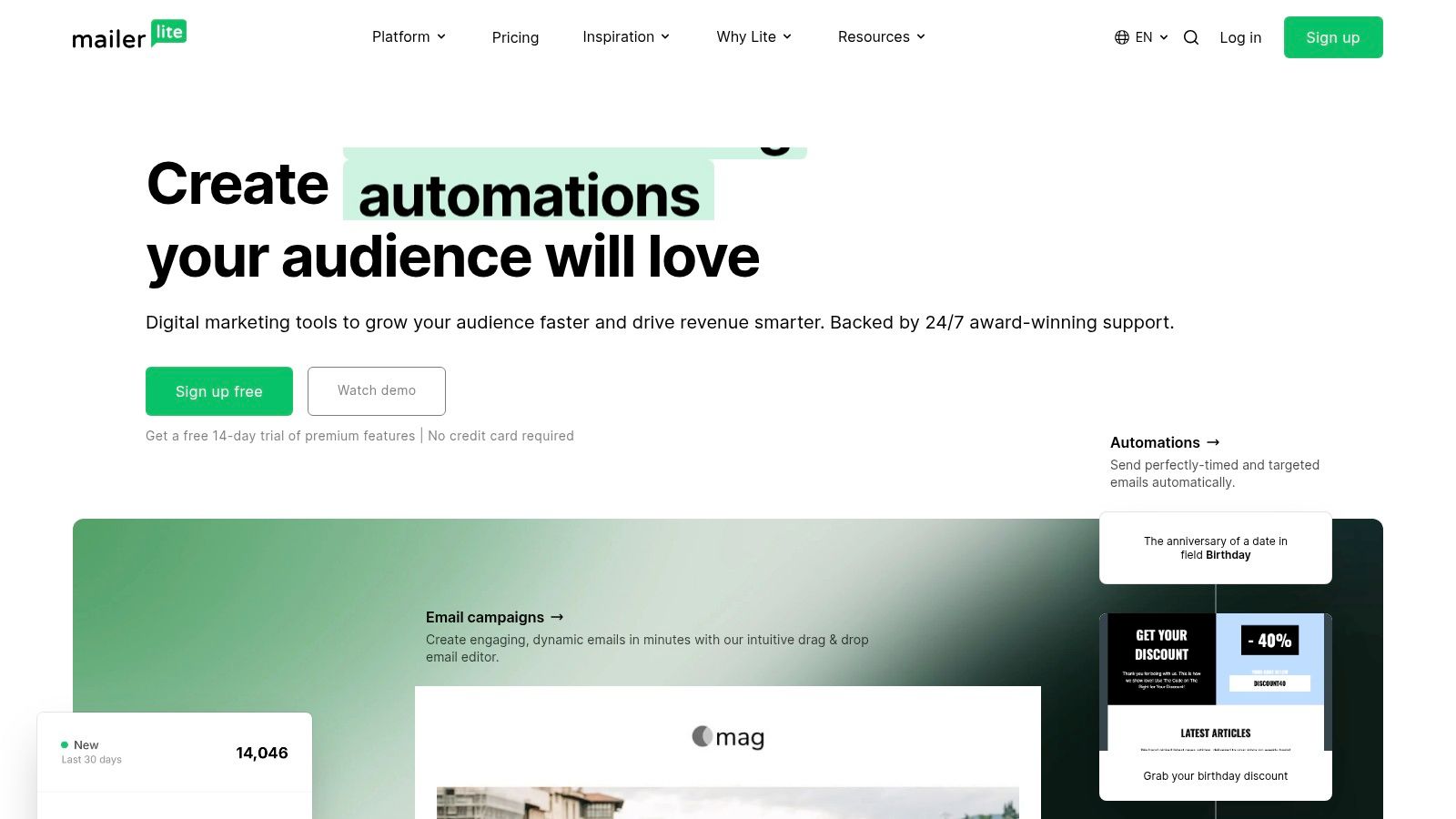
The advantage is proximity to the campaign editor: when the relevant tools are enabled, you can work on copy, subject lines, and email layout inside the service you use to send. The trade-off is that free access may not include every AI feature. If writing assistance is the reason you're choosing MailerLite, confirm its availability on your plan first, then decide whether the integrated editor is worth the cost or a standalone writer would be enough.
10. Shortwave AI Email Assistant
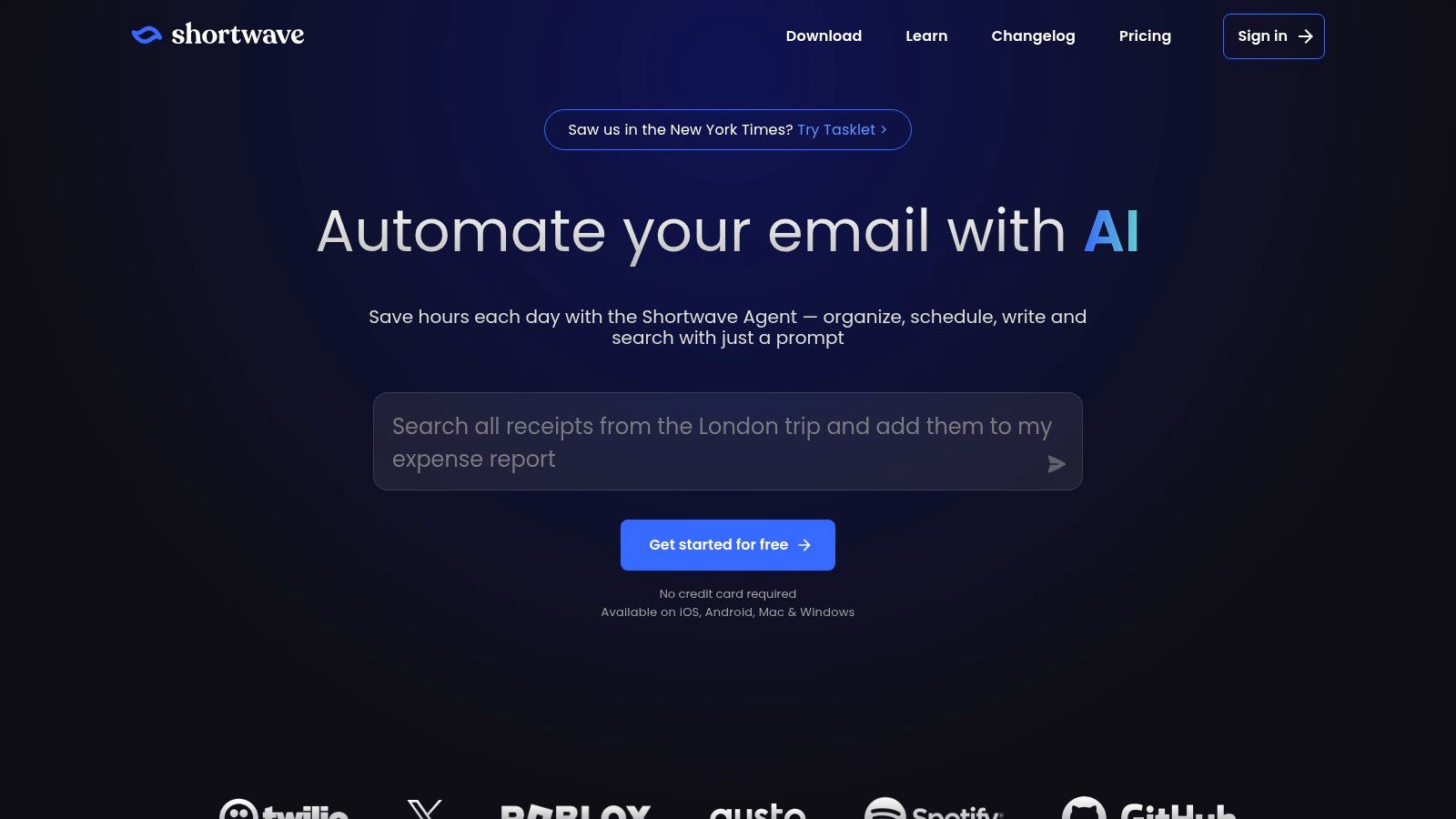
Shortwave is a Gmail-compatible email app for people who want AI inside their inbox. It can draft messages, summarize threads, and help with inbox triage, while learning a user's tone from sent mail. That makes it distinct from a campaign writer: its natural home is day-to-day correspondence, not newsletter production.
The free plan lets individuals try core AI features, while advanced AI and history-import features are paid. Shortwave is also Gmail-centric, and using it means changing your email client. That workflow shift matters more than a feature list if you rely on an established inbox setup or a team's shared process.
Best for inbox work
Shortwave can be useful for drafting a reply in context, where the existing thread supplies details a blank prompt would miss. It's less suitable if your immediate goal is to build a branded newsletter, manage subscribers, or schedule a campaign. In those cases, use an email service provider with campaign tools and treat Shortwave as a personal correspondence assistant.
As with every AI inbox tool, review the draft before sending. Thread summaries and generated language can save time, but you're still responsible for confirming names, commitments, dates, and any sensitive details.
Top 10 Free Email Generators: Feature Comparison
| Tool | Core Email Features | Workflow & Best For | Strengths / UX | Pricing & Value |
|---|---|---|---|---|
| HubSpot AI Email Writer | Prompts generate full emails, subject lines, and CTAs; can use CRM context | 👥 HubSpot users drafting and sending in one platform | ★ Native editor and CRM integration; 🏆 less copy-and-paste | 💰 Available with HubSpot tools; some features may be rolling out |
| Mailmeteor AI Email Writer | Generates subject lines and email copy; Gmail drafting and replies | 👥 Gmail-first users doing cold or warm outreach | ★ Fits outreach workflows; ✨ Gmail add-on or extension | 💰 Free plan includes 500 monthly sends on platform basics; voice drafting and warmup require paid tiers |
| Grammarly Free AI Email Writer | Generates and revises emails; tone, grammar, and clarity support | 👥 Users polishing drafts across browsers and apps | ★ Strong writing and correctness assistance; drafts need to be copied into an email service | 💰 Free AI prompt limit applies |
| Copy.ai Marketing Email Generator | Templates for marketing emails, sequences, and promotions; tone options | 👥 Marketers seeking quick variations across channels | ✨ Brand voice, workflows, and collaboration on paid tiers; requires a separate email service | 💰 Free access is limited; advanced features are paid |
| Rytr | Email and outreach templates; tone and length controls; snippet history | 👥 Users wanting quick, simple drafts | ★ Minimal learning curve; ✨ straightforward interface | 💰 Ongoing free allowance, with character limits |
| Brevo Aura AI Email Builder | AI copy in drag-and-drop builder; email, SMS, and basic automation | 👥 Early-stage teams sending newsletters or promotions | 🏆 Combines drafting and delivery; ✨ includes SMS tools | 💰 Free plan has a daily sending allowance and Brevo branding |
| Benchmark Email Smart Content | AI drafts and subject lines; templates and drag-and-drop editor | 👥 Users who want to draft and send in one service | ★ End-to-end email workflow; ✨ reports and templates | 💰 Free plan includes contact, sending, and AI credit caps |
| GetResponse AI Email Generator | Generates newsletter copy and subject lines; design-section generation on higher tiers | 👥 Teams needing email plus lists, automation, and landing pages | ✨ Broad marketing platform; tutorials and onboarding | 💰 Free or trial access to AI may be limited; upgrades may remove branding |
| MailerLite AI Writing Assistant | Email copy and subject lines; delivery-time optimization | 👥 Solo creators using an email platform | ★ Clean, easy-to-learn interface; ✨ additional AI tools and MCP integration | 💰 AI features and usage may be limited by plan |
| Shortwave AI Email Assistant | Drafting in your voice, thread summaries, inbox bundling, and triage | 👥 Gmail users open to a different email client | 🏆 AI works directly in the inbox; ✨ learns tone from sent mail | 💰 Free plan includes core individual features; advanced AI and history import are paid |
Turn Generated Copy Into a Launch Strategy
Choose the tool that matches your delivery workflow, then treat the first draft as raw material rather than finished copy. Replace generic claims with a specific problem, proof, customer moment, or product detail. Test several subject-line options with a small segment before sending broadly, remove unsupported hype, and make sure the message fits the audience and stage of your launch.
Generation and delivery are separate steps unless you choose an integrated platform. A standalone writer such as Rytr or Copy.ai gives you room to explore language, but you'll need to move the selected draft into your email service. Tools such as Brevo, Benchmark Email, and HubSpot connect writing more closely to campaign production, while Gmail-focused options such as Mailmeteor and Shortwave suit inbox outreach. If you're comparing broader campaign workflows, this guide to AI-driven email campaigns offers another angle on how to put generated copy to work.
Keep your testing addresses separate from live campaign audiences. An email address can follow the expected format without connecting to a working mailbox, so a generated string shouldn't be treated as proof that an address can receive messages. Use reserved or controlled domains for product tests, mockups, and database fixtures, and don't use public or short-lived inboxes for important accounts, password recovery, or sensitive information. A temporary address may reduce exposure to marketing, but loss of access or a shared inbox can create a security and account-recovery problem.
For the campaign itself, ask a human to verify the offer, audience, and next action before sending. Personalization should refer to something relevant, not merely insert a name, and any performance claim should be backed by evidence you can stand behind. A generator can provide subject lines and draft variations, but it can't replace audience judgment or a final review of the message's accuracy.
For ongoing launch visibility, founders can submit their product to IndieTool's directory. Its listing can provide a permanent do-follow backlink, distribution across 1,210+ index and category pages, and dashboard analytics for referral traffic. Treat that as a separate part of the launch plan: email reaches people you can contact, while a directory listing can help prospective users discover the product.
IndieTool offers indie founders a directory listing and launch tools, including a free AI email generator for drafting messages with different tones and recipient contexts. If you're preparing outreach or a product announcement, visit IndieTool to explore its free utilities and directory options.