WP Foundry
BusinessDR 52A desktop Wordpress administration application
WP Foundry is a desktop application that consolidates WordPress site management, allowing users to handle updates, backups, and more from one interface without relying on cloud services. Its local-first approach ensures data privacy and efficient multi-site administration.
Key Advantages
- ✓Local data storage ensures privacy and control
- ✓Affordable one-time fee for unlimited site management
- ✓Cross-platform support for Mac, Windows, and Linux
Trade-offs & Considerations
- •Requires manual setup with helper plugin on each site
- •Limited to managing existing sites, not a full hosting solution
What is WP Foundry?
WP Foundry is a powerful desktop application designed for WordPress administration, allowing users to manage multiple WordPress sites seamlessly from a single interface. It simplifies tasks such as updates, backups, and content management, making it an essential tool for web developers and site owners.
Key Features & Highlights
5 FeaturesCore capabilities and advantages of using WP Foundry for your workflow:
How to use WP Foundry
To get started with WP Foundry, first download and install the application on your desktop. Once installed, create an account and connect your WordPress sites by entering their URLs and login credentials. The dashboard provides a clear view of all your sites, enabling you to perform updates, manage plugins, and back up data with just a few clicks. Take advantage of the bulk action features to manage multiple sites simultaneously, and explore the analytics tools to gain insights into your site's performance. Your WordPress management has never been easier!
About WP Foundry
As a solo founder or indie hacker, managing multiple WordPress sites can quickly become overwhelming. WP Foundry eliminates this chaos by consolidating your site management into a single app. This innovative tool not only streamlines the administrative process but also enhances productivity, allowing you to focus on what truly matters: growing your business. With features like bulk updates and easy backups, WP Foundry addresses common pain points faced by WordPress users. It's an exciting addition to your toolkit, making your workflow smoother and more efficient.
Real performance numbers in the last 30 days
Frequently Asked Questions
Common questions about WP Foundry, features, and launch details.
Q:Is WP Foundry really free for one site?
Yes, WP Foundry offers a free version that allows you to manage one WordPress site forever, with no signup required.
Q:What platforms does WP Foundry support?
WP Foundry is available for Mac, Windows, and Linux, making it accessible for most desktop users.
Q:How does WP Foundry ensure my data is secure?
WP Foundry connects directly via SSH, ensuring that your data remains private and does not require cloud synchronization.
Related Business Apps
View All →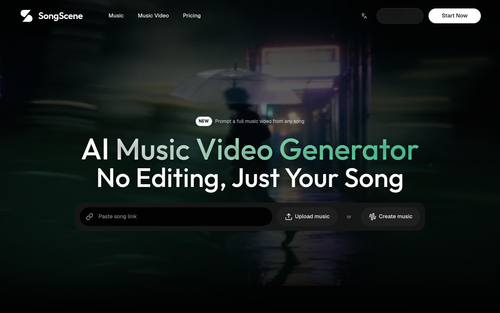
SongScene
AI Music Video Generator | No Editing, Just Your Song | SongScene
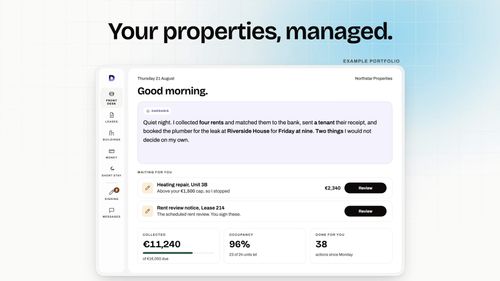
Dardaris
Your properties, managed. Your decisions, kept.
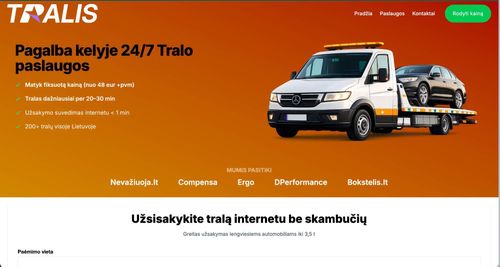
tralis.lt
Towing services and 24/7 roadside assistance throughout Lithuania
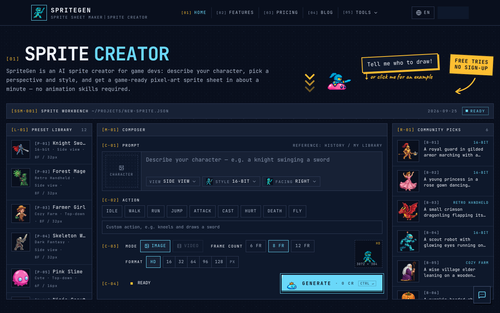
SpriteGen
Sprite Creator - AI Powered Sprite Sheet Maker | SpriteGen
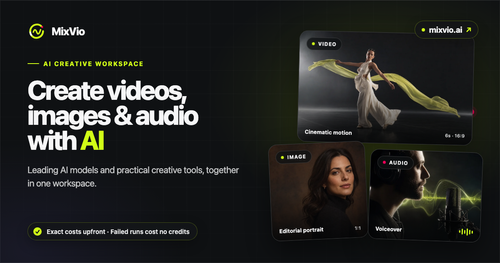
MixVio AI
AI Video, Image & Audio Generator Online | MixVio
ToneBird.ai
Your Socially Fluent AI Reply Assistant | ToneBird
Featured Banner for WP Foundry Business Tool (1080x75)