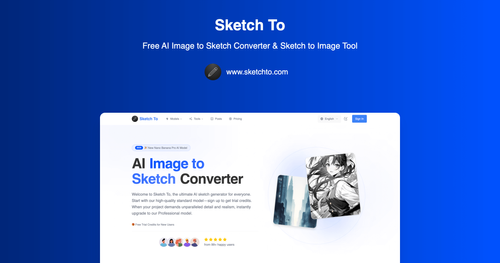
Sketch To
AiDR 36AI Image to Sketch Converter
Sketch To effectively converts images into various sketch styles using AI, offering both standard and professional models for different levels of detail. It provides an accessible way for users to create artistic renditions of their photos without the need for advanced graphic design skills.
Key Advantages
- ✓Offers a variety of sketch styles and models for different artistic needs.
- ✓Provides trial credits for new users, allowing them to explore features without initial investment.
- ✓Instant processing with high-resolution output suitable for print.
Trade-offs & Considerations
- •Credit-based system may not suit users with high-volume needs.
- •Limited to image-to-sketch and sketch-to-image functionalities, lacking broader photo editing features.
What is Sketch To?
Sketch To is an innovative AI-powered tool that transforms images into stunning sketches. Whether you're an artist, designer, or entrepreneur, this app allows you to create unique sketches from your photos effortlessly, offering both a standard and a professional model for varying levels of detail and realism.
Key Features & Highlights
5 FeaturesCore capabilities and advantages of using Sketch To for your workflow:
How to use Sketch To
To get started with Sketch To, simply sign up for a free account and receive trial credits. Upload an image you want to convert into a sketch, and choose between the standard and professional models based on your needs. The app will quickly process your image, generating a stunning sketch in moments. Once satisfied, you can download your creation or continue to refine it. Don’t forget to explore additional features and settings to customize your output for the best results!
About Sketch To
Sketch To is a game-changer for indie founders and creatives alike. This tool addresses the challenge of generating high-quality sketches quickly, making it perfect for pitches, presentations, or personal projects. Its intuitive interface and powerful AI capabilities allow users to convert images into beautiful sketches that capture attention. Founders will appreciate how Sketch To can streamline their creative process, saving time and effort while delivering impressive visual content. With the option to upgrade to a Professional model, users can access even more detailed and realistic results, making it a versatile asset for any project.
Real performance numbers in the last 30 days
Frequently Asked Questions
Common questions about Sketch To, features, and launch details.
Q:What types of files can I upload to Sketch To?
You can upload multiple image formats to Sketch To, including JPEG, PNG, and more, with a maximum file size of 5MB.
Q:Is there a subscription required for using Sketch To?
No subscription is required; users can purchase credit packs as needed, with trial credits available for new users.
Q:Can I use Sketch To for commercial projects?
Yes, you can use Sketch To for commercial projects by upgrading to the Pro model, which includes a commercial license.
Related Ai Apps
View All →
Coralflavor
Freedom-First Unfiltered AI
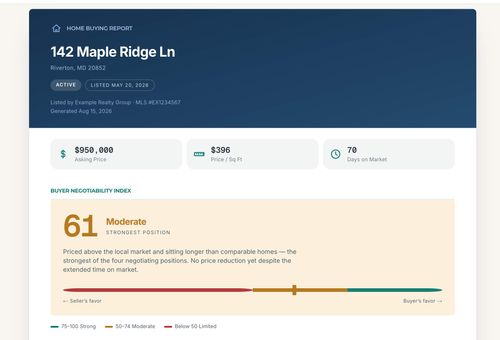
Home Agent Guru
Find out how much room you may have to negotiate before making an offer on a home
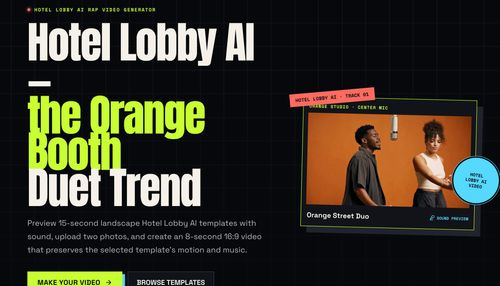
HOTEL LOBBY AI
AI Rap Video Generator
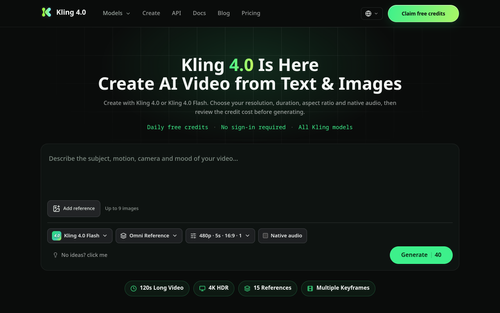
Kling 4.0
Kling 4.0 — Video Credit Plans
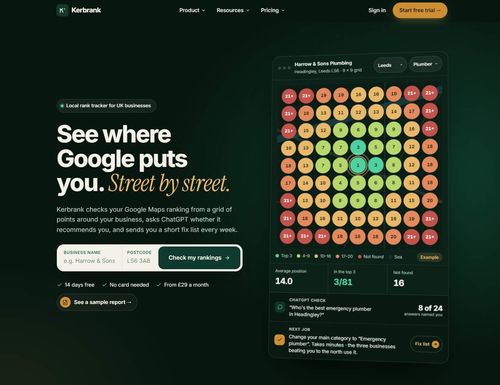
Kerbrank
See where Google puts you. Street by street.
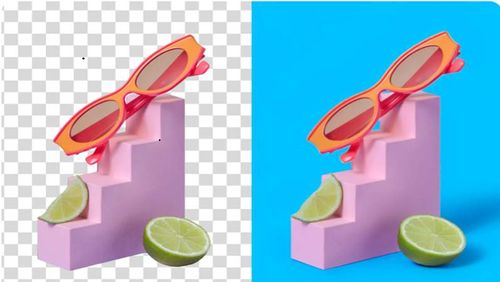
Adobe Firefly Background Remover
Adobe Firefly AI Background Remover: free one-click transparent cutouts
Featured Banner for Sketch To Ai Tool (1080x75)