PDFuck - Free Online PDF Tools
ProductivityDR 12Free Online PDF Tools
PDFuck offers a comprehensive suite of PDF tools that operate entirely in-browser, ensuring privacy and speed without the need for uploads or registration. Its extensive feature set makes it a practical choice for users needing efficient PDF management without cost.
Key Advantages
- ✓Processes files locally to ensure privacy and security.
- ✓Offers a wide range of over 40 PDF tools without any cost or registration.
- ✓Supports various conversion and editing tasks directly in the browser.
Trade-offs & Considerations
- •Limited to browser capabilities, which may affect performance on large files.
What is PDFuck - Free Online PDF Tools?
PDFuck is a versatile online tool that allows users to merge, split, compress, convert, rotate, and edit PDF files directly in their web browser. With no need for uploads or registrations, this tool ensures 100% privacy while handling your documents seamlessly.
Key Features & Highlights
5 FeaturesCore capabilities and advantages of using PDFuck - Free Online PDF Tools for your workflow:
How to use PDFuck - Free Online PDF Tools
Using PDFuck is straightforward. Start by visiting the website, where you'll find all the available tools neatly organized. Choose the function you need—like merging or compressing PDFs—and simply drag and drop your files into the designated area. Follow the on-screen prompts to customize your settings, and hit 'Process' to execute your task. Once completed, you can download the modified file directly to your device. It's that simple—no registrations or uploads required, making your PDF management a breeze!
About PDFuck - Free Online PDF Tools
As a busy founder, efficiency is key, and PDFuck is designed to solve common PDF challenges without any hassle. This tool stands out for its simplicity and ease of use, allowing you to manage your PDF documents effortlessly. Whether you need to combine multiple files into one or convert a document for easier sharing, PDFuck offers a user-friendly interface that eliminates the need for complex software installations. Plus, the commitment to privacy and no registration makes it an ideal choice for solo entrepreneurs who value security along with functionality. This tool can save you time and stress, enabling you to focus on what truly matters—growing your startup.
Real performance numbers in the last 30 days
Frequently Asked Questions
Common questions about PDFuck - Free Online PDF Tools, features, and launch details.
Q:Are my files uploaded to a server?
No, all processing happens directly in your browser using JavaScript. Your files never leave your device, ensuring complete privacy.
Q:Is there a file size limit?
Files up to 100MB are supported, though the actual limit depends on your browser's available memory and device capabilities.
Q:Are the tools really free?
Yes, all PDF tools are completely free to use with no registration, no watermarks, and no limitations.
Related Productivity Apps
View All →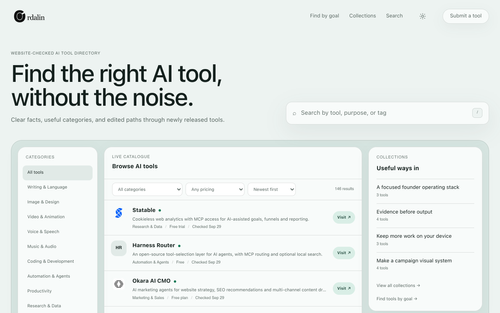
Ordalin
Ordalin — find the right AI tool for the job

Coralflavor
Freedom-First Unfiltered AI
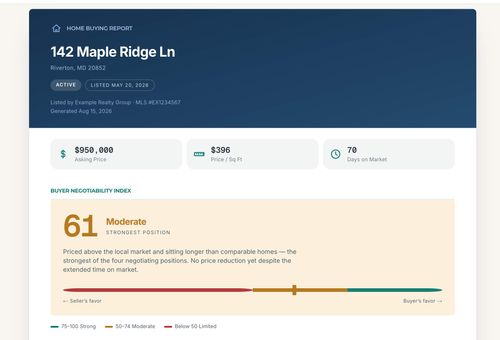
Home Agent Guru
Find out how much room you may have to negotiate before making an offer on a home

HOTEL LOBBY AI
AI Rap Video Generator
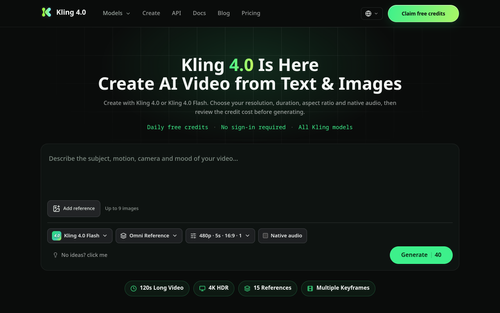
Kling 4.0
Kling 4.0 — Video Credit Plans
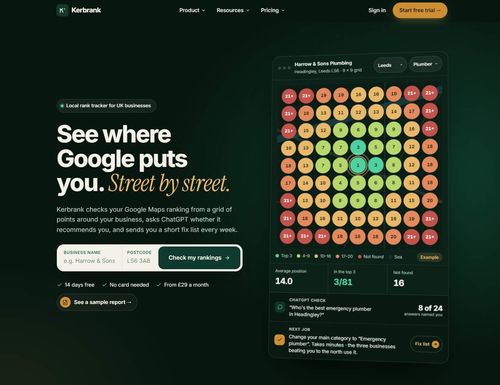
Kerbrank
See where Google puts you. Street by street.
Featured Banner for PDFuck - Free Online PDF Tools Productivity Tool (1080x75)