Indietool
Best Logo Maker with Letters: 10 Picks for 2026
A founder types a single initial into a logo tool, chooses a clean serif, and feels done. Then the mark shrinks into a browser tab and turns into a blur. On another screen, the same initials look uncomfortably close to an existing brand. The problem isn't the letter. It's the spacing, stroke weight, export quality, and lack of a small-size plan.
Letterforms leave little room to hide weak design. A decorative icon can distract from awkward geometry. A monogram cannot. Every counter, overlap, and gap remains visible. That's why choosing a logo maker with letters requires more than browsing attractive templates. You need to know whether the tool handles initials, monograms, and wordmarks, then check whether the finished files are usable beyond the editor.
This list ranks ten tools by their performance with letter-based marks. I'm also applying a practical file-readiness test: can the logo export as a real vector, stay clear when reduced, and come with rights terms you can understand? For technical follow-up work, these logo Photoshop techniques can help refine a concept after generation.
Table of Contents
- 1. Wix Logo Maker
- 2. BrandCrowd
- 3. LOGO.com
- 4. Brandmark.io
- 5. Looka
- 6. Tailor Brands
- 7. Canva Logo Maker
- 8. Adobe Express Logo Maker
- 9. DesignEvo
- 10. Placeit
- Top 10 Letter Logo Makers Comparison
- Pick Your Letters and Ship the Mark
1. Wix Logo Maker
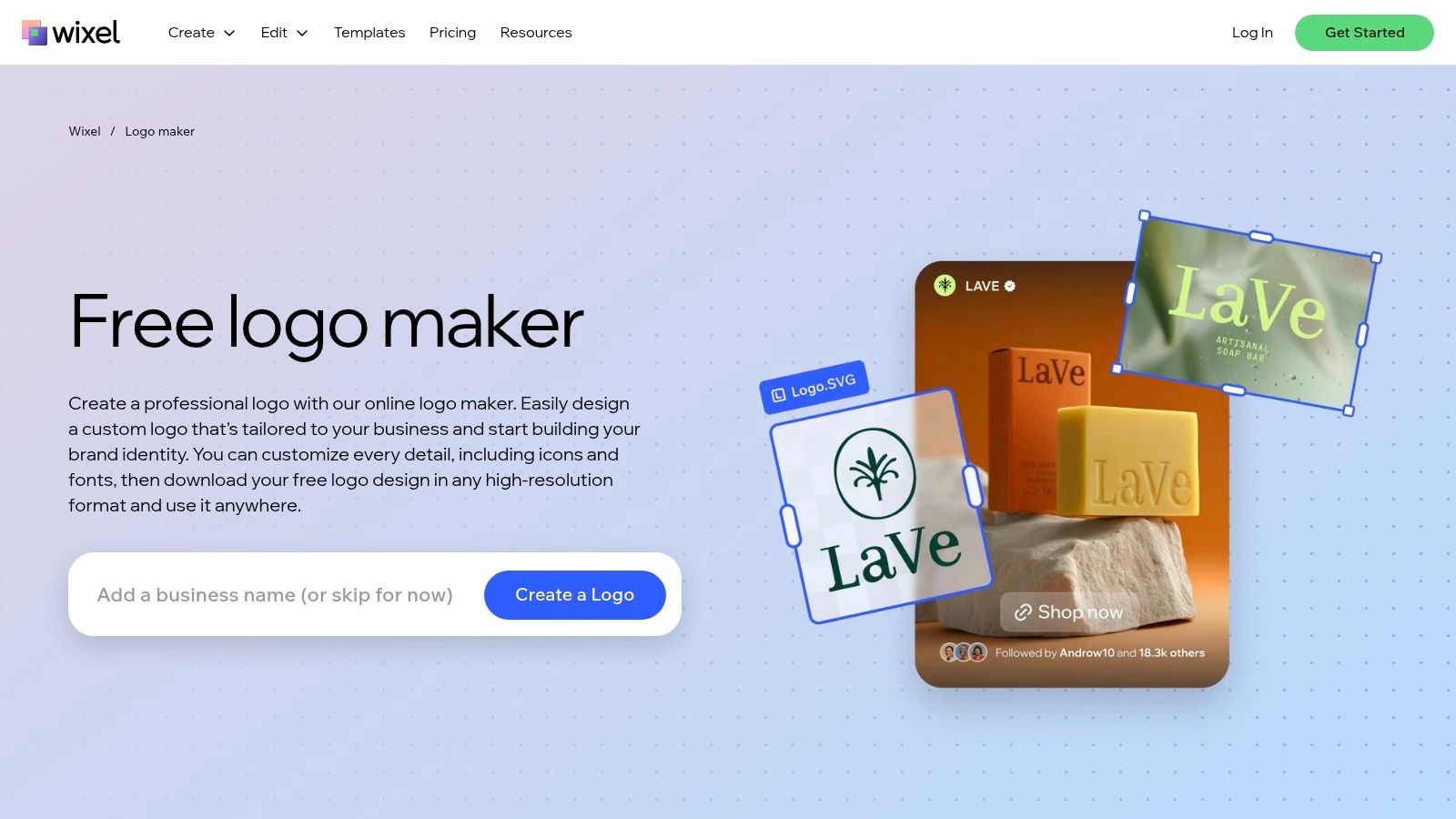
Wix is the strongest starting point when you want to explore several treatments of the same initials quickly. Its editor offers initial and monogram styles, then gives you meaningful control over typefaces, weights, spacing, shapes, layouts, and color. That matters because letter logos usually fail in the details, not in the first concept.
The workflow is approachable. Enter the business information, select a visual direction, and compare generated options. Once you find a promising structure, you can adjust the relationship between the letters instead of accepting the template as finished artwork. It works well for a side-by-side initial mark, a stacked monogram, or a wordmark where the business name does most of the work.
The free editor is useful for exploration. The trade-off appears when you need production files and deeper editing.
Where Wix earns its ranking
Wix can export PNG files, while SVG export and extended editing are generally tied to higher-tier plans. Upper plans can also provide Brand Kit assets and social-size deliverables. Pricing details can vary and are presented during checkout, so confirm the exact package before committing.
Practical rule: Don't approve a Wix lettermark from the large preview alone. Export the vector option, open it in a browser, and inspect the initials at favicon size.
The tool fits founders who want speed without giving up typography controls. It's less suitable if you need fully custom letter construction, advanced path editing, or a predictable one-time purchase. For an overview of browser-based workflows, compare the broader logo maker online options.
2. BrandCrowd
BrandCrowd takes a browse-first approach. Instead of beginning with a blank canvas, you can move directly into its letter and initial logo categories, scan a wide range of visual directions, and customize the closest candidate. That's useful when you know your initials but don't yet know whether they should be enclosed, interlocked, stacked, or treated as a wordmark.
The library makes comparison easy. Try the same initials in a geometric sans serif, a high-contrast serif, and a badge-style treatment. Then change the spacing and color without rebuilding the composition. This approach is particularly effective for founders who need a visual starting point rather than a lesson in logo construction.
BrandCrowd also extends beyond the primary logo. Matching letterheads, email signatures, and other basic collateral can help you carry the mark into a launch package.
What you give up for speed
The editor offers customization, but it isn't a replacement for a professional vector application. Some designs and vector downloads require paid access, so inspect the exact file package before you pay. A polished preview does not automatically mean you'll receive an editable master with the structure you expect.
BrandCrowd is a good fit when the main decision is stylistic direction. It's weaker when the initials need custom kerning, unusual ligatures, or a carefully engineered negative-space relationship.
- Best use: Browse many lettermark directions before choosing one.
- File check: Confirm that the paid download includes a vector format, not only a raster image.
- Rights check: Read the license for the specific design and included assets.
See the available BrandCrowd logo maker options, then test the chosen mark in one color before adding effects.
3. LOGO.com
LOGO.com is a practical choice for solo founders who want an initial-based mark and a clear route from concept to basic brand assets. Its dedicated monogram flow keeps the process focused on letters instead of forcing you to search through unrelated symbols.
The editor uses AI-assisted suggestions, but the useful part is the ability to compare type-led arrangements quickly. You can test a compact monogram beside a fuller wordmark and decide which version has a better role in your identity system. That distinction matters. A monogram can work for an avatar or app icon, while the full name may still be necessary on a landing page.
LOGO.com also publishes plan information more clearly than some competitors. It offers a free option for one logo, while vector downloads and brand templates are available through paid plans.
A good fit for straightforward identities
The tool gets you to a usable direction quickly. It's less capable when you need nuanced kerning or custom shaping between two letters. You'll likely need another editor if the mark depends on a shared stroke, carefully cut intersection, or bespoke alteration to a glyph.
The paid package can make sense if you also need coordinated templates. If you only want a vector logo and already have a separate design workflow, compare the total cost against a one-time tool.
A monogram is only finished when the letters remain identifiable without the tool's presentation mockup.
Use LOGO.com to compare an initial mark and a wordmark on the same brand name. Save both concepts before deciding whether the compact version communicates enough on its own.
4. Brandmark.io
Brandmark.io focuses on the relationship between typography and color. That makes it valuable for letter logos because a basic initial arrangement can feel generic until the typeface, palette, and supporting system give it a clear personality.
The AI-guided process suggests type and color combinations suited to a brand direction. For an initial mark, this can reveal whether the same letters feel editorial, technical, premium, or approachable under different treatments. The strongest result usually comes from using those suggestions as a starting point, then removing anything that harms small-size clarity.
Brandmark.io stands apart with a buy-once model for its fuller packages. Higher tiers can include vector files, brand guides, and additional assets. The basic tier is PNG-only, so don't confuse a good on-screen preview with a production-ready logo package.
Why the output model matters
A one-time purchase is attractive for an indie founder who doesn't want a recurring branding subscription. You can secure the main files and move on to implementation. The trade-off is a smaller ecosystem and fewer integrations than a broader design suite.
Check the vector carefully. A file labeled as vector should contain usable paths or shapes, not merely a raster image placed inside a vector container. Also confirm whether the selected font or supporting element has commercial-use restrictions.
Brandmark.io works best when you want a coherent color and typography direction around your initials, not when you expect deep manual construction inside the generator.
5. Looka
Looka offers a fast route to clean lettermarks and wordmarks. Its AI suggestions are particularly useful when you want to compare type pairings, weights, and layouts without spending time setting up every variation yourself.
The default results tend to favor familiar, usable typography. That's an advantage for a founder who needs a professional starting point quickly. It can also become a limitation if your initials are common and the identity needs a more distinctive structure. Template-led systems can produce a polished mark that still feels interchangeable with other generated logos.
Paid packages provide vector downloads, including SVG and EPS options, while Brand Kit add-ons can extend the identity into social and stationery assets. Review the plan carefully if you only need the logo. Some extended brand features use an ongoing plan.
Where Looka stops short
Looka is strong at generating a clean first direction. It's less convincing for bespoke letter shaping. If the design depends on unusual spacing, a custom ligature, or a negative-space cut that makes the initials distinctive, expect to finish the work elsewhere.
Use the Looka logo maker for exploration, then test the selected SVG against the PNG preview. The two should produce the same geometry at different sizes. If the mark only looks good with a shadow, gradient, or mockup, simplify it before treating it as your brand asset.
For another AI-assisted route, compare the AI logo generator workflow, particularly if you want to refine fonts, colors, and layouts from a written brand description.
6. Tailor Brands
Tailor Brands makes sense when the logo is only one part of a broader company setup. Its opening choices distinguish between wordmarks, monograms, and icons, so you can tell the system that letters are central before it generates concepts.
The editor lets you adjust type and spacing, which are the controls that matter most for a basic initial logo. It also connects branding with domains, websites, and other business services. That single-dashboard approach can save time during launch, especially if you're setting up several operational pieces together.
Paid tiers can include vector exports, ownership information, and more than one resized social asset. The subscription structure is the main trade-off. The platform delivers more value when you use its wider business tools, not when you only need one standalone monogram.
Check the subscription before designing
Tailor Brands explains rights and ownership in its help content, which is useful. Still, read the terms attached to the exact plan and logo package. User sentiment around billing and subscription experiences is mixed, so don't assume the first displayed price tells you the complete commitment.
- Choose it for: A connected brand and business setup.
- Avoid it for: A simple one-time logo purchase with no recurring services.
- Test first: Export the selected mark and inspect the vector at small sizes.
Visit the Tailor Brands logo maker with a specific initial pair ready. Comparing the same letters across wordmark and monogram modes will reveal whether the platform's structure suits your name.
7. Canva Logo Maker
Canva is excellent for rapid typography testing. Its large font library lets you try an initial in different weights, styles, and arrangements, then place the result immediately into a social graphic, pitch deck, landing page, or app-promotion image.
That surrounding workflow is Canva's main advantage. You can test whether a lettermark survives a profile image, a presentation cover, and a simple website header without exporting between several applications. It's also useful for comparing a standalone initial with a wordmark and combination lockup.
The rights issue is central
Canva's own guidance distinguishes between custom assets and library elements. Templates, stock graphics, and shared design components can limit how defensible a logo is for trademark purposes. A logo that looks unique in your project may still contain an element used by other customers.
SVG export and some advanced features may require Pro or Business access. Exporting an SVG doesn't solve ownership questions. Keep a record of the fonts, icons, and elements used, and prefer original letter treatment when the mark needs to become a long-term brand asset.
Rights before polish: A beautifully arranged template is not automatically a distinctive or protectable logo.
Use the Canva logo maker for exploration and brand rollout, then read these notes on cool symbols and text if you're testing decorative characters around the initials.
8. Adobe Express Logo Maker
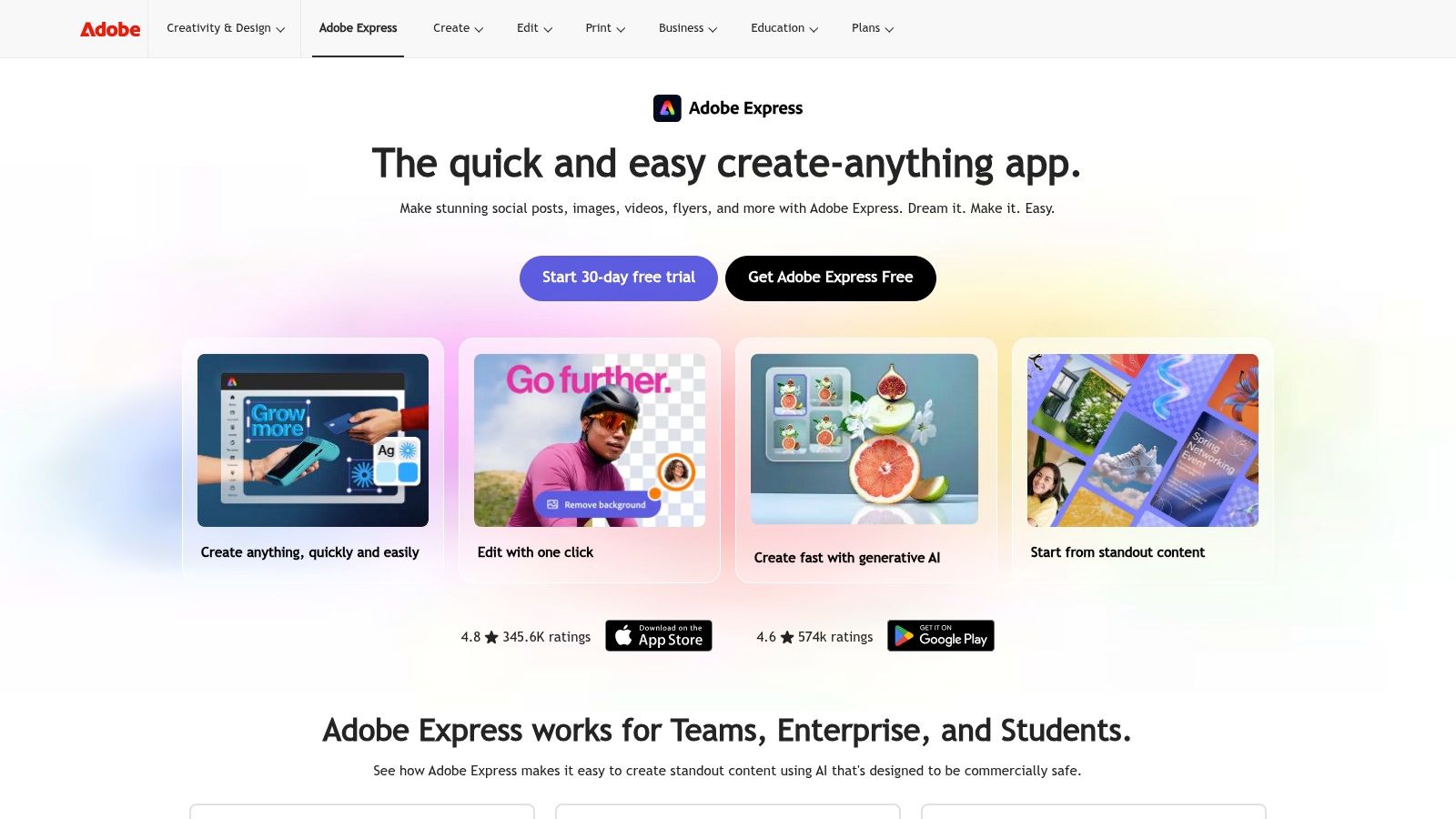
Adobe Express provides a guided path from template to customized wordmark or initial badge. It's a sensible option when your team already works inside Adobe's wider ecosystem and wants to carry the logo into social graphics, promotional assets, and other launch materials.
The templates help establish composition quickly. You can then adjust the typography and supporting shapes rather than starting with a blank page. This works well for a clean wordmark or a restrained initial badge. It's less suited to a highly engineered monogram where every overlap needs precise control.
Brand controls and collaboration features are available through Premium. The platform also benefits from Adobe's established documentation and licensing infrastructure, which may reduce uncertainty for teams managing multiple contributors.
Use it as a system, not a final logo lab
Adobe Express is stronger at practical brand production than at advanced logo-specific construction. If your mark needs custom path editing, detailed kerning, or a fully bespoke glyph, you'll probably need Illustrator or another vector editor after the initial concept.
Check what format the selected plan provides for your use case. A logo that works in an Express project still needs a clean master file for websites, app icons, print, and future editing. Start with the Adobe Express logo maker, then move to a dedicated vector workflow if the initials need custom construction.
9. DesignEvo
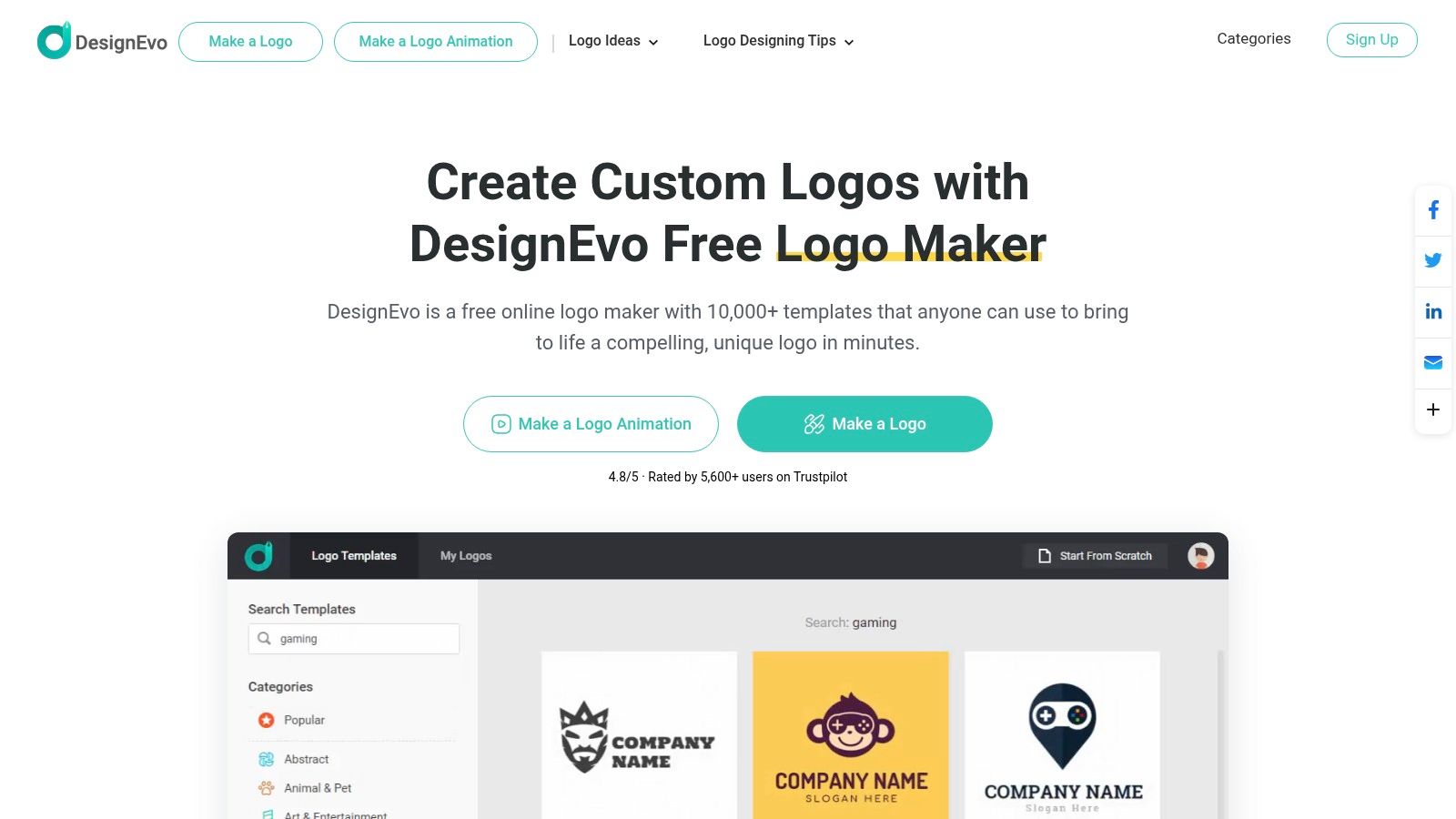
DesignEvo keeps the process simple. It's a template-driven logo app with a low learning curve, so you can build an initial mark without first learning a full vector editor. The controls cover the essentials for quick letter layouts, including type, placement, color, and basic composition.
That simplicity is useful for a founder who needs a draft today. It's also the source of the platform's main limitation. The typography controls are less refined than those in more specialized tools, and a library-based design can feel generic unless you change enough of the structure to make it yours.
The plan differences are straightforward, with SVG access available on paid tiers. A desktop app option also supports offline design work, which can matter when you're working in a restricted environment or want local access to project files.
Avoid the default-library look
Start with the simplest letter arrangement. Try side-by-side initials before forcing an overlap. Then remove unnecessary shapes and effects. A plain, well-spaced wordmark often performs better than an intricate badge that loses its counters when reduced.
DesignEvo is a reasonable choice for a quick, low-cost concept. It isn't the right tool when your identity depends on advanced kerning, editable font structure, or a distinctive custom monogram. Explore DesignEvo, but inspect the vector file before assuming the logo is ready for production.
10. Placeit
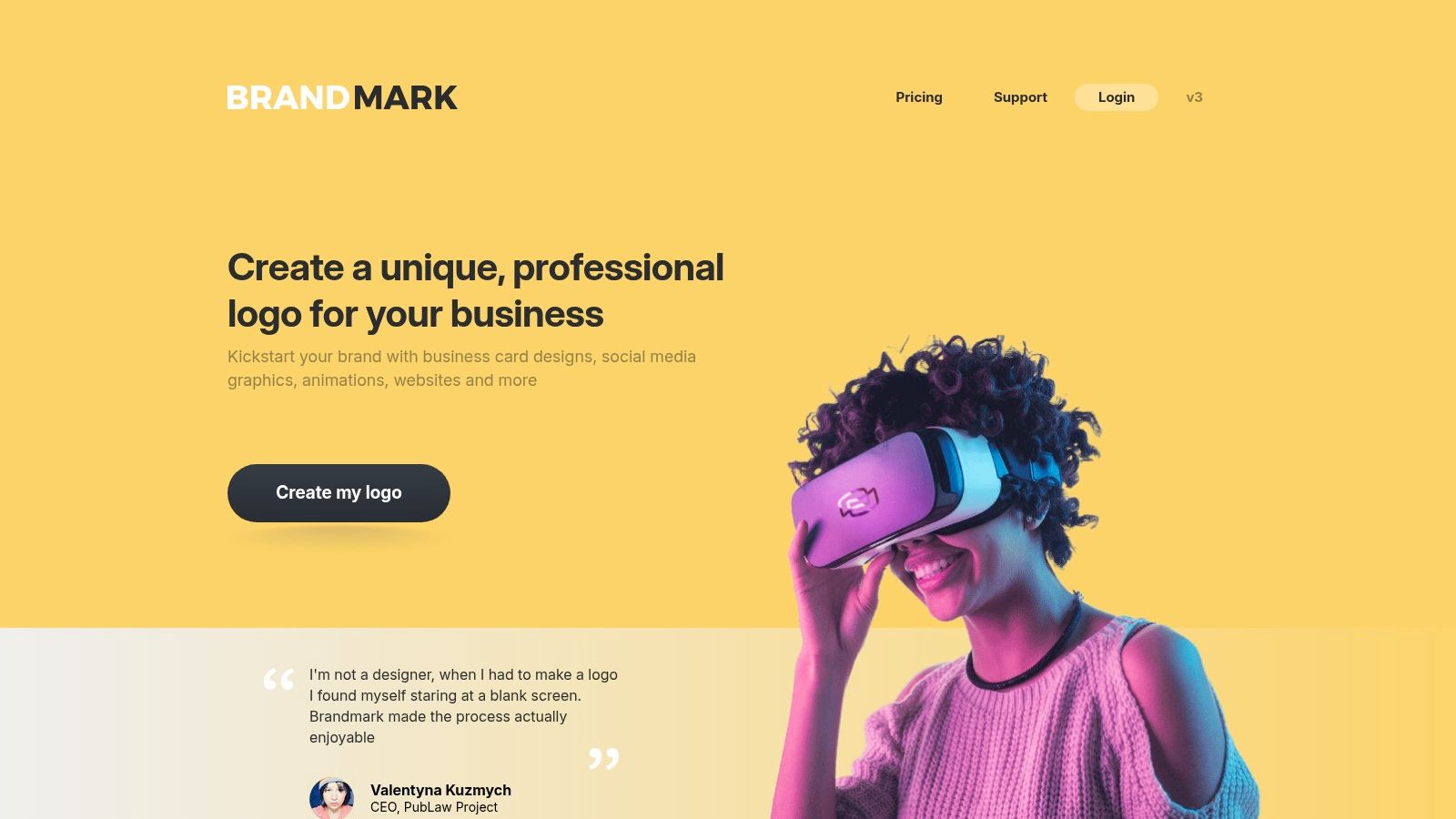
Placeit is strongest after the lettermark exists. Its large template library makes it easy to create a logo quickly, but its real advantage is the presentation layer. You can place an initial-based design on merchandise, storefronts, social graphics, and video introductions to see how the concept behaves in realistic settings.
That context can expose problems a white artboard hides. A monogram may look balanced in a square preview but feel too delicate on a shirt or too dense on a storefront sign. Placeit helps you make that judgment quickly, especially when you're preparing a launch page, pitch deck, or product presentation.
Presentation is not production
The template-first workflow gives you less control over intricate letterforms. Placeit is not the best environment for custom intersections, subtle kerning, or responsive logo construction. It's also most valuable when you use the wider library through a subscription, although individual purchases are available.
Use Placeit to test how the mark appears in the wild. Don't mistake a convincing mockup for a vector master. Confirm the actual download format, inspect the logo without the mockup, and keep a separate production file for web and print.
Top 10 Letter Logo Makers Comparison
| Tool | Key Features ✨ | Quality ★ | Pricing/Value 💰 | Ideal For 👥 |
|---|---|---|---|---|
| Wix Logo Maker | AI-assisted editor; advanced typography; SVG/export on higher tiers ✨ | ★★★★☆ | 💰 Pay-per-logo or bundle; pricing varies at checkout | 👥 Type-driven founders & rapid monograms |
| BrandCrowd | Huge template library; dedicated lettermarks; basic brand assets ✨ | ★★★★☆ | 💰 Pay-per-download; vectors on paid tiers | 👥 Browse-first founders picking a style |
| LOGO.com | Monogram flow; transparent plans; free one-logo option ✨ | ★★★★☆ | 💰 Free single logo + paid packs; clear pricing | 👥 Solo founders wanting quick bundles |
| Brandmark.io | AI typography + color systems; one-time brand kit purchases ✨ | ★★★★☆ | 💰 Buy-once kits (no subscription) | 👥 Indie budgets preferring one-time buys |
| Looka | Strong AI type suggestions; vector downloads; brand kit add-ons ✨ | ★★★★☆ | 💰 Clear tiers; add-ons for extended assets | 👥 Founders seeking polished defaults |
| Tailor Brands | Logo maker + business services (domains, LLC, sites) ✨ | ★★★☆☆ | 💰 Subscription-forward; mixed billing experiences | 👥 Founders who want an all-in company setup |
| Canva Logo Maker | Massive fonts/templates; easy rollout into designs; usage guidance ✨ | ★★★★☆ | 💰 Free & Pro; some exports (SVG) need Pro | 👥 Non-designers integrating logos into content |
| Adobe Express Logo Maker | Template→custom workflow; Adobe integration & collaboration ✨ | ★★★★☆ | 💰 Free tier; Premium unlocks team/brand features | 👥 Teams and Adobe ecosystem users |
| DesignEvo | Simple editor; desktop app option; transparent export pricing ✨ | ★★★☆☆ | 💰 Very affordable; vectors on paid tiers | 👥 Quick, no-fuss lettermarks |
| Placeit (Envato) | Large template + mockups/video previews; merch/context previews ✨ | ★★★★☆ | 💰 Best value via subscription; individual buys available | 👥 Founders needing launch visuals & mockups |
Pick Your Letters and Ship the Mark
The best logo maker with letters depends on where your problem sits. Wix and LOGO.com are strong starting points for quick initial and monogram exploration. BrandCrowd and DesignEvo suit a browse-first process. Brandmark.io is attractive when a buy-once package matters. Canva and Adobe Express work well when the logo must move immediately into broader marketing assets. Placeit is most useful for presentation and context testing, not detailed construction.
Run the same initials through two or three tools. Don't compare different names or unrelated styles. Use one initial pair, one full business name, and one clear brand direction so you can judge the tools rather than the prompts.
Then apply the file-readiness test:
- Vector test: Open the SVG or other vector file in a browser and design application. Confirm that it contains paths or editable shapes rather than an embedded bitmap.
- Scale test: Reduce the mark to favicon and app-icon dimensions. Check whether both letters remain identifiable and whether counters or gaps close.
- Color test: Review the logo in black, white, and on light and dark backgrounds. A shadow or gradient shouldn't be doing the structural work.
- Rights test: Read the license for fonts, icons, templates, and generated artwork. A visually attractive logo isn't automatically legally protectable.
- System test: Prepare a full wordmark, a compact monogram, and a simplified icon when one version can't perform in every placement.
Letter logos have a long history because initials can become compact, repeatable identities. General Electric's interlocking “G” and “E” monogram first appeared on a ceiling-fan pendant in 1898, was submitted to the United States Patent and Trademark Office in 1899, and was approved as a trademark in 1900, as documented in GE Aerospace's monogram history. Louis Vuitton offers another useful lesson. Its “LV” pattern was designed in 1896 and combined letters with quatrefoils and flowers, showing how typography, repetition, and supporting shapes can form a broader identity system, as described by Vogue's history of the Louis Vuitton monogram.
The legal check still belongs to you. A plain letter, typeface, or basic geometric treatment may have limited copyright protection, while trademark protection depends on source identification and similarity to existing marks. Search relevant trademark databases for both the business name and the visual mark before ordering packaging, domains, or paid campaigns. For a deeper commercialization workflow, use this guide to selling digital products when you're preparing the wider launch system.
Once the mark passes those tests, lock the approved geometry, colors, spacing, and usage rules into brand guidelines. Apply the same system across your website, product listings, social profiles, and directories such as IndieTool, so people see one consistent identity wherever they discover the product.
IndieTool offers a free logo maker with editable text, font, layout, color, shape, icon, and shadow controls, plus PNG and SVG exports. It also provides an AI logo generator for creating and refining letter-based concepts, so visit IndieTool to test your initials and prepare the mark for launch.