Indietool
10 Best Logo Maker Online Tools for 2026: Compared
You're two days from launch, your landing page is almost ready, and the empty logo space is starting to look like a product risk. You don't need a branding agency process yet. You need a usable mark, the right files, and confidence that you won't discover an unwanted subscription or unclear ownership clause after checkout.
A logo maker online can fill that gap, but these tools aren't interchangeable. Some are best for a free placeholder, some connect directly to a broader brand or website stack, and others make more sense if you want a one-time purchase with vector files. The first design shown in the editor matters less than what you can download, how you can use it, and what happens after you pay.
This comparison is organized by launch scenario rather than a generic feature ranking. It considers PNG and SVG availability, editing control, ownership language, recurring charges, renewal exposure, brand-kit depth, print readiness, and upsells. A logo still needs to work as part of a broader identity, so principles such as clarity, consistency, and adaptability remain useful, as outlined by Data Hunters Agency's logo design guidance.
Table of Contents
- 1. Free Logo Maker by IndieTool
- 2. Canva Logo Maker
- 3. Adobe Express Logo Maker
- 4. Wix Logo Maker
- 5. Looka
- 6. Tailor Brands
- 7. LOGO.com
- 8. Brandmark
- 9. Namecheap Free Logo Maker
- 10. LogoMakr
- Top 10 Online Logo Makers: Features & Pricing
- Pick the Logo Maker That Fits Your Next Launch Step
1. Free Logo Maker by IndieTool
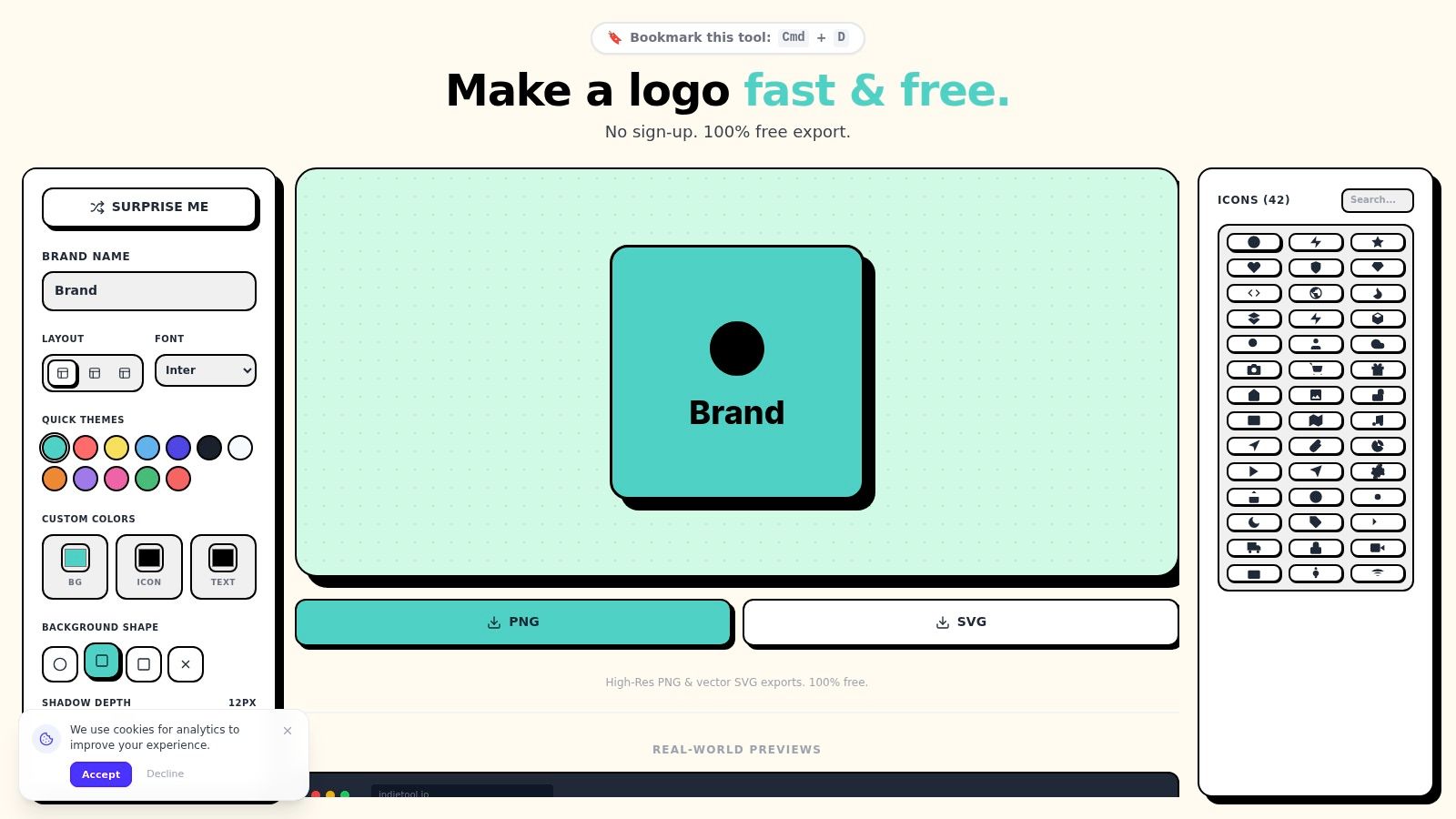
If you need a polished placeholder before a landing page, app listing, or social profile goes live, IndieTool's Free Logo Maker is the most direct starting point in this roundup. It's built around a browser-based editor, so you can enter a brand name, choose a layout, adjust fonts and colors, search icons, and see the result without installing design software.
The useful part is the live context preview. You can check how the mark behaves as an app icon, social profile image, or landing-page asset before committing to a direction. That's more practical than judging a logo only on a white editor canvas, especially when a founder needs to know whether the symbol remains recognizable in a small square.
Best fit for a fast launch
The tool exports PNG and SVG, which gives you a sensible split between immediate web use and scalable artwork. PNG works well for websites, profiles, and product mockups. SVG is more useful when you need to resize the logo without the softness that can appear in a raster image.
You can also apply themes or custom colors rather than accepting the first generated combination. The workflow stays intentionally lightweight, though. It isn't a substitute for advanced vector editing, detailed typography work, or a complete identity system.
Practical rule: Use the live previews to reject concepts that only look good at a large editor size.
The trade-off is template and icon dependence. A solo founder can get launch-ready assets quickly, but an established company seeking a highly distinctive identity may outgrow the available controls. There's no recurring renewal decision attached to the free workflow, which makes it a low-risk option for testing a name, landing page, or prototype.
2. Canva Logo Maker
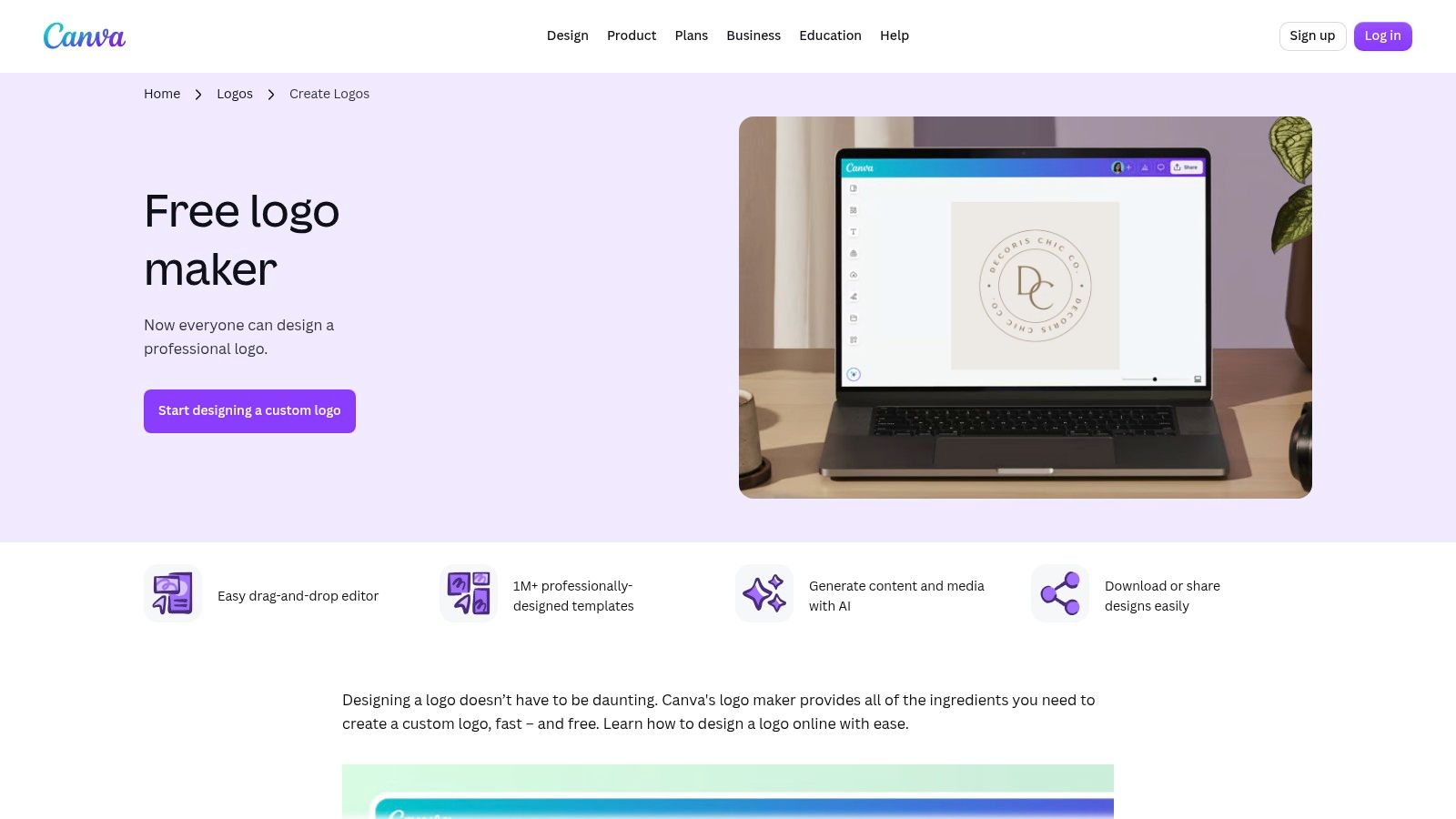
Canva's Logo Maker is the strongest choice when the logo is only the first asset in a steady stream of social posts, pitch decks, one-pagers, and campaign graphics. Its AI-assisted creation flow sits inside a broader drag-and-drop design suite, so you won't have to move the logo into a separate tool every time you create a launch announcement.
The advantage is continuity. Brand Kits can centralize colors, fonts, and logos, while team sharing helps keep collaborators working from the same visual foundation. That matters for a small team that expects the logo to appear across many non-logo designs.
Where Canva earns its place
Canva is convenient if you already create marketing materials there. You can take a selected logo direction directly into social graphics rather than downloading, re-uploading, and rebuilding every composition elsewhere. Its template and asset library also makes it easy to produce a reasonably consistent launch package.
The limitation is distinctiveness. Template-led designs can develop a recognizable Canva feel when users make only surface-level changes. The platform's general-purpose strengths can also encourage founders to add too many decorative elements to a mark that should remain simple.
SVG export and richer brand controls require paid access, while transparent PNG export depends on the plan and download settings you select. Before paying, confirm that the exact file types you need are included in the current plan rather than assuming the editor preview represents the final package.
For founders who need a logo plus ongoing design production, Canva is practical. If you need a highly individual symbol, advanced vector refinement, or a clear logo-only purchase, a specialized tool may be a better fit. You can also pair it with IndieTool's design utilities when you need lightweight launch assets outside a full design suite.
3. Adobe Express Logo Maker
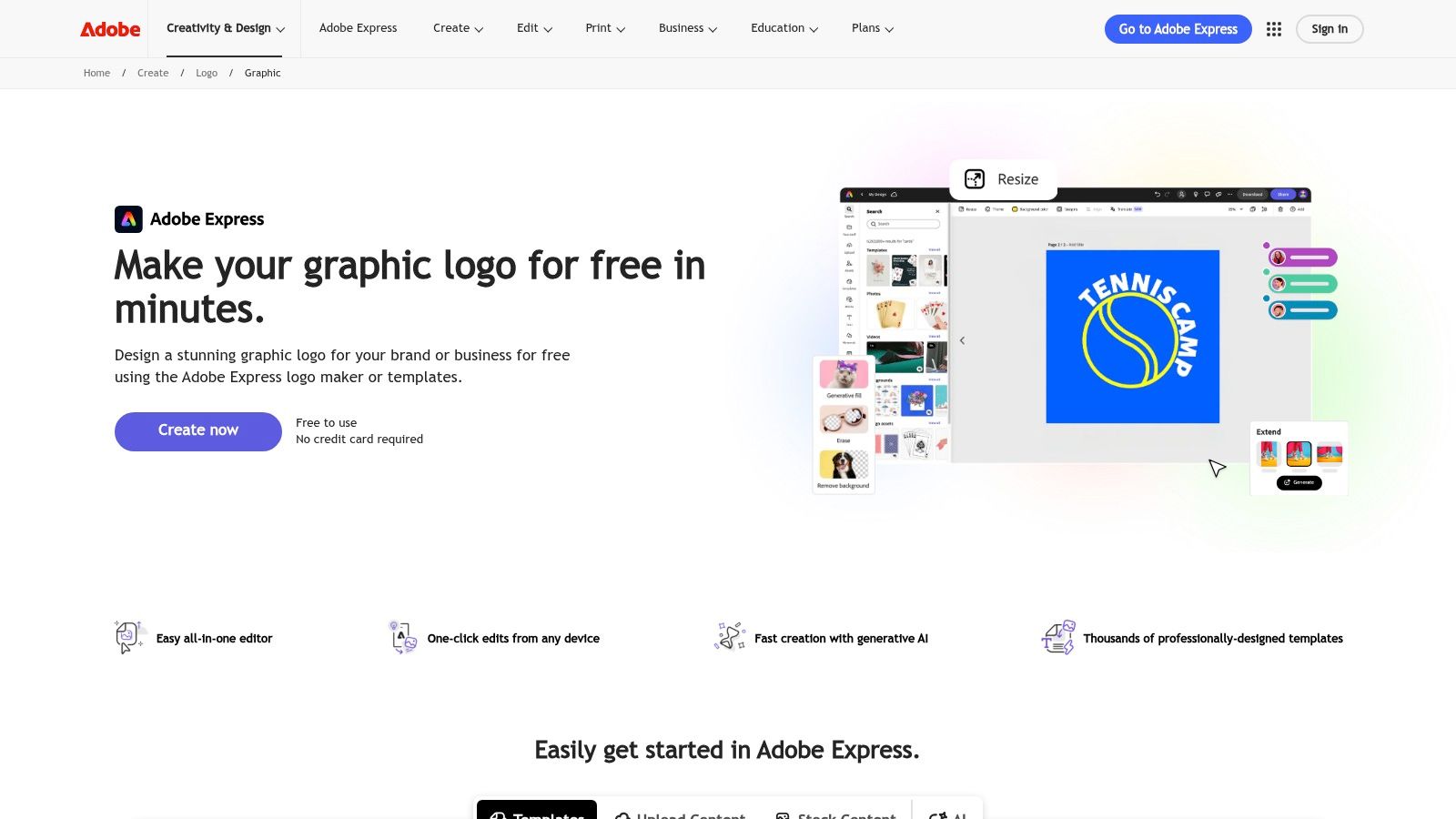
Adobe Express Logo Maker suits founders who want a simple starting point now and a credible route into Adobe's wider creative ecosystem later. Its guided generator combines templates, brand kits, Adobe Fonts access on paid tiers, and generative assistance without forcing a new user straight into Illustrator.
That balance makes it approachable for a non-designer who still expects to work with professional creative tools eventually. You can create a basic mark in Express, then move toward more controlled editing in Illustrator or other Adobe applications as the brand becomes more important.
A good bridge, not a specialist logo workshop
Adobe Express supports brand kits and offers animated logo options for social and video work, including MP4 export. That's useful if a product launch includes short-form video and you want the identity to move beyond a static PNG.
Paid tiers add access to premium assets, Adobe Fonts, and larger generative AI allowances. Those additions can be valuable, but they also mean the free workflow may not provide everything needed for a finished brand package. Read the export and asset restrictions before building your launch around a particular font or graphic.
The editor is intentionally lean. It doesn't offer the same logo-specific depth as a dedicated generator, and users who want fine control over vector paths, spacing, or custom construction will eventually need a more advanced application.
Choose Adobe Express if you already use Adobe or expect to grow into that ecosystem. Choose another tool if you want the simplest one-time logo transaction with no wider software commitment.
4. Wix Logo Maker
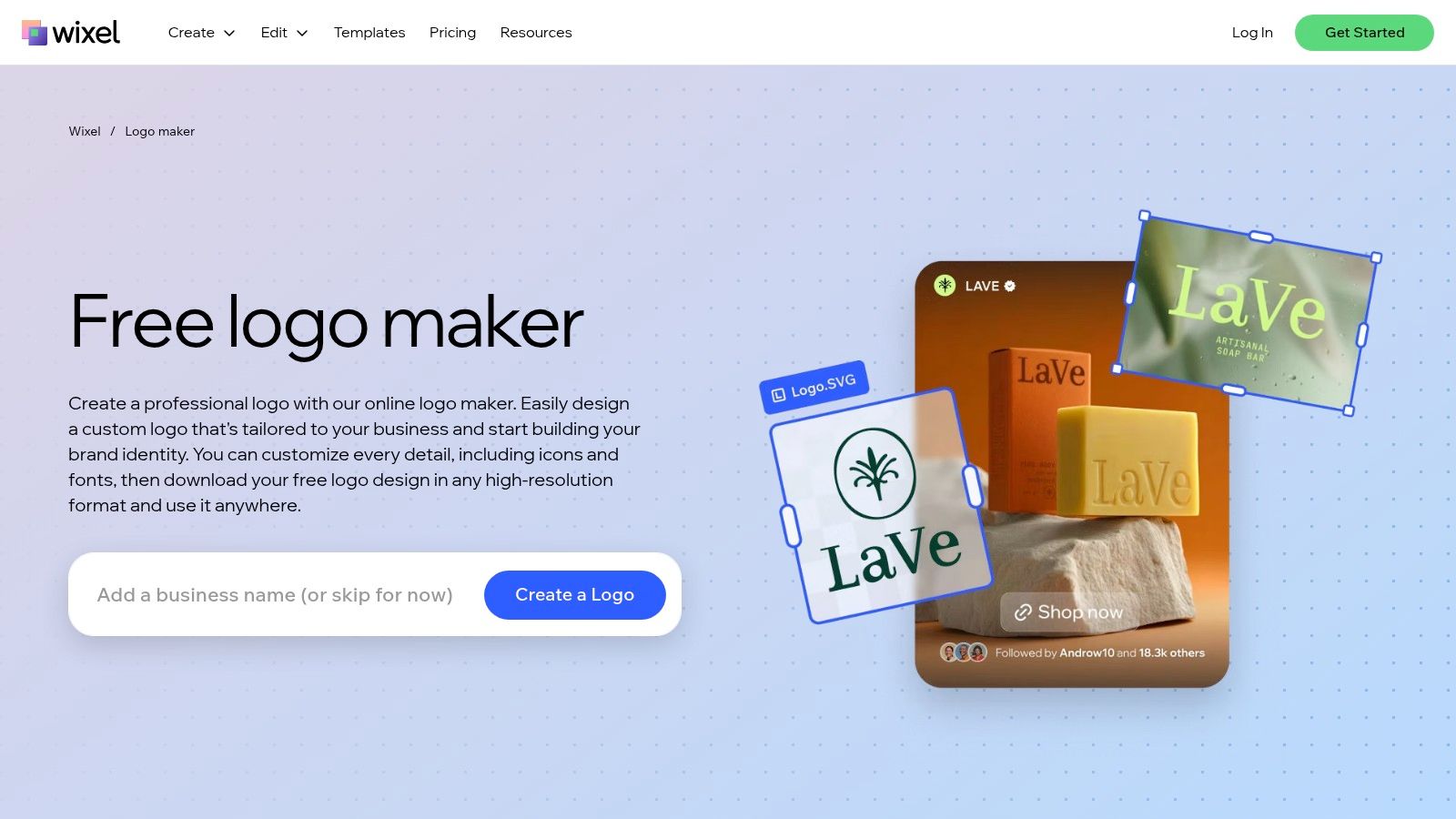
Wix Logo Maker is most useful when your website is already on Wix or will be built there. The logo workflow connects naturally to Wix site assets and a Brand Kit, reducing the work involved in keeping the website, logo, and related materials aligned.
The practical buying decision is more nuanced than the generator itself. Wix offers a one-time “Just Logo” route with PNG or SVG files, while higher-tier packages and bundles can connect the logo to a website plan or printed materials. Plan availability and pricing can appear inside the purchase flow, so check the exact package attached to your account before assuming a preview includes every file.
Best when your site and logo share a home
A Wix user gets a coherent operational workflow. Logo assets can feed directly into the site, and supported plans may allow post-download edits through the Brand Kit. Higher tiers include SVG output, which is the format you'll want for print applications and flexible resizing.
The limitation is ecosystem dependence. If you're not using Wix, some of the platform's value becomes irrelevant, while the in-flow pricing can make comparison harder. The logo tool also doesn't currently provide animated logo creation, so you'll need another workflow for motion assets.
Wix makes sense for a founder who wants the logo and website handled together. It's less compelling if you want only a distinctive mark, transparent lifetime ownership terms, and a completely platform-neutral asset library.
5. Looka
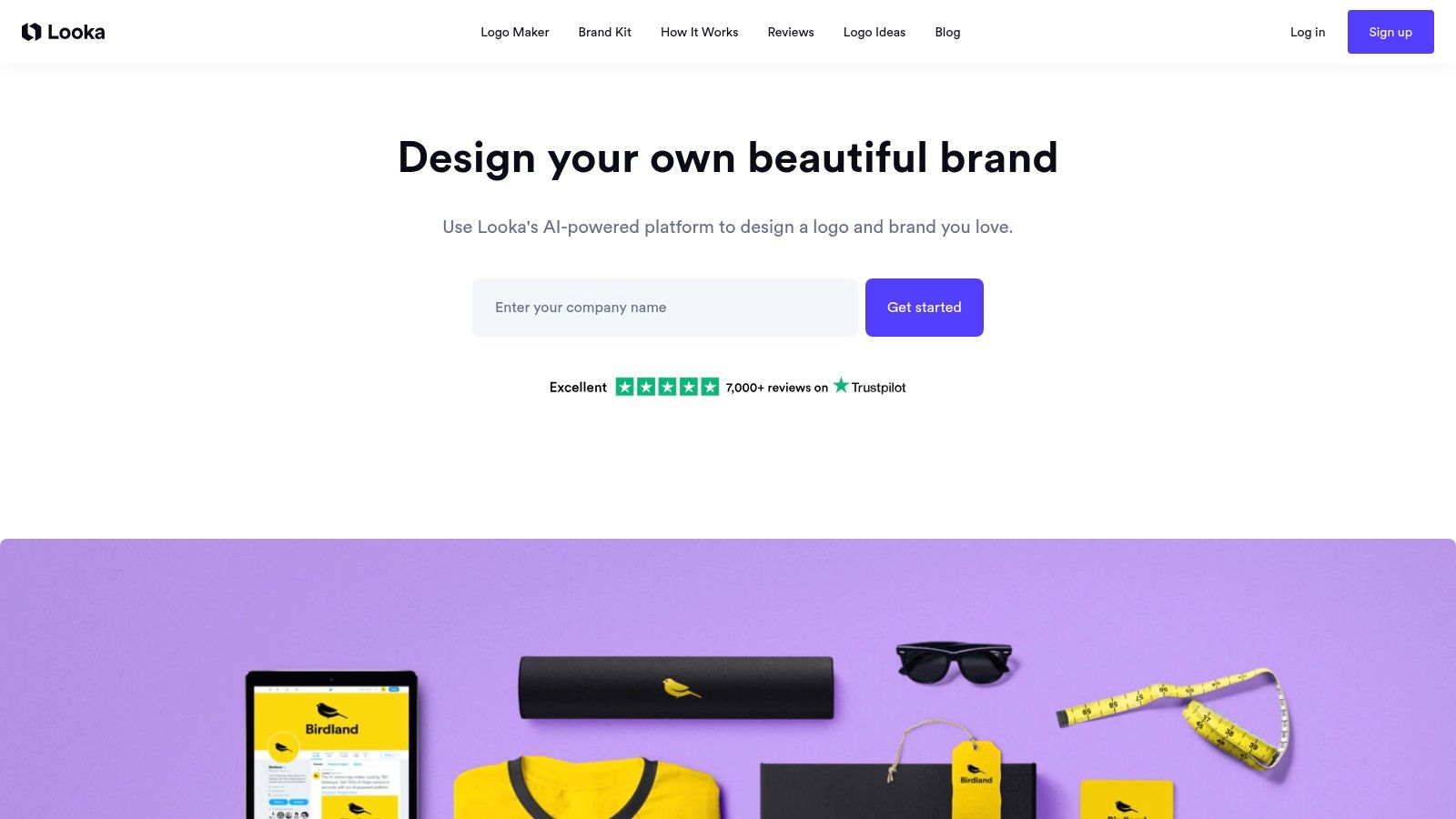
Looka works well for a founder who wants to pay for a logo once but may later want a larger collection of branded assets. Its central choice is straightforward: buy a logo-only package or subscribe to the Brand Kit for ongoing collateral.
The logo-only route is useful when you need downloadable assets without committing to a recurring brand workflow. Paid packages include PNG options and, in fuller packages, vector files. Looka also provides unlimited post-purchase logo edits on eligible packages, which helps if you discover that a font, color, or layout needs adjustment after launch.
Choose the Brand Kit only if you'll use it
The Brand Kit is the better fit for a business producing many branded materials. It can generate a broad range of ready-to-use assets, but that value depends on actual usage. If you only need a website logo, profile image, and a few transparent files, a subscription may add unnecessary cost and renewal management.
Looka's ownership language is clearer than many low-cost generators, but you should still read the purchase terms for the specific package and confirm whether the file set includes the formats you need. Pricing can also be presented through the account or checkout flow and may vary with promotions.
Looka is a sensible middle ground between a quick logo generator and a wider brand system. If you want to explore AI-assisted concepts while retaining a one-time logo purchase option, it's worth comparing with IndieTool's AI Logo Generator before choosing a direction.
6. Tailor Brands
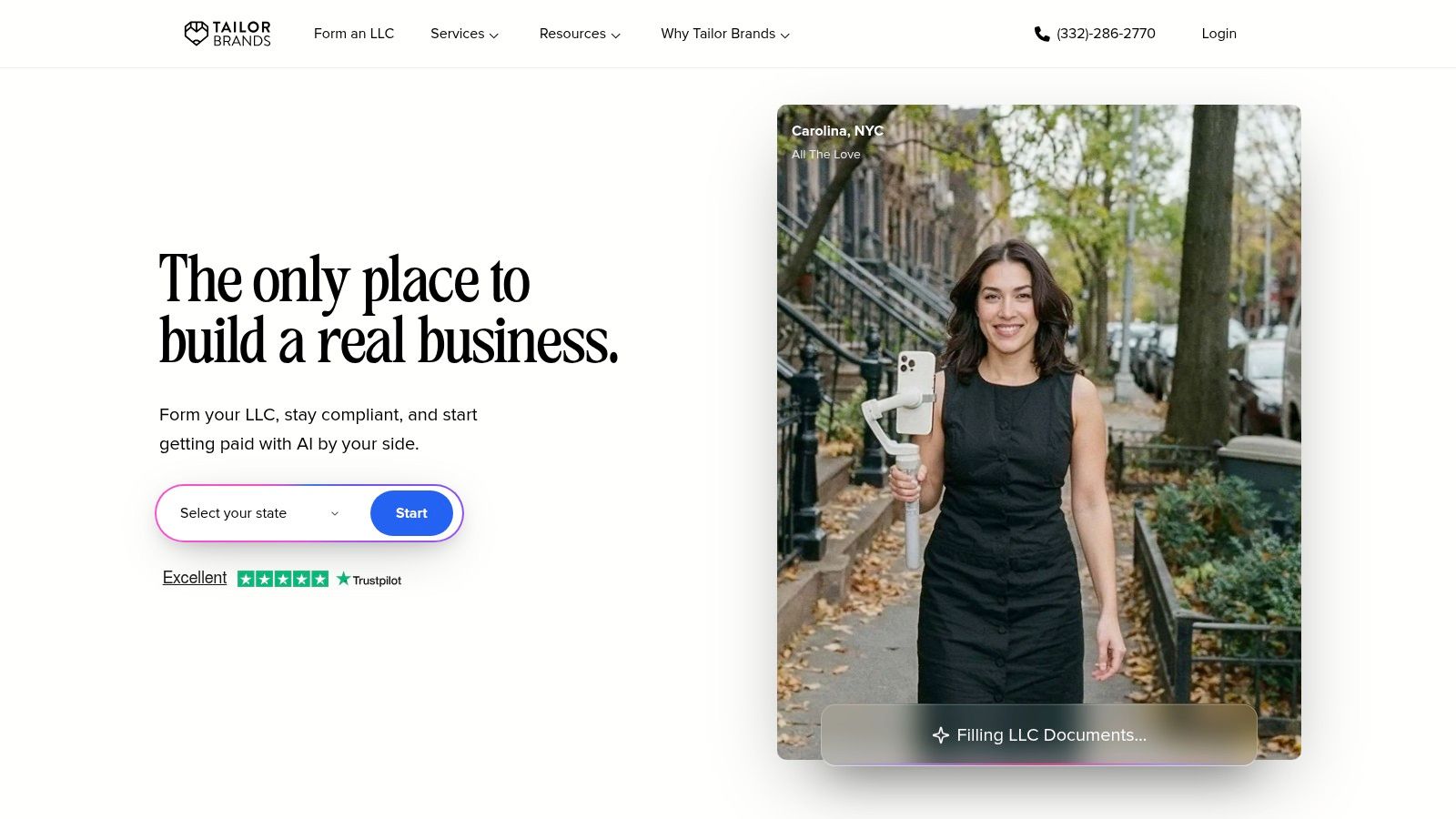
Tailor Brands is designed for the founder who wants branding alongside business setup tasks. Its broader stack can connect logo creation with a domain, website, LLC formation, and compliance services, which may be convenient when one account is handling the operational side of a new company.
The logo workflow includes PNG on entry tiers and vector formats such as SVG or EPS on higher tiers. That difference matters. A PNG can cover an initial web launch, but vector files become important when you need signage, packaging, apparel, or other scalable applications.
Watch the stack, not just the logo
Tailor Brands states logo ownership terms in its terms of service, which is useful for founders who want to understand what they receive rather than relying on a generic “commercial use” label. Still, ownership permission isn't the same as trademark clearance or guaranteed exclusivity. You should search relevant trademark databases and check whether icons, fonts, or templates are shared before investing heavily in the identity.
The main drawback is upsell pressure. The interface emphasizes LLC and business plans, so a brand-only buyer may encounter services that aren't relevant to the immediate launch. Billing and renewal details deserve careful attention, particularly if you select a bundle rather than a standalone logo purchase.
Pick Tailor Brands when you genuinely need formation, compliance, website, and branding in one workflow. If you only need a logo and want to avoid recurring business-service prompts, another tool will be easier to evaluate.
7. LOGO.com
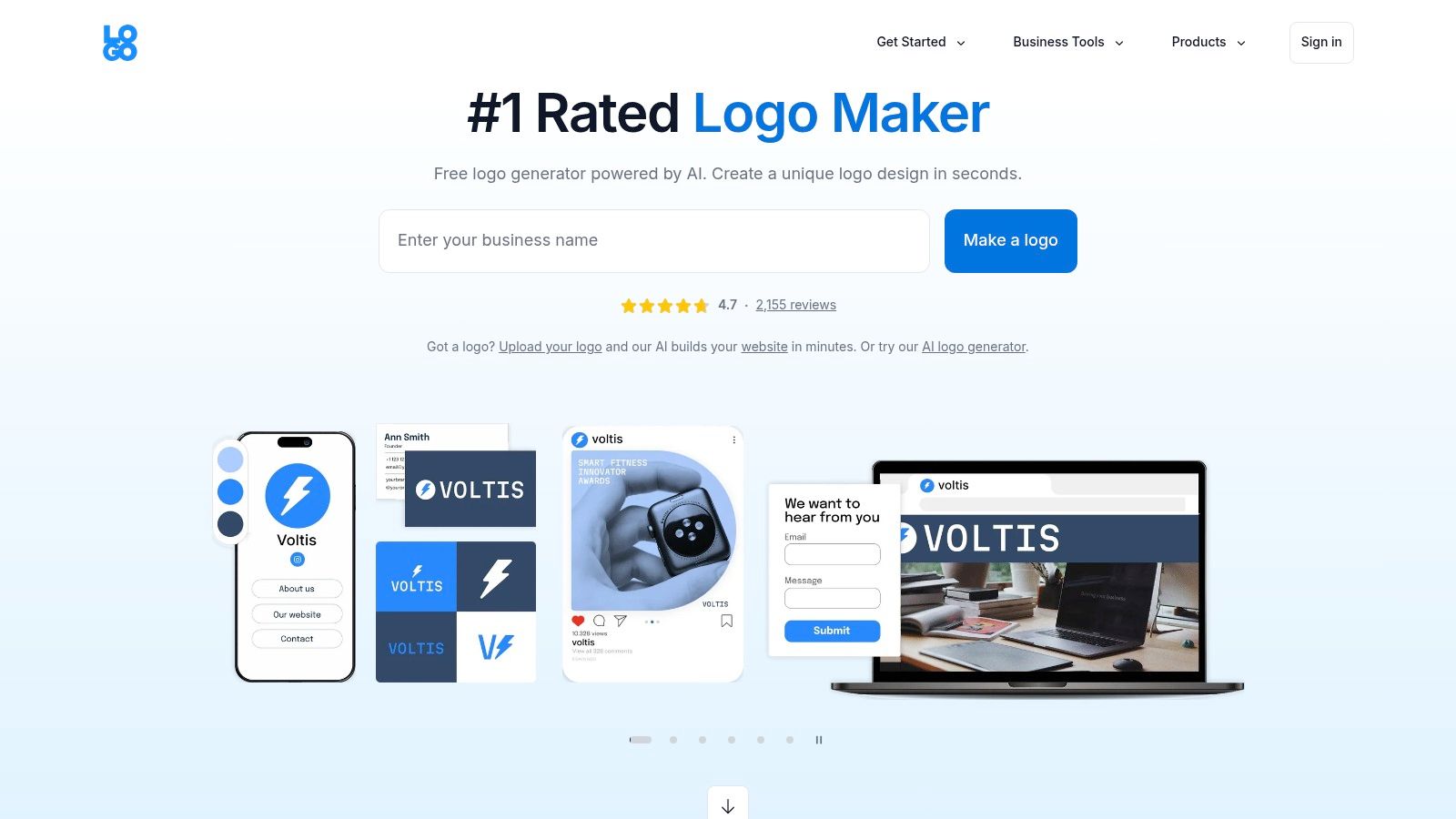
LOGO.com targets cost-sensitive founders who need more than a single image but don't want to assemble a brand system manually. Its free tier includes a downloadable PNG with commercial-use rights, while the Brand Plan adds vectors, brand assets, templates, website functionality, and additional tools.
That free commercial-use route is useful for testing an idea or shipping a temporary identity. It doesn't remove the need to read the current terms, but it gives a founder a practical way to move from an empty page to a usable logo without immediately buying a package.
Pay for the missing assets, not the promise
The Brand Plan is most valuable when you need a broader set of files and ongoing collateral. It gives you a large collection of file variants, a brand kit, templates, a basic website, and AI tools. That can be efficient for a founder who wants one subscription to cover early marketing production.
The risk is plan drift. Promotions, first-year offers, and package messaging can change, so verify the current terms inside the account before checkout. A simple website may be enough for a launch page, but it won't replace a more capable site platform when you need advanced content, commerce, or customization.
LOGO.com is a strong scenario-based choice for a founder who needs a commercially usable starting logo and expects to produce more branded materials soon. It's less attractive if you want a one-time payment and no renewal to monitor.
8. Brandmark
Brandmark is the clearest fit for the lifetime-price buyer. Its packages use one-time pricing rather than a monthly brand subscription, with higher tiers adding source files, brand guidelines, social and presentation designs, business cards, and a one-page site.
That model changes the purchasing question. You're not evaluating whether a recurring Brand Kit will pay for itself. You're deciding whether the one-time package includes enough files and collateral for the next stage of the business.
A strong answer to subscription fatigue
Unlimited revisions and no monthly charge are useful when you expect the visual direction to evolve during the launch process. Higher packages also extend beyond the logo, which can save time if you need a basic guideline document and a few practical marketing assets.
The trade-off is ecosystem depth. Brandmark isn't designed to replace a full general-purpose design suite, so it won't offer the same ongoing range as Canva or Adobe Express. Its one-page website output is also basic. Treat it as a compact identity package, not a complete web presence.
Before buying, confirm the exact file set in the selected tier. For a print-ready identity, source files and scalable formats matter more than the number of mockups. Brandmark is strongest for a founder who dislikes renewals, wants a defined package, and values collateral beyond the logo.
9. Namecheap Free Logo Maker
Namecheap's Free Logo Maker is one of the most useful options for a lean launch because it provides PNG and SVG downloads without watermarks. That combination is unusual among free tools and makes it suitable for a domain landing page, pitch deck, temporary product identity, or early social profile.
The workflow is straightforward. You can generate logo concepts with AI, adjust them in a simple editor, preview them in mockups, and download the result without being pushed into a broader brand subscription.
Vector-ready without a paid commitment
SVG availability is the main reason to choose Namecheap over many free alternatives. You can use the PNG for immediate digital needs and retain the SVG for later resizing or print preparation. That doesn't guarantee the concept will be distinctive, so inspect the icon, typography, and spacing before treating it as a long-term identity.
Output variety and refinement are more limited than on paid design-focused platforms. You also won't get a broad brand-collateral suite, so you'll need separate tools for social templates, guidelines, or campaign assets.
Namecheap is ideal when the budget is zero and the immediate requirement is a usable, unwatermarked logo. If naming is still unsettled, combine the workflow with IndieTool's Name Generator before locking the logo to a name you may change.
10. LogoMakr
LogoMakr takes a practical pay-to-download approach. You can design for free, then purchase the final package when you're satisfied. Its packages include vector files such as SVG and PDF, large raster files, and social-size assets, making it a strong choice for the founder whose main concern is getting print-ready output without entering a subscription.
The optional Premium Finish service adds human-assisted polishing when the concept is close but the spacing, alignment, or overall balance still feels unfinished. That's a useful middle ground between accepting an automated result and hiring a designer for a full identity project.
Best for ownership clarity and final files
LogoMakr emphasizes one-time pricing and full commercial ownership, which makes the checkout easier to understand than a tool that combines the logo with an ongoing platform plan. Still, read the current purchase terms and preserve your download package, source files, and proof of payment.
The editor has a smaller ecosystem than Canva or LOGO.com. It also offers less automation for managing a full brand library, so you'll need another workflow for repeated social, presentation, and campaign design.
Choose LogoMakr when your priority is a single payment, scalable files, and the option to get human help before download. It's less suitable for teams seeking a large template ecosystem or an integrated website and marketing stack.
Top 10 Online Logo Makers: Features & Pricing
| Product | Core feature / USP | UX & Quality (★) | Price & Value (💰) | Best for (👥) | Unique highlight (✨) |
|---|---|---|---|---|---|
| 🏆 Free Logo Maker – Create Beautiful Logos in Seconds | IndieTool | Browser-based live editor; instant mockups; part of IndieTool launch toolkit | ★★★★☆ fast, low-friction | 💰 Free; launch-optimized | 👥 Indie hackers & bootstrapped founders | ✨ Real-world previews; integrated launch utilities |
| Canva Logo Maker | AI generator + 1M+ templates; Brand Kits & social pipeline | ★★★★★ polished, collaborative | 💰 Free tier; Pro for SVG & team features | 👥 Teams & creators needing end-to-end assets | ✨ Seamless flow logo→social→docs |
| Adobe Express Logo Maker | Guided generator; Adobe Fonts/Stock integration; animations | ★★★★☆ reliable, upgrade path to Adobe CC | 💰 Free / Premium for assets & AI credits | 👥 Creators wanting Adobe ecosystem | ✨ Animated logos & Adobe asset access |
| Wix Logo Maker | Logo editor tied to Wix Brand Kit & site bundles | ★★★★ practical, website-first | 💰 Pay-per-logo or bundled with Wix plans | 👥 Founders launching on Wix | ✨ Redeemable business cards + site bundles |
| Looka | AI logo + one-time logo purchases + Brand Kit subscription | ★★★★ clear, brand-focused | 💰 One-time logo; optional Brand Kit subscription | 👥 Founders wanting simple upgrade path | ✨ 300+ ready-to-use branded assets |
| Tailor Brands | Logo maker within small-business stack (LLC, sites) | ★★★★ functional, upsell-prone | 💰 Subscription & bundles; pay-to-upgrade | 👥 Founders needing branding + business services | ✨ Branding + LLC/formation add-ons |
| LOGO.com | Free PNG download + Brand Plan for vectors & kit | ★★★★ good for budget launches | 💰 Free PNG; Brand Plan subscription available | 👥 Cost-sensitive founders & MVPs | ✨ Free commercial-use PNG download |
| Brandmark | One-time "buy it for life" packages; collateral tiers | ★★★★ straightforward, file-rich | 💰 One-time lifetime packages | 👥 Users who avoid subscriptions | ✨ Lifetime pricing + unlimited revisions on tiers |
| Namecheap Free Logo Maker | Unlimited AI concepts; free PNG & SVG downloads | ★★★★ practical, no-friction | 💰 Completely free (PNG + SVG) | 👥 Lean launches, domains & placeholders | ✨ Free vector downloads without watermarks |
| LogoMakr | Fast editor; pay to download; optional human finish | ★★★★ simple, fast results | 💰 Pay-per-download one-time | 👥 Quick DIYers needing print-ready files | ✨ "Premium Finish" human-assisted polishing |
Pick the Logo Maker That Fits Your Next Launch Step
The best logo maker online depends on what you need to ship next, not on which generator produces the most attractive first concept. A prototype founder may only need a clean PNG and a simple icon. A print-focused business needs scalable vector files. A team producing weekly marketing assets may get more value from a brand kit than from a cheaper logo-only purchase.
Start with the scenario that matches your launch:
- Need a free placeholder quickly: IndieTool or Namecheap gives you a low-friction route to a usable starting asset. IndieTool adds live previews and flexible controls, while Namecheap is particularly useful when you want free PNG and SVG downloads.
- Already building in a design ecosystem: Canva is the practical choice for social graphics and presentations, Adobe Express is the better bridge into Adobe's creative tools, and Wix fits best when the website will live on Wix.
- Want a wider brand package: Looka and LOGO.com make sense when you'll use ongoing collateral, templates, and brand assets. Don't buy the larger plan merely because the checkout presents it first.
- Prefer one-time pricing: Brandmark and LogoMakr are the clearest options for avoiding monthly renewals. Looka and Wix may also offer one-time logo routes, but verify the package and file set before paying.
- Need print-ready control: Prioritize SVG, EPS, or PDF access, transparent raster files, editable source material where offered, and predictable licensing. A large PNG isn't a replacement for vector artwork when the logo must scale.
Ownership requires separate attention. Commercial-use permission doesn't automatically give you exclusive rights, copyright protection, or trademark clearance. In the United States, copyright protection requires human authorship, so a logo produced almost entirely from a prompt may raise different questions from one meaningfully selected, arranged, or modified by a person. Trademark rights depend on how the mark identifies goods or services, its distinctiveness, and whether it conflicts with an existing mark. The Jukebox Print explanation of AI-generated art and ownership is a useful reminder to distinguish platform permission from exclusive ownership.
Keep the editable files, download receipts, license terms, and evidence of your revisions. Search relevant trademark databases before investing in packaging, signage, or a major campaign. A visually polished logo that resembles another mark can create more cost than the original purchase saved.
Accessibility also belongs in the final review. Test the logo on light and dark backgrounds, in grayscale, at favicon and mobile-header sizes, and as a clickable home link. Section 508 guidance generally uses a 3:1 contrast ratio for graphics conveying necessary information, while a purely decorative logo doesn't have a specific contrast threshold. A logo used as navigation can therefore need more care than the same mark used only as decoration. The Section 508 color accessibility guidance explains that distinction, and university accessibility guidance also supports maintaining full-color, single-color, reversed, and minimum-size versions.
The commercial category is expanding, but that doesn't mean every business should buy the most elaborate package. Research and Markets estimates the global logo-design software market at approximately $2.00 billion in 2025, rising to $2.21 billion in 2026, with a projection of $3.16 billion by 2030. Those figures are estimates with varying market definitions, but they show why online tools now cover everything from free browser editors to complete branding platforms. Research and Markets' logo-design software forecast provides the relevant market context.
Choose the cheapest option that covers your immediate use case, then upgrade when a specific limitation appears. If you need SVG, buy for SVG. If you need recurring brand assets, compare the renewal terms. If you need exclusivity, investigate the rights instead of assuming the download grants it. That approach gives your launch a usable identity now while leaving room to build a cohesive brand system as the product earns traction, a principle also discussed by 925 Studios.
IndieTool gives indie founders a fast Free Logo Maker, AI logo generation, and other practical launch utilities for naming, content, and preparation, without forcing a monthly platform commitment. Create your first launch-ready logo, then visit IndieTool to explore tools that can help turn the identity into a stronger product launch.