Indietool
Logo Maker for YouTube: 10 Tools Compared for 2026
You've designed a channel logo with a mascot, your product name, and a clever tagline. It looks sharp on your desktop. Then you leave a comment, open YouTube on your phone, and discover that your carefully arranged identity has become an unreadable blob.
That's the difference between a pretty logo and a useful channel icon. Your mark needs to survive a small circular crop, look consistent beside thumbnails and banners, and export without an unwanted background when you place it over an intro. If your channel supports a software product, it should also feel connected to the icon people see on your landing page.
A logo maker for YouTube should help you produce usable files, not just an attractive preview. The practical checks are small-size legibility, transparent PNG availability, vector exports, free-download restrictions, and whether motion tools are included or require another editor.
Start with the symbol: If the channel name becomes unreadable when you shrink the design, remove it from the avatar. Keep the full name for your banner and other larger layouts.
These tools suit different workflows. Some prioritize quick concepts. Others make it easier to maintain an entire channel's graphics without a design team.
Table of Contents
- 1. Free Logo Maker by IndieTool
- 2. Canva
- 3. Adobe Express
- 4. LOGO.com
- 5. Placeit
- 6. Looka
- 7. Wix Logo Maker
- 8. DesignEvo
- 9. Brandmark
- 10. VistaCreate
- How the logo makers differ on free options, export formats, and best-fit use
- Choosing a Logo Maker and Building a Repeatable Channel Workflow
1. Free Logo Maker by IndieTool
A free browser-based starting point with PNG and SVG exports. The Free Logo Maker by IndieTool lets you arrange a logo without installing software or using a paid design application. Its social-profile previews help you assess how a mark looks in context, though the small preview is only an initial check.
For a product channel, build a simple symbol or monogram first. Choose the option with a clear silhouette, then check the logo at avatar size. Small lettering can disappear even when the larger preview looks polished.
Check the exported files
The tool exports PNG and SVG files. Before relying on them, inspect the actual exports for dimensions, background transparency, and available editing controls. These details affect whether the logo fits an intro overlay, remains crisp in a banner, or can be adjusted later.
- Avatar: Place the downloaded image inside a circular crop and check that the main shape stays legible.
- Banner and thumbnails: Check the PNG at the size you plan to use. Confirm its edges look crisp.
- Intro overlay: Open the PNG over another background to see whether it has transparency or an opaque backdrop.
- Reusable master: Keep the SVG and open it in a vector editor to inspect how its elements are organized.
The free logo-maker listing provides another way to review the tool. Its practical appeal is straightforward creation with both raster and vector exports. Check the downloaded files before building your channel graphics around them, especially if you need precise shape edits or a transparent overlay.
2. Canva
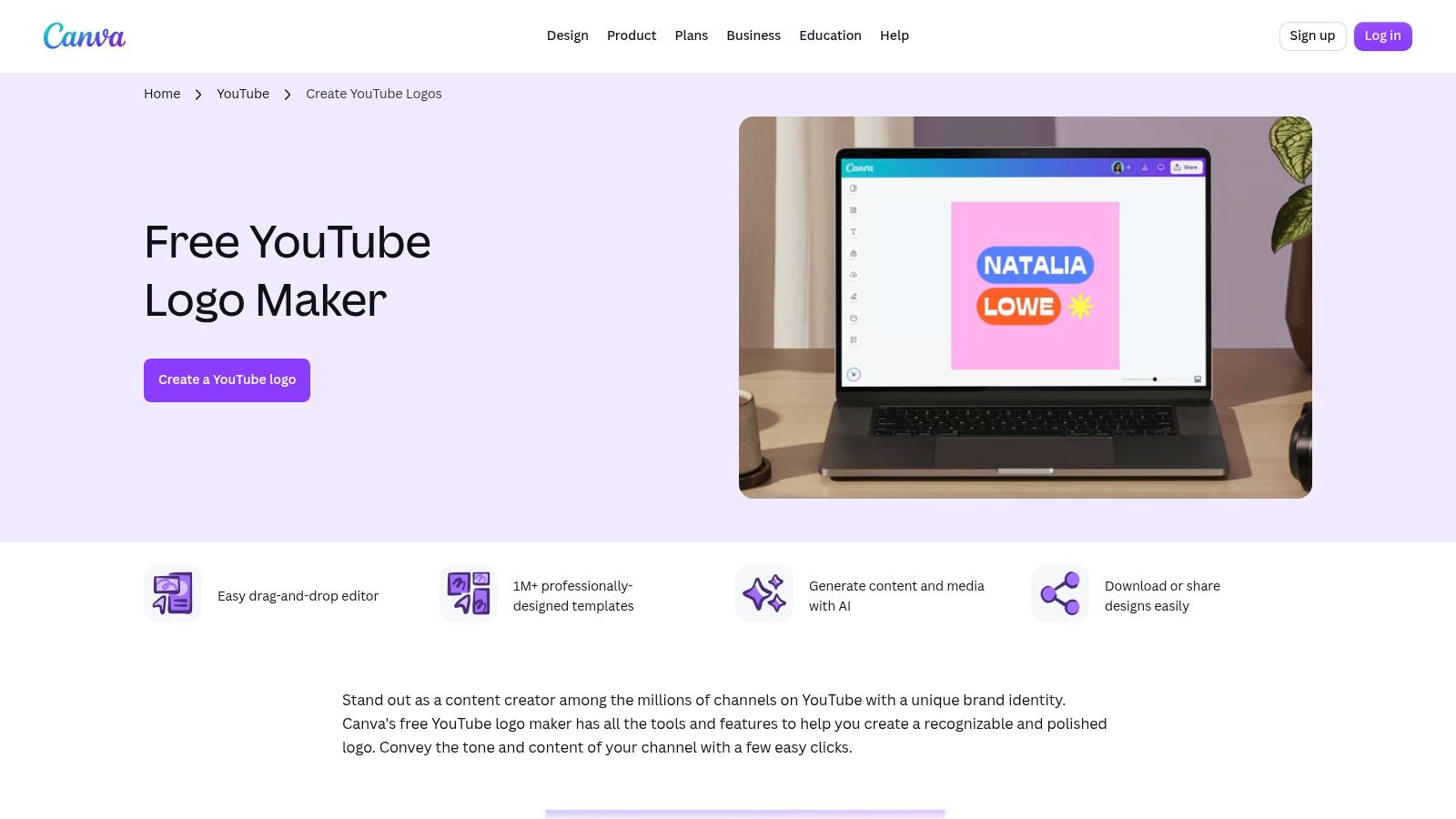
Choose Canva's YouTube logo maker when the logo is only part of your workload. Its templates and drag-and-drop editor let you work on the channel icon, banner, thumbnails, and social graphics in a familiar environment.
That's particularly useful for a solo founder publishing tutorials and product updates. You can carry the same colors, typography, and symbol into each graphic without rebuilding the layout from scratch. Consistency across assets is Canva's strongest argument, not the originality of an untouched template.
Simplify the template before exporting
Start by removing decorative text, thin outlines, and background flourishes. A template that works as a large badge can still fail as a compact avatar.
Canva supports PNG downloads and a transparent-background option, but some capabilities and assets require a paid plan. Check access to the exact export you need before spending time refining a premium-heavy design.
- Strong fit: Matching banners, thumbnails, and social graphics.
- Main risk: Choosing a detailed template that loses its identity when reduced.
- Master-file check: Don't assume a PNG download gives you an editable vector master.
If the editor feels broader than your needs, compare Canva alternatives by export requirements rather than template count. A smaller tool can be the better choice when you only need a symbol and clean files.
3. Adobe Express
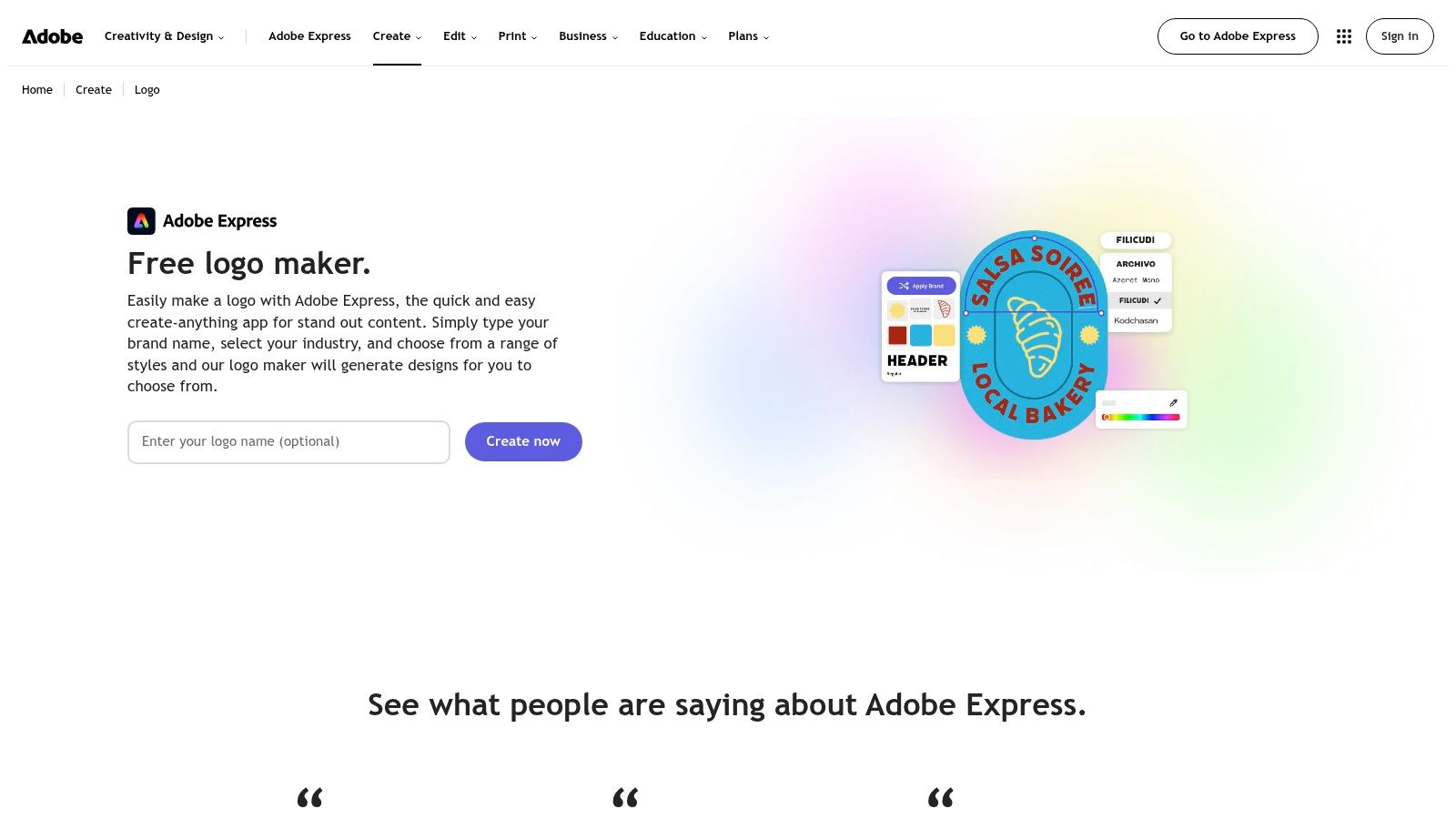
A static avatar and an animated intro are different deliverables. Adobe Express is useful when you want to develop both within a broader graphics and video workflow.
You enter a brand name, select an industry and style, and refine generated ideas through text, icon, and color changes. A free plan is available, while some assets and capabilities require payment. The logo workflow supports PNG and JPG downloads, and the broader editor includes animation tools.
Build the static logo first. Animation won't rescue a symbol that's unclear when it stops moving.
Where the export workflow falls short
The image downloads aren't editable vector masters. That's the important limitation if you expect to revise the mark in a vector editor or prepare it for merchandise later.
For channel use, inspect transparency before placing the PNG over footage. A JPG will retain its background, making it unsuitable when you want only the mark visible above the video.
Adobe Express makes sense for creators who prioritize quick concept development and related content production. It's less compelling when precise shape editing and reusable vector artwork are nonnegotiable. Keep the editable project, and treat the animated intro as a separate output from the channel's static profile picture.
4. LOGO.com
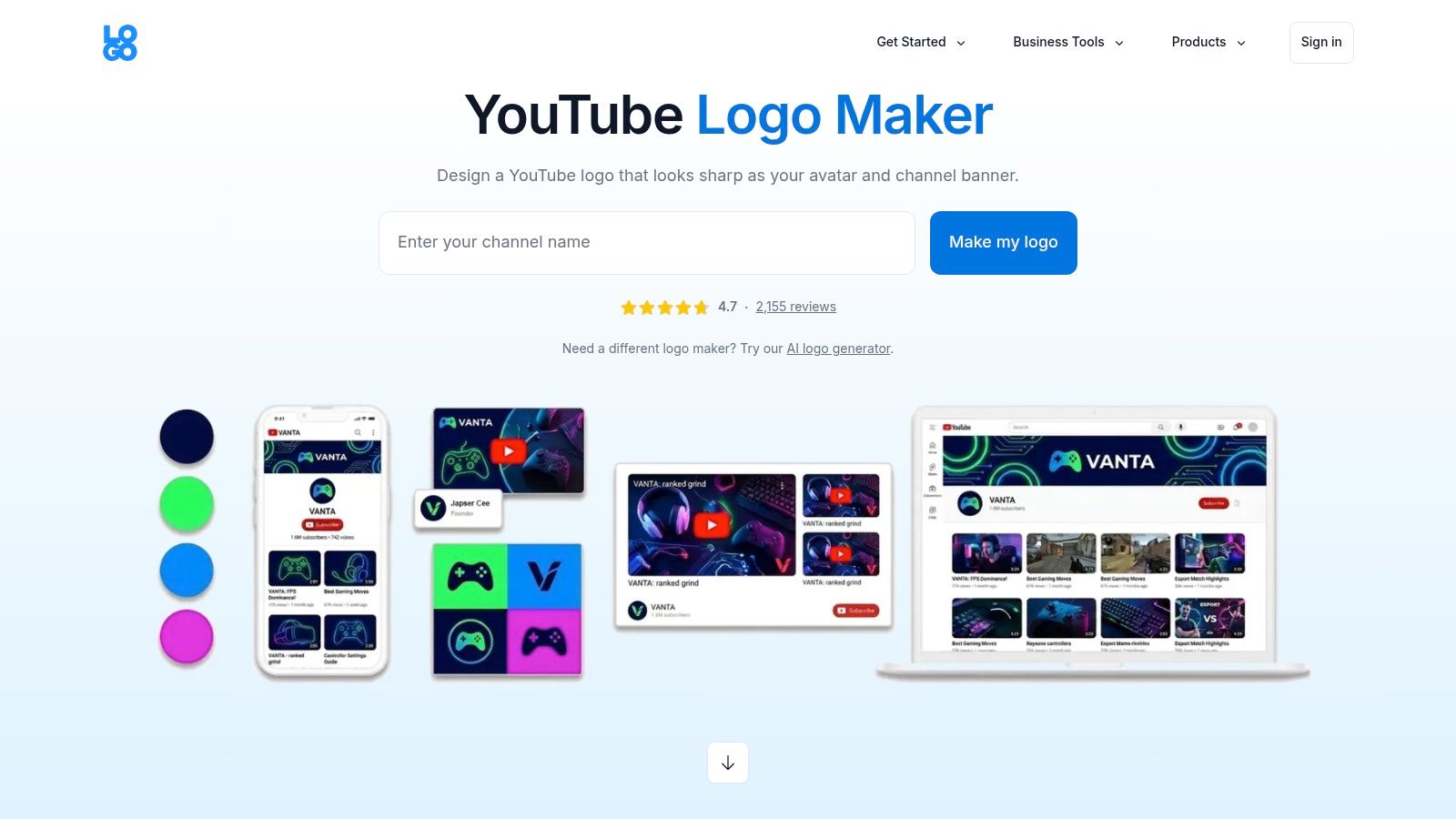
LOGO.com offers a directly relevant starting point for channel branding. Its YouTube logo maker provides channel-oriented concepts, icon and font customization, and a free high-resolution PNG with a commercial license, according to the provider. Vector files and additional brand tools require a paid upgrade.
The practical benefit is that you can evaluate a downloaded raster file before deciding whether you need the broader package. Put that file into a draft banner and a thumbnail layout, then inspect how well the mark works beside your usual title text.
Don't confuse a familiar symbol with a distinctive identity
Gaming controllers, play buttons, and music imagery can communicate a category quickly. They don't automatically distinguish your channel from other channels in that category.
- Avatar check: Favor a clean silhouette over a crowded badge.
- Intro check: Verify the PNG's background before importing it into your video editor.
- Reuse check: Budget for the vector upgrade if you need scalable source artwork.
The automated workflow suits a straightforward launch identity. It isn't a bespoke design service, and a subscription won't make a generic concept unique. Customize the symbol's proportions and color relationships before expanding it into a brand kit.
5. Placeit
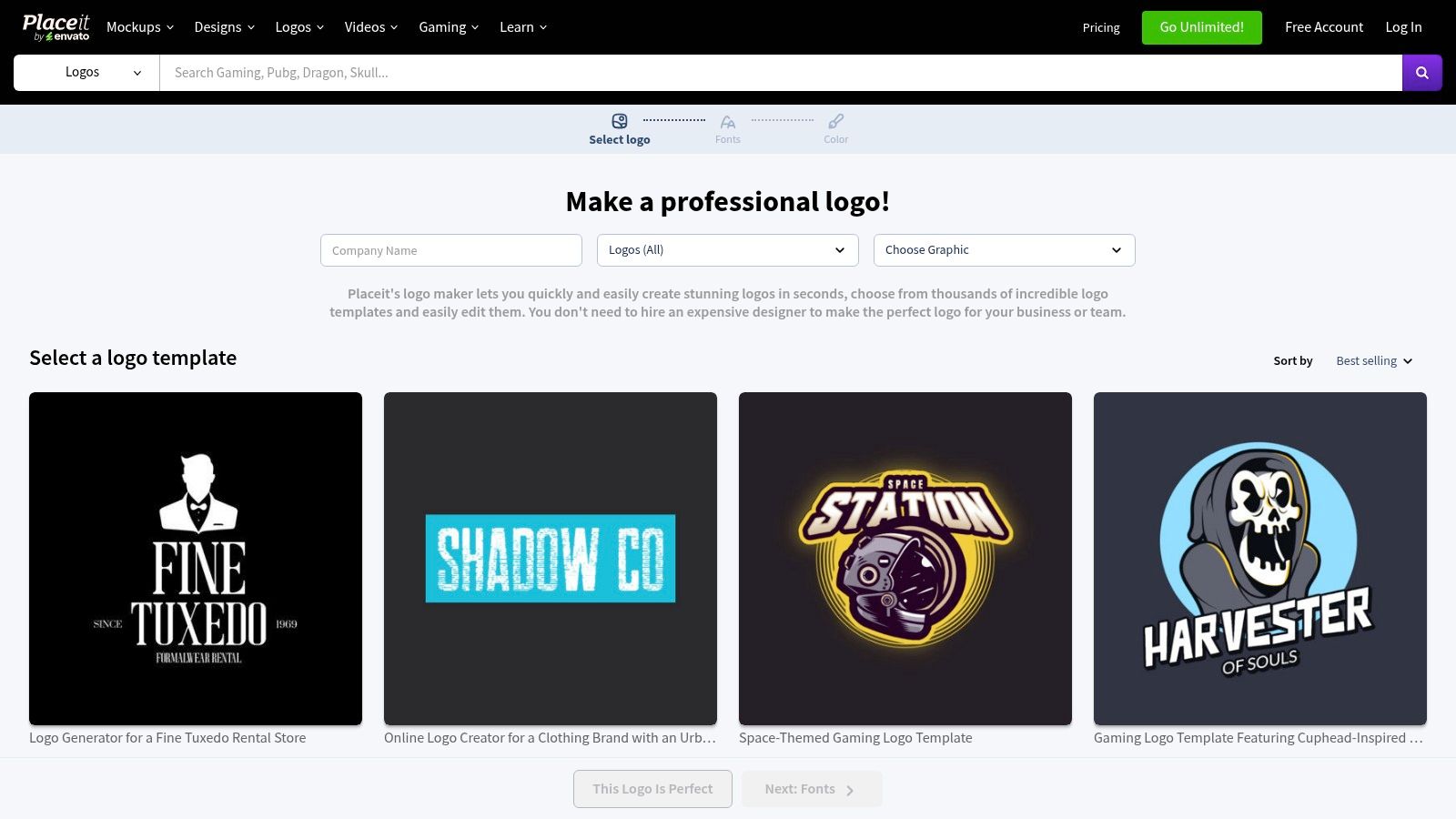
Say your channel needs a logo, a promotional video, and a merchandise preview for an upcoming launch. Placeit brings those jobs into a browser-based template library, making it more relevant than a logo-only generator for that particular workload.
Its customizable designs are supported by related video, mockup, and social-content templates. Individual purchases and subscriptions serve different needs, and Placeit says purchases include a commercial license. The value depends on whether you'll use the surrounding assets, not just whether you like a logo preview.
PNG output is the main compromise
Logo downloads are PNG files rather than vector formats such as SVG. Downloaded files also aren't editable project files, so revisions need to happen through Placeit.
That's workable for a channel avatar and routine digital placement, provided you verify dimensions and transparency before purchase. It's less suitable when your launch checklist includes an independently editable master.
- Choose it for: A coordinated batch of logo, promotional, and mockup assets.
- Be cautious about: Paying for ongoing library access when you only need a logo.
- Preserve access: Keep the original design available for future text or color changes.
Related video templates can help you produce branded footage, but inspect the specific template's controls. Don't assume every static logo design converts into the animation you want.
6. Looka
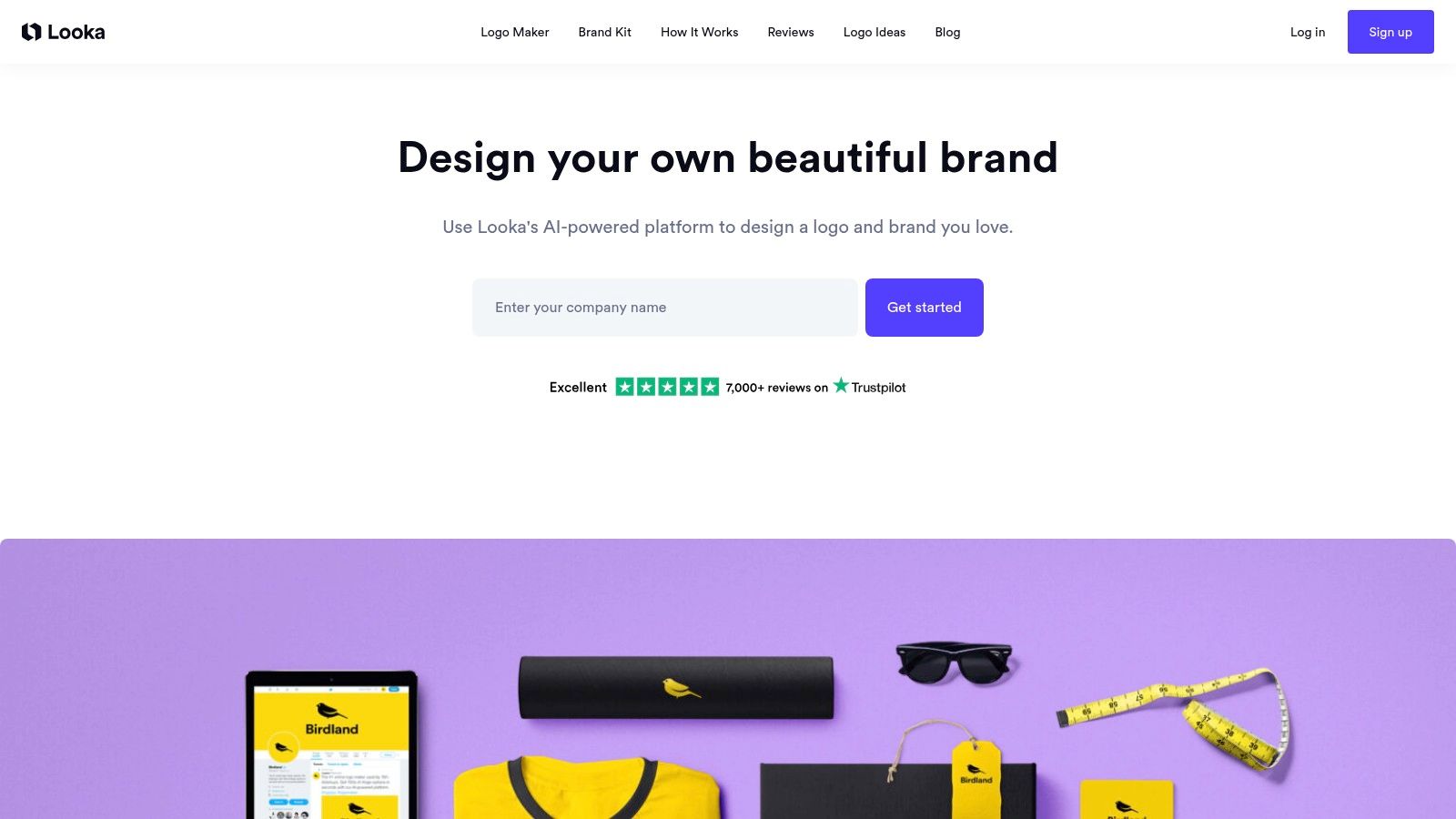
Looka is a stronger candidate when file ownership matters more than a free download. Looka generates concepts from your brand name and style choices, then lets you preview and refine them before buying.
Its premium logo package includes PNG, SVG, EPS, and PDF files with color variants. That mix supports digital placement and later reuse better than a raster-only download. A separate annual Brand Kit subscription adds pre-sized social assets, including YouTube materials.
Finalize the channel name before purchase
Looka's company name can't be changed after purchase. For founders still deciding whether to use their product name, personal name, or a separate educational brand, that restriction matters more than another round of color experiments.
Compare the logo-only package with the Brand Kit based on the work you'll do. Pre-sized assets are useful when you publish across platforms, but they don't eliminate the need to inspect crop, spacing, and readability.
If you're still exploring visual directions, an AI logo generator alternative can help broaden your shortlist before committing.
Looka doesn't replace a video editor for intro production. Confirm the transparent raster variant you need, retain the vector files, and animate a separate copy rather than treating the motion export as your master.
7. Wix Logo Maker
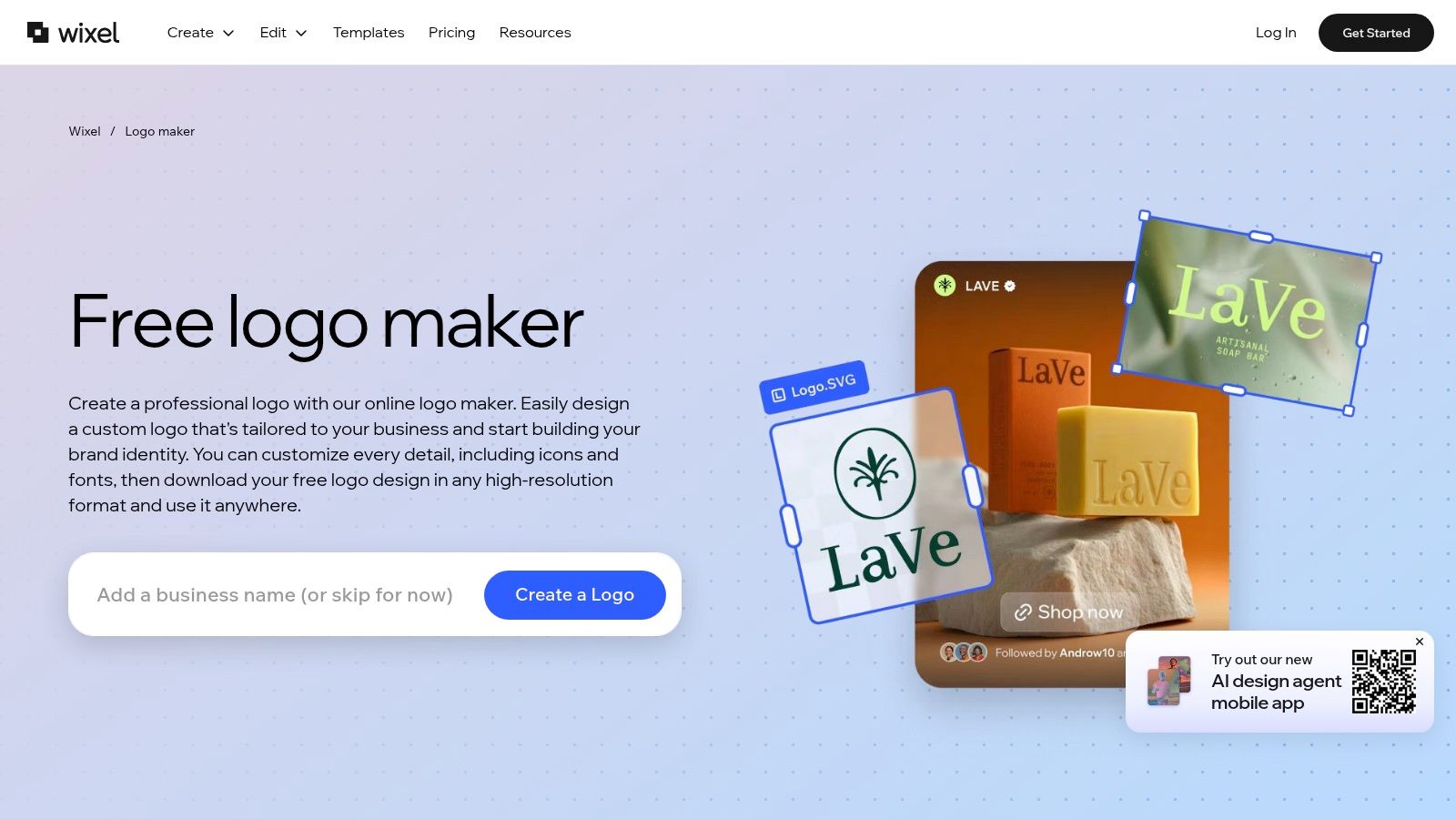
Already building a product website with Wix? Wix Logo Maker deserves a look because its logo workflow can connect with that website setup. It also works without a Wix website.
The tool generates concepts from business details and style preferences. You can obtain a free low-resolution sample, while paid plans differ in file formats, social versions, and website-related extras. Treat the sample as a concept check, not your final channel asset.
Read the package contents, not just the plan name
Some paid options include SVG files and YouTube-sized social versions. Others package the logo with website services, so compare the actual deliverables before purchasing.
- For the avatar: Inspect the symbol in a circular preview, not only the full wordmark.
- For future reuse: Select a package that explicitly includes vector files.
- For intros: Plan on an external video editor because Wix Logo Maker doesn't offer animated logos.
The website connection is convenient when you want one visual identity across your landing page and channel. It's less persuasive if you don't need the site bundle and only want an exportable icon.
Also verify transparent-background output in the package you choose. A social-sized image and a transparent overlay solve different problems, even when both contain the same logo.
8. DesignEvo
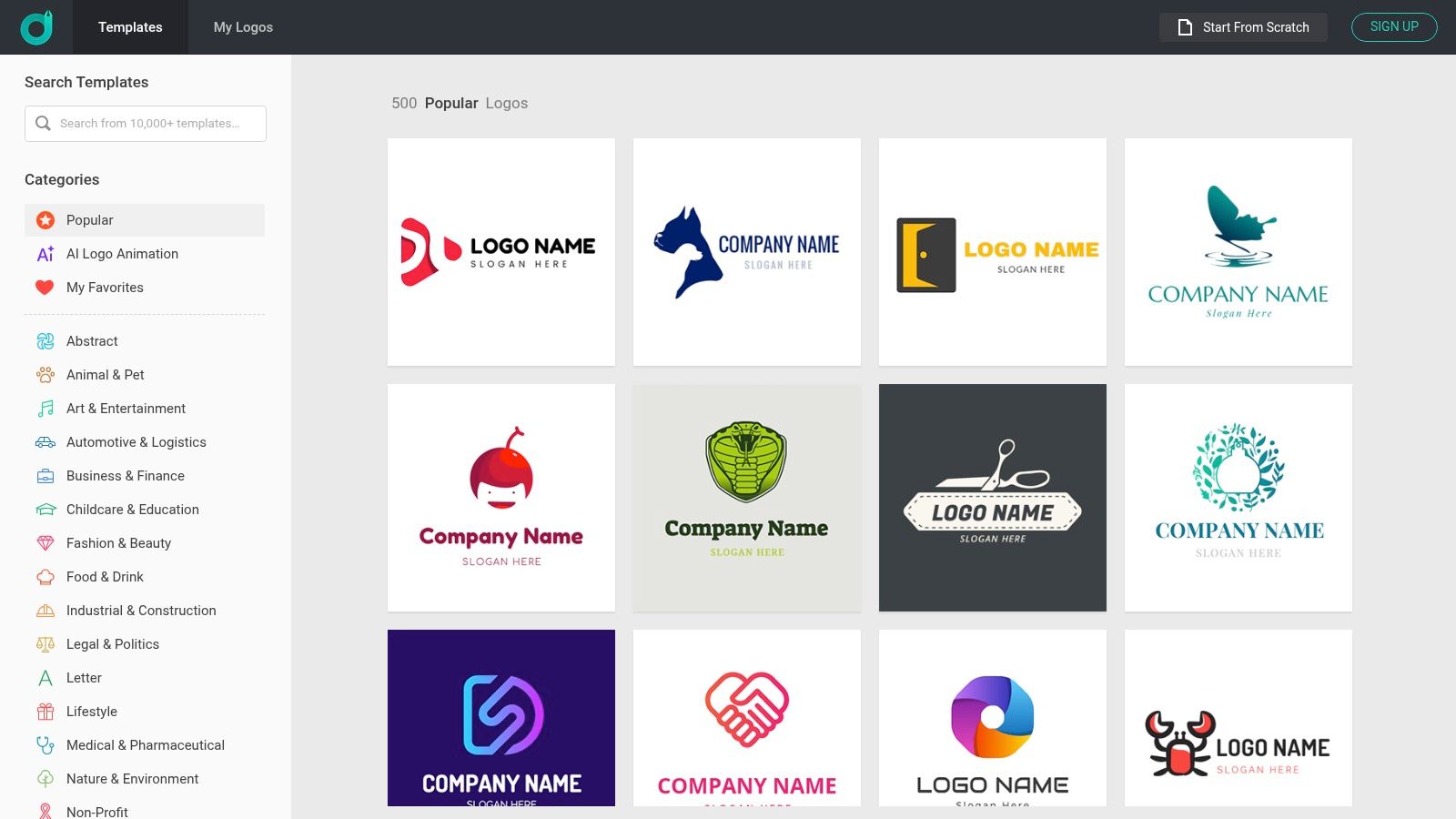
DesignEvo suits creators who prefer assembling a logo from templates, icons, fonts, and shapes rather than repeatedly generating concepts. Its browser editor provides a direct route from a recognizable starting layout to a simplified channel mark.
The free download has resolution restrictions and requires attribution. Paid downloads are available as one-time purchases, and the Plus package includes vector formats such as SVG and PDF. The paid vector tier is the relevant option if you want a reusable master.
Template test: Remove the channel name temporarily. If the remaining symbol could belong to almost any competitor, keep refining it.
Customize the structure, not only the colors
Changing blue to green doesn't do much to distinguish a common badge. Adjust the icon's proportions, remove unnecessary framing, and make the spacing intentional.
For a developer tutorial channel, a simple custom monogram may work better than a complicated technology emblem. Test it against the backgrounds you use in thumbnails, not just the editor's default canvas.
DesignEvo is primarily a static-logo workflow. Confirm transparent-background availability in your selected package, and expect to use a separate editor for animation and channel layouts. The appeal is straightforward logo assembly with a one-time purchase route, not an integrated video-production system.
9. Brandmark
A product brand may need to work on a website, a channel, and merchandise without looking like a gaming badge. Brandmark is worth considering for that broader identity job.
Its AI workflow generates concepts for review before payment. Paid packages include formats such as PNG, SVG, and PDF, while higher packages add supporting materials such as brand guidelines and social designs. Free color and font tools help you explore a direction before committing.
Supply your own YouTube context
Brandmark isn't built around YouTube avatar crops and channel layouts. You'll need to export the shortlisted mark and test those settings yourself.
- Small-size check: Separate the symbol from a long product name when necessary.
- Overlay check: Confirm which PNG variation includes transparency.
- Master check: Inspect the vector deliverables included in your chosen package.
- Motion check: Plan for animation outside the logo-generation workflow.
The trade-off is reusable branding versus channel-specific convenience. A strong standalone mark can travel well across your product and media assets, but the generator won't decide how much detail survives in the comment feed.
Choose Brandmark when you want a broader visual identity and are comfortable assembling channel graphics elsewhere. A general graphics editor is a better fit if you expect frequent hands-on layout changes.
10. VistaCreate
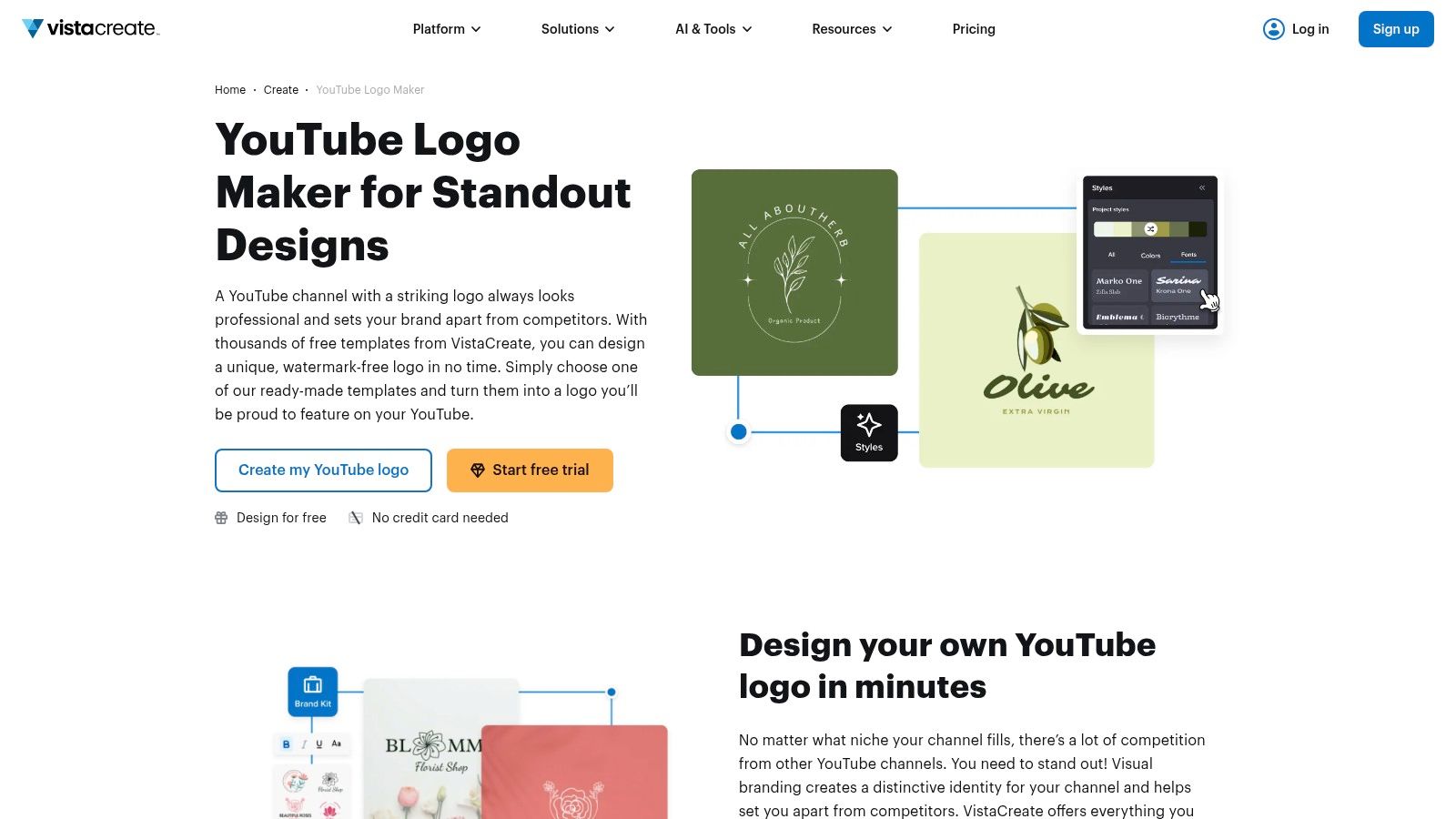
VistaCreate is useful when your logo needs to live inside an ongoing content workflow. VistaCreate's YouTube logo tools sit alongside channel-art, thumbnail, and social-design formats.
The platform offers editable logo templates and a separate Logomaker option. Depending on the design, exports may include PNG, transparent PNG, PDF, MP4, and GIF. That gives creators options for static graphics and motion, but you need to inspect the export choices in the specific workflow you're using.
Keep static and animated versions separate
Create a clear static mark before adding movement. Use the animated version for footage, and retain a separate still image for the profile picture.
VistaCreate's broad editor helps carry colors and typography across channel assets. The drawback is complexity if all you need is a simple icon, especially when free-plan asset access and export availability affect your chosen design.
Don't treat the presence of PDF export as proof that you'll receive a fully editable vector logo. Open the exported file and inspect its contents before considering it your master.
VistaCreate suits creators who regularly produce banners, thumbnails, and short promotional graphics. For a logo-only purchase with clearly specified vector deliverables, a dedicated logo package is easier to evaluate.
How the logo makers differ on free options, export formats, and best-fit use
| Item | Free Option | Export Formats | Best For |
|---|---|---|---|
| Free Logo Maker by IndieTool | Free to use | PNG, SVG | Quick logo creation with social-profile previews |
| Canva | Free plan; some assets and features are paid | PNG, including transparent PNG option | Creators making a logo and matching channel graphics |
| Adobe Express | Free plan available; some features and assets are paid | PNG, JPG | Creators who want logo generation and broader social or video design tools |
| LOGO.com | Free high-resolution PNG, according to the provider | PNG; vector files on paid plans | YouTube creators seeking channel-focused logo concepts |
| Placeit | No free tier; buy designs individually or use a subscription | PNG | Creators who want logos alongside video templates and mockups |
| Looka | Preview concepts before purchase; downloads require payment | PNG, SVG, EPS, PDF | Creators seeking a logo and pre-sized social assets |
| Wix Logo Maker | Free low-resolution sample | SVG on some paid plans; YouTube-sized social files on some plans | Creators already building a website with Wix |
| DesignEvo | Free low-resolution download with attribution | PNG; SVG and PDF in the paid Plus package | Creators who want template-based designs and optional vector files |
| Brandmark | Preview concepts before purchase; downloads require payment | PNG, SVG, PDF | Creators who want reusable logo files and brand tools |
| VistaCreate | Free plan includes access to free templates and assets, with PNG and JPG exports | PNG, JPG; additional formats depend on the design and plan | Creators making static or animated logos and matching channel assets |
For a YouTube channel, compare these tools by the files they let you download. A PNG may work for an avatar, while a transparent PNG is more useful over footage. SVG or another vector format gives you a master you can resize for banners and future designs.
The table also separates concept previews from usable downloads. Looka and Brandmark let you preview designs before paying, while DesignEvo offers a low-resolution download with attribution. Placeit has no free tier, with designs available individually or through a subscription. Check the specific plan and design before committing, especially if you need a transparent file or vector export for reuse.
Choosing a Logo Maker and Building a Repeatable Channel Workflow
Choose your logo maker for YouTube based on the files and versions you need. A PNG may work for an initial avatar. A transparent PNG lets you place the mark over footage, while a genuine vector master makes later resizing and edits easier. Check that the finished mark works across the channel, not just in the editor preview.
For a connected banner and thumbnail workflow, Canva and VistaCreate are practical options. Compare Adobe Express if motion is part of your plan. Looka, Brandmark, and tools with vector exports are worth considering when you expect to reuse or revise the logo. A polished preview alone is not a reason to pay.
Test the downloaded asset before publishing
YouTube's channel-branding guidance specifies a profile image that renders at 98 × 98 pixels. Inspect your actual export at that rendered size rather than trusting the large editor preview.
Check the logo in a circular crop, in grayscale, and against light and dark backgrounds. Look for thin strokes that disappear, shapes that become hard to recognize, and unwanted edges around transparent files. If the symbol only reads when enlarged, simplify it before making matching channel graphics.
- Keep a master: Save the editable project and any vector exports separately from files prepared for upload.
- Separate the variants: Keep an avatar symbol, a full-name lockup, and an overlay version.
- Record the basics: Store the selected colors, fonts, and spacing notes with the files.
Build consistency without expecting a growth shortcut
A Rollins College honors thesis analyzed 15 YouTube channels and reported an association between cohesive branding and larger audiences. The thesis cautioned that the finding does not establish cause and effect. Branding can support recognition, but it cannot replace useful videos or clear positioning.
Before paying, confirm that the tool supports transparency, suitable export dimensions, and vector files if you need them. Check whether you can revise the channel name later. Before publishing, place the mark in a draft banner, thumbnail, and intro. Those placements reveal issues that a logo preview may hide.
Choose the tool that gives you a recognizable mark and files you can maintain without extra work. Save the source project, then focus on making videos that give viewers a reason to return.
IndieTool offers a free logo maker alongside a directory of apps and startups built by indie founders. Explore IndieTool as a starting point for your channel identity and for other launch-preparation tools.