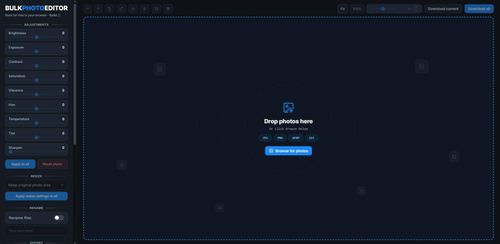
Bulk Photo Editor offers a straightforward browser-based solution for batch editing images, focusing on color adjustments, resizing, and renaming without the need for downloads or registration. Its simplicity and zero cost make it a practical choice for quick, bulk photo editing tasks.
Key Advantages
- ✓No download or registration required, making it easily accessible.
- ✓Completely free, which is cost-effective for budget-conscious users.
- ✓Simple interface suitable for quick adjustments without complex features.
Trade-offs & Considerations
- •Limited to basic editing functions, lacking advanced photo editing capabilities.
- •Dependent on browser performance, which may vary across different systems.
What is Bulk Photo Editor?
Bulk Photo Editor is a powerful online tool designed to help users efficiently color edit, rename, and resize multiple images simultaneously. With its user-friendly interface, you can manage your photo editing tasks directly in the browser without the need for downloads or registrations.
Key Features & Highlights
5 FeaturesCore capabilities and advantages of using Bulk Photo Editor for your workflow:
How to use Bulk Photo Editor
To get started with Bulk Photo Editor, simply visit the website. Upload the images you wish to edit by dragging and dropping them into the interface. Once uploaded, select the desired editing options—color adjustments, resizing, or renaming. After configuring your edits, click the 'Apply' button. The tool processes your images simultaneously, allowing you to download them all at once. It’s that easy! Perfect for anyone looking to elevate their visual content quickly.
About Bulk Photo Editor
As a startup founder, time is your most precious resource, and Bulk Photo Editor recognizes that. This tool streamlines the often tedious and repetitive task of photo editing. By allowing you to edit, rename, and resize all your images in one go, it eliminates the hassle of handling each photo individually. Whether you're preparing images for your website, social media, or marketing materials, Bulk Photo Editor empowers you to maintain a consistent look and feel. Best of all, it’s free and requires no cumbersome sign-ups, making it an attractive option for busy entrepreneurs looking to enhance their visual content without the usual overhead.
Real performance numbers in the last 30 days
Frequently Asked Questions
Common questions about Bulk Photo Editor, features, and launch details.
Q:Is Bulk Photo Editor really free to use?
Yes, Bulk Photo Editor is completely free and does not require any downloads or subscriptions.
Q:Do I need to upload my photos to use the app?
No, your photos are never uploaded; all editing is done directly in your browser.
Q:What types of adjustments can I make with Bulk Photo Editor?
You can crop, resize, adjust colors, and apply various effects to your photos in bulk.
Related Seo Apps
View All →
Codersera
AI Agent Task Manager — Run Multiple AI Coding Agents in Parallel
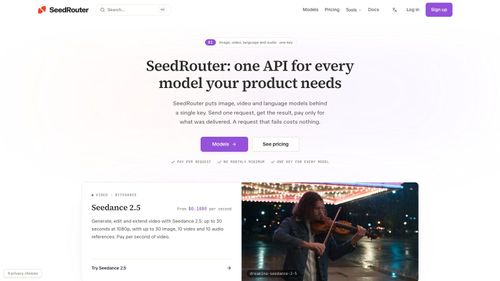
SeedRouter
SeedRouter | One API for Image, Video, LLM and Audio Models
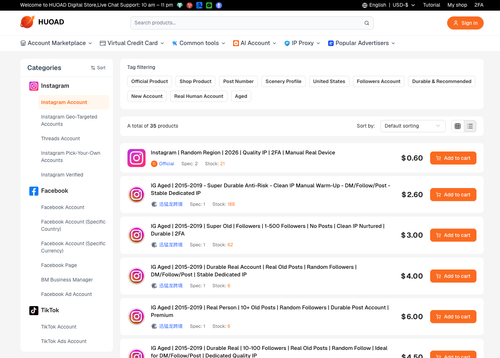
HUOAD
Marketplace for Social Media Accounts and Digital Goods
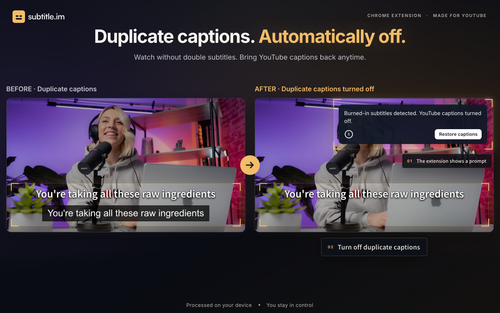
subtitle.im
YouTube captions on or off, with local duplicate detection.
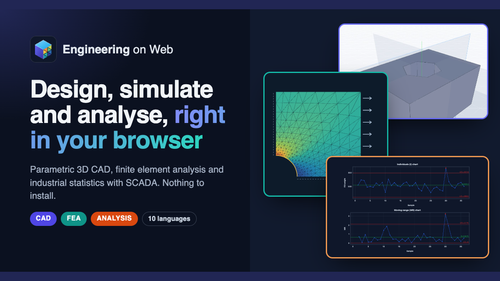
Engineering on Web
Engineering on Web - Free CAD, FEA and Analysis in Your Browser
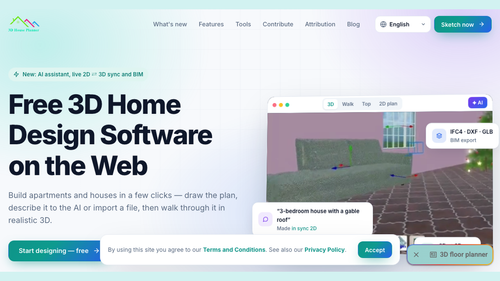
3D House Planner
3D House Planner - Free 3D Floor Planner on the Web