subtitle.im
ProductivityDR 20YouTube captions on or off, with local duplicate detection.
subtitle.im offers invaluable control over YouTube captions, enhancing the viewing experience by eliminating distractions and adapting to user preferences.
Key Advantages
- ✓Local detection of burned-in subtitles for personalized control.
- ✓No sign-up required for the free version, allowing immediate use.
- ✓Customizable settings for individual channels and videos.
Trade-offs & Considerations
- •Pro features require a subscription for advanced capabilities.
- •Limited to use within the Chrome browser.
What is subtitle.im?
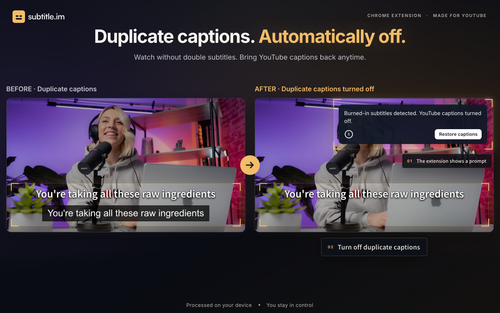
subtitle.im is a Chrome extension that empowers users to manage existing YouTube captions effortlessly. It solves the problem of unwanted duplicate captions by detecting burned-in subtitles locally and allowing for personalized caption settings.
Key Features & Highlights
5 FeaturesCore capabilities and advantages of using subtitle.im for your workflow:
How to use subtitle.im
To use subtitle.im, simply install the Chrome extension and set your caption preferences. You can choose to auto-open or close captions based on your viewing habits, and even manage settings for specific channels and videos. Start with 10 videos for free and seamlessly transition to the Pro plan for unlimited handling.
About subtitle.im
subtitle.im is an innovative tool designed for anyone who enjoys watching YouTube videos with captions but finds the clutter of duplicate captions distracting. By offering local detection of burned-in subtitles and customizable settings, this extension enables users to automatically turn captions on or off based on their preferences. Founders and creators will appreciate how it streamlines the viewing experience, making it a must-have for those who prioritize accessibility and user control in content consumption.
Real performance numbers in the last 30 days
Frequently Asked Questions
Common questions about subtitle.im, features, and launch details.
Q:How does subtitle.im detect burned-in subtitles?
subtitle.im uses local optical character recognition (OCR) to identify burned-in subtitles directly in your browser, allowing for seamless management without sending data to a server.
Q:Can I use subtitle.im on browsers other than Chrome?
Currently, subtitle.im is designed specifically for the Chrome browser, and there are no extensions available for other browsers at this time.
Q:What happens if I exceed the 10-video limit in the free plan?
Once you reach the limit of 10 successfully handled videos in the free plan, you can either upgrade to the Pro subscription for unlimited handling or continue using the free version with the initial features.
Related Productivity Apps
View All →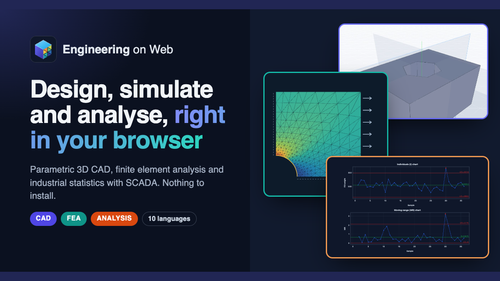
Engineering on Web
Engineering on Web - Free CAD, FEA and Analysis in Your Browser
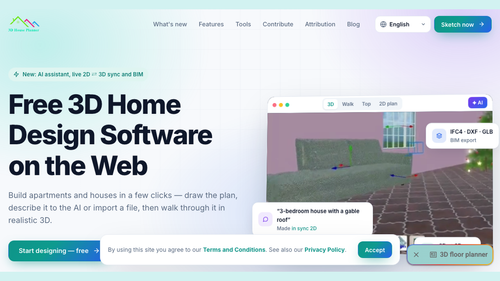
3D House Planner
3D House Planner - Free 3D Floor Planner on the Web

YouTube to Transcript
YouTube to Transcript - Create study Notes, AI ready bulk export
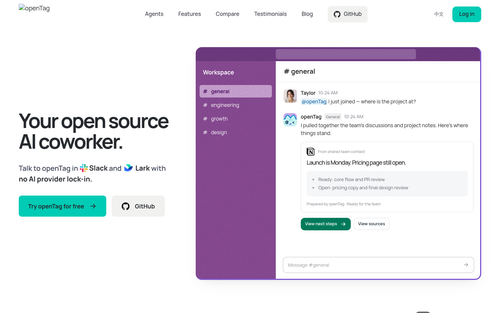
OpenTag
openTag — Open source AI coworker for Slack and Lark
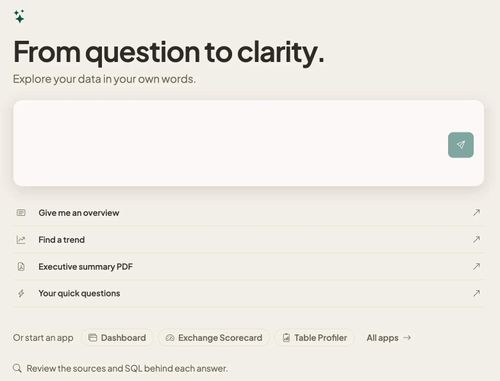
Databasin
One platform for connectors, pipelines, lakehouse and AI answers, on one meter.
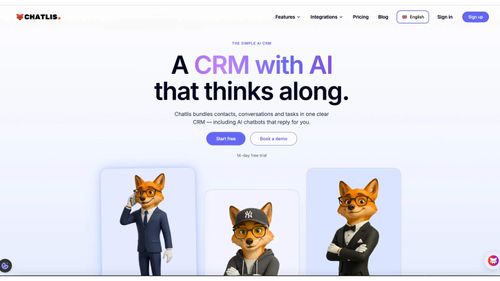
Chatlis CRM
Future of customer relationships is now
Featured Banner for subtitle.im Productivity Tool (1080x75)