Screenhance
DesignDR 9Easy launch-ready visuals
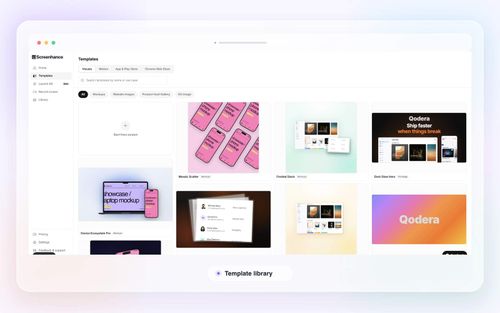
Screenhance offers a streamlined online editor for creating polished mockups, app store visuals, and product videos, catering to users without design skills. Its utility lies in simplifying the creation of launch-ready assets across multiple platforms.
Key Advantages
- ✓Wide range of templates for various devices and platforms
- ✓Easy-to-use interface that requires no design skills
- ✓Affordable pricing options including a free tier
Trade-offs & Considerations
- •Video exports in free and launch pass versions are watermarked
- •Not suitable for large enterprises needing extensive customization
What is Screenhance?
Screenhance is an innovative online editor designed to help creators and marketers produce stunning mockups, product screenshots, and animated visuals for various launch surfaces. It streamlines the creation process, enabling users to present their products effectively across multiple platforms.
Key Features & Highlights
5 FeaturesCore capabilities and advantages of using Screenhance for your workflow:
How to use Screenhance
To use Screenhance, start by uploading your product screenshots or artwork. Next, select a mockup or template that suits your vision, then customize the design to fit your brand. Finally, refine your visuals and export them in the required format for your launch.
About Screenhance
Screenhance is built for creators who want to simplify their product launch visuals. With a focus on ease of use and versatility, it offers a wide range of templates and mockups that cater to various industries and platforms. The app ensures that every visual aspect remains consistent across all outputs.
Real performance numbers in the last 30 days
Frequently Asked Questions
Common questions about Screenhance, features, and launch details.
Q:What types of mockups can I create with Screenhance?
With Screenhance, you can create mockups for various devices, including smartphones, tablets, laptops, and even physical print products like apparel and packaging.
Q:Is there a free trial available for Screenhance?
Yes, Screenhance offers a free version that allows users to start creating without a credit card, enabling you to explore its features before committing.
Q:Can I export my designs in different formats?
Absolutely! Screenhance supports multiple export formats, including PNG, JPG, GIF, WebM, and MP4, ensuring your visuals are ready for any platform.
Related Design Apps
View All →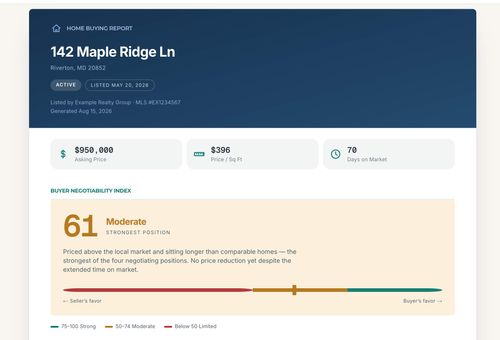
Home Agent Guru
Find out how much room you may have to negotiate before making an offer on a home
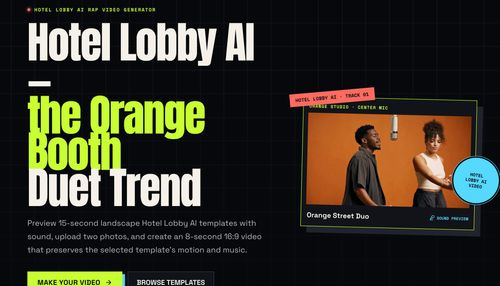
HOTEL LOBBY AI
AI Rap Video Generator
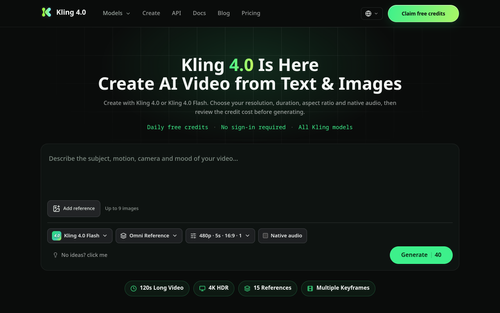
Kling 4.0
Kling 4.0 — Video Credit Plans
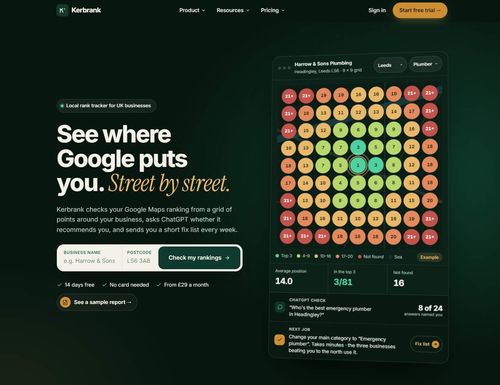
Kerbrank
See where Google puts you. Street by street.
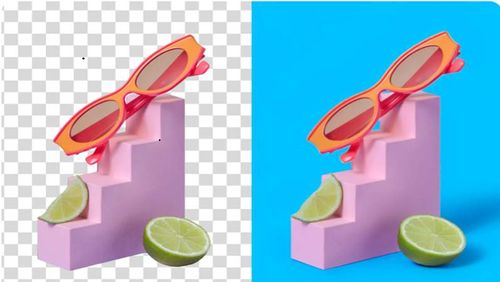
Adobe Firefly Background Remover
Adobe Firefly AI Background Remover: free one-click transparent cutouts
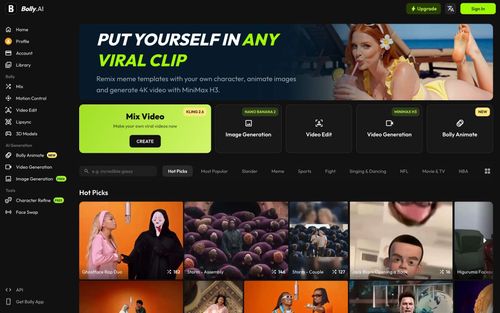
Bolly.AI
Put yourself in any viral clip. AI image, video and audio in one creative suite.
Featured Banner for Screenhance Design Tool (1080x75)