Browser Notes
ProductivityDR 10Notes, sticky boards, and mind maps - saved locally.
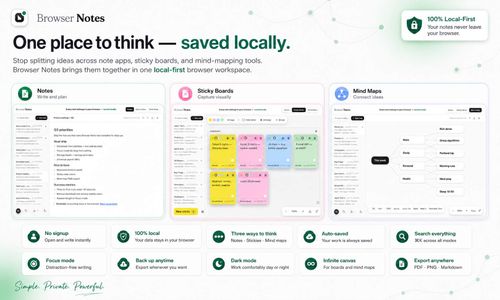
Browser Notes offers a straightforward, local-first approach to note-taking and idea organization, allowing users to create and store notes, sticky boards, and mind maps directly on their devices without the need for cloud syncing. This tool is ideal for those who value privacy and simplicity in their digital workspace.
Key Advantages
- ✓No account or cloud sync required, enhancing privacy.
- ✓Supports multiple formats: notes, sticky boards, and mind maps.
- ✓Local storage ensures data remains on your device.
Trade-offs & Considerations
- •Limited to local storage, no cloud backup option.
- •May not integrate well with other tools or services due to its local-first nature.
What is Browser Notes?
Browser Notes is a local-first workspace designed for capturing and organizing your thoughts. It allows users to create notes, sticky boards, and mind maps without the need for an account or cloud synchronization, ensuring your ideas are stored securely on your device.
Key Features & Highlights
5 FeaturesCore capabilities and advantages of using Browser Notes for your workflow:
How to use Browser Notes
Getting started with Browser Notes is a breeze. Simply open the app in your browser, and you're greeted with a clean interface ready for your thoughts. To create a note, click on the 'New Note' button and start typing. For visual thinkers, use the sticky board feature to organize ideas spatially. To create a mind map, select the mind mapping option and connect your concepts in a way that makes sense to you. Remember, everything is saved locally, so you can close your browser without losing any progress. It's that easy to unleash your creativity!
About Browser Notes
Browser Notes is a refreshing solution for founders seeking simplicity and privacy in their note-taking process. In a world where many productivity tools push cloud connectivity, Browser Notes stands out by offering a local-first approach. This means you have complete control over your notes without worrying about data breaches or subscription fees. It's perfect for brainstorming sessions, quick idea captures, and structured mind mapping. For startup founders who often juggle multiple tasks and ideas, this tool provides a clutter-free environment to focus on what truly matters—your vision and execution.
Real performance numbers in the last 30 days
Frequently Asked Questions
Common questions about Browser Notes, features, and launch details.
Q:Is Browser Notes available for all browsers?
Yes, Browser Notes is compatible with all major web browsers, including Chrome, Firefox, and Safari.
Q:Can I sync my notes across devices?
Absolutely! Browser Notes supports cloud synchronization, allowing you to access your notes from any device.
Q:Is there a free version of Browser Notes?
Yes, Browser Notes offers a free version with essential features, as well as a premium subscription for advanced functionalities.
Related Productivity Apps
View All →
ZeroBG.ai
ZeroBG - AI Background Remover & Photo Cleanup Tools
Silentcut
SilentCut makes the boring cuts, you make the calls.

RBQ Exam
Practice questions and mock exams for the RBQ contractor licence exams.
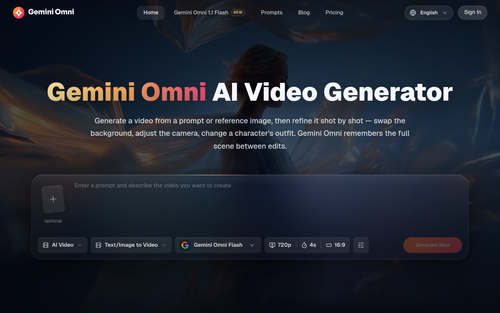
Gemini Omni
Gemini Omni - Free Online AI Video Generator & Editor
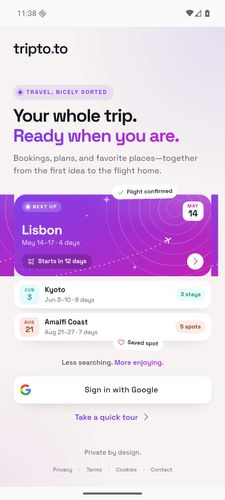
tripto.to
Your bookings, day plans, documents, and saved places—beautifully together.
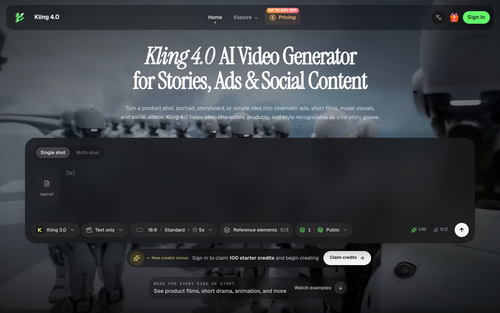
Kling 4.0
Kling 4.0 AI Video Generator for Stories, Ads & Social Content
Featured Banner for Browser Notes Productivity Tool (1080x75)