BoltShot
ProductivityDR 18"Screenshot API for developers"
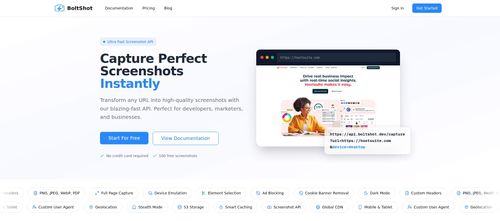
BoltShot offers a straightforward API for developers to capture high-quality web page screenshots without the hassle of managing browser infrastructure. Its diverse feature set, including device emulation and ad blocking, makes it a versatile tool for various applications.
Key Advantages
- ✓Eliminates the need to manage browser clusters for screenshot generation.
- ✓Offers extensive customization options like device emulation and ad blocking.
- ✓Supports multiple output formats and integrates easily with existing workflows.
Trade-offs & Considerations
- •Requires API key setup for use.
- •Primarily focused on screenshot functionality, not a full web automation suite.
What is BoltShot?
BoltShot is a powerful Screenshot API designed specifically for developers. With just a single API call, users can generate high-quality screenshots of web pages, eliminating the need for managing complex browser clusters or navigating tricky edge cases.
Key Features & Highlights
5 FeaturesCore capabilities and advantages of using BoltShot for your workflow:
How to use BoltShot
To get started with BoltShot, sign up for an API key on their website. Once you have your key, you can easily make your first API call by sending a request with the desired URL and parameters, such as image format and dimensions. The API will return a link to the generated screenshot. For best results, experiment with different settings to match your project’s needs. BoltShot's comprehensive documentation provides additional guidance on advanced features, ensuring you can make the most out of this powerful tool.
About BoltShot
As a curator at IndieTool, I'm genuinely excited about BoltShot. This app addresses a common pain point for developers: the hassle of capturing screenshots programmatically. Instead of getting bogged down in the intricacies of browser management, BoltShot streamlines the process, allowing founders to focus on building their products. Whether you're showcasing features or generating documentation, BoltShot makes it easy to create stunning visuals with minimal effort. This is a game changer for startups looking to enhance their user interfaces and marketing materials without the technical overhead. Founders should definitely consider integrating this efficient tool into their workflow.
Real performance numbers in the last 30 days
Frequently Asked Questions
Common questions about BoltShot, features, and launch details.
Q:What formats does BoltShot support for screenshots?
BoltShot supports multiple formats including PNG, JPEG, WebP, and PDF, allowing you to choose the best format for your needs.
Q:Can I capture specific elements on a webpage?
Yes, BoltShot allows you to use CSS selectors to target specific elements on a page for precise screenshot captures.
Q:Is there a free trial available for BoltShot?
Yes, you can start capturing screenshots for free with 100 free screenshots and no credit card required.
Related Productivity Apps
View All →
Influence
Plan, write and schedule your social media posts.

The Audio Stuff
Honest Hi-Fi Gear Reviews Built on Real Listening
Ordalin
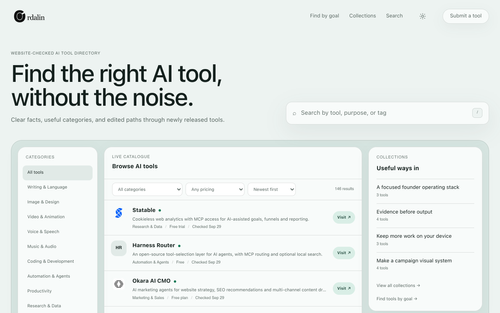
Ordalin — find the right AI tool for the job
Coralflavor
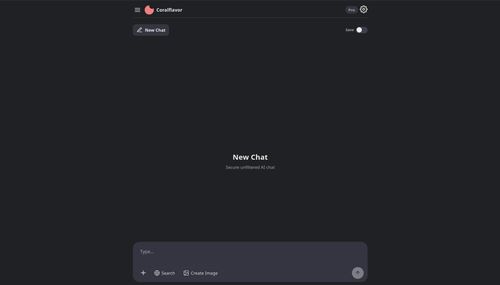
Freedom-First Unfiltered AI
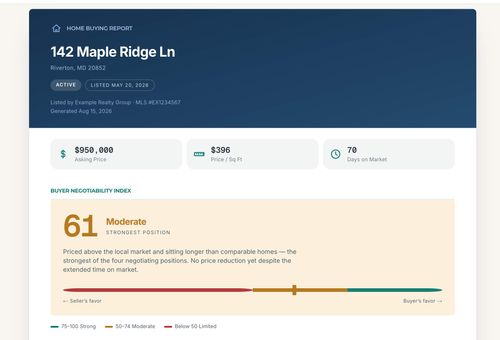
Home Agent Guru
Find out how much room you may have to negotiate before making an offer on a home
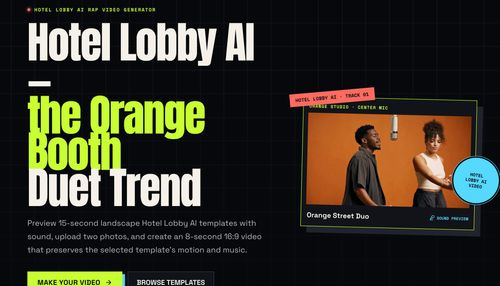
HOTEL LOBBY AI
AI Rap Video Generator
Featured Banner for BoltShot Productivity Tool (1080x75)