Indietool
10 Zapier Alternatives Compared for Budget and Complexity

A lead-capture workflow can feel effortless at first. A form submission creates a CRM record, then sends a Slack notification, and the team moves on. But as you add enrichment, routing, follow-ups, and error handling, the monthly task bill can climb, and the workflow that once saved time starts demanding more attention.
The right Zapier alternative depends less on which platform lists the most apps and more on three practical questions: How does it count a workflow run? How much technical setup can your team absorb? And is this automation for one person, a department, or the whole organization? A form-to-CRM-to-Slack sequence might count as several tasks, credits, or transactions on one platform, but as a single workflow execution on another.
Below, each tool is assessed against that kind of real workflow, with attention to billing units, setup effort, and the situations where its trade-offs make sense. The point isn't to crown a universal winner. It's to find a platform that fits the work you need to automate without creating a different cost or maintenance problem.
Table of Contents
- 1. Zenfox.ai
- 2. Make
- 3. n8n
- 4. Activepieces
- 5. Pipedream
- 6. Microsoft Power Automate
- 7. IFTTT
- 8. Albato
- 9. Integrately
- 10. Pabbly Connect
- 11. Workato
- Zapier alternatives at a glance
- Choosing Your Zapier Alternative Before You Commit
1. Zenfox.ai
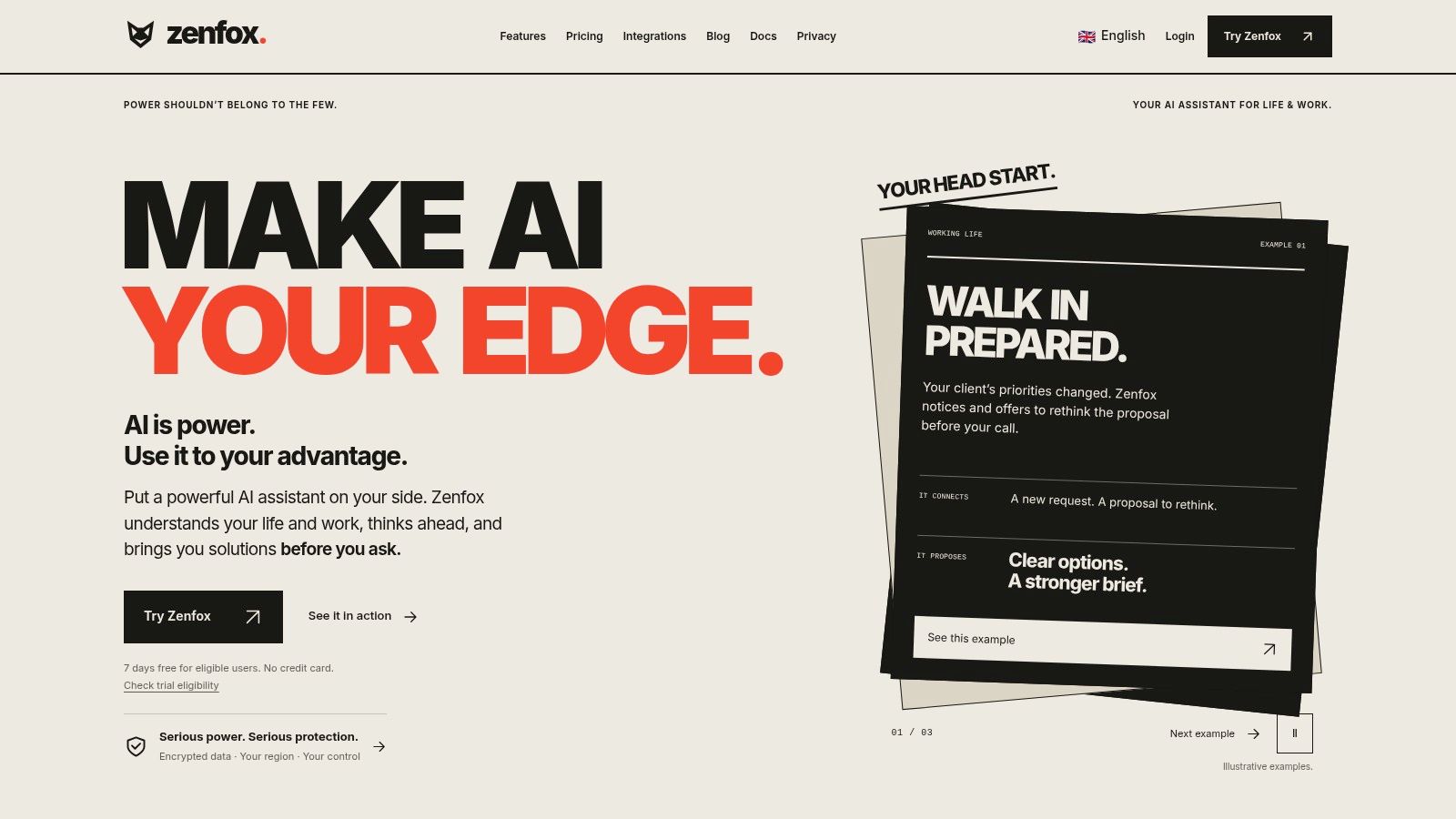
Zenfox.ai takes a different approach from a conventional trigger-and-action builder. You describe a goal in plain English, and its AI-powered assistant can create and run workflows across connected tools. A team might ask it to prepare a client follow-up, update a CRM record, or assemble a recurring report. It is designed to draw on context from connected services, rather than treating every automation as an isolated sequence of steps.
For the standard form-to-CRM-to-Slack test, setup starts with connecting the form source, CRM, and Slack, then writing the goal tightly enough that the agent creates the record and sends the alert without extra actions. The practical question is billing: I could not verify a clear public unit such as a task, credit, execution, or transaction. Before committing, ask whether one interpreted request counts as one run, whether each connected-app call is metered, and whether retries or branch attempts add cost.
The vendor describes broader features such as search across connected documents, emails, and databases, plus research and monitoring. Treat those as claims to confirm in a trial, especially if they are central to the use case.
Where an AI assistant fits
Zenfox makes sense when a fixed workflow is only part of the job and the harder work is interpreting context across tools. It can reduce initial setup because you are describing an outcome instead of wiring every step. The trade-off is control: autonomous actions need tight permissions, approval steps for writes, and a clear way to review what ran. Ask whether an activity log exists and how detailed it is before you rely on it for incident review.
Zenfox lists connections to services including Gmail, Slack, HubSpot, and Drive, and describes security features such as SOC 2 certification, GDPR alignment, and encryption on its Zenfox AI site. Verify those claims and any plan limits against the current product and contract. Choose it for conversational setup and cross-context work; for predictable per-run pricing, force the same form-to-CRM-to-Slack test and get the metering model in writing.
2. Make
Make is a strong candidate when a workflow needs visible branching and routing, not just a straight line of actions. Its canvas shows how a form submission moves through filters, routers, and connected apps, which makes a complicated process easier to inspect. The trade-off is a steeper learning curve than a simple step list.
For a form-to-CRM-to-Slack sequence, count each operation rather than assuming the whole flow is one billable event. Make bills in credits, and each module that runs consumes them, including the trigger that checks for new submissions. A scenario that polls your form app on a fixed schedule spends credits even on checks that return nothing, so the polling interval is part of the monthly cost. Make's pricing page lists the free plan and the credits included in each paid tier, which gives you a baseline for measuring real consumption.
Where the cost hides
Routers change the math. A branch that sends different leads to different destinations runs a different number of modules per record, so two identical-looking scenarios can bill differently depending on the data passing through them. Build a test scenario with the same trigger, actions, and branches you expect to use, then watch credit consumption over a week before forecasting usage.
Plan tiers also differ on team and scenario-sharing controls. If several people need to edit or monitor the same flows, check which tier supports that before committing, since governance needs can push you into a higher bracket than the workflow's volume alone would suggest.
Choose Make when the visual model helps you understand and maintain workflow logic. It is a weaker fit if your team needs a nearly zero-learning-curve builder, or if costs that vary with the path each record takes are a problem for budgeting.
3. n8n
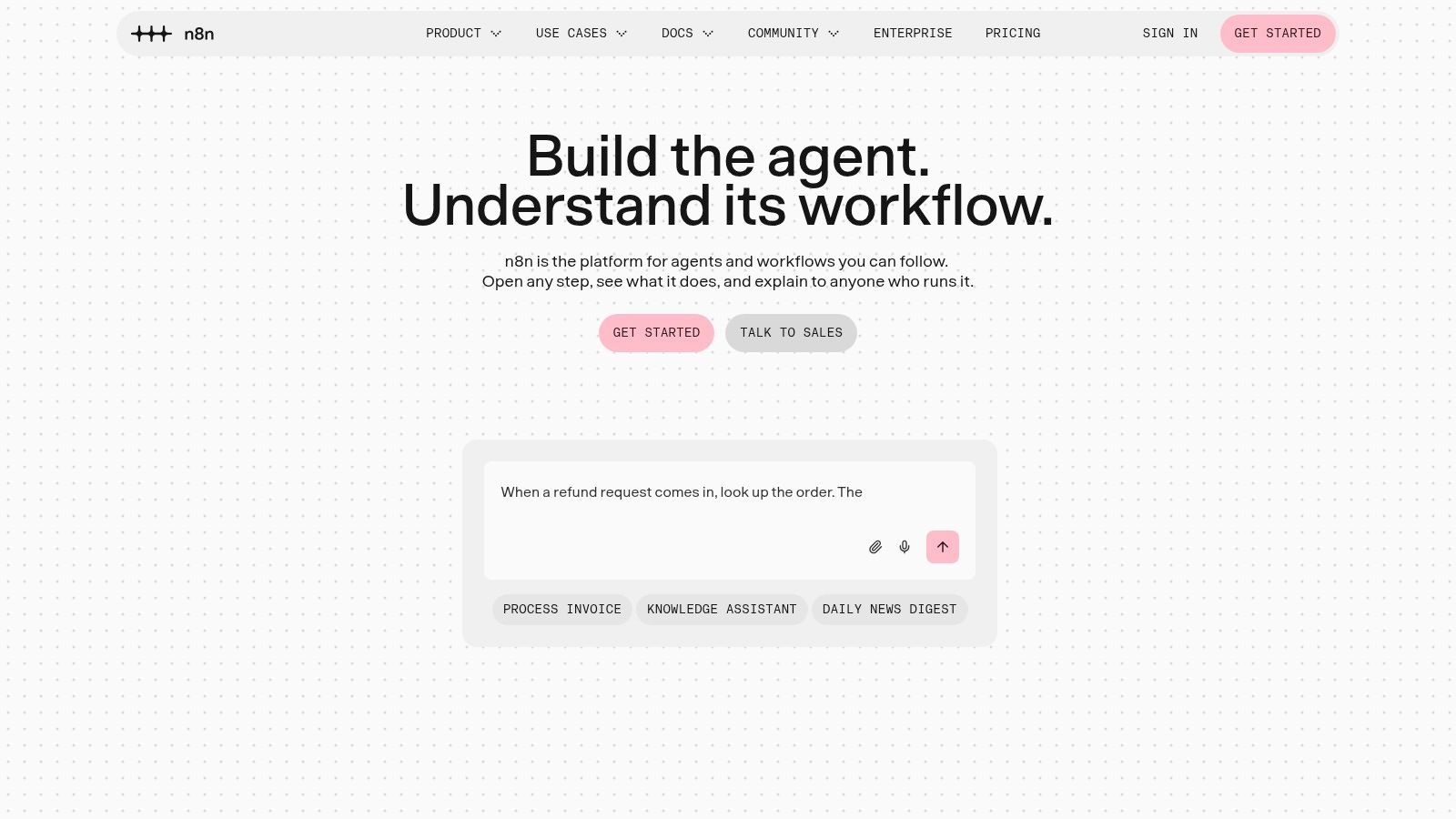
n8n suits teams that want more control over how integrations work and where workflows run. It offers cloud plans billed by complete workflow executions, as well as a self-hosted Community Edition. With code steps and custom API requests, a developer can handle cases that would be awkward to represent with standard app actions.
For the familiar form-to-CRM-to-Slack example, execution-based billing can be easier to reason about than a meter that charges for every action. The workflow may contain several steps, but the cloud billing unit is a complete execution. That doesn't mean every workflow has the same overall cost: check the plan's limits and calculate how often the flow runs. If you self-host, also account for the time and infrastructure needed to keep the service dependable.
Control comes with responsibility
Self-hosting can give a team greater control over deployment and data handling. It also shifts operational work to you. Someone needs to manage updates, monitor failures, maintain credentials, and ensure the host has enough capacity. That's a real trade-off, not a minor setup detail.
n8n's developer tools are a strength when a standard connector doesn't expose the action you need. They're less helpful if the person maintaining the flow isn't comfortable with APIs, JavaScript, or debugging requests. Start with a representative workflow and confirm that the required integrations and data fields are available in the version you plan to run.
Practical rule: Choose self-hosting only if someone on the team owns its maintenance, not just its initial setup.
4. Activepieces
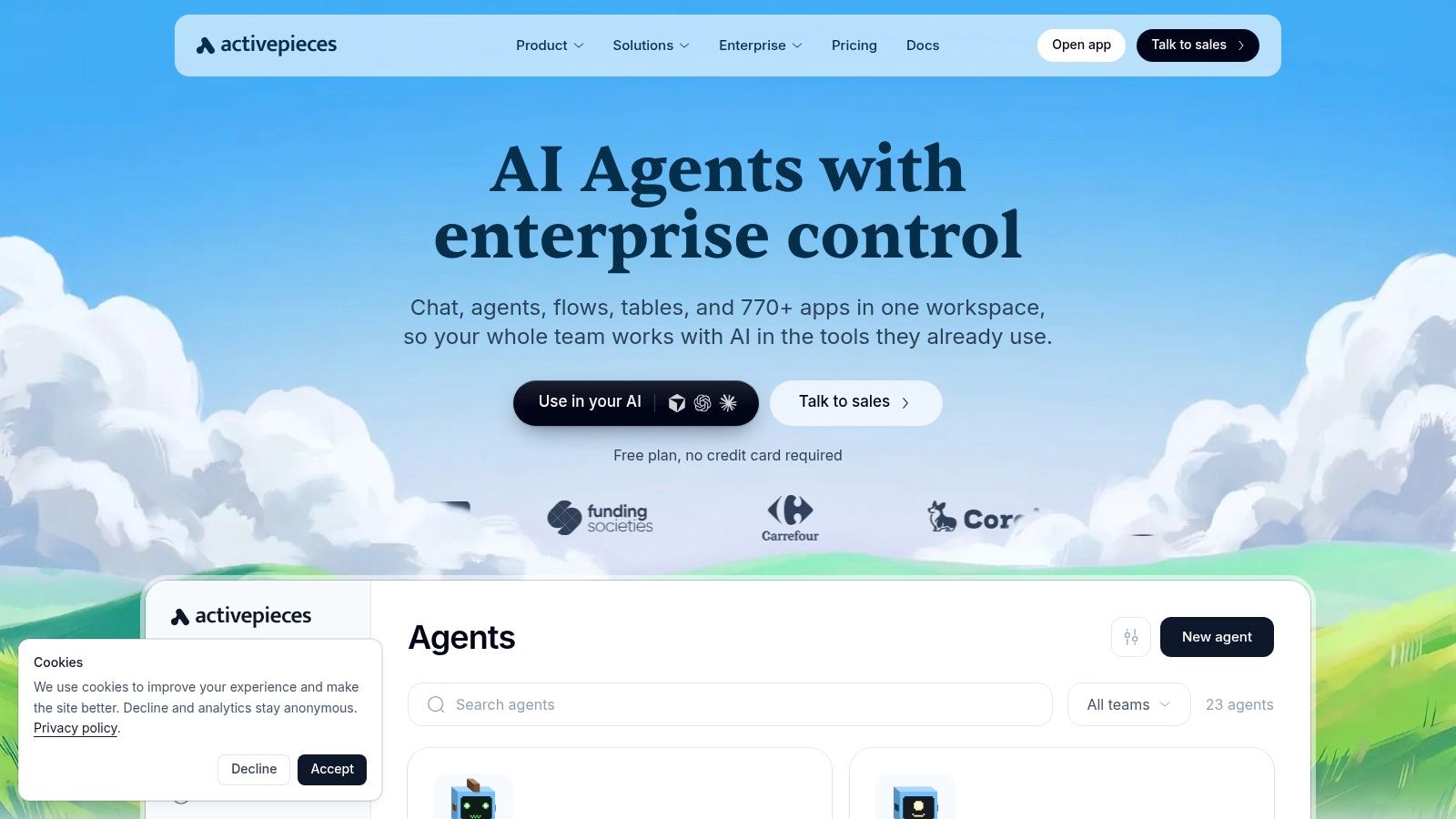
Activepieces is an open-source-oriented option available in cloud and self-hosted versions. Its pricing model is particularly relevant for multi-step automations: on the listed plans, a run uses one credit regardless of the number of steps, while AI steps are treated separately. For a form-to-CRM-to-Slack flow, that can make the basic workflow's credit use easier to estimate than a per-action meter.
That simplicity is useful only if the plan's credit allowance matches your workload. Before committing, model how often the workflow runs, whether it uses AI steps, and what happens when you exceed the included usage. Credit allowances and overage charges need to be part of the comparison, not an afterthought.
Good fit for teams that want options
Activepieces supports flows, agents, tables, and API access, and it offers an embeddable automation builder for software products. Teams can try the free option or consider self-hosting, but the latter still requires someone to operate the service. Don't equate an available self-hosted version with maintenance-free automation.
Its listed plans also distinguish between basic workflow use and higher-tier governance or support. That matters if a department needs shared administration, or if the automation is part of a customer-facing product. The integration catalog may not cover every app in a larger organization's stack, so test the exact connectors and actions you depend on before migrating.
5. Pipedream
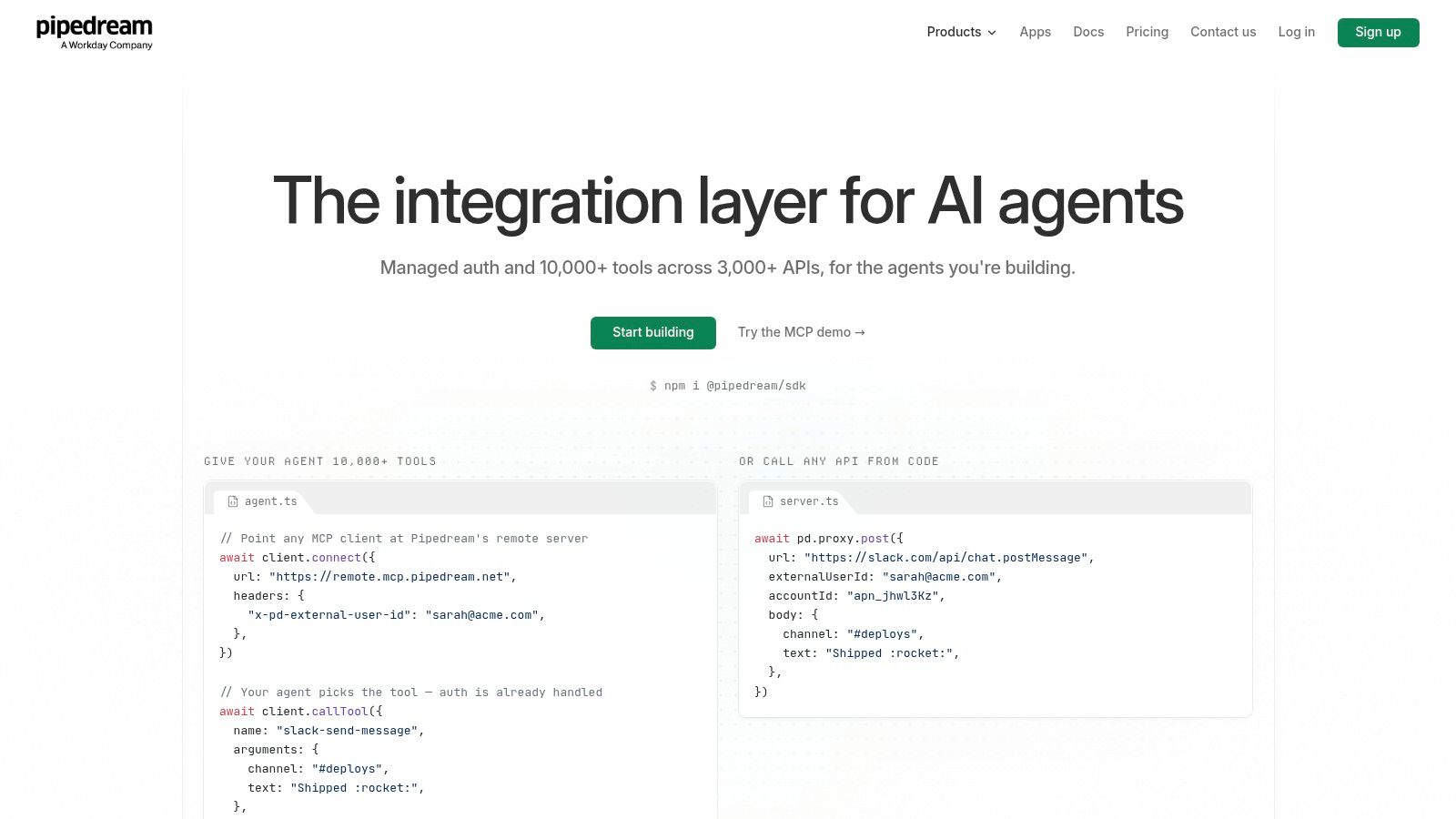
Pipedream is built for people who are comfortable combining app connections with code. It offers connectors and prebuilt tools, with JavaScript and Python customization for cases where a standard action doesn't handle the data transformation or API behavior you need. Managed authentication can also reduce the work involved in connecting supported services.
A developer could use it to accept a form event, transform its fields, create a CRM record, and post a custom message to Slack. That flexibility is useful when an API requires special handling, but it adds a maintenance burden: the team needs to understand the code and know how to diagnose failures. A nontechnical user may find a visual no-code builder easier to hand off.
Prototype first, then price production
Pipedream offers free development access, while production features require a paid plan. That separation is worth checking before building an internal prototype that later needs to run reliably for customers or business operations. Review the current usage-credit rules against expected workflow activity and compute rather than assuming the development experience represents the production cost.
It's also a sensible choice when the automation is part of a customer-facing integration, where users connect their own accounts. For a routine form-to-CRM-to-Slack sequence, it may be more technical than necessary. Choose it when API flexibility is a real requirement, not just because code is available.
6. Microsoft Power Automate
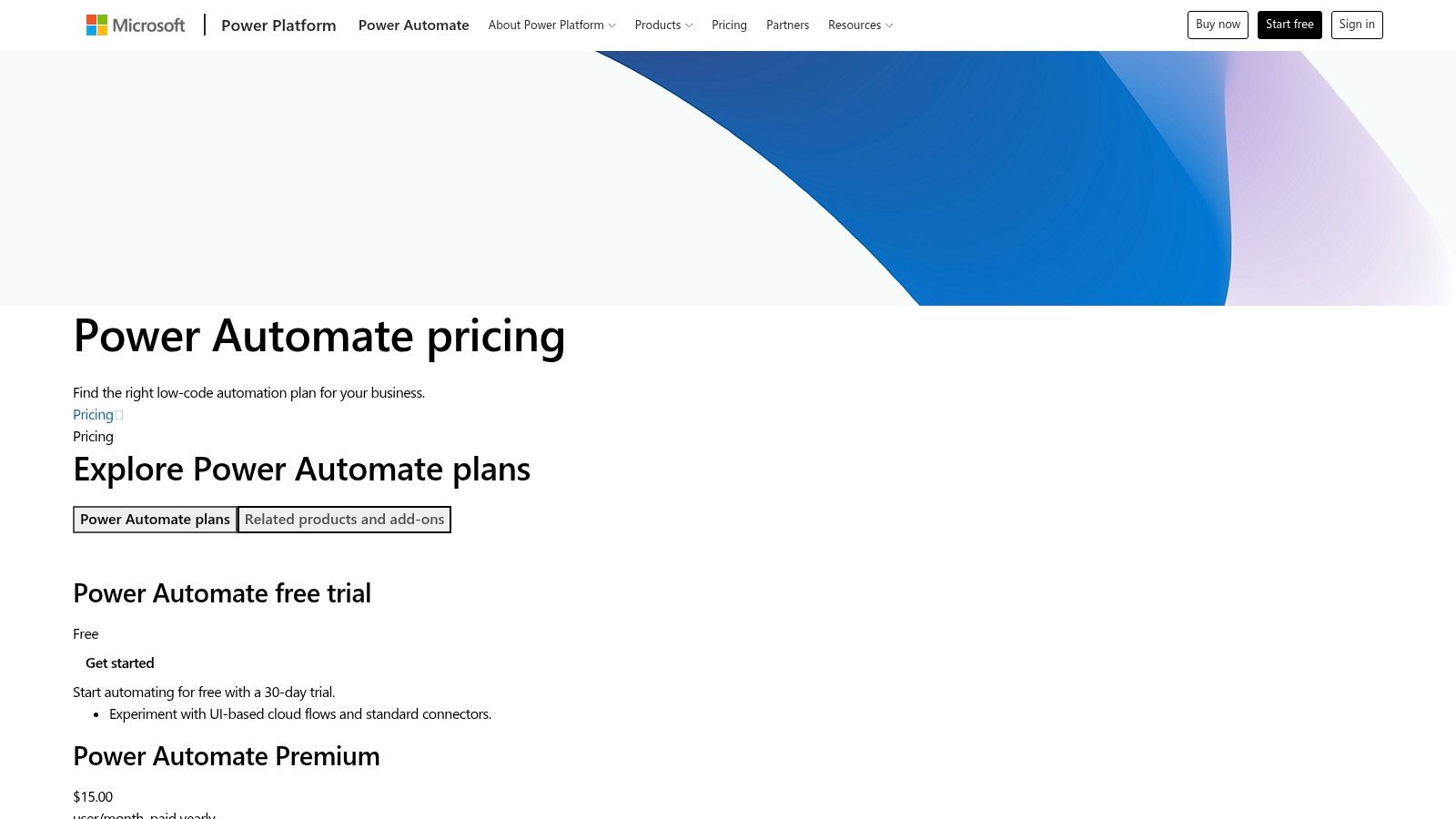
Power Automate bills differently from every other tool on this list. Instead of counting tasks or credits per run, it licenses per user or per flow: a per-user plan lets one person run unlimited cloud flows, while a per-flow plan covers a specific workflow regardless of who triggers it. Connectors split into standard and premium tiers, and that split decides what a form-to-CRM-to-Slack sequence will cost. If the CRM is Dynamics 365 or Salesforce, the flow uses premium connectors and needs a premium license. If it stays on standard connectors like SharePoint and Teams, the Power Automate rights included with Microsoft 365 may already cover it.
Desktop flows sit on a separate licensing track. Attended RPA, where a bot runs while a user is logged in, comes with certain plans. Unattended runs on a dedicated machine require their own licensing on top. Check the Power Automate pricing information for current plan details.
Where it earns its place
Power Automate makes the most sense inside an existing Microsoft estate. Teams already running Microsoft 365, Teams, SharePoint, and Dynamics get connectors, identity management, and admin controls in one place, and governance features like environment controls suit organizations where IT manages deployment. It also handles a case the pure cloud tools can't: driving a legacy desktop application that has no API through its own interface.
Skip it if you're a solo operator who needs one notification flow, or if the workflow lives entirely outside Microsoft services. A simpler cloud tool will cost less and won't require a licensing review before the first run.
7. IFTTT
IFTTT is better suited to personal automations and connected devices than to a department's multi-step business processes. Its Applets connect services and devices through straightforward rules. That makes it handy for a personal notification or a smart-home action, but less compelling when a team needs detailed CRM routing, auditability, and consistent handoffs.
A simple version of the form-to-CRM-to-Slack flow may be possible if the required services and actions are supported. Before relying on it, check that the Applet can represent the full process you need. Multi-action Applets, webhooks, and developer features are available on paid options, while the free plan is limited.
Consumer automation with a long history
IFTTT's original strength was making app connections approachable for people who weren't writing code. Its founder announced a private beta in 2010, and the service says it had helped more than 32 million users across over 190 countries by its 15th anniversary in 2025 (IFTTT's anniversary account). The platform later introduced IFTTT Pro for power users, extending the original consumer-focused model.
That history helps explain what the product does well: personal workflows, mobile services, and smart-home connections. It isn't a substitute for a workflow platform built around complex business operations. Choose IFTTT for a lightweight automation that should be easy to set up and forget, not as the default home for critical cross-team processes.
8. Albato
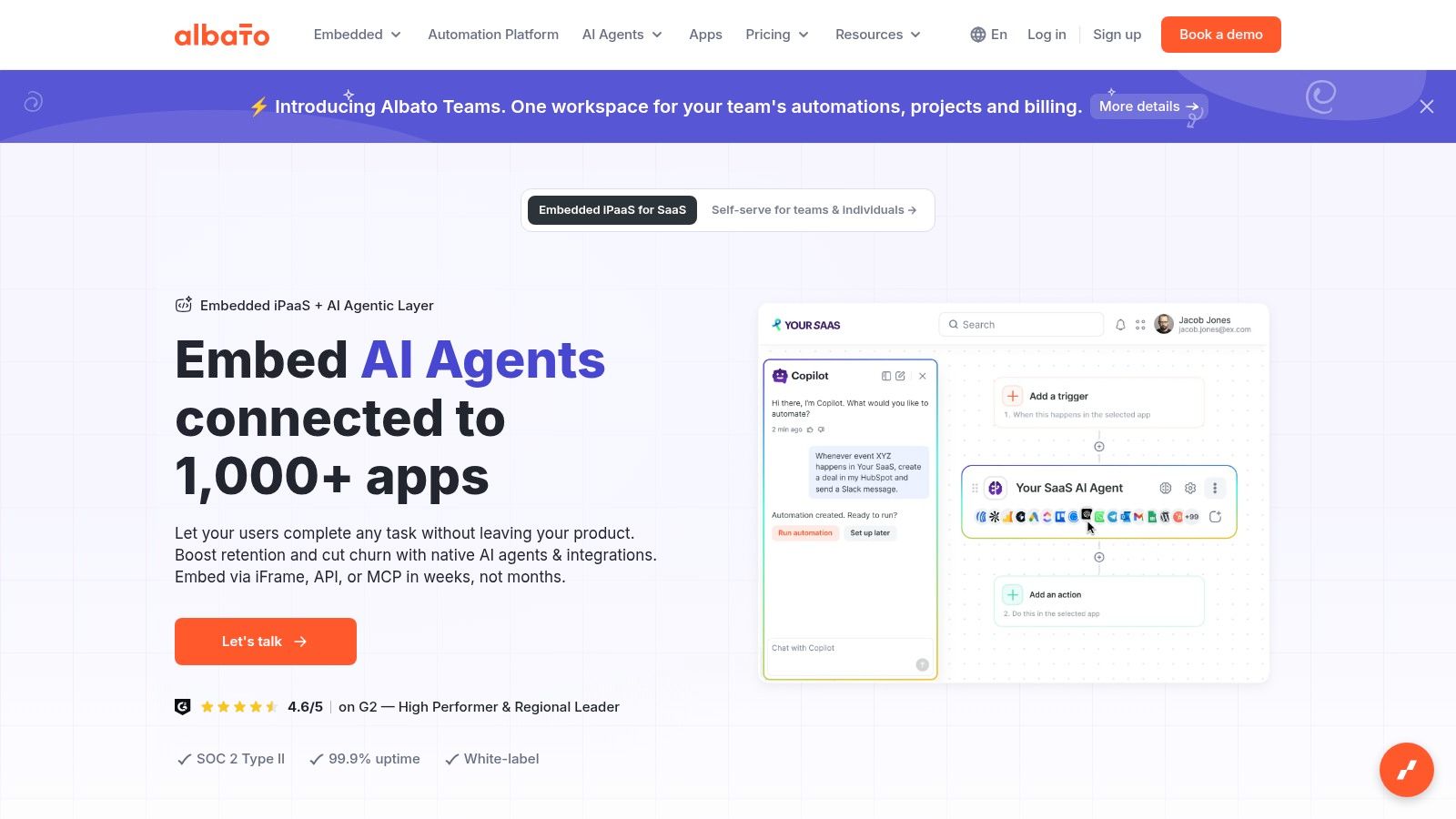
Albato separates plan level from transaction volume, so the subscription tier alone doesn't show the full cost of a workflow. Its pricing materials describe a transaction-based model, and successful action steps can consume transactions. For a form-to-CRM-to-Slack sequence, check how the trigger and each subsequent action are treated, then multiply the billable activity by your expected run frequency.
This is a useful distinction when comparing it with a tool that meters complete executions. The same workflow can use a different amount of billable capacity depending on the platform's definition of a transaction. Don't compare an advertised allowance with another tool's task or credit limit as though the units were interchangeable.
Recovery features can be valuable
Albato offers app integrations, webhooks, and custom API options. Paid plans include capabilities such as data replay and automatic replay, which can help when an event fails or needs to be processed again. That can reduce manual recovery work, but it doesn't eliminate the need to inspect error handling and decide how duplicate events should be managed.
Albato is worth testing if its connectors match your stack and its transaction model fits your volume. Confirm the current plan limits and whether the team features you need are available; the pricing page has shown some offerings as not yet available. Albato also published a report valuing the global integration-platform-as-a-service market at $12.87 billion in 2024, but market size doesn't predict whether this specific product will suit your workflow (Albato's State of Integrations Report).
9. Integrately
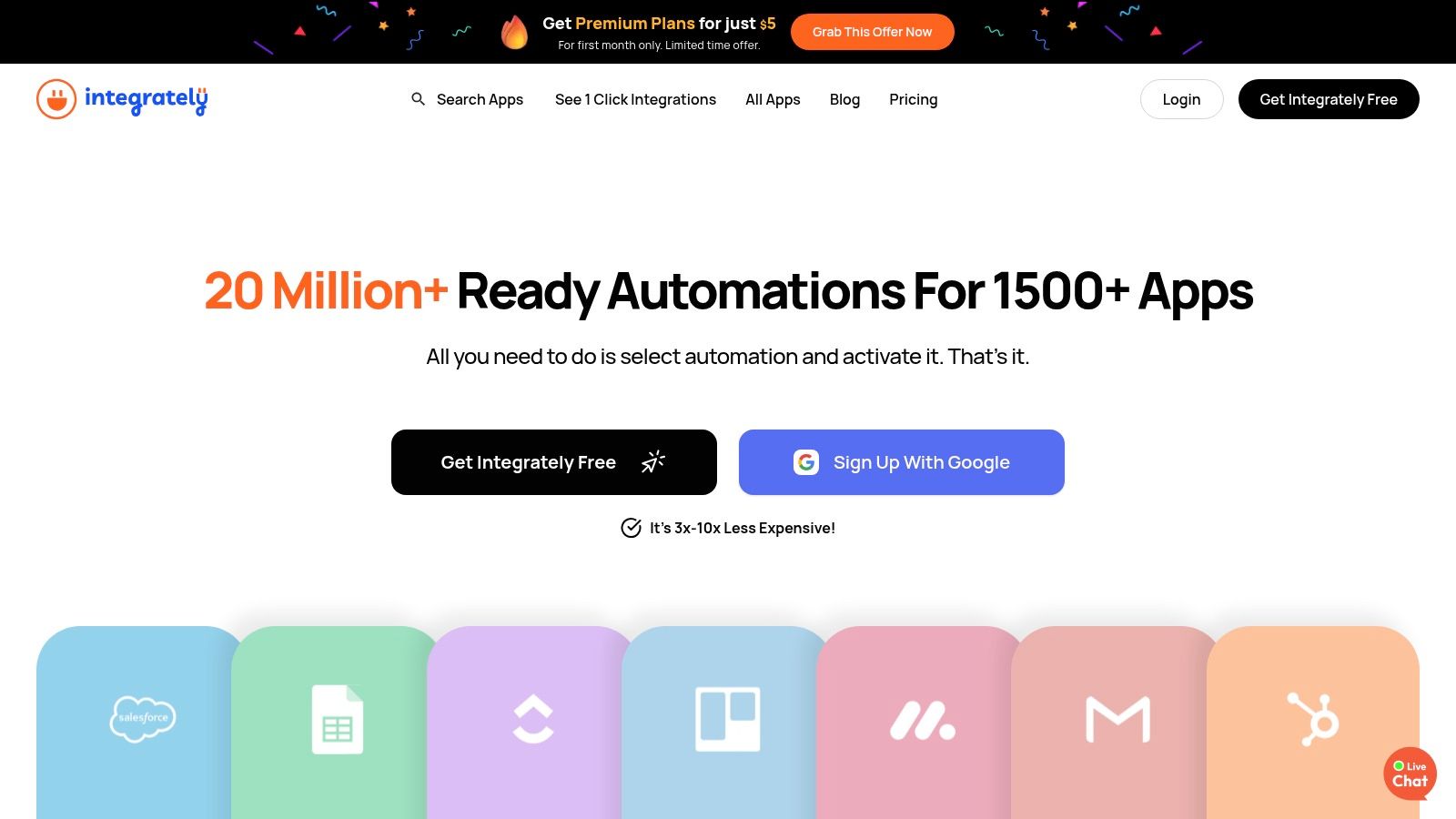
Integrately focuses on reducing setup time with ready-made automation templates. If you need a familiar connection between two apps, starting from a template can be faster than building every step yourself. The trade-off is that a template only helps when it covers the apps and logic you use.
For a form-to-CRM-to-Slack flow, check whether the prebuilt option includes your CRM fields, any filters, and the Slack message format you need. If you have to rebuild most of it, the template's convenience matters less. Paid plans include multi-step workflows, filters, branching, and data modification, but those capabilities are plan-dependent.
Check what counts toward usage
Integrately's pricing information explains task-counting rules. Conditions and data transformations can affect usage, so don't estimate cost by counting only the app actions you see. A workflow with filtering or field modifications may consume more than an initial sketch suggests.
The platform's automatic retry features on eligible plans may be helpful for recovery, but check how retries interact with billing and error handling. Integrately is a reasonable shortlist option when common integrations and quick setup matter more than deep customization. Verify the smallest plan's limits, available apps, and user allowance before choosing it for a team rather than an individual.
10. Pabbly Connect
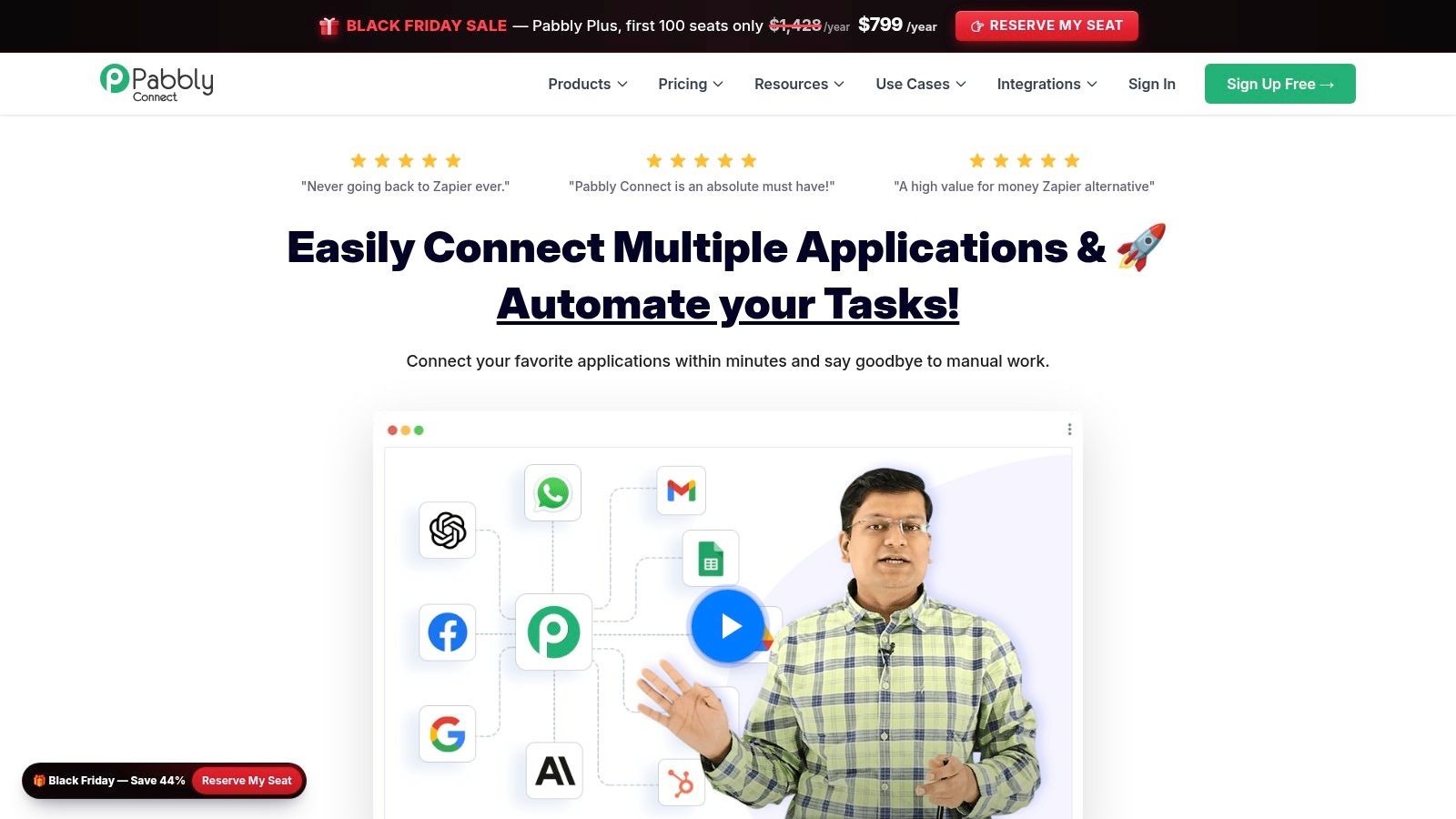
Pabbly Connect's billing model rewards logic-heavy workflows. It splits every workflow into two categories: tasks, which are billable steps where an action runs in an external app, and internal operations such as filters, routers, formatters, and delays, which don't consume the task allowance. That split changes the math on the form-to-CRM-to-Slack example. Say the workflow captures a form response, routes high-value leads into a different CRM pipeline, reformats the deal value, and posts to Slack. The billable steps are the ones touching the form tool, the CRM, and Slack. The routing and formatting in between are operations, so the workflow can carry several conditional branches without raising the monthly bill the way a per-step plan would.
Where the savings stop
The trade-off is breadth. Pabbly's app catalog is smaller than the larger platforms', so the calculation only works if your CRM, form tool, and chat app are actually supported and the triggers behave the way you need. Its interface and template library are also plainer than what bigger competitors offer, which means more manual setup for less common connections.
Pabbly has sold plans on terms that differ from standard monthly subscriptions, including one-time payment options, which suits buyers willing to commit upfront for a lower long-run cost. It fits cost-conscious users and small teams running straightforward multi-step workflows who confirm connector coverage first. Teams needing deep app coverage or enterprise controls will outgrow it faster.
11. Workato
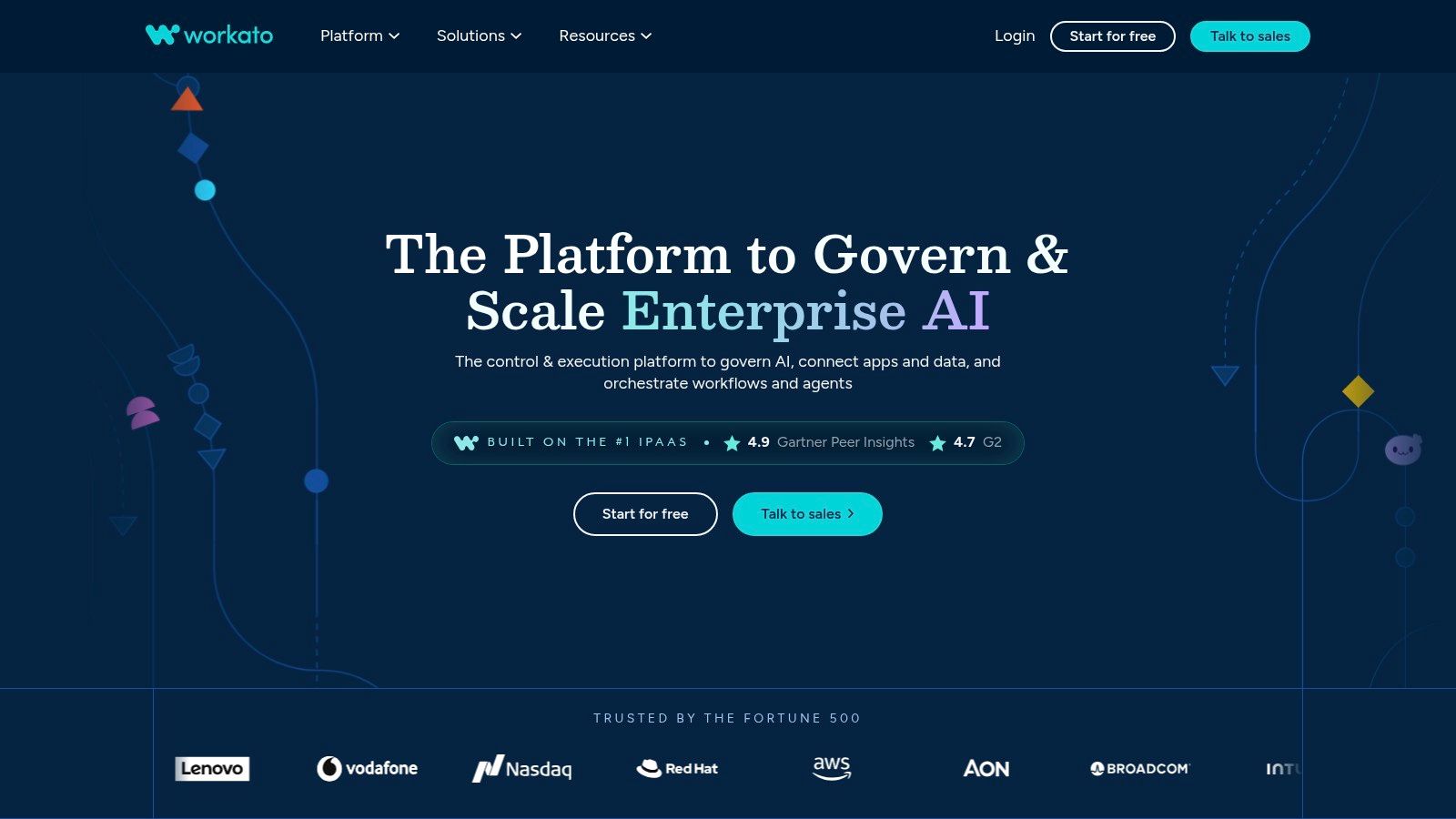
A form-to-CRM-to-Slack sequence that costs a handful of tasks on a self-serve tool gets priced very differently on Workato. There is no public per-task meter. Contracts are negotiated around platform scope, connectors, and usage, so the per-run math you did for other tools in this list does not apply here. You need a quote modeled on your actual workflows.
That enterprise framing is the point. Workato targets organizations where the integration platform itself is infrastructure: multiple teams building automations, IT needing oversight, security teams needing answers before sign-off. For a small team automating form notifications, the procurement cycle alone makes it a poor fit. For a company where automations touch financial data or customer records, the controls are the product.
What to ask before you get a quote
Treat the sales process as an evaluation, not a formality. Ask for pricing built on your representative workflows, including volume growth across the contract term, so the figure reflects your real run rate rather than a demo scenario. On governance, get specifics: how workspaces separate teams and departments, what the audit logs capture, whether SSO and user provisioning are included at your tier, and how workflow changes move from development to production.
For review sentiment, check current review sites directly since ratings shift over time; G2's Zapier alternatives comparison is one starting point. If access control, versioning, and audit trails matter more to you than per-task cost, Workato belongs on the shortlist. If not, a self-serve tool will be cheaper to buy and faster to run.
Zapier alternatives at a glance
The same form-to-CRM-to-Slack run can carry very different monthly costs depending on whether a platform bills per task, credit, execution, or transaction.
| Item | Free Option | Pricing Model | Self-Hosting | Best For |
|---|---|---|---|---|
| Zenfox.ai | Verify current plans | Verify current plans and billing | Not stated | Autonomous AI workflows, research, and cross-app task execution |
| Make | Free tier available | Credit-based plans | Not stated | Visual, multi-step workflows with branching |
| n8n | Self-hosted Community Edition | Cloud plans billed by workflow executions | Yes | Technical users who want deployment control and custom workflows |
| Activepieces | Free option available | Plans with credits; one run uses one credit, with AI steps treated separately | Yes | Open-source-oriented automation and embeddable workflows |
| Pipedream | Free development access | Paid plan required for production use; usage credits apply | Not stated | Developers building API-heavy and customer-facing integrations |
| Microsoft Power Automate | Not specified | Licensing depends on connectors and how flows run | Not stated | Organizations using Microsoft 365 and related services |
| IFTTT | Free plan for simple Applets | Free and paid plans | Not stated | Personal, smart-home, and device automations |
| Albato | Not stated | Plans plus transaction volume | Not stated | No-code app connections and workflow recovery |
| Integrately | Not stated | Paid plans with task-based usage | Not stated | Quickly setting up common app integrations |
| Pabbly Connect | Free tier available | Monthly, yearly, and longer billing options with task allowances | Not stated | Multi-step automations with published task allowances |
| Workato | Not specified | Usage-based; pricing requires assessment | Not stated | Enterprise integration and complex organization-wide workflows |
Choosing Your Zapier Alternative Before You Commit
Don't migrate every automation at once. Pick the workflows that matter most to the team, including a routine sync, a workflow with branching, and one that has failed or needed a retry. For each one, map the trigger, app actions, filters, branches, and any steps that modify data. That gives you a realistic workload to test rather than a tidy demo that avoids the hard parts.
Run those workflows through the free tiers or evaluation options of a short list of two or three platforms. Use the same test data and expected outcomes wherever possible. For a form-to-CRM-to-Slack flow, confirm that the CRM record contains the right fields, the Slack message goes to the right channel, and duplicate submissions don't create duplicate records. If the workflow must handle sensitive or customer-facing actions, include permission checks, approval steps, logs, and recovery procedures in the test.
Next, compare projected monthly usage using each platform's actual billing unit. A platform might count tasks per action, credits per operation, transactions after a trigger, or complete workflow executions. Add the steps and branches that run in your real process, and check how retries, AI actions, code, and overages affect the total. A low subscription price can become a poor deal if the workflow consumes its allowance quickly or requires infrastructure and maintenance that your team can't support.
Confirm the connectors you rely on are available and stable, and test the specific actions and data fields you need. A familiar app name in an integration catalog doesn't guarantee that every event or field in your workflow is supported. Decide who will own changes when an app updates, credentials expire, or an automation fails.
Finally, be honest about how much technical work your team can absorb and what level of governance it needs. A personal reminder, a departmental lead handoff, and an organization-wide process don't need the same operating model. Choose self-hosting when your team can maintain it, and consider enterprise-oriented options when administration and oversight are requirements rather than nice-to-haves.
The cheapest plan on paper is rarely the cheapest in practice. Run the test, compare the measured workload, and move one workflow at a time. Start with your most important form-to-CRM process this week, check its usage and failure behavior in the shortlisted tools, and keep the existing automation available until the replacement has proved itself in normal operations.