Indietool
10 Online Form Builders Compared for Indie Founders (2026)
You launch a waitlist on a Friday night. The post travels further than expected, prospects open your form, and the thirty-first person sees a capped submission page or your vendor's branding larger than your own logo. You don't lose those signups because your copy failed. You lose them because you picked a tool before checking where its free plan breaks.
That's the decision most lists of online form builders bury under feature grids. The job matters first. Lead capture needs clean exports and CRM routing. Paid onboarding needs payments, receipts, and save-and-resume. Internal operations needs approvals, calculations, and role-based access. A quick validation survey needs speed, not a workflow engine.
If you're still narrowing the problem itself, run a four-week research sprint before you build anything public. The market context explains why choice feels crowded. The Dataintelo global online form builder software market report values the global online form-builder software market at approximately $3.8 billion in 2025 and projects growth to $8.9 billion by 2034.
Each tool below gets the same honest test. You'll see its best job, pricing signals from the free tier, integration path, and the exact limitation that forces an upgrade. Read for the cap you'll hit first, not the template gallery.
Table of Contents
- 1. Fillout
- 2. Tally
- 3. Jotform
- 4. Google Forms
- 5. Typeform
- 6. Cognito Forms
- 7. Paperform
- 8. Zoho Forms
- 9. forms.app
- 10. Microsoft Forms
- Free plan highlights, payment support, best fit, and main limitation for each form builder
- Choosing the Builder You Will Not Have to Migrate
1. Fillout
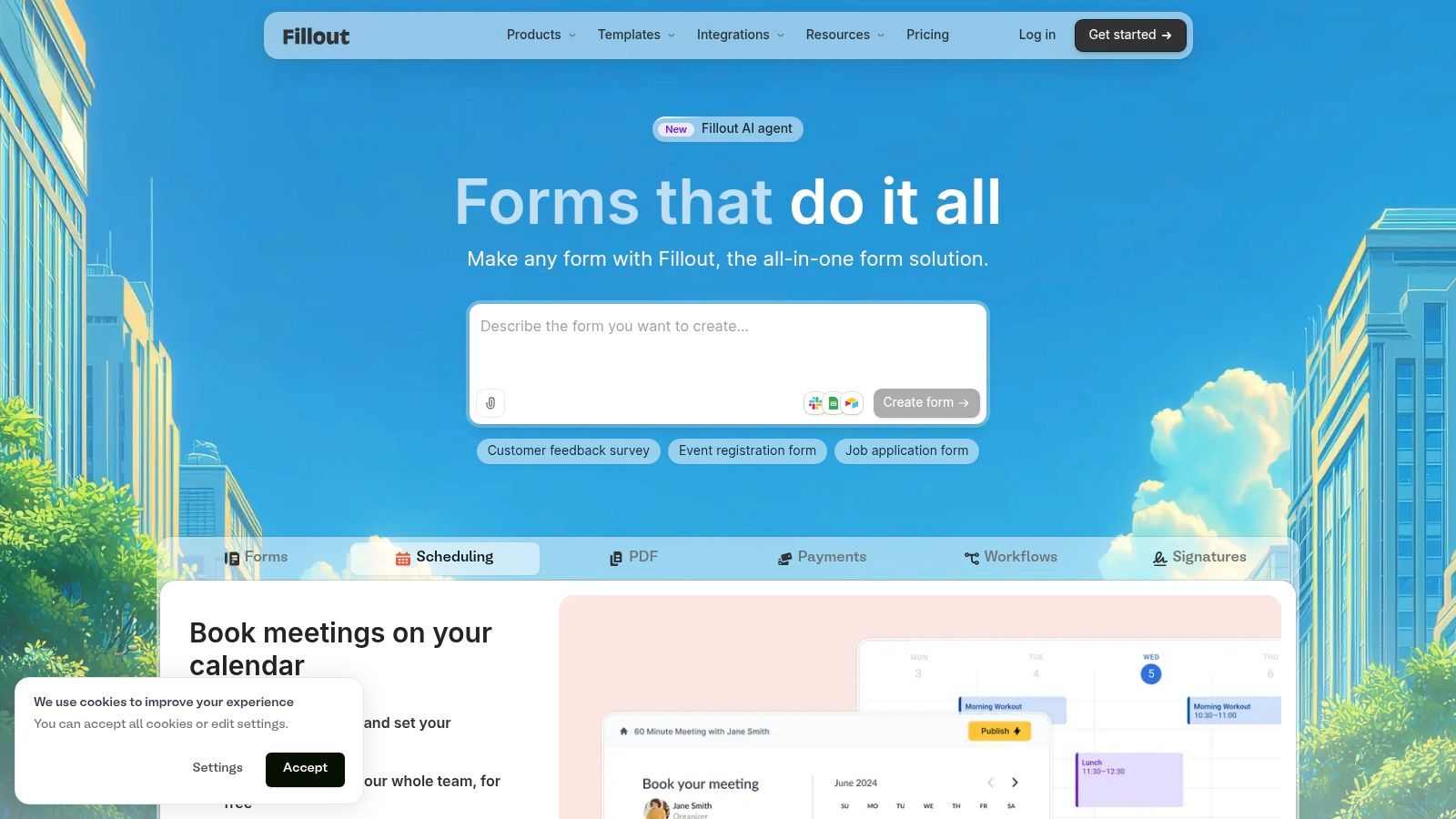
When a submission needs to start the next step, Fillout can handle lead intake, onboarding, payments, and scheduling in one place. That makes it a practical fit for founders building forms into an operating workflow, rather than collecting responses for a spreadsheet alone.
The Global Growth Insights online form builder software market report says enterprises prioritize automated approvals, data routing, and CRM and analytics integrations. Fillout supports that kind of workflow with structured integrations, including connections to Airtable, Google Sheets, Notion, and HubSpot, plus webhooks for custom routing.
Where the Free Plan Breaks
- Response cap: Fillout's pricing page lists unlimited forms and up to 1,000 responses per month on the free plan. That cap can work for a small launch, but a growing lead campaign may push you to upgrade.
- Logic depth: Conditional logic, multi-page forms, calculations, and answer piping are available on the free plan, making it useful for more than basic contact capture.
- Integrations: Send responses to Airtable, Google Sheets, Notion, or HubSpot, or use webhooks when data needs custom routing.
- Team access: The pricing page lists unlimited seats across plans, so adding a co-founder or contractor does not add a per-seat cost.
The main trade-off is presentation. The free plan includes Fillout branding, while custom domains and advanced analytics require a higher tier. For internal workflows and early customer forms, the free plan can cover the setup; upgrade when branding matters or response volume exceeds its cap.
2. Tally
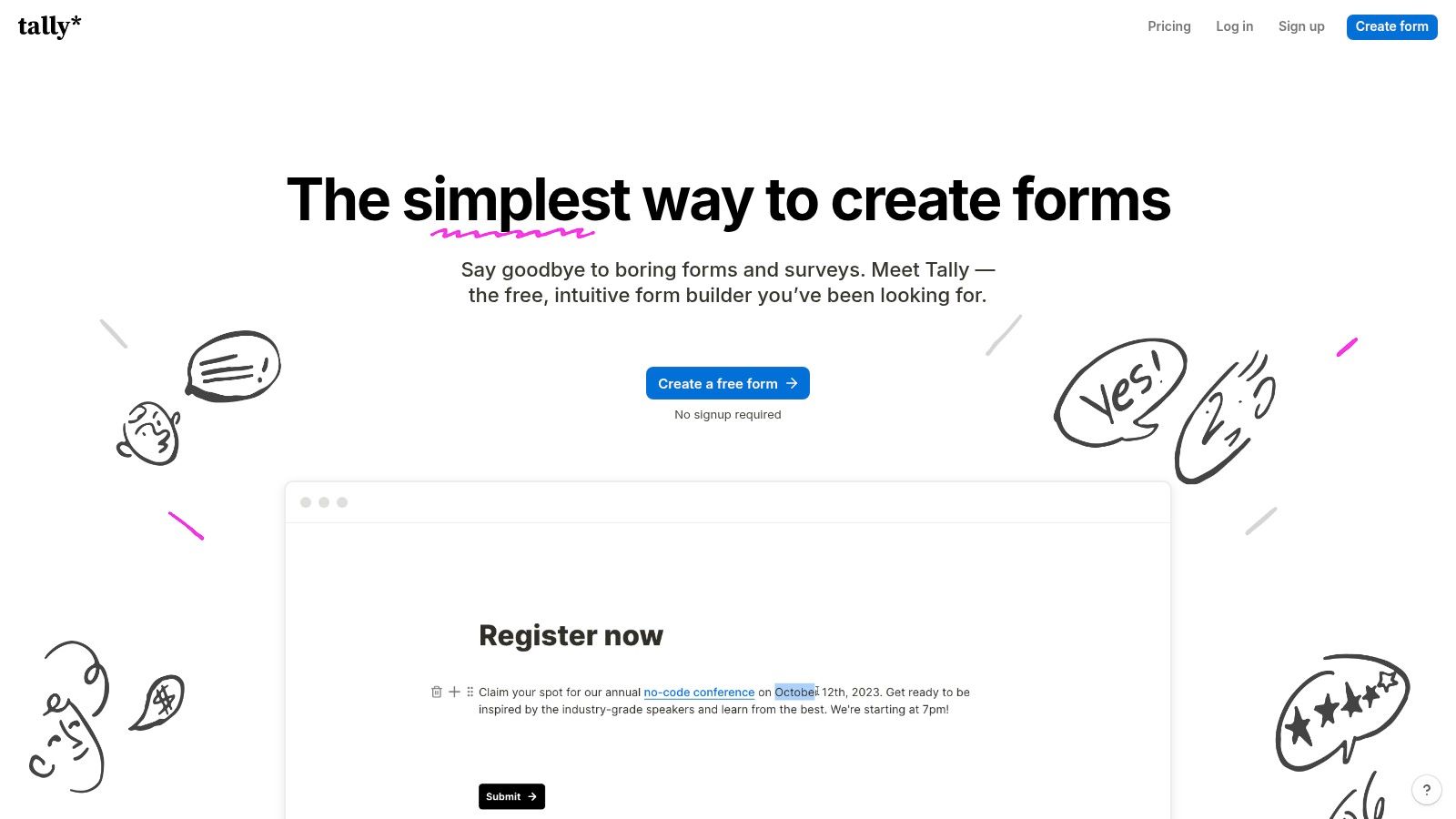
Tally feels like typing in a document, not configuring software. You write questions inline, add logic where you need it, and publish. For founders who delay launching because form setup feels heavy, that speed is the product.
Best Job and Honest Limit
Tally suits lead capture, waitlists, creator applications, and quick paid offers. It supports conditional logic, calculations, answer piping, and duplicate-submission prevention, plus payment collection, file uploads, and signatures. Those last three often sit behind paid walls elsewhere.
The free offer is unusually open. You get unlimited forms and submissions on the free plan, subject to fair-use guidelines. That fair-use clause is your real cap. It's vague by design, so a form that goes viral carries more uncertainty here than a hard numeric limit you can monitor.
Practical rule: Pick Tally when speed and zero cost matter more than removing vendor branding on day one.
Integrations cover the startup basics well. Responses flow to Google Sheets, Notion, Airtable, Zapier, Make, and webhooks, so you won't rebuild plumbing when volume grows. Advanced branding, analytics integrations, and business controls require paid plans, and the free plan includes Tally branding. For a validation survey or early waitlist, that's a fair trade.
3. Jotform
Breadth is the reason to choose Jotform. Templates, widgets, signatures, file collection, and payments live in one mature platform. If your need is slightly unusual, Jotform probably has a field or widget for it already.
That breadth creates the opposite risk. You can build almost anything, so you may overbuild a form that only needs five fields. Keep the first version short and add widgets only when a real submission problem demands one.
What You Actually Get Free
- Form limit: The free tier allows five forms, which you'll exhaust fast if you test variants.
- Submission limit: You get 100 monthly submissions free, a lower ceiling than Fillout or Tally.
- Feature range: Payment submissions and signed documents on eligible plans, plus broad publishing and integration options.
- Upgrade trigger: Removing Jotform branding and increasing limits requires a paid plan.
Security deserves attention before you collect anything sensitive in any builder. The Kiteworks web form security incidents survey, based on 324 cybersecurity, risk, IT, and compliance professionals, found that 88% had experienced at least one web-form security incident in the previous 24 months. Don't send medical, identity, or card data through email notifications just because the form itself is encrypted.
If you're comparing lighter alternatives in this category, see the AllForms listing on IndieTool for a narrower option. Pick Jotform when you know you'll use its depth. Skip it for basic lead forms you'll outgrow in pricing before features.
4. Google Forms
Google Forms is still the fastest way to collect structured answers from a known group. Build it, share the link, read responses in Sheets. No new account, no new dashboard for collaborators to learn.
That convenience has history behind it. The forms.app history of the first online forms notes that online forms became standardized in November 1995, when HTML 2.0 formally documented FORM, INPUT, SELECT, and TEXTAREA, and that Google added Forms in February 2008. It normalized no-code collection for schools and small teams.
When It Works and When It Doesn't
Use it for surveys, quizzes, registrations, and internal data collection. You get multiple question types, quizzes, and basic conditional paths, with real-time response summaries and export to Google Sheets. Collaboration works through Google accounts, and forms can be shared by link or embedded.
Don't use it for a polished sales page. Design and branding controls are relatively basic, and it's less suited to polished, conversion-focused forms or complex workflows. Some capabilities depend on Google Workspace or add-ons, which turns a free tool into a patchwork.
For a comparison point built specifically for founders, check the FormBlends listing on IndieTool. My call is simple. Google Forms wins for internal and research jobs. It loses the moment appearance affects whether a stranger trusts you with payment details.
5. Typeform

One question at a time. That's the whole bet with Typeform. The conversational pace can make research and lead qualification feel lighter than a long page of fields staring back at a prospect.
Whether that helps depends on where people drop off. The Tools8020 online form statistics benchmark covering 93,022,997 online-form sessions reported an average starter-to-completion rate of 51.7%, while the view-to-completion rate was only 34.6%. Your first screen matters more than most founders assume.
The Experience Trade-Off
- Best job: Customer research, lead qualification, and feedback collection where presentation shapes response quality.
- Design control: Customizable themes give you a more designed experience than a standard survey tool.
- Routing: Logic and integrations send qualified responses into your CRM or email tool without manual sorting.
The constraint is volume economics. Response allowances vary by plan, so check them against expected traffic before embedding everywhere. Removing branding and increasing usage limits may require a paid tier, and long forms can feel slow in the one-at-a-time format.
If you're pairing forms with broader acquisition work, this guide to startup marketing tools for indie founders helps place Typeform in the stack. Pay for it when response quality earns money. Don't pay for animation on an internal request form.
6. Cognito Forms
Say you're quoting custom work, collecting deposits, and routing approvals to one other person. A pretty survey tool won't help. Cognito Forms is built for that operational middle ground.
Built for Calculated Work
You get calculations, conditional logic, repeating sections, and file uploads as core building blocks. Payment acceptance and email notifications cover order and intake flows, while eligible paid plans add save-and-resume and electronic signatures. Higher tiers add team workflows, approvals, and client portal features.
A repeating section beats asking customers to submit the same form three times for three items.
The free plan is useful but narrow. Unlimited forms are available across plans, yet the free tier is limited to one user and 100 monthly entries. That user limit bites first for most small businesses. The moment a partner needs to approve, edit, or export, you're paying.
Advanced collaboration and controls require paid plans, and entry and storage limits matter for file-heavy forms like applications with attachments. Budget storage separately from entry count, because one busy month of uploads can force an upgrade before submissions do.
I recommend Cognito when calculations drive the form, such as estimates, registrations with fees, or applications with eligibility rules. For plain lead capture, its operational depth is weight you don't need to carry.
7. Paperform
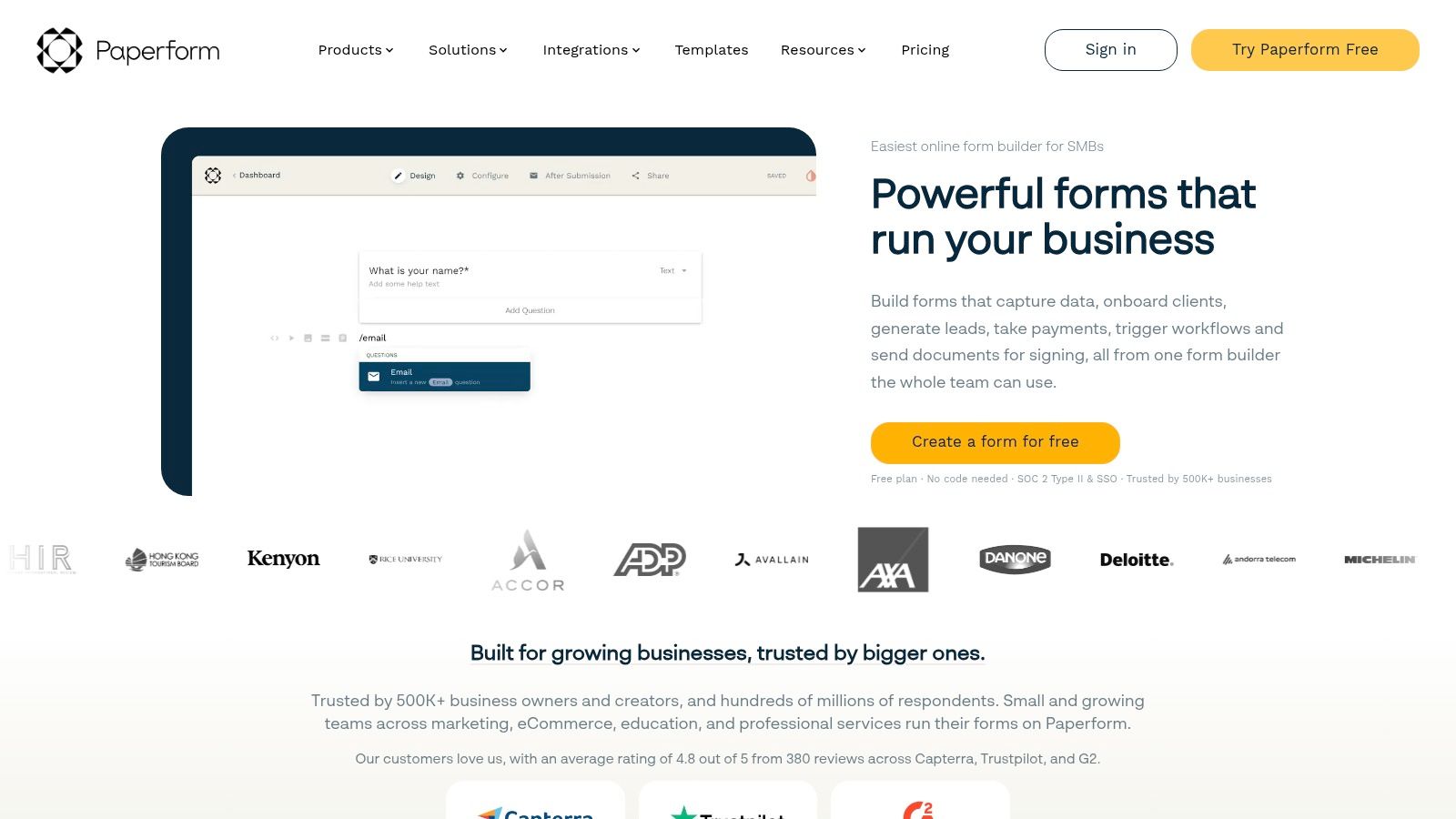
A paid onboarding form can double as the first impression of your service. Paperform lets you build branded order and intake forms with images, visual themes, and payment fields placed where they fit. That flexibility matters when customers use the form as a checkout.
More Than a Pretty Form
Paperform combines form collection with workflow automation through Stepper and electronic signatures through Papersign. Direct integrations, plus Zapier and Make, can pass signed agreements into follow-up tasks without manual copying.
The bundle has a trade-off. A business that only needs lead capture may pay for automation and signatures it never uses. For service businesses handling agreements, combining these tools can reduce separate subscriptions and data handoffs.
The free plan supports unlimited forms, subject to usage caps, but its monthly submission allowance is small enough to make it a trial, not a dependable long-term plan. A single campaign can use up that allowance quickly. For paid use, custom-domain support is typically an add-on, so compare the full monthly cost before committing.
Choose Paperform when branded, revenue-facing forms justify the added cost. For quick validation surveys or lead capture where submission volume matters more than layout control, Tally or Fillout may be a better fit.
8. Zoho Forms
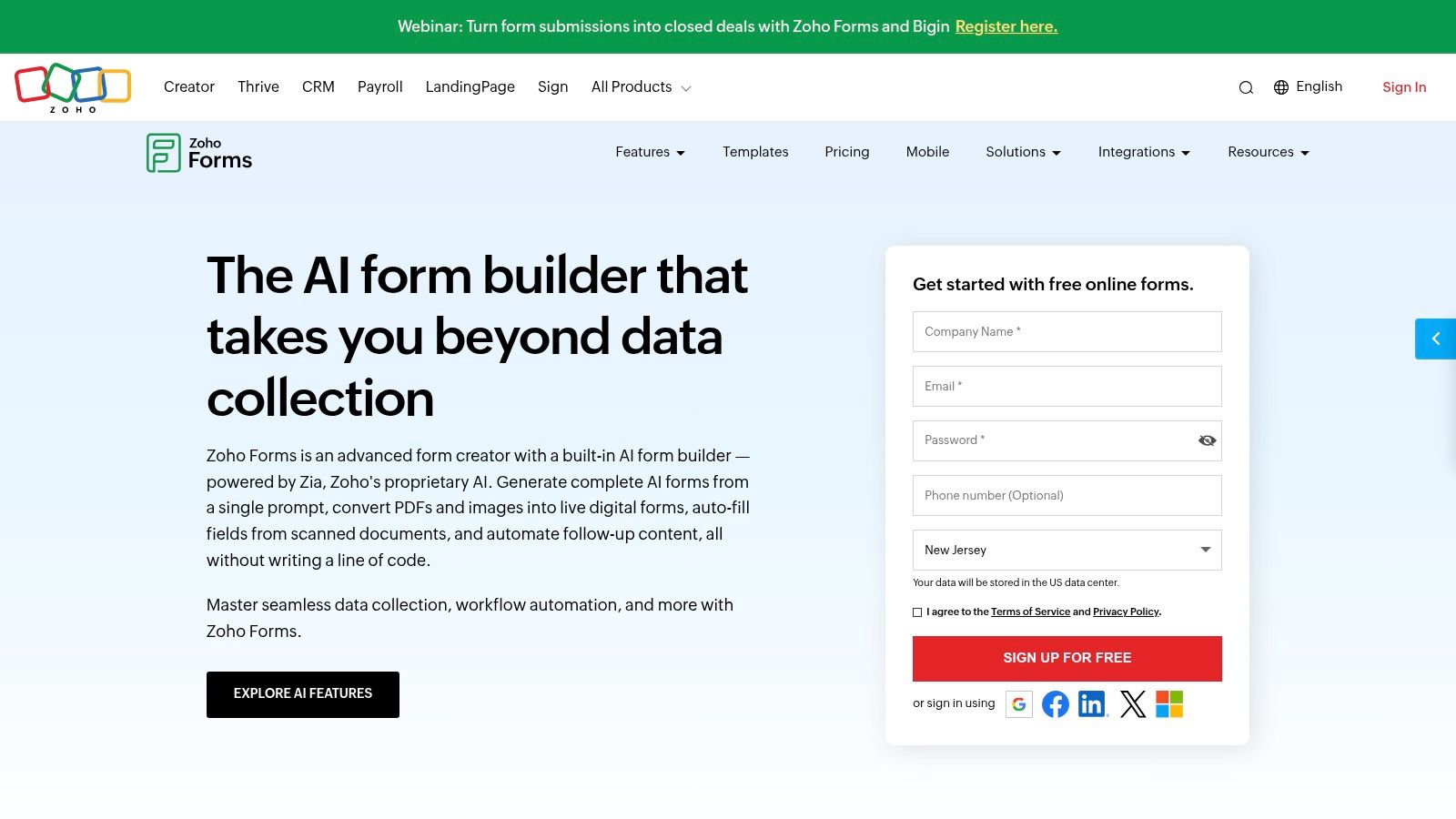
For a founder already using Zoho CRM, Zoho Forms keeps form responses within the Zoho ecosystem. Its free plan includes 500 submissions per month and webhooks, useful for lead capture or internal workflows that send responses to other systems.
The Ecosystem Advantage
Zoho Forms includes conditional logic, prefilled forms, webhooks, and integrations, with payments through supported providers. Mobile form access and offline form capabilities suit field teams collecting information without a reliable connection. Higher tiers offer more users, submissions, storage, and administrative controls.
The free plan's submission allowance leaves room to test a workflow, but the structure is tight. You can create only three forms, and the plan includes one user. A founder managing lead capture, onboarding, and internal requests may hit the form cap before response volume becomes a problem.
- Form cap: Three forms on the free plan.
- User cap: One user, so collaboration requires an upgrade.
- Tier friction: Branding, collaboration, and workflow features are restricted on lower tiers. Review add-ons before choosing a paid plan.
Prefilled forms reduce repeat data entry for contacts whose details are already known. That makes them useful for repeat submissions, but it does not remove the three-form limit. If your work already runs through Zoho, the integrations keep responses in that ecosystem. If you need several forms or multiple collaborators on a free plan, Fillout or Tally may be a better starting point.
9. forms.app
Starting with an application or survey template saves setup time. forms.app offers more than 30 field types, conditional logic, and prefilled forms, alongside e-signatures and payment collection. For founders handling paid onboarding, those features can keep form collection and payment in one workflow.
AI-assisted form creation and response analysis can speed up a first draft. Review every generated question before publishing, then check that the required fields match your fulfillment process.
Read the Storage Line
The free plan allows up to five forms and advertises unlimited responses, so it can work for quick surveys and text-based lead capture. File uploads change the trade-off: the plan includes only 10 MB of file storage. Resume, screenshot, or portfolio uploads can use that space quickly, making storage the cap that can force an upgrade before response volume does.
Budget check: Storage, not responses, is the free plan's practical limit for upload-heavy forms.
Custom domains, expanded storage, and some response features require paid plans. Higher tiers also include partial-response features, which can help recover details from abandoned long applications. The pricing page lists a 90-day refund guarantee for paid plans, but subscriptions renew automatically unless canceled.
Choose forms.app free for surveys, quizzes, or lead forms that collect little or no file data. For applications built around uploads, budget for a paid plan rather than relying on unlimited responses.
10. Microsoft Forms
Microsoft Forms plays the same role inside Microsoft 365 that Google Forms plays in Workspace. Quick survey, quiz, poll, or registration. Share the link, watch summaries update, export to Excel.
A Narrow Job Done Cleanly
You get surveys, quizzes, polls, and registration forms with real-time response summaries and Excel export. Respondents can answer through web browsers or mobile devices, and distribution stays simple for teams already authenticated in Microsoft 365. That identity layer helps internal forms where you need to know exactly who responded.
Accessibility is where simple tools still need your attention. The Rated With AI analysis of the 2025 WebAIM Million report found detectable WCAG failures on 94.8% of the world's top one million home pages, while missing form labels affected 48.2% of pages. Whatever builder you choose, tab through your published form with only a keyboard and check that every field announces a clear label.
Microsoft Forms won't grow with a customer-facing operation. Design and advanced form customization are limited compared with specialist builders, and it suits surveys and quizzes more than complex workflows. Organisational capabilities also depend on your Microsoft 365 plan.
Use it for internal feedback, training checks, and event registrations inside a Microsoft shop. Move to Fillout, Cognito, or Paperform the moment payments, approvals, or branding enter the requirements.
Free plan highlights, payment support, best fit, and main limitation for each form builder
The right free tier depends on the job. Lead capture can hit a response cap; paid onboarding needs a payment option; internal workflows may run into user or form limits. These differences determine when a free plan stops covering the work.
| Item | Free Plan Highlight | Payments Support | Best For | Main Limitation |
|---|---|---|---|---|
| Fillout | Unlimited forms and up to 1,000 responses per month | Supports payments | Teams building flexible forms and workflows | Response cap and branding on the free plan |
| Tally | Unlimited forms and submissions, subject to fair-use guidelines | Supports payment collection | Founders and small teams seeking a simple, generous free tier | Free plan includes branding; unlimited use has fair-use terms |
| Jotform | Five forms and 100 monthly submissions | Supports payment submissions on eligible plans | Businesses needing templates, widgets, and broad form features | Five-form and 100-submission monthly limits |
| Google Forms | Free for personal use | Payment collection is not covered in this comparison | Simple surveys and data collection in Google tools | Basic design and limited support for complex workflows |
| Typeform | Limited free responses; branding removal and higher limits need a paid plan | Payment collection is not covered in this comparison | Customer research and lead forms with a conversational feel | Response limits and branding controls may require a paid tier |
| Cognito Forms | Unlimited forms and payment acceptance; 100 entries per month | Supports payment acceptance | Small businesses managing operational forms and workflows | Free tier is limited to one user and 100 monthly entries |
| Paperform | Unlimited forms, subject to usage caps | Supports payment fields | Branded forms, order flows, and follow-up workflows | Free plan is capped at 30 submissions per month |
| Zoho Forms | 500 submissions per month | Supports payments through supported providers | Organizations using Zoho apps and business workflows | Free plan is limited to three forms and one user |
| forms.app | Up to five forms and advertised unlimited responses | Supports payment collection | Individuals and small teams using templates and varied form features | Free plan includes only 10 MB of file storage |
| Microsoft Forms | Available with a Microsoft account and to eligible Microsoft 365 customers | Payment collection is not covered in this comparison | Surveys, quizzes, and registrations in Microsoft-centered teams | Limited design customization and complex workflow support |
For lead capture, compare response limits before embedding a form across your site. Fillout allows up to 1,000 monthly responses, while Tally offers unlimited submissions subject to fair-use guidelines. Typeform's free responses are limited, and its branding controls require a paid plan, so it may stop fitting once a research or lead campaign needs higher volume or an unbranded form.
For paid onboarding and orders, check both payment support and the volume cap. Cognito Forms accepts payments on its free tier, but its 100 monthly entries and one-user limit constrain shared operations. Paperform supports payment fields, though its 30-submission cap can make a free plan too small for recurring orders. Jotform supports payment submissions on eligible plans, while its free tier allows five forms and 100 monthly submissions.
Internal operations often run into form or user limits first. Zoho Forms allows 500 monthly submissions, but only three forms and one user. Google Forms and Microsoft Forms suit simple surveys and registrations, while complex workflows and design needs may exceed their stated strengths. For quick validation surveys, prioritize submission capacity and ease of setup; a generous limit matters less if the form's branding or workflow constraints already rule it out.
Choosing the Builder You Will Not Have to Migrate
Pick by job, not by feature count. A waitlist needs a fast first screen and clean email export. Paid onboarding needs payments, confirmation emails, and a record you can reconcile. Internal operations needs approvals and permissions. A validation survey needs ten honest answers this week. The same tool rarely wins all four.
Use one decision rule. Choose the builder whose free plan covers your first 90 days of expected volume, then confirm the one paid feature you can't live without. That feature is usually payments, a custom domain, or signatures. If it's only available two tiers up, price that tier now, not after you've embedded the form in six places.
Test before you commit: Build your most important form in two candidate tools and submit ten realistic test responses through each one.
Check what those ten submissions reveal. Does the export keep field names stable? Does the webhook fire every time, and what happens when it fails? Do file uploads arrive with usable names? Does the confirmation email expose data you'd rather keep out of inboxes? These answers matter more than any template gallery.
My Shortlist by Job
- Lead capture on a budget: Tally for speed, Fillout when CRM routing matters from the start.
- Paid onboarding and orders: Paperform for branded flows, Cognito Forms when calculations set the price.
- Internal operations: Cognito Forms for approvals, Zoho Forms if Zoho CRM already runs your pipeline.
- Quick validation surveys: Google Forms or Microsoft Forms, whichever ecosystem your respondents already use.
- Research where presentation earns answers: Typeform, priced against realistic response volume first.
Don't ignore data sensitivity while you test. Classify what you're collecting before you publish. Contact details need basic hygiene, limited staff access, and sensible retention. Payment, health, identity, or authentication data needs a specialist processor, audit logs, role-based access, and a data-processing agreement. A general-purpose builder collecting card numbers in a text field is a liability, not a shortcut.
Keep in mind what switching really costs. Moving to a different online form builder later means rebuilding every form, replacing links and embeds, reconnecting automations, and retraining anyone who works the responses. That migration costs more in hours than the monthly price difference you've been debating. Spend one afternoon testing two tools properly and you'll keep the winner for years.
Launch your form, then get the product behind it found. IndieTool gives indie founders a permanent directory listing with a do-follow backlink, distribution across its category and alternatives pages, and a dashboard showing views and outbound clicks for a one-time credit. Submit your product, use the free launch tools while your listing goes live, and send your new waitlist traffic somewhere that compounds.