Indietool
10 Best Fragment or Sentence Checker Tools for 2026
You've finished a draft that reads smoothly, but one sentence still feels oddly incomplete. It begins with “Although the results were promising.” Your spell checker may accept every word because nothing is misspelled. A reread may also miss the problem, especially after you've spent hours with the same paragraphs.
That's where a fragment or sentence checker helps. The best tools look beyond spelling and flag incomplete clauses, run-ons, punctuation problems, and awkward attempts to repair sentence boundaries. They don't all handle those decisions equally well, though. A tool that improves a business email may overcorrect a headline, dialogue, interface label, or deliberately sharp piece of creative prose.
This comparison examines ten practical writing tools by how they handle fragments, run-ons, and complete-sentence fixes. Each entry focuses on a different drafting situation, from browser writing and long-form editing to multilingual work and enterprise brand control. After any suggestion, run the same manual test: identify the subject and finite verb, check whether the clause expresses a complete thought, and confirm that the proposed fix preserves your meaning.
Table of Contents
- 1. Grammarly
- 2. LanguageTool
- 3. ProWritingAid
- 4. Hemingway Editor
- 5. Microsoft Editor
- 6. QuillBot Grammar Checker
- 7. Ginger
- 8. Sapling
- 9. Writer
- 10. Outwrite
- Top 10 Sentence & Fragment Checker Comparison
- Match the Checker to Your Writing Workflow
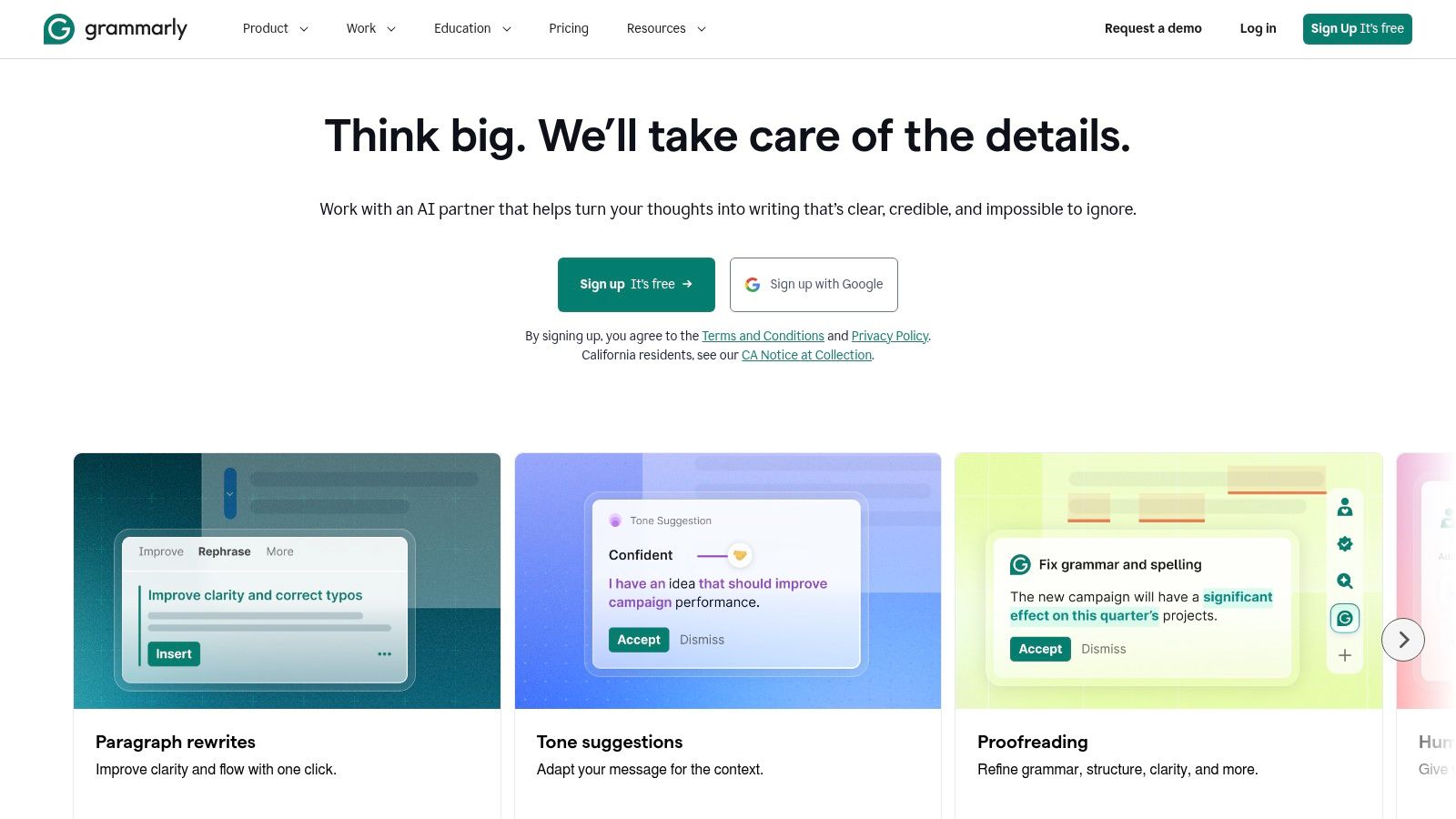
1. Grammarly
Grammarly is the easiest starting point for writers who want a fragment or sentence checker working wherever they draft. Its browser extensions, desktop applications, mobile support, Microsoft Office integration, and Google Docs support bring sentence-level feedback into email, documents, web forms, and content workflows. It flags many common fragments, run-ons, comma problems, agreement issues, and clarity concerns without requiring a separate editing pass.
Its strength is consistency across surfaces. A new writer can usually understand why a dependent clause needs to be attached to the sentence before it, while an experienced editor can use tone, conciseness, formality, and style guidance to review the surrounding prose. Teams also get business controls and analytics, which makes Grammarly easier to deploy across a distributed writing process. The trade-off is that pricing can be a sticking point, and offline use is limited.
Best drafting situation
Use Grammarly for real-time checking while writing emails, landing pages, support replies, or collaborative documents. It's particularly useful when a fragment appears after a rushed edit, such as deleting the main clause but leaving “Because the deadline changed.” A correction may suggest joining it to the previous sentence or rewriting it as an independent clause.
For research-heavy writing, use it as an editing layer rather than an authority. A broader comparison of writing and proofreading workflows can also be useful through this writing software resource.
Manual check: Read the flagged sentence with the sentence before it. If the clause begins with “because,” “although,” “which,” or a similar dependency marker, ask whether it can stand alone without changing the intended relationship.
2. LanguageTool
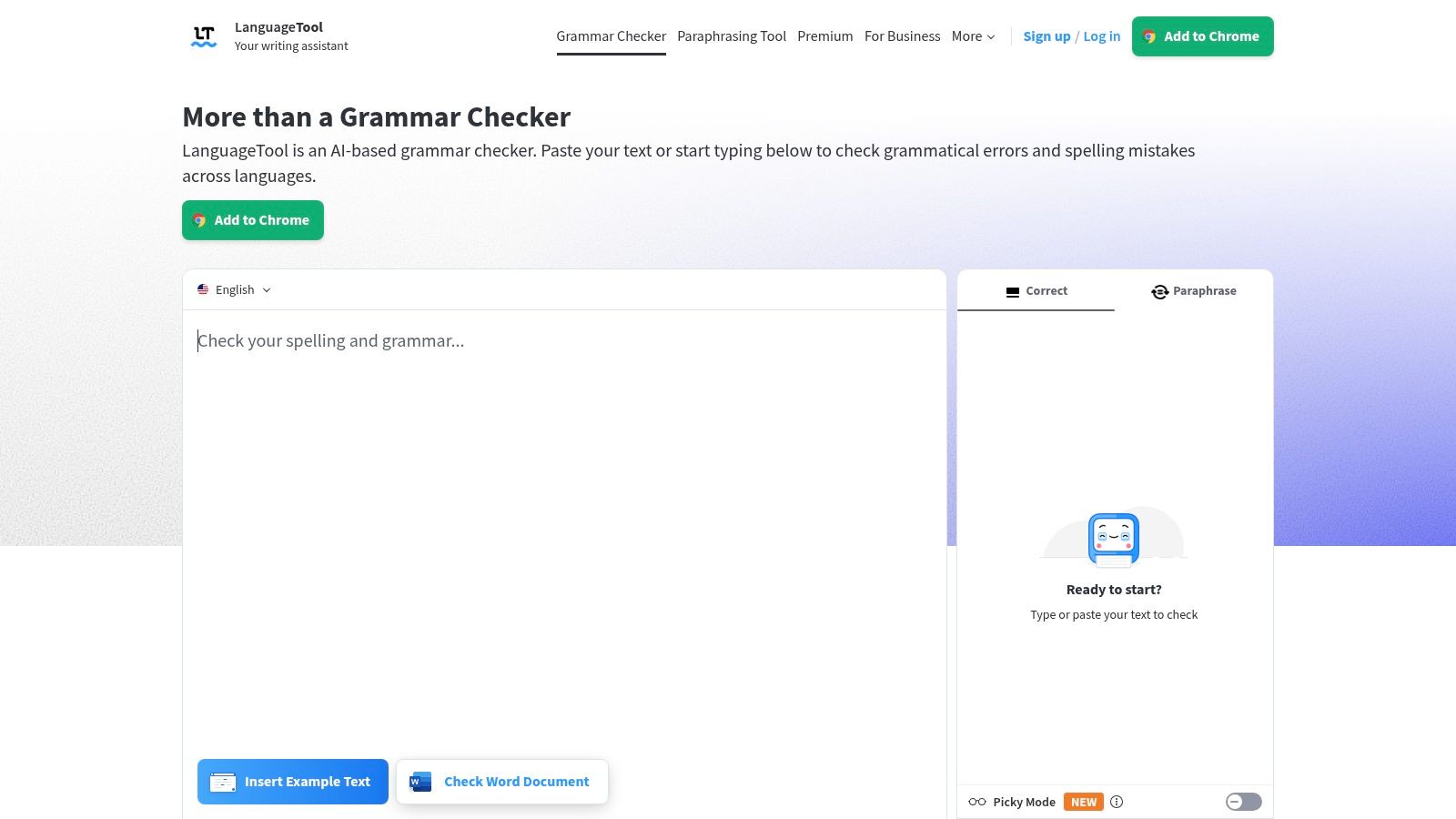
LanguageTool is a strong choice when the draft moves between languages or when a writer wants a standalone editor rather than feedback limited to one browser workflow. It checks grammar, punctuation, style, agreement, and sentence structure across 30+ languages, with a web editor, desktop applications, mobile support, and add-ons. That range makes it useful for multilingual teams and writers who regularly compare translated or localized copy.
For fragments, LanguageTool can identify an incomplete clause or a missing punctuation boundary, then offer a conventional correction. It's also useful for run-ons caused by joining independent clauses with a comma or no connector. The practical limitation is coverage consistency. A suggestion that works well in one language or register may be less convincing in a specialized context, and some browser-extension capabilities now require Premium access.
Best drafting situation
Choose it for multilingual blog posts, translated product pages, academic drafts, or teams that switch between desktop applications and web editors. It's less compelling if you only need occasional English proofreading and want extensive tone analytics from the same product.
Premium access also provides many additional checks and supports longer text handling. Before accepting a structural edit, compare the original and revised versions side by side. Translation tools can preserve surface grammar while shifting emphasis or implied meaning.
LanguageTool grammar interface
3. ProWritingAid
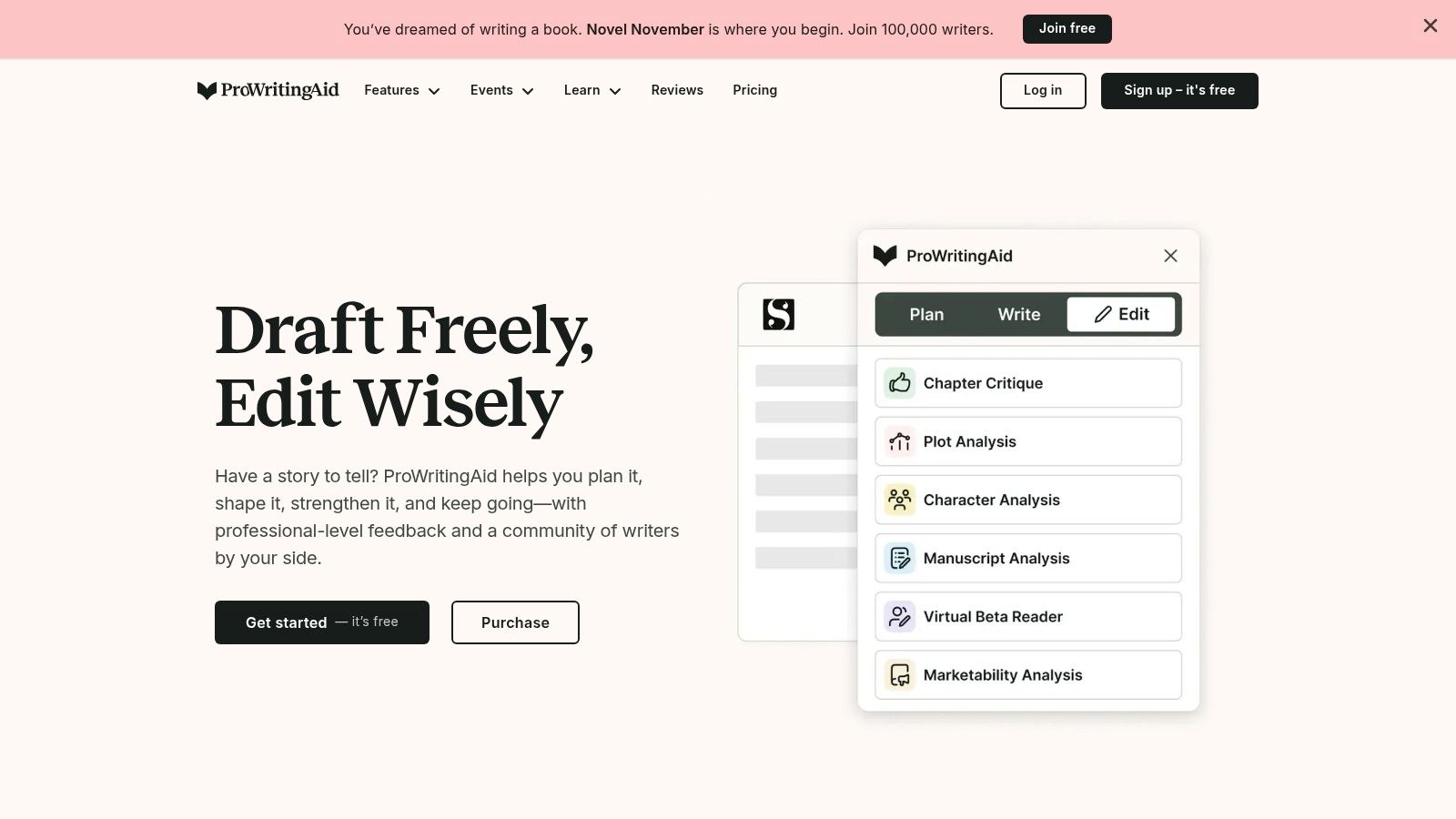
ProWritingAid works best when fragment detection is only one part of a larger revision pass. Its reports examine readability, complex sentences, repeated words, pacing, sentence variety, grammar, punctuation, and style. That makes it more useful for articles, books, guides, and other long-form drafts where a technically complete sentence can still be difficult to follow.
A fragment may appear as part of a wider pattern. For example, a writer might use several short incomplete phrases after a long paragraph, creating emphasis in one place but choppy rhythm across the page. ProWritingAid's reports help you decide whether the issue is a genuine grammatical error or a sentence-structure choice that needs balancing. Its explanations inside the editor are valuable, though the number of reports can create a learning curve.
Best drafting situation
Use ProWritingAid during a dedicated revision session, not only while typing. Its rephrase feature can adjust selected sentences by tone or length, but a polished rewrite may go further than the minimal correction a fragment requires. If the original sentence has a deliberate voice, preserve it before testing alternatives.
Writers who need additional drafting utilities may also find this AI writing tool listing relevant, but the same rule applies: inspect every rewrite rather than treating fluency as proof of accuracy.
- For fragments: Check whether the missing subject or finite verb is intentional before completing the sentence.
- For run-ons: Look for two independent clauses that need a period, semicolon, or conjunction.
- For full sentences: Check whether the proposed rewrite removes a deliberate rhythm or changes emphasis.
4. Hemingway Editor
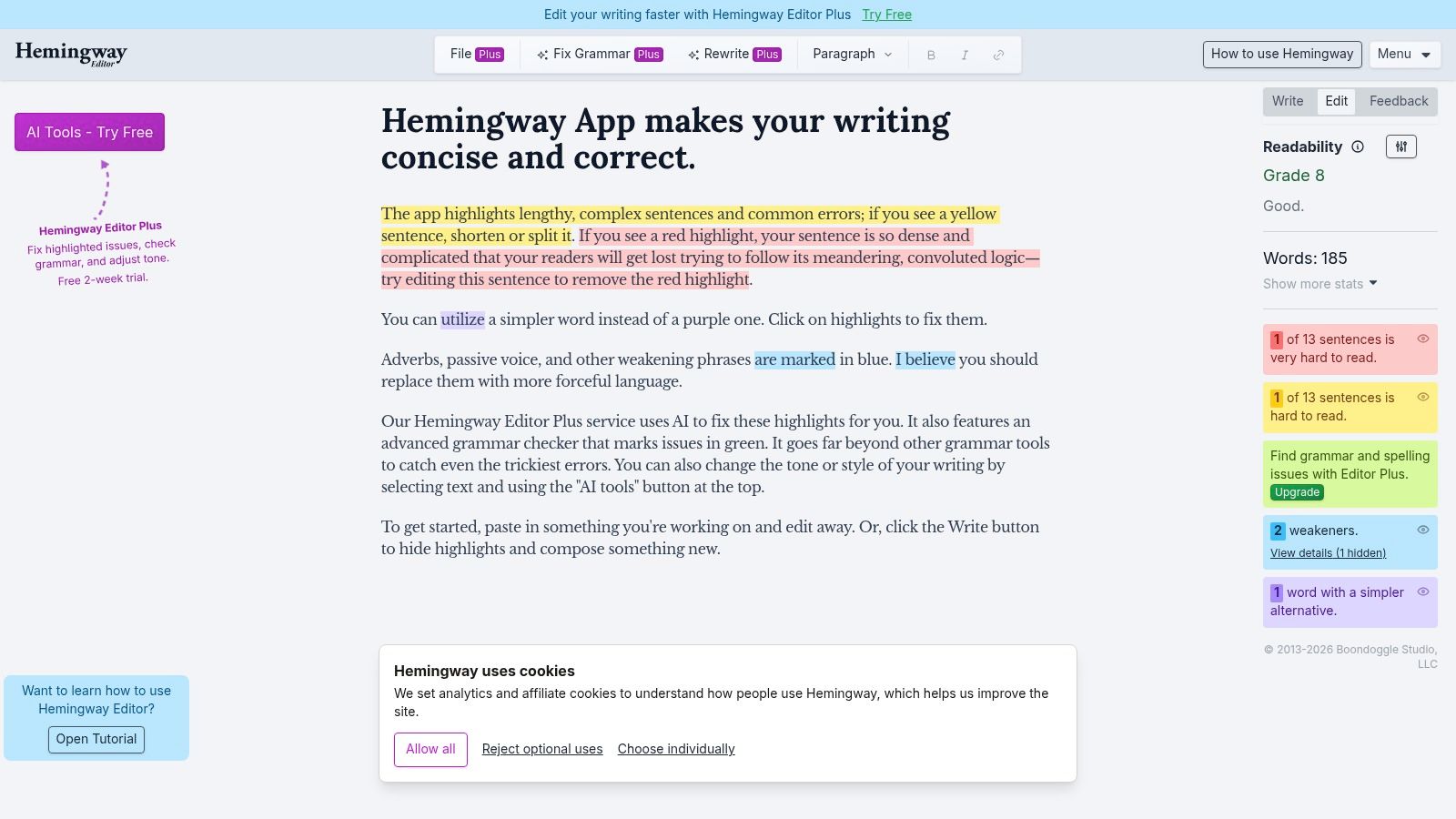
Hemingway Editor is less interested in being a complete grammar authority and more interested in making sentences easier to read. It highlights long or complex sentences, passive voice, adverbs, and difficult phrases. That focus is useful when a fragment or run-on is part of a larger clarity problem, particularly in web copy, guides, newsletters, and public-facing explanations.
The classic editor is especially good at showing where prose has become dense. It may not diagnose every grammatical fragment or distinguish every subtle sentence-boundary error, so it shouldn't be your only checker for formal writing. Editor Plus adds AI rewriting and instant fixes, but those features require a subscription. The classic desktop app also offers offline use, which is practical for writers who prefer working without a browser connection.
Best drafting situation
Run Hemingway after a grammar-focused tool has identified obvious errors. Suppose a checker repairs “When the team reviewed the evidence.” by attaching it to the previous sentence. Hemingway can then show whether the resulting sentence has become overloaded. Conversely, it may flag a short fragment used as a purposeful transition even though the fragment improves the page's rhythm.
The right response isn't always deletion. A headline, label, or deliberate emphasis may not need the same grammatical treatment as an academic sentence.
A readability warning tells you that a sentence may burden the reader. It doesn't prove that the sentence is wrong.
Hemingway Editor writing interface
5. Microsoft Editor
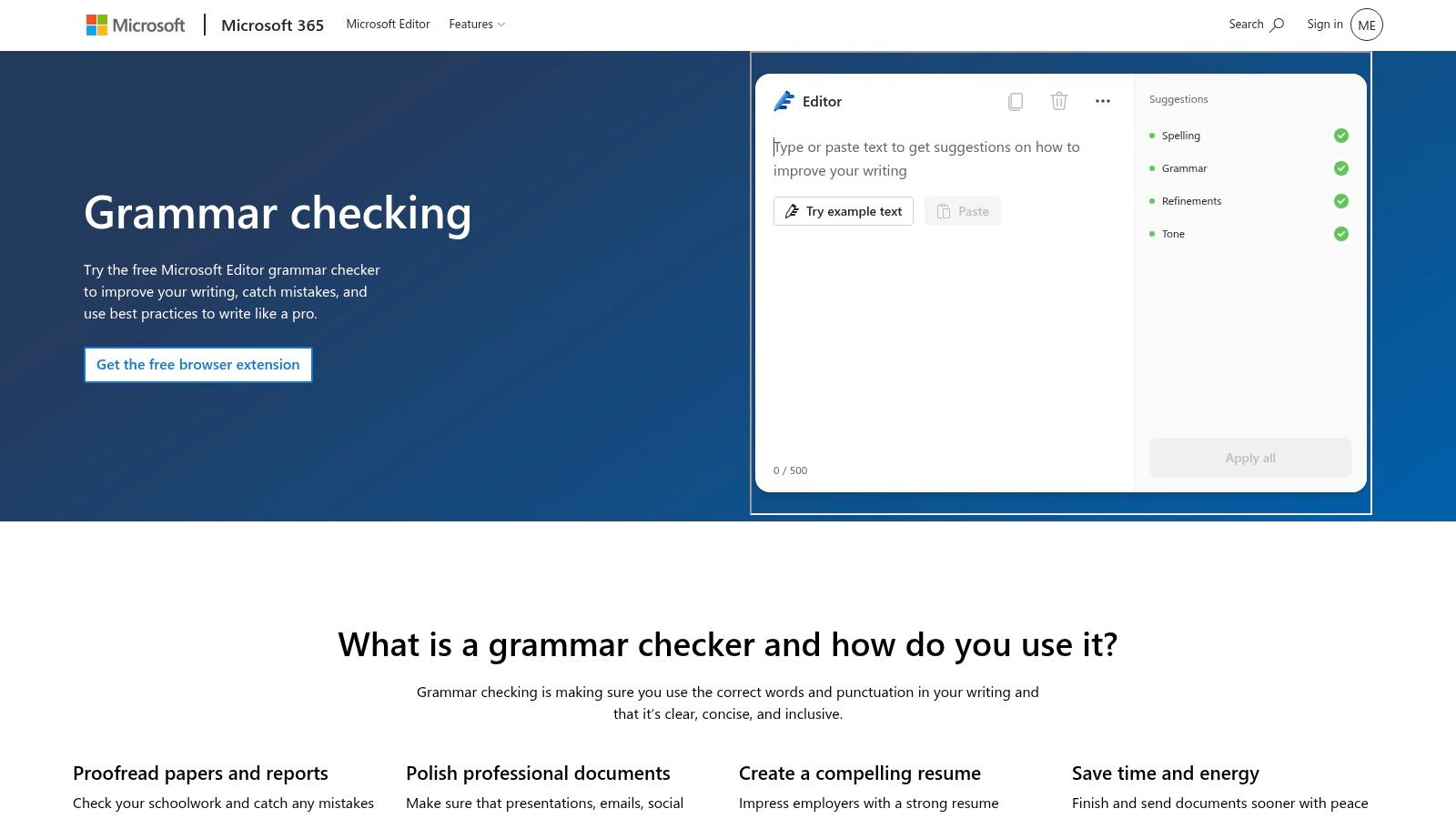
Microsoft Editor is a practical option for writers who already spend most of the day in Word, Outlook, Edge, and other Microsoft 365 workflows. Grammar, spelling, punctuation, and clarity suggestions appear inside familiar applications, so users don't need to copy text into another editor to check a questionable sentence. That convenience matters when a fragment appears in an email or document that needs a quick, controlled revision.
Its sentence-level checks are suitable for common errors such as dependent clauses left alone, missing punctuation, agreement problems, and run-ons. Word also gives writers access to the surrounding document, which helps when deciding whether two clauses belong together. The limitation is depth. Microsoft Editor generally offers fewer style and tone analytics than specialist writing platforms, and its strongest checks require a Microsoft 365 subscription.
Best drafting situation
Choose it for Office-heavy work, internal reports, proposals, client emails, and documents that must remain in Word. It's a sensible default when your organization already manages Microsoft accounts and doesn't want another writing platform.
Treat a correction as a suggestion, especially when the sentence contains technical terminology or a deliberate short opening. A fragment such as “After the migration.” may be wrong in a report but effective in a marketing headline. Context should decide.
Microsoft Editor grammar checker
6. QuillBot Grammar Checker
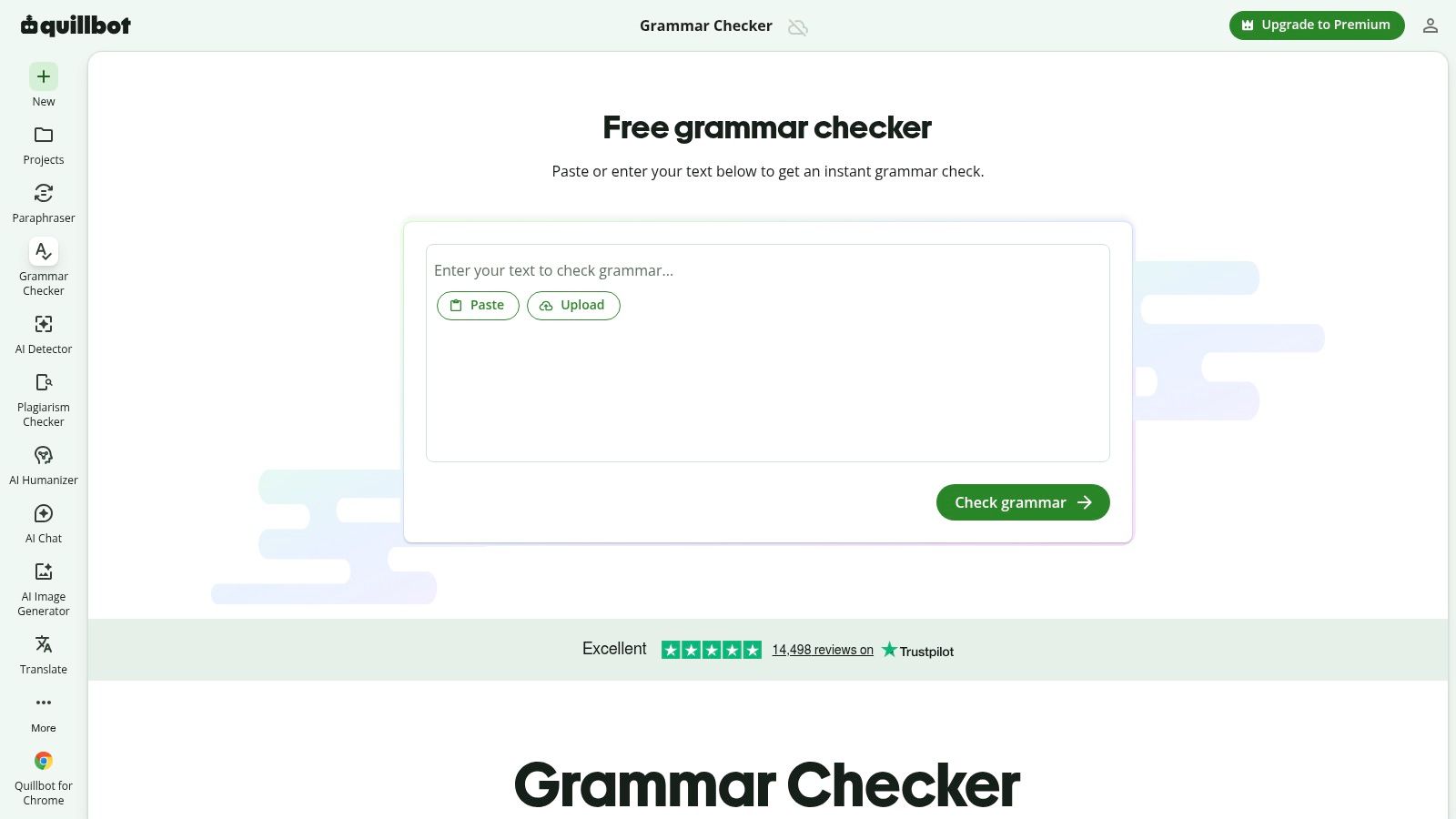
QuillBot Grammar Checker suits writers who want to move directly from correction to rephrasing. It handles grammar and punctuation issues with one-click fixes and sits alongside QuillBot's paraphraser, summarizer, and related tools. That workflow is useful when a sentence is technically repaired but still sounds awkward, repetitive, or too close to the structure of the surrounding paragraph.
For fragments, QuillBot can help turn an incomplete clause into a full sentence or combine it with the preceding thought. For run-ons, it may separate clauses or propose a smoother connection. The danger is over-editing. A paraphrase can make a sentence more fluent while weakening a qualification, changing emphasis, or replacing a precise term with a broader one.
Best drafting situation
Use QuillBot when correction and rewriting are part of the same task, such as revising a rough outline, simplifying a paragraph, or preparing a second-language draft. It's particularly convenient if you already rely on the QuillBot paraphraser.
The free experience has limits, and advanced features are gated behind Premium. Before applying a rewrite, copy the original sentence somewhere safe. If the edit changes who performed an action, when it happened, or how certain the claim is, restore the original and make a smaller correction instead.
For another rephrasing-oriented workflow, see this AI rewriting tool.
7. Ginger
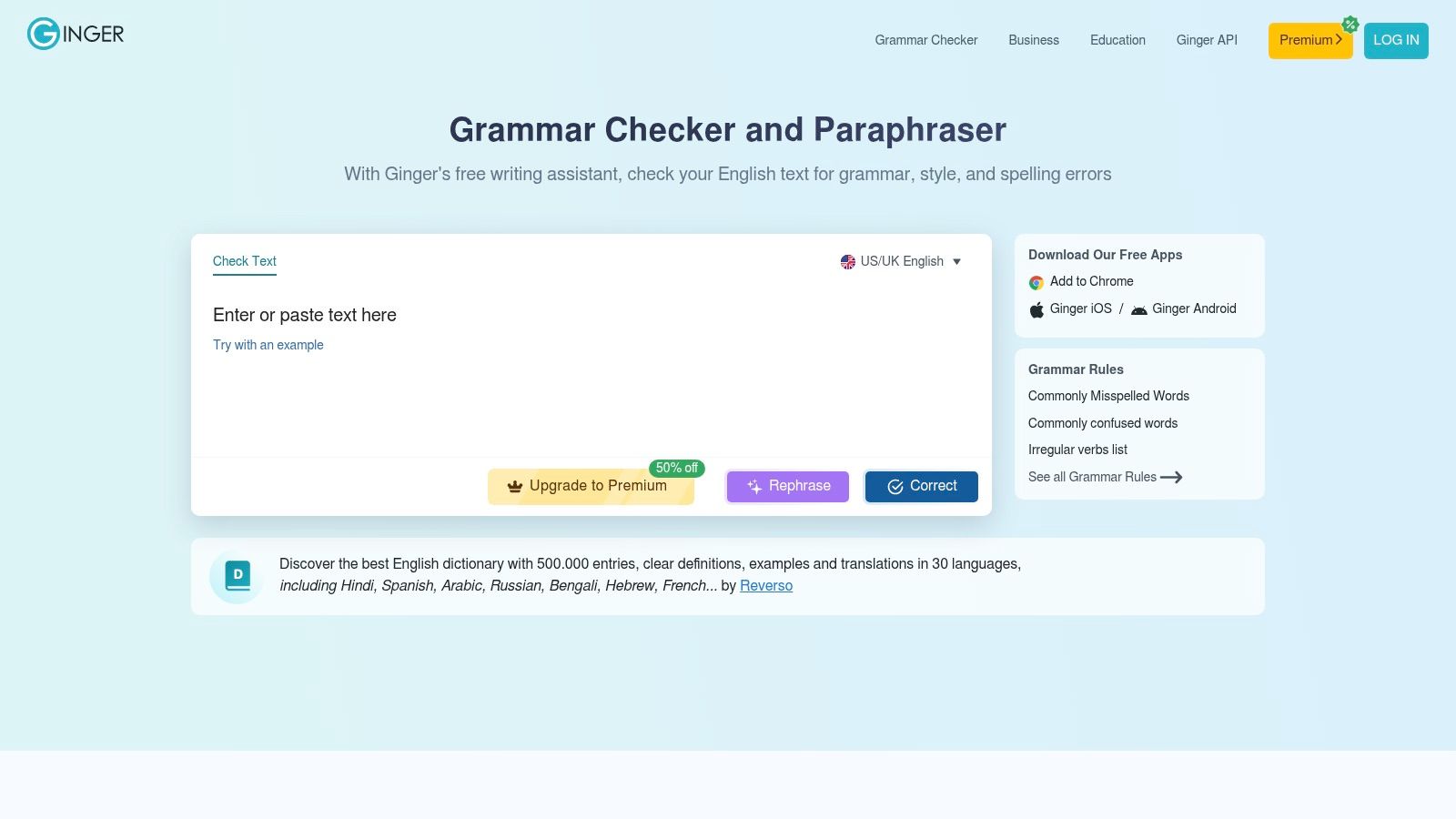
Ginger combines grammar and spelling checks with a sentence rephraser, dictionary, thesaurus, translation features, and tools designed to support language learners. That combination makes it useful when the problem isn't only that a sentence is incomplete, but that the writer isn't sure how to construct the complete version naturally.
Its rephraser can turn a fragment into a conventional sentence, repair a run-on, or offer a clearer arrangement of the same idea. It can also help non-native writers compare alternative sentence patterns. The interface feels less current than some newer writing assistants, and the most capable features require Premium access. That matters if you need frequent explanations rather than occasional corrections.
Best drafting situation
Ginger is a reasonable fit for learners, multilingual writers, and anyone who wants a correction plus vocabulary support. Start with the grammar suggestion, then use the rephraser only if the sentence still doesn't express the intended relationship.
A complete sentence needs more than a subject and a verb. It also needs the right dependency structure. “Because the report was late” contains a subject and verb, but “because” leaves the reader waiting for the result. Ask whether the sentence answers what happened next or why the information matters.
8. Sapling
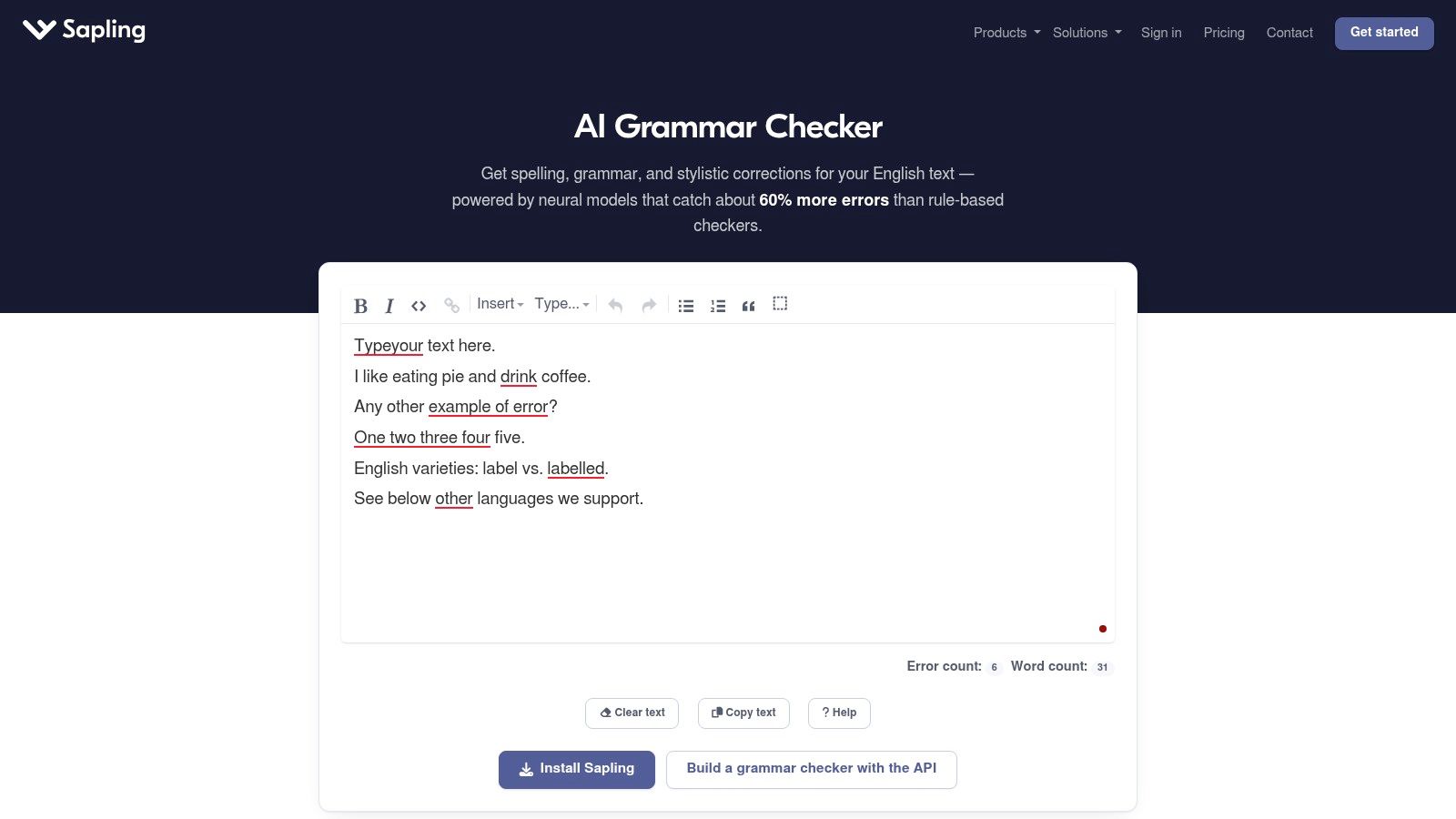
Sapling is built for teams that need sentence-level correction inside customer support, sales, and product workflows rather than only inside a personal writing app. Its grammar, spelling, punctuation, autocomplete, and response suggestions can appear through browser extensions, web tools, and API or SDK integrations. That makes it a stronger fit for embedding checks in a CRM, help desk, or internal editor.
For fragments and run-ons, Sapling can help representatives produce complete, readable responses without leaving the application where they work. Autocomplete may also reduce the number of incomplete phrases created during fast customer conversations. The trade-off is that Sapling offers fewer author-focused reports than long-form writing tools. Its pricing also varies by seat or usage, so teams should evaluate deployment requirements before choosing it.
Best drafting situation
Use Sapling when the sentence checker needs to live inside an operational workflow. A support team may need to turn “If you still can't access the account” into a complete response, but the correct ending depends on the customer's issue and the organization's approved language.
Test suggestions against your knowledge base and style rules. A grammatically complete response can still make an unsupported promise or omit a necessary instruction.
- For support teams: Confirm that the completed sentence matches the approved resolution.
- For developers: Test the API output inside the actual editor or CRM context.
- For managers: Review whether automation preserves the team's terminology and escalation language.
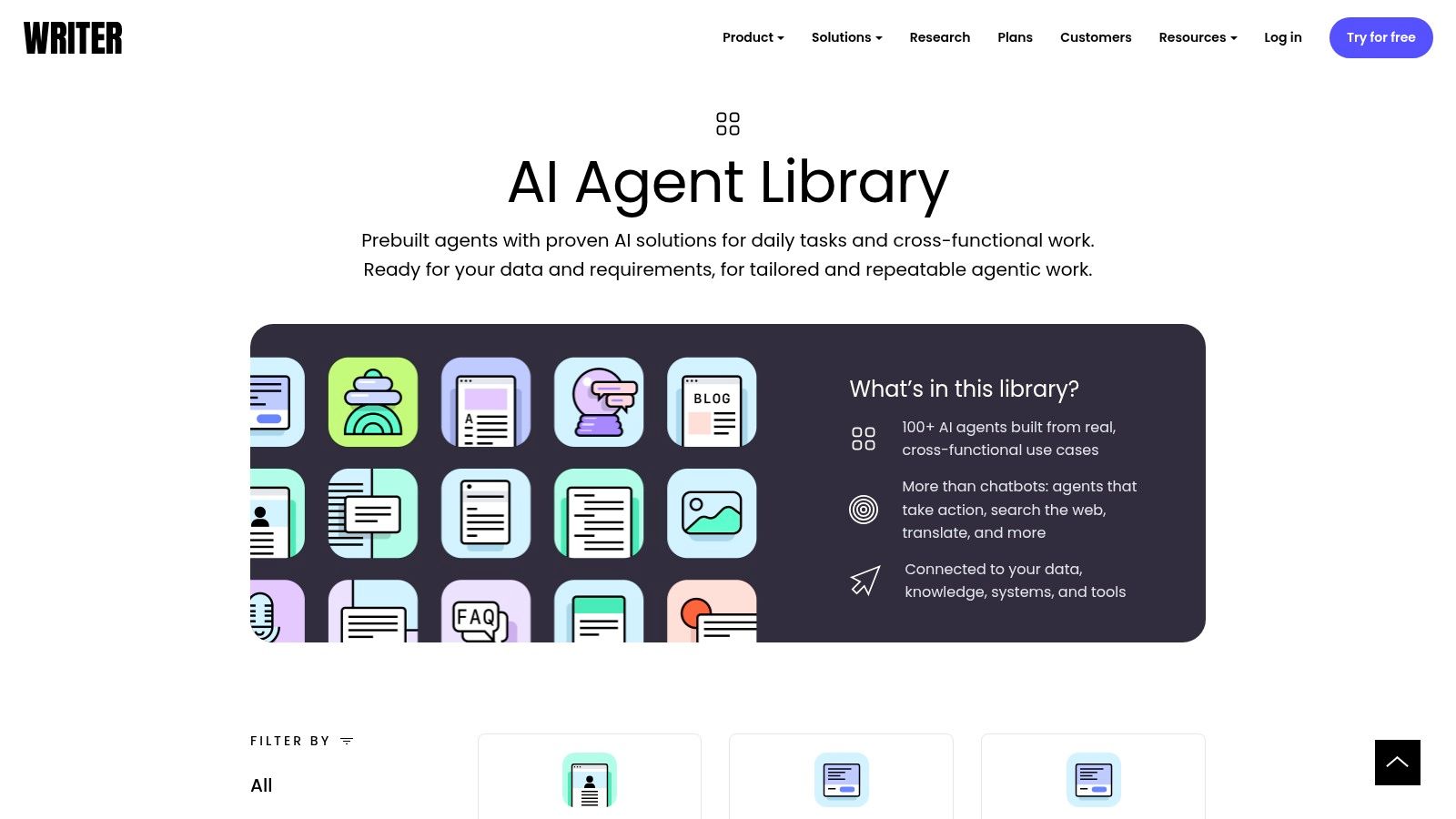
9. Writer
Writer is designed for companies that need grammar correction tied to brand language, terminology, inclusive-language rules, and compliance requirements. It checks grammar, spelling, punctuation, and clarity while applying centralized guidance through extensions and integrations such as Chrome, Figma, and Contentful. The result is a tool for controlling how many people write, not just for helping one person finish a sentence.
That distinction matters with fragments. A business may intentionally use a short fragment in a campaign headline but prohibit fragments in legal explanations, product documentation, or support messages. Writer's governance layer can help teams define those differences instead of relying on every employee to interpret sentence style independently.
Best drafting situation
Choose Writer for marketing departments, regulated organizations, agencies, and product teams with a shared editorial system. It's excessive for a solo writer who only wants to fix a few incomplete clauses. Its business-oriented pricing and content limits can also make it a poor fit for casual use.
Before accepting a correction, check both grammar and policy. A tool may complete a sentence correctly while replacing a preferred product term or changing an approved phrase.
Editorial rule: A complete sentence is not automatically compliant copy. Check grammar, terminology, audience, and required wording together.
Writer grammar and style platform
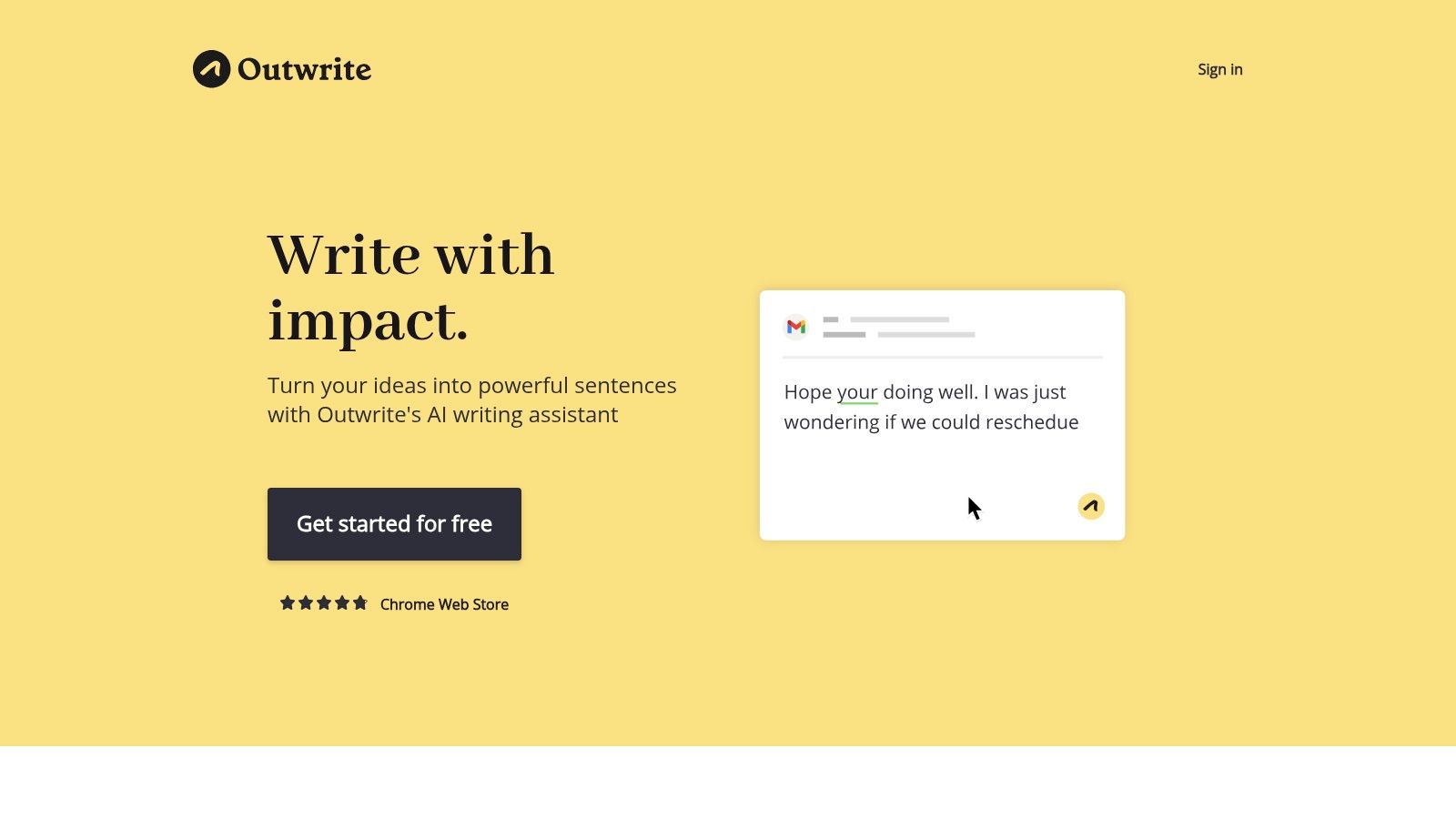
10. Outwrite
Outwrite separates basic grammar and spelling corrections from more advanced style and structural suggestions. Its web app and extensions for Chrome, Google Docs, and Word make it suitable for writers who want a straightforward editing layer without committing to a large authoring suite. Premium features can address sentence flow, passive voice, and structural rewrites, while plagiarism checking is available as an add-on.
For fragments, that separation is helpful. You can first repair the mechanical issue, then decide whether the complete sentence needs a broader rewrite. Run-ons receive similar treatment, with the basic correction kept distinct from changes intended to improve rhythm or clarity. The limitation is depth. Outwrite doesn't offer the same range of reports as some larger platforms, and plagiarism checking adds a separate cost in many cases.
Best drafting situation
Use Outwrite for individual articles, web copy, and Google Docs or Word drafts where you want a simple distinction between “this is grammatically wrong” and “this could read better.” It's also a reasonable option for teams that want a relatively direct setup.
Its structural suggestions deserve a slower review than spelling fixes. If the tool converts a fragment into a complete sentence, compare the subject, action, timing, and emphasis with your original.
Top 10 Sentence & Fragment Checker Comparison
| Product | Core features | Target (👥) | Standout (✨/🏆) | Quality (★) | Price (💰) |
|---|---|---|---|---|---|
| Grammarly | Real-time grammar, tone, clarity; wide integrations (browser, desktop, editors) | 👥 General writers, professionals, teams | 🏆 Broad integrations; ✨ Tone & conciseness guidance | ★★★★★ | 💰 Freemium → Premium (subscription) |
| LanguageTool | Grammar/style for 30+ languages; desktop & web apps | 👥 Multilingual writers, global teams | ✨ Strong multilingual checks; 🏆 Rule+AI hybrid | ★★★★ | 💰 Freemium → Premium |
| ProWritingAid | 25+ in-depth reports (readability, pacing, repeats) | 👥 Long‑form authors, editors | 🏆 Deep diagnostic reports; ✨ Rephrase & style analytics | ★★★★ | 💰 One‑time & subscription options |
| Hemingway Editor | Highlights complex sentences, passive voice; readability grade | 👥 Writers wanting concise prose, editors | ✨ Tightens prose quickly; 🏆 One‑time desktop offline option | ★★★ | 💰 One‑time (classic) / Sub for AI features |
| Microsoft Editor | Spelling, grammar, clarity across Edge/Word/Outlook | 👥 Microsoft 365 users, office workflows | ✨ Native Office integration; 🏆 Seamless in MS ecosystem | ★★★★ | 💰 Included with Microsoft 365 |
| QuillBot Grammar Checker | One‑click fixes; integrated with paraphraser & summarizer | 👥 Users who rephrase often, students | ✨ Smooth paraphrase+check workflow | ★★★★ | 💰 Freemium → Premium |
| Ginger | Grammar, rephraser, translation, trainer modules | 👥 Non‑native writers, learners | ✨ Rephraser + language tools for improvement | ★★★ | 💰 Freemium → Premium |
| Sapling | Neural grammar checks, autocomplete, API/SDK for integration | 👥 Support/sales teams, devs embedding checks | 🏆 Enterprise APIs & autocomplete; ✨ CRM/editor integrations | ★★★★ | 💰 Seat/usage pricing (enterprise) |
| Writer (Qordoba) | Grammar + centralized brand/style & compliance rules | 👥 Companies needing brand governance | 🏆 Strong brand controls & analytics; ✨ Inclusive‑language rules | ★★★★ | 💰 Business plans (tiered) |
| Outwrite | Grammar + structural rewrites; web + doc extensions | 👥 Students, individual writers, small teams | ✨ Clear split: basic fixes vs sentence rewrites | ★★★ | 💰 Freemium + paid add‑ons (plagiarism) |
Match the Checker to Your Writing Workflow
The best fragment or sentence checker depends less on a universal ranking than on where your writing happens and what kind of decision you need to make. Grammarly and Microsoft Editor are practical for everyday browser, email, and Office drafting. LanguageTool is the stronger starting point for multilingual work. ProWritingAid suits long-form revision, while Hemingway Editor helps trim dense sentences after the basic grammar pass.
QuillBot and Ginger are useful when correction needs to lead into rephrasing, especially for writers who are still developing sentence construction. Sapling and Writer serve different team problems. Sapling belongs inside support, sales, and product workflows, while Writer adds centralized terminology, brand, and compliance controls. Outwrite sits between a basic checker and a structural editing tool for writers who want those functions separated.
No tool can reliably decide every time whether a fragment is an error. A headline such as “Built for busy teams” may be perfectly effective as a fragment, while the same structure in a formal report may need a main clause. Dialogue, advertising copy, interface text, notes, and literary prose all use incomplete sentences deliberately. The important question isn't only “Is this a fragment?” It's “Should this audience receive a complete sentence here?”
Run a small test before choosing a platform. Write a short paragraph containing one dependent-clause fragment, one run-on, one intentional headline-style fragment, and one complete sentence that should remain unchanged. Then compare how each tool classifies the examples. Keep the original text, review the explanation, and reject any suggestion that changes the claim, relationship, or voice.
Manual checking remains fast and valuable:
- Find the subject: Identify who or what performs the action.
- Find the finite verb: Confirm that the clause has a tense-bearing verb where one is needed.
- Check dependency words: Words such as “because,” “although,” “when,” and “which” may signal that the clause cannot stand alone.
- Test the boundary: Read two neighboring clauses together and decide whether a period, semicolon, or conjunction belongs between them.
- Protect intentional style: Keep a fragment when it performs a clear rhetorical job and suits the audience.
- Verify meaning: Compare the proposed sentence with the original before accepting a rewrite.
The most reliable workflow uses software for detection and a person for judgment. Grammar history shows why this remains difficult. Automated writing assistance developed from pattern matching and rule-based syntax toward parsing and statistical language models, as documented in the Cambridge overview of automated writing assistance. Fragment detection is still an evaluation problem with competing risks. One peer-reviewed study reported a best-performing model with 0.84 precision and 0.62 recall, meaning it identified many genuine fragments but missed others in that evaluation setting, as explained in the study on sentence-fragment detection.
That gap is why confidence, explanation, and meaning preservation matter more than a green checkmark. Another evaluation found that human annotators preferred corrected sentences in 92.3% of cases, with system-level preferences ranging from 87.5% to 94.6%, but useful correction still needs to be judged by acceptability and preserved meaning, as described in the 2024 computational-linguistics study. Choose the tool that fits your drafting environment, then keep the final decision with the writer.
If you're building a writing, grammar, or AI productivity product, submit it to IndieTool for directory exposure, a permanent do-follow backlink, and founder-focused discovery. Its launch toolkit also includes free utilities for naming, content, and product preparation, so you can turn a useful fragment or sentence checker into a clearer launch story.