Indietool
Cost Analysis Tools for Indie Founders: 10 Options Compared
You open your cloud invoice and find a line item that doubled in March. The service name looks familiar, but there's no owner, no deployment note, and no obvious explanation. Was it customer growth, a forgotten test environment, or an AI feature making more requests than expected?
The bill arrives before the insight does. For a solo founder, the immediate job isn't building a finance dashboard. It's identifying what changed, deciding whether that change was useful, and stopping avoidable spending without breaking the product.
Cost analysis tools work at different layers. Native cloud consoles explain provider bills. Kubernetes tools divide shared infrastructure among workloads. Multi-provider platforms consolidate accounts, while cloud-plus-SaaS products bring software subscriptions into the picture. Buying across those categories without checking your actual infrastructure creates another subscription, not necessarily better answers.
Setup matters as much as the subscription price. Someone still needs to connect billing accounts, grant permissions, label resources, and decide how to allocate shared costs. A dashboard can show an untagged database, but it can't reliably decide which product should pay for it.
Start with the cheapest tool that can explain your next spending decision. Upgrade when you can name the question it can't answer.
The following options suit different stages, from a founder reviewing a modest provider invoice to a growing SaaS team tracking infrastructure costs by customer. Published tiers are useful starting points, but spend limits, account coverage, and operating effort determine the actual fit.
Table of Contents
- 1. Vantage
- 2. AWS Cost Explorer
- 3. Microsoft Cost Management
- 4. Google Cloud Cost Management
- 5. Datadog Cloud Cost Management
- 6. OpenCost
- 7. IBM Kubecost
- 8. Economize
- 9. CostAnalyst
- 10. CloudZero
- How the 10 cost analysis tools compare on free access, entry pricing, and best fit
- Match the Tool to Where Your Spend Actually Lives
1. Vantage
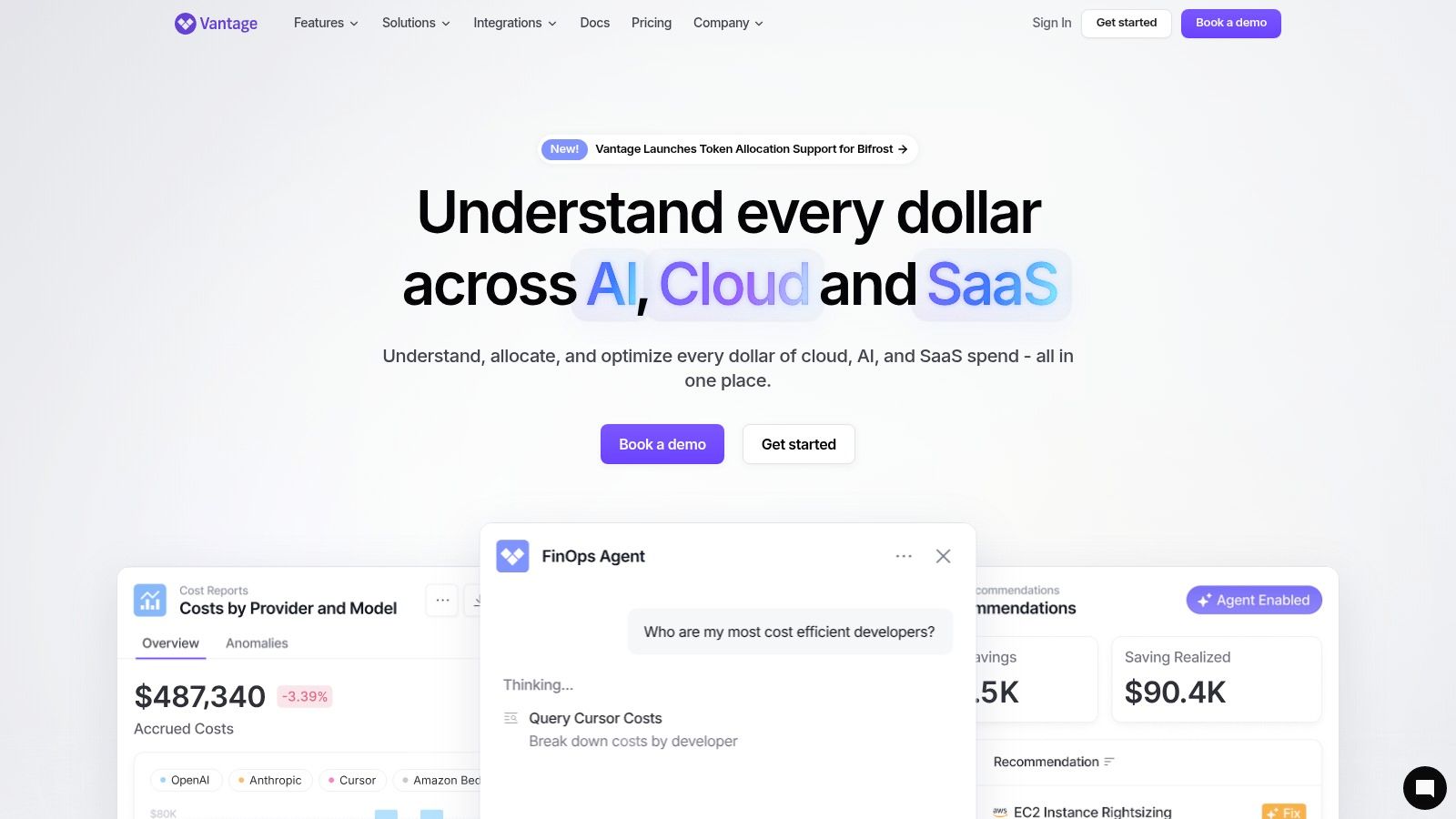
Best for a small startup that needs a dedicated, multi-provider cost workspace. Vantage consolidates infrastructure spending and adds reporting, allocation, virtual tagging, and AWS Savings Plans automation. Its appeal is having a place to investigate costs without assembling a reporting pipeline yourself.
The Vantage pricing options include a free Starter plan covering up to $2,500 in cloud spend and three users, Pro at $30 per month, Business at $200 per month, and custom Enterprise pricing. That makes the entry point accessible, but the free plan's tracked-spend and user limits deserve attention before you build recurring workflows around it.
Where the setup work goes
Connect the relevant provider accounts, inspect the imported totals, and establish allocation rules. Virtual tagging helps organize spending, but you still need consistent definitions for production, development, products, and shared infrastructure.
- What works: Consolidated reporting when infrastructure spending no longer lives in a single console.
- What takes effort: Mapping resources into categories that match how you operate the business.
- Where free stops: When tracked spending or collaboration requirements exceed Starter limits.
For a solo builder using a single provider, the native billing console may remain sufficient. Vantage becomes more useful when you're repeatedly merging exports or explaining the same bill to someone else. Don't activate commitment automation until you understand which workloads will remain stable.
2. AWS Cost Explorer
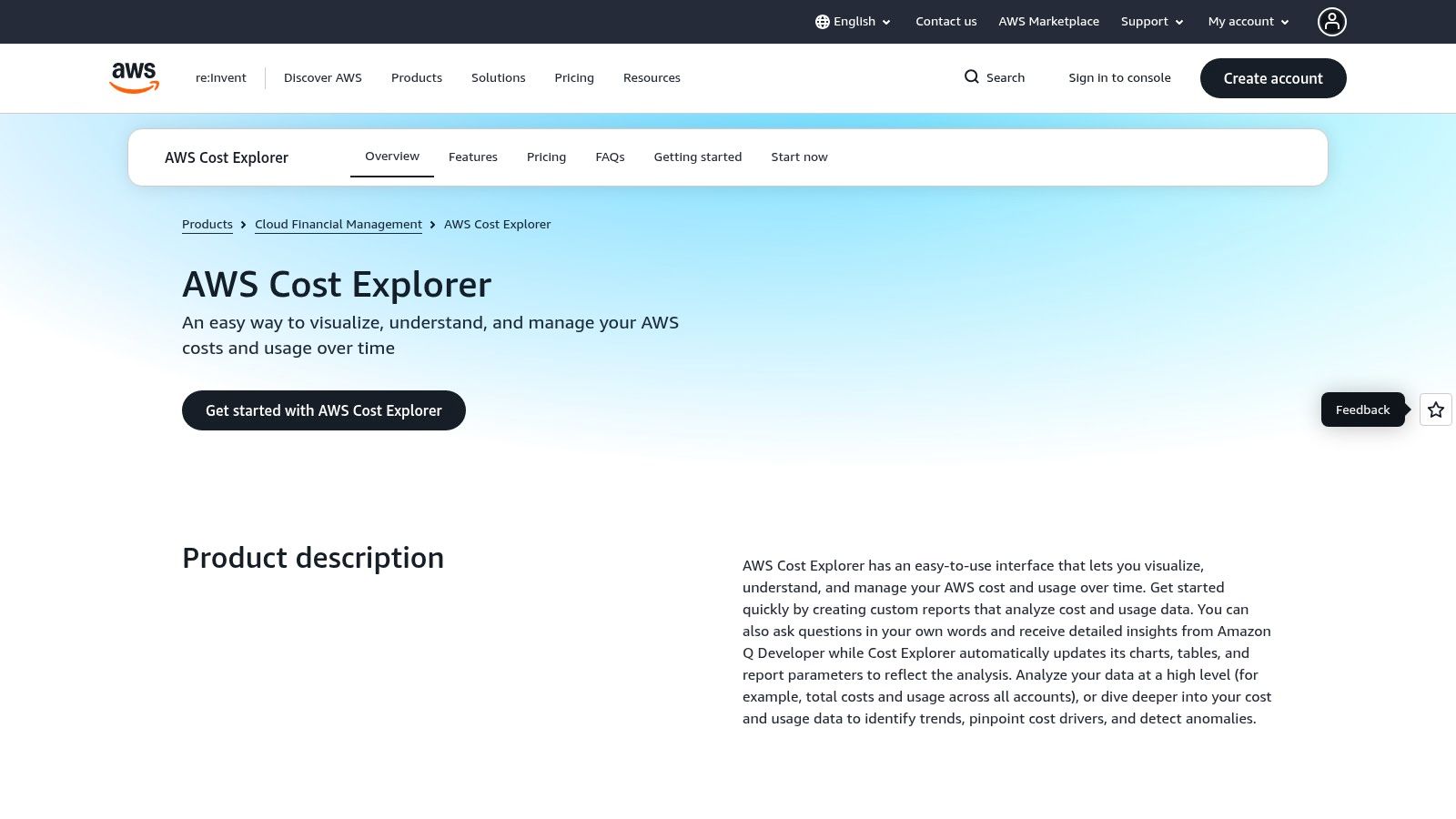
If your product runs on AWS, start with AWS Cost Explorer before buying another dashboard. It provides cost and usage charts, historical analysis, filters, forecasts, and savings recommendations using your AWS billing data.
The AWS Cost Explorer product page describes console access at no additional charge, while API requests and hourly-granularity data can incur separate charges. The distinction matters if you move from occasional manual investigation to scripts that query billing data automatically.
Investigate before optimizing
Begin with service-level spending, then narrow the view by account, region, and available allocation tags. If database spending rises, check the responsible resources and deployment changes before assuming the answer is a reservation or savings commitment.
Setup effort is relatively light for basic reporting, but useful attribution depends on resource organization. Activate relevant cost-allocation tags and separate environments clearly enough that a development workload doesn't disappear inside production totals.
Practical rule: A savings recommendation isn't permission to commit. Confirm that the underlying workload will persist before exchanging flexibility for a discount.
Its main limitation is scope: Cost Explorer explains AWS, not your whole operating budget. The CloudBurn directory listing is another discovery point when researching AWS-related tooling, but keep the provider bill as your reconciliation reference.
For an AWS-only founder, a paid platform needs to solve a specific reporting or ownership problem that Cost Explorer leaves unresolved.
3. Microsoft Cost Management
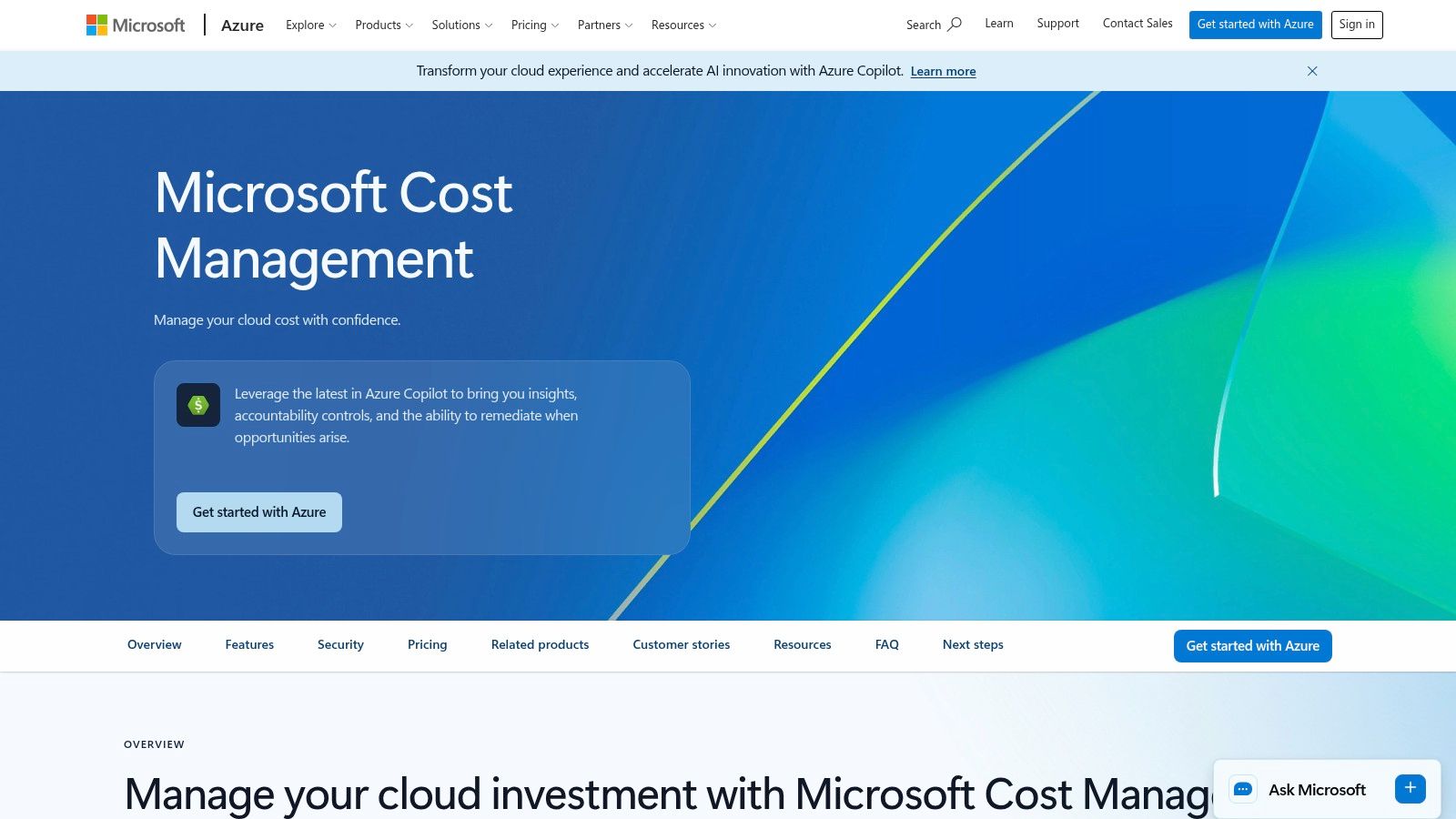
An Azure founder usually needs better billing organization before another cost platform. Microsoft Cost Management provides reporting, budgets, alerts, tag-based enrichment, and recommendations for idle resources within the Azure workflow.
Microsoft Cost Management is available at no additional service cost, although the underlying Azure services remain chargeable. It's a sensible starting point when Azure accounts for most of your infrastructure spending and you don't need a consolidated external reporting layer.
The initial work is choosing the right reporting scope and making resource ownership legible. A budget attached to the wrong scope can look reassuring while leaving relevant spending outside the view.
- Organize resource groups: Keep unrelated products and environments distinguishable.
- Apply useful tags: Record product, environment, and owner rather than inventing categories nobody maintains.
- Configure actionable alerts: Send notifications somewhere you'll review, with a named person responsible for investigating.
- Inspect idle-resource recommendations: Confirm dependencies before deleting anything.
The limitation isn't a free-plan ceiling
The broader Azure feature set takes time to configure and interpret. A basic chart is easy to obtain; a defensible explanation of shared infrastructure requires more deliberate allocation.
A separate platform becomes worth considering when Azure reporting must sit beside other providers or support recurring cross-team reporting. Until then, don't pay to duplicate the same totals in a different interface.
4. Google Cloud Cost Management
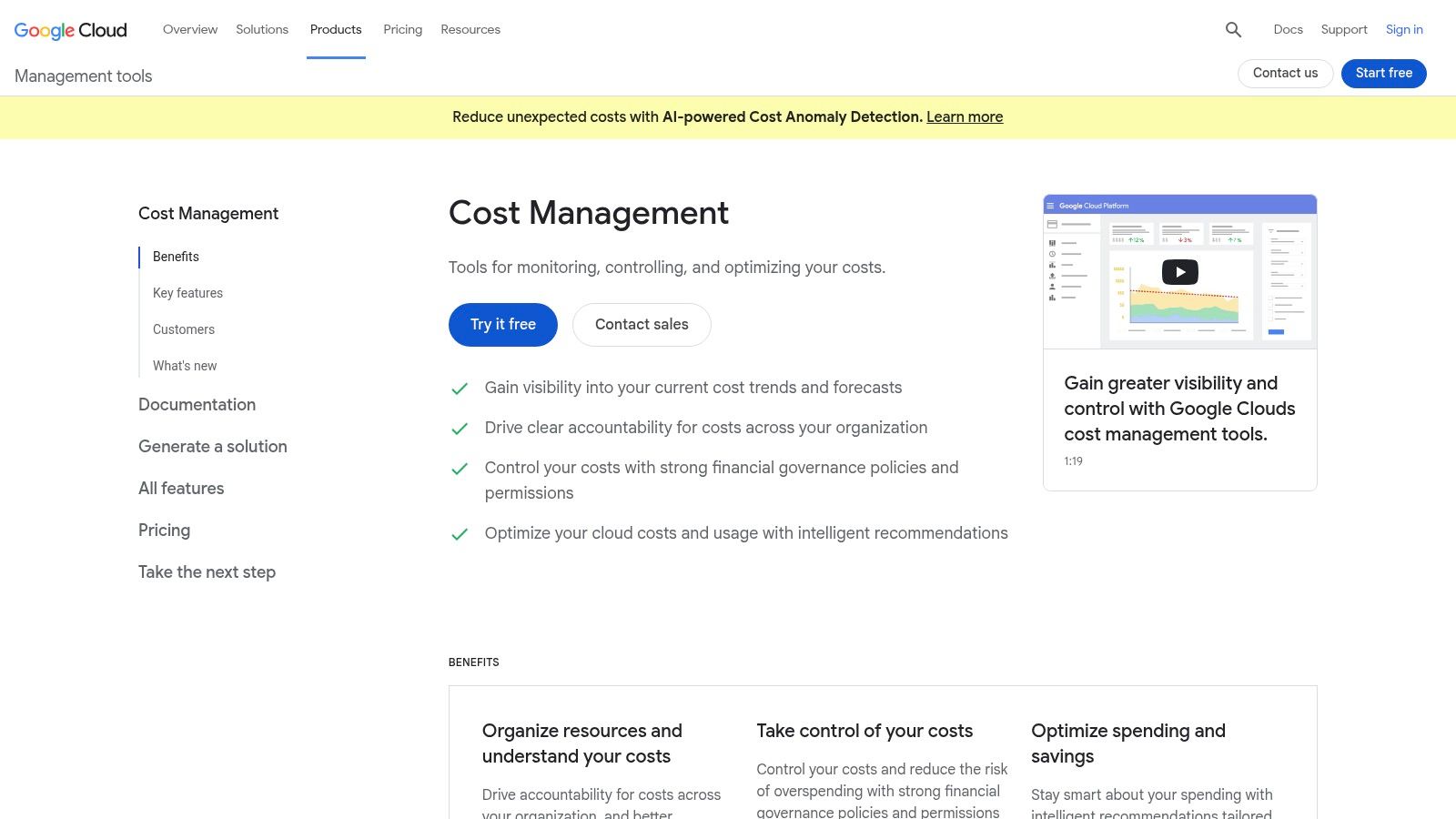
Say your application uses Google Cloud services across development and production projects. Before adding another platform, use the native billing reports to establish which projects and services explain the change.
Google Cloud Cost Management offers billing reports, budgets, alerts, optimization recommendations, and billing exports to BigQuery. The native cost-management tools are free for Google Cloud customers, while storing or analyzing exported data can add charges.
Export only when you have a question
BigQuery exports are useful when the console can't answer a recurring question, such as how spending maps to your internal product categories. They also create a reporting system you must maintain, including datasets, queries, access controls, and reconciliation.
- Use native reports first: Investigate service and project spending before building custom queries.
- Keep project boundaries meaningful: Separate workloads where that separation supports ownership and troubleshooting.
- Treat exports as infrastructure: Review storage and query behavior instead of assuming the reporting layer is costless.
The setup burden is modest for console reporting and higher for custom analysis. The free boundary isn't a plan upgrade; it's the point where your reporting architecture starts consuming chargeable resources.
For a solo founder, a clear project structure and useful budget notifications may be enough. Move to a multi-provider tool when you need consolidated ownership and reporting, not merely because exported billing data is available.
5. Datadog Cloud Cost Management
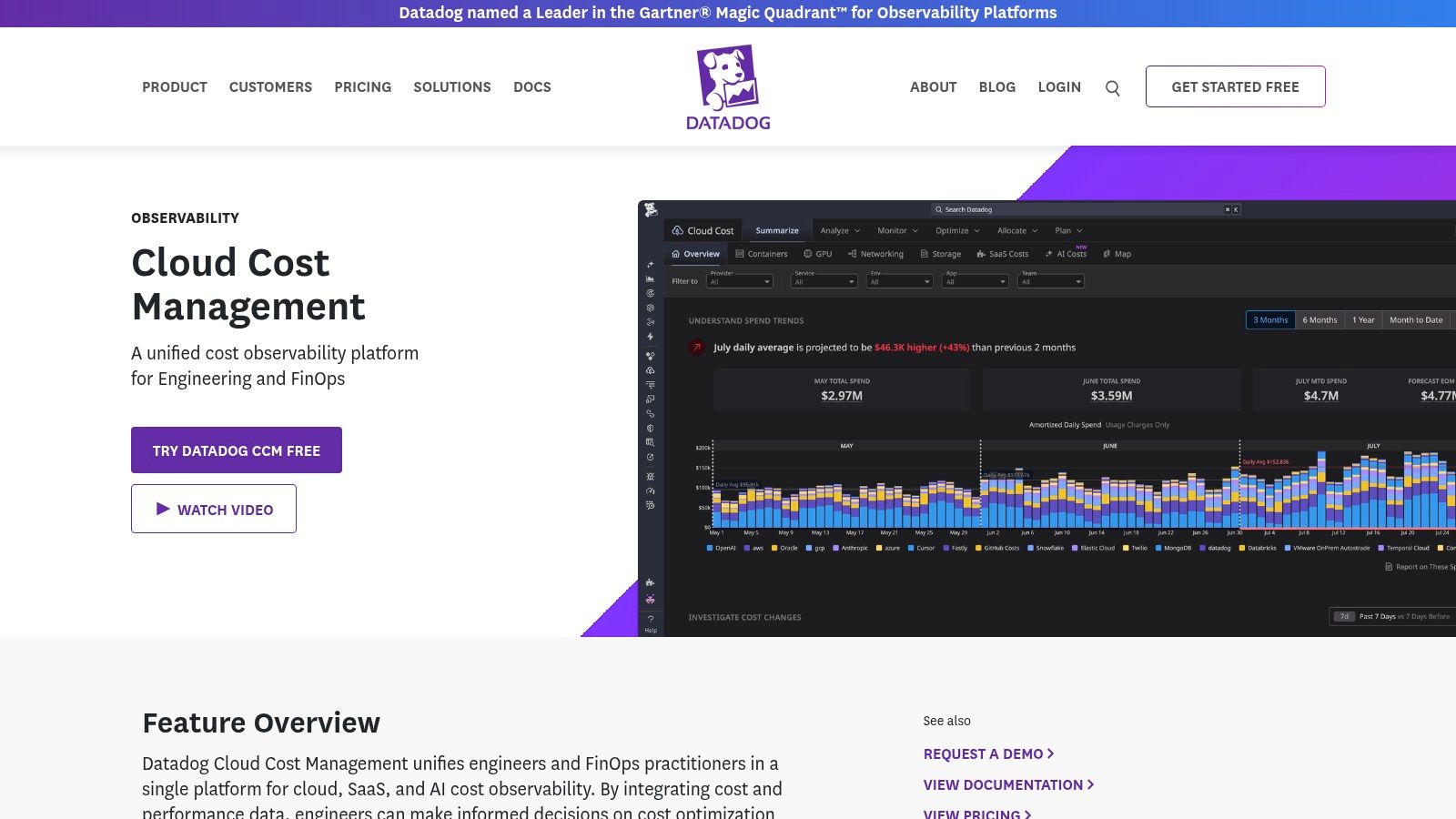
Datadog makes the strongest case when your engineers already investigate infrastructure there. Bringing cost information alongside operational and performance data can help explain whether a spending increase accompanied more traffic, a deployment, or a change in resource use.
Datadog Cloud Cost Management includes dashboards, budgets, alerts, anomaly detection, allocation, and recommendations across supported sources. Cost Visibility for Datadog costs has a free option, but broader cloud and SaaS coverage requires a paid plan.
That free boundary is important. Monitoring your Datadog spending isn't equivalent to receiving a free view of all your infrastructure costs.
Buy the context, not another chart
Setup includes connecting billing sources and checking whether cost allocation matches your service and infrastructure labels. Some container-related capabilities depend on other Datadog products, so evaluate the required product combination rather than an isolated feature description.
- Strong fit: An engineering team already using Datadog to investigate service behavior.
- Weak fit: A founder adopting a broad observability platform solely to read a straightforward cloud invoice.
- Evaluation priority: Whether the relevant cost view connects cleanly to the operational evidence you use.
If you're also comparing observability approaches, the Dash0 directory listing provides another product to investigate. Keep that decision separate from billing coverage: an observability tool and a cost-analysis platform don't automatically answer the same questions.
6. OpenCost
A cloud invoice can tell you what a cluster costs without explaining which application consumed its resources. OpenCost addresses Kubernetes allocation, which is a different problem from reviewing provider totals.
OpenCost is free and open source, with a user interface, API, real-time and historical reporting, and cloud-billing integrations. Kubernetes allocation requires a cluster and Prometheus, so this isn't a lightweight substitute for a billing dashboard if you don't already operate Kubernetes.
Free software still needs an operator
Installation is only part of the work. You need reliable metrics, meaningful workload labels, appropriate retention, and a method for distributing idle capacity and shared infrastructure costs.
OpenCost removes the software subscription, not the responsibility for maintaining trustworthy allocation.
A namespace-level view can be useful, but it won't automatically match your business structure. If multiple customers share a service, you'll need another allocation method before presenting customer-level costs as precise.
What works: Technical teams get a vendor-neutral foundation they can inspect and extend. What doesn't: Expecting a self-managed deployment to deliver a polished finance workflow without additional integration.
The point where free stops being enough is operational rather than contractual. If maintaining metrics and allocation logic distracts from the product, a managed or commercial option may be the better trade. For a founder without Kubernetes, skip this category entirely.
7. IBM Kubecost
Choose IBM Kubecost when Kubernetes spending needs an ongoing management workflow, not just a view of the provider invoice. It combines cluster cost visibility, allocation, cloud-bill reconciliation, and optimization recommendations across public-cloud and on-premises environments.
IBM Kubecost offers SaaS deployment with agents running on clusters, and commercial pricing depends on monitored virtual processor cores and plan details. That makes monitored capacity a procurement consideration alongside the size of your cloud bill.
Evaluate reconciliation and allocation together
Start with a representative cluster. Check whether workload-level allocations reconcile with provider billing, then inspect how shared services and unused capacity appear.
- Billing integration: Confirm that the relevant accounts and cluster charges are included.
- Ownership mapping: Use labels and namespaces that correspond to responsible teams or products.
- Optimization review: Validate recommendations against reliability requirements before changing resource settings.
- Commercial scope: Establish which capacity the quote covers and how growth changes the agreement.
The setup burden includes cluster agents, permissions, billing connections, and allocation decisions. A managed interface doesn't eliminate those dependencies.
Compared with OpenCost, the decision is less about whether Kubernetes costs can be measured and more about which operating model you want. A growing team may value commercial workflows; a technical solo founder may prefer maintaining a simpler open-source deployment.
Without meaningful Kubernetes spending, neither is the right starting point. Solve the provider-level billing question first.
8. Economize
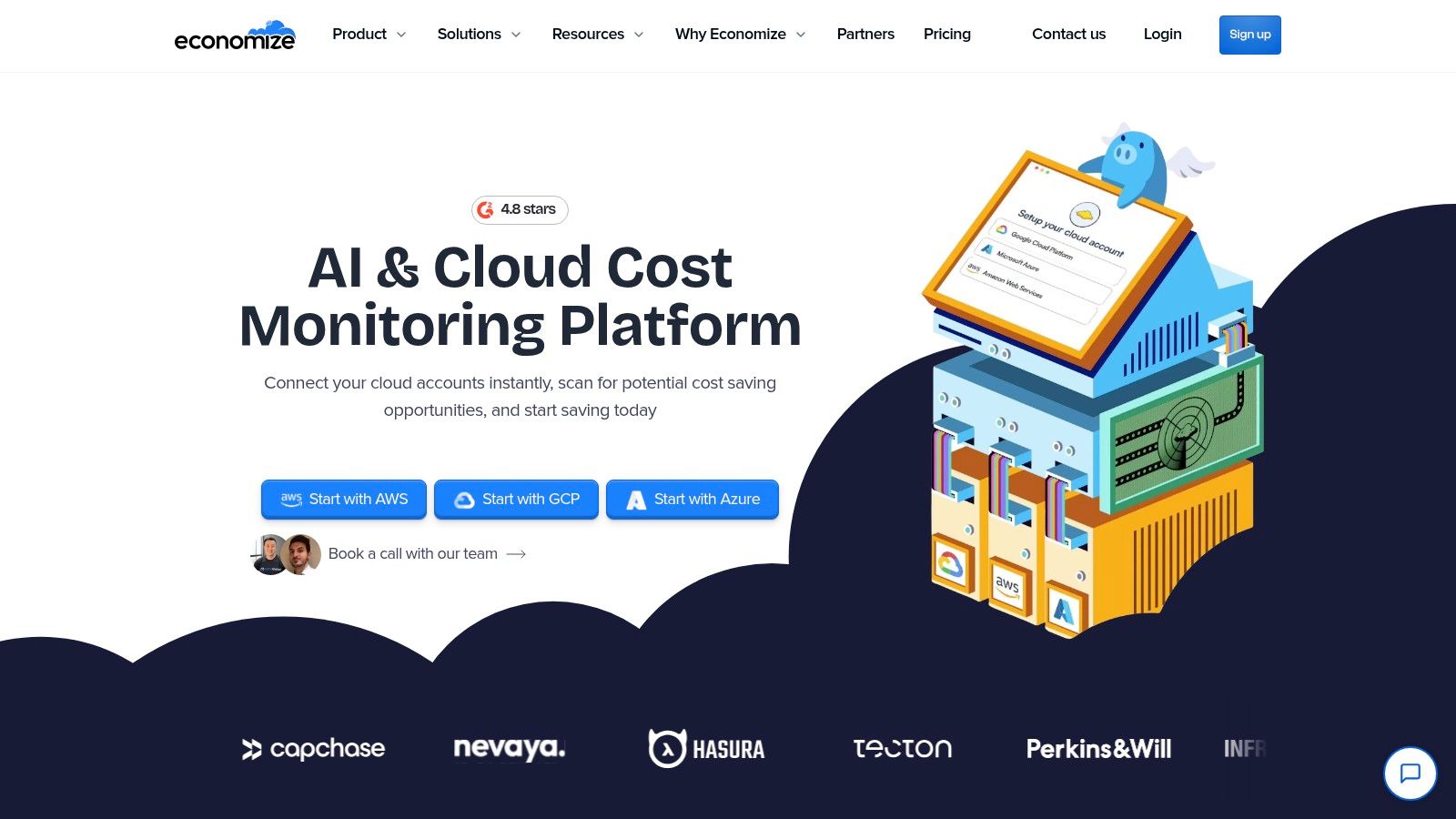
Economize is worth evaluating when you want cloud-cost visibility across AWS, Azure, and Google Cloud without immediately committing to a paid platform. It provides multi-account cost observability and optimization across those providers.
Economize's published plans include a free tier for eligible accounts with up to $100,000 in monthly spend, Professional at $249 per month, and Enterprise starting at $2,499 per month. Eligibility and feature coverage matter as much as the headline spending allowance.
Test the free plan against your workflow
Connect the accounts you need and test a complete investigation: find an unexpected charge, identify its owner, and decide what to change. A generous spend ceiling doesn't establish whether the included reporting and account coverage fit your business.
Setup effort sits mainly in permissions, account connections, and categorization. Imported data still needs reconciliation, especially when credits, shared services, or inconsistent naming affect comparisons.
- Good fit: A startup seeking consolidated visibility across supported providers.
- Potential mismatch: A tiny operation considering a paid tier without a specific requirement that the free option can't satisfy.
- Upgrade trigger: A verified need for paid capabilities, rather than a general desire for more dashboards.
Keep cost observability separate from bookkeeping. The QuickBooks options for solopreneurs address the accounting side of the business; cloud allocation should explain infrastructure usage, not replace your financial records.
9. CostAnalyst
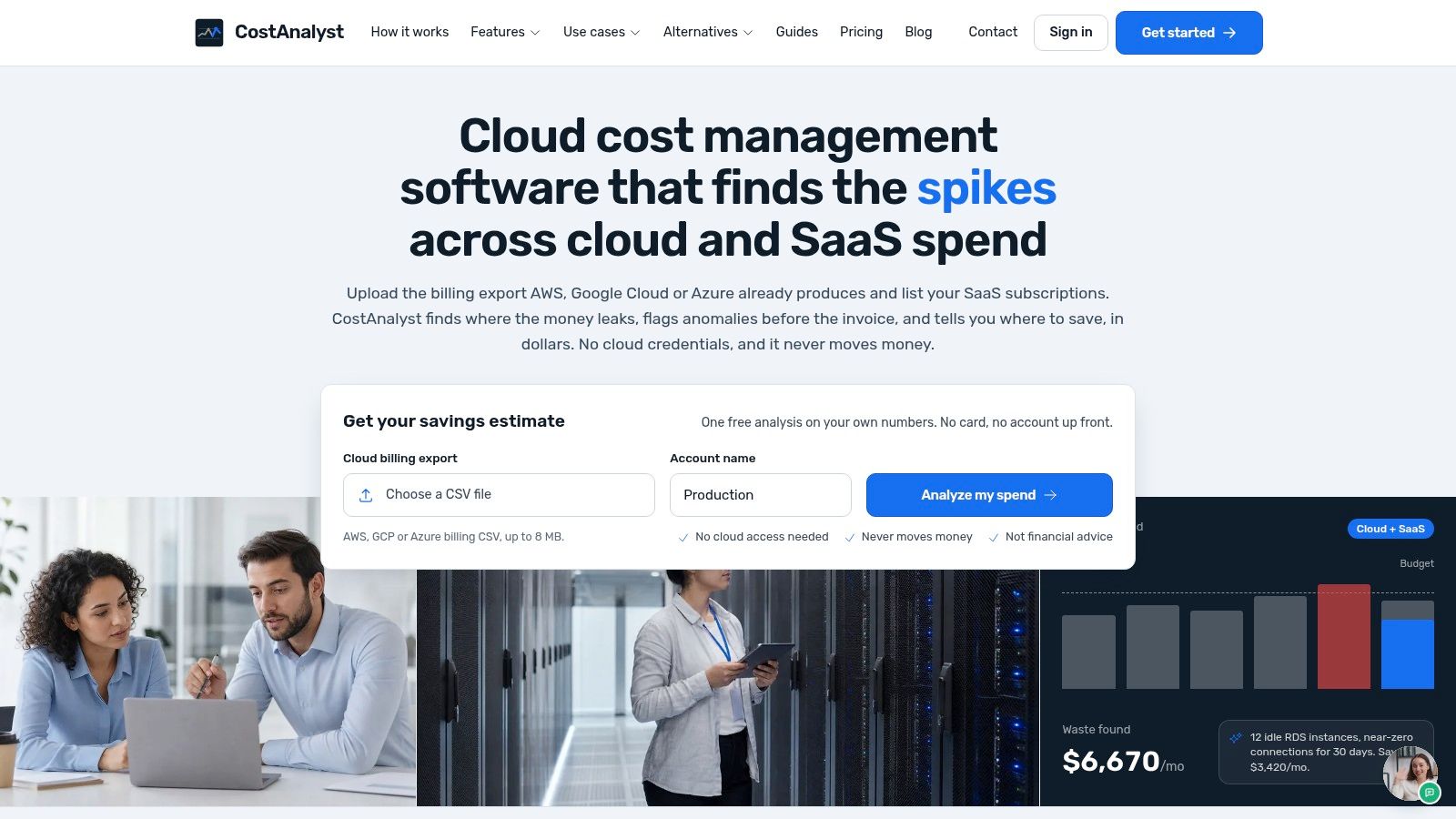
Your infrastructure bill may be understandable while your subscription spending remains scattered across cards, invoices, and administrator accounts. CostAnalyst brings cloud and SaaS spending into the same analysis, including license utilization, allocation, forecasting, and anomaly alerts.
CostAnalyst's listed plans start at $59 per month billed yearly, with higher tiers at $179, $479, and $1,245 per month billed yearly. Account, application, and spending limits make the included scope important, while annual billing changes the commitment you're making.
SaaS visibility depends on access
The useful setup work involves connecting supported sources, identifying subscription owners, and reviewing the available usage evidence. An invoice tells you what was purchased; license-use information helps you decide whether the purchase still matches demand.
- Check coverage: Confirm that your important applications and infrastructure sources are supported.
- Resolve ownership: Assign someone to approve renewals and review unused access.
- Handle exceptions: Keep annual contracts and shared accounts distinguishable from straightforward monthly subscriptions.
This category becomes attractive when subscription administration is itself a recurring task. It's less compelling when your software stack is small enough to review accurately in a spreadsheet.
There's no free-plan assumption to rely on here. The entry subscription needs to justify itself through useful coverage and decisions you'll make. Don't count a recommendation as savings until you can cancel, reduce, or renegotiate the underlying expense.
10. CloudZero
The question changes as a SaaS business grows. Instead of asking why the cloud bill increased, you start asking which products, features, or customers generated that cost.
CloudZero organizes cloud and related technology spending through configurable Dimensions, with anomaly detection, recommendations, and unit-economics analysis. It supports cloud, SaaS, and AI sources, while pricing requires a quote rather than a publicly listed product-page price.
Business context is the implementation
Connecting billing data is the beginning. Useful cost-per-customer analysis requires a defensible connection between infrastructure consumption and customers, including a policy for shared services.
Directly attributable spending and allocated spending shouldn't look identical. If you divide a shared database using a usage proxy, document that rule and preserve the ability to revise it.
Buying test: Bring a real margin question to the evaluation. Ask whether the resulting view supports a decision, not just whether the dashboard looks complete.
CloudZero fits a team that needs engineering and finance to use shared cost definitions. Its business-context capabilities can exceed the needs of a founder who mainly wants to identify an abandoned resource.
The operational burden is maintaining allocation rules as your product changes. A paid platform can calculate the model, but someone must own the model. If your customer usage data isn't ready, begin with product or environment allocation rather than promising customer-level precision immediately.
How the 10 cost analysis tools compare on free access, entry pricing, and best fit
| Item | Free option | Published entry price | Best for |
|---|---|---|---|
| Vantage | Starter: up to $2,500 in cloud spend and 3 users | Pro: $30/month | Startups needing multi-provider cost allocation and reporting |
| AWS Cost Explorer | Console access at no additional charge | No additional charge for console access | Teams monitoring AWS spend and forecasts |
| Microsoft Cost Management | Included for Azure customers | No additional service cost | Teams managing Azure budgets and spending |
| Google Cloud Cost Management | Included for Google Cloud customers | No additional charge | Teams managing Google Cloud costs and billing data |
| Datadog Cloud Cost Management | Free monitoring for Datadog costs | Paid plan required for broader cloud and SaaS coverage; price not specified | Teams connecting costs with observability data |
| OpenCost | Free and open source | Free; self-managed | Technical teams allocating Kubernetes costs |
| IBM Kubecost | Not specified | Custom pricing based on monitored capacity | Teams analyzing Kubernetes costs across cloud and on-premises environments |
| Economize | Free plan for eligible accounts up to $100,000 monthly spend | Professional: $249/month | Teams needing cost visibility across major cloud providers |
| CostAnalyst | Not specified | $59/month billed yearly | Teams tracking cloud costs and SaaS subscriptions together |
| CloudZero | Not specified | Custom quote | Teams analyzing costs by product, customer, or business unit |
Match the Tool to Where Your Spend Actually Lives
A solo founder with one AWS bill does not need the same tool as a team splitting Kubernetes, SaaS, and three clouds. Start with the invoice you already pay. If most of the spend sits in AWS, Azure, or Google Cloud, use that provider's native cost tools. Console or service access adds no extra charge, though usage-related charges still apply as described above. I would stay there while the bill is small, on the order of a $200 month, and the question is which service grew. Move to a multi-provider platform only when you need consolidated accounts, shared allocation, or a report you will run again next month.
Treat Kubernetes as its own spend, not a reason to buy another suite. OpenCost and IBM Kubecost explain shared cluster consumption. Skip them if the app merely runs on cloud infrastructure and nobody is asking which team owns the nodes. CostAnalyst's SaaS-plus-cloud view and CloudZero's allocation by product, customer, or business unit answer different questions from “which service line is expensive.”
Clean the inputs before trusting the output
In a Cherry Bekaert survey of 200 U.S. middle-market CFOs in 2025, 49% felt blocked by poor data quality. That sample is not founders, but it shows why a capable product still produces numbers nobody will act on.
Before you connect a platform, keep one record with provider, billing account, period, currency, service, resource, product, environment, owner, and allocation method. Leave missing ownership blank instead of guessing. Keep invoiced charges separate from amortized or allocated views.
- Reconcile totals: Explain gaps from credits, taxes, billing periods, and how commitments are treated.
- Preserve provenance: Tie every report back to the billing records behind it.
- Document shared costs: Write down how you split common databases, networking, and cluster overhead.
- Assign decisions: Name who investigates anomalies and who accepts or rejects a recommendation.
With thin source data and assumptions that change every week, a spreadsheet you update beats automation you cannot explain. The free native console is enough until that spreadsheet is repetitive or cannot answer a specific question, such as cost per customer. Paid tiers then have to be checked against tracked-spend, user, account, application, and monitored-capacity limits, plus setup time, upkeep, billing commitments, and any product you must also buy.
Exportability matters once the report is part of how you operate. The 2025 State of FinOps survey found that 57% of respondents planned to use FOCUS within 12 months, which is a practical reason to ask how a platform normalizes cost data and how you get it out.
Pick the tool that changes a decision at your current stage. A native report with an owner beats an allocation dashboard nobody maintains.
IndieTool is built for solopreneurs, indie hackers, and micro-SaaS builders, with an app directory and free utilities for pricing, content, and launch preparation. Visit IndieTool to discover founder-built products, and try our free Pricing Analysis tool to review your product's pricing.