Indietool
App Store Marketing Tools: 10 Picks for Indie Founders
Most ASO tool lists read like a warehouse inventory. They throw twenty platforms on a page, list features nobody has time to read, and leave a solo founder wondering whether they need a $500 monthly stack or nothing at all. Reality is messier and cheaper: the right app store marketing tools depend on which job is currently blocking your installs. A developer with one app and 300 monthly visitors needs review automation and a searchable directory listing more than a competitor intelligence suite aimed at portfolio teams. This guide sorts ten tools by the actual work an indie founder does, keyword research, review operations, paid Apple Ads, prelaunch creative testing, and post-launch visibility, with honest pricing notes and a clear signal on when a tool earns its subscription and when it does not.
Table of Contents
- 1. AppTweak
- 2. MobileAction
- 3. App Radar
- 4. AppFollow
- 5. Appfigures
- 6. Asodesk
- 7. ASOMobile
- 8. Sensor Tower
- 9. SplitMetrics Acquire
- 10. SplitMetrics Optimize
- App Store Marketing Tools at a Glance
- Building Your Stack Without Burning Your Budget
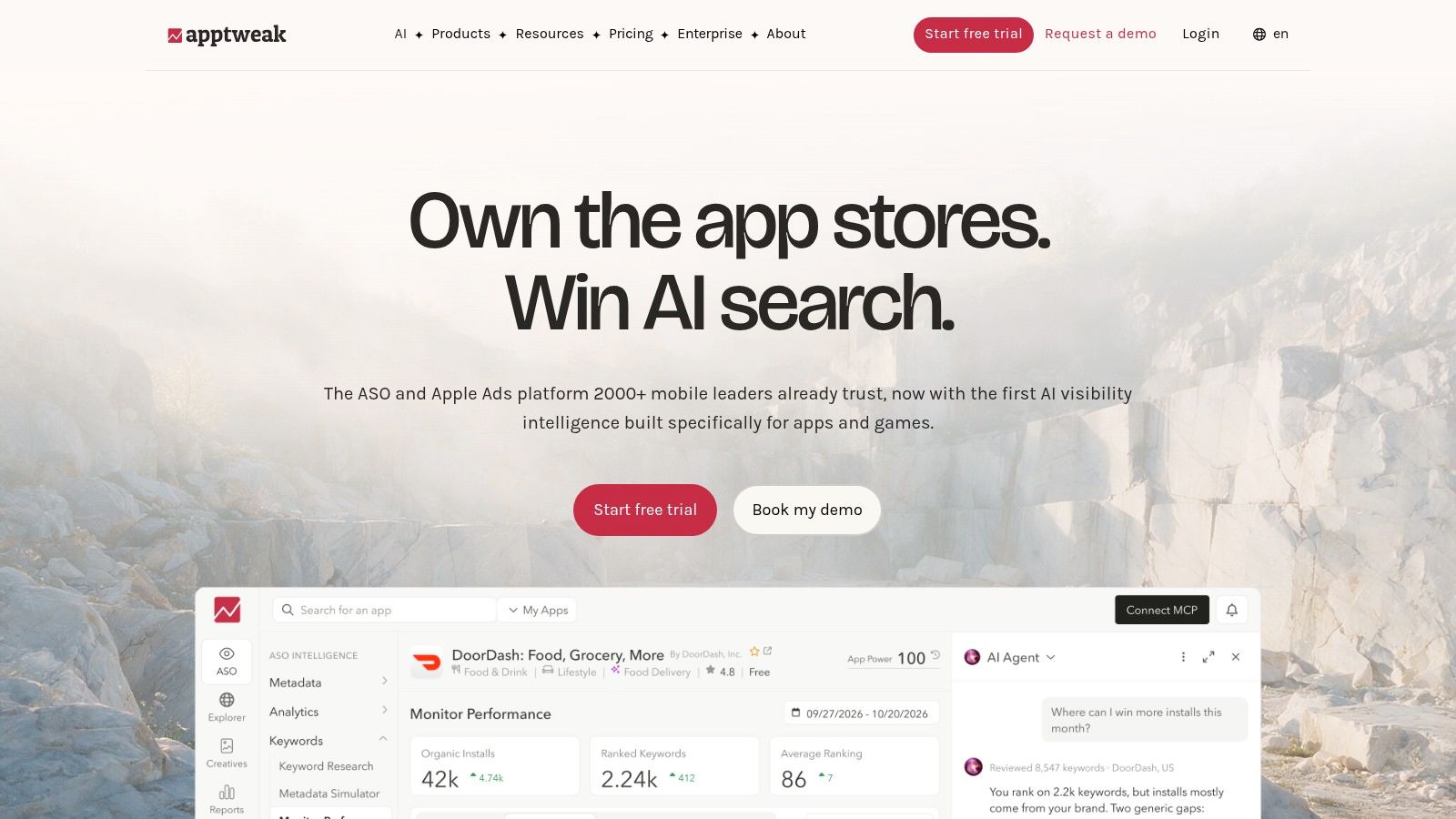
1. AppTweak
AppTweak is the closest thing to an all-in-one growth command center for app store marketing, and that is both its strength and its warning label for a solo founder. You get ASO keyword research, competitor tracking, review monitoring, and Apple Ads management under one login, with international coverage that matters the moment your downloads come from more than one country. Apple's own transparency report puts the pressure in perspective: 51,766,243 registered developer accounts competed across 1,961,596 available apps in 2024, while the store averaged 813,110,348 weekly visitors and 839,266,915 weekly downloads, according to Apple's 2024 App Store Transparency Report. That scale means you need country-level keyword data, not a single English keyword list.
The pricing reflects the platform's breadth. Essential starts at $79 per month or $949 annually, with a 7-day trial before you commit. For an indie founder running one app, the question is whether you'll use the Apple Ads module and competitor intelligence enough to justify paying for a bundled suite. If your paid acquisition budget sits at zero and you only track five keywords, you're subsidizing features you won't touch. If you plan to run organic and paid experiments across multiple storefronts, the consolidation saves real hours every week.
When it earns its subscription: You manage at least one app across two or more countries and want organic keyword movement next to Apple Ads performance in one dashboard.
Where AppTweak earns its price for small teams is the keyword-and-market comparison workflow. Instead of guessing which countries to localize next, you can pull search demand and competition side by side and make a case for translating screenshots before spending on ads. For broader launch distribution, our indie marketing resources walk through how a directory listing fits next to store-native optimization without replacing it.
2. MobileAction
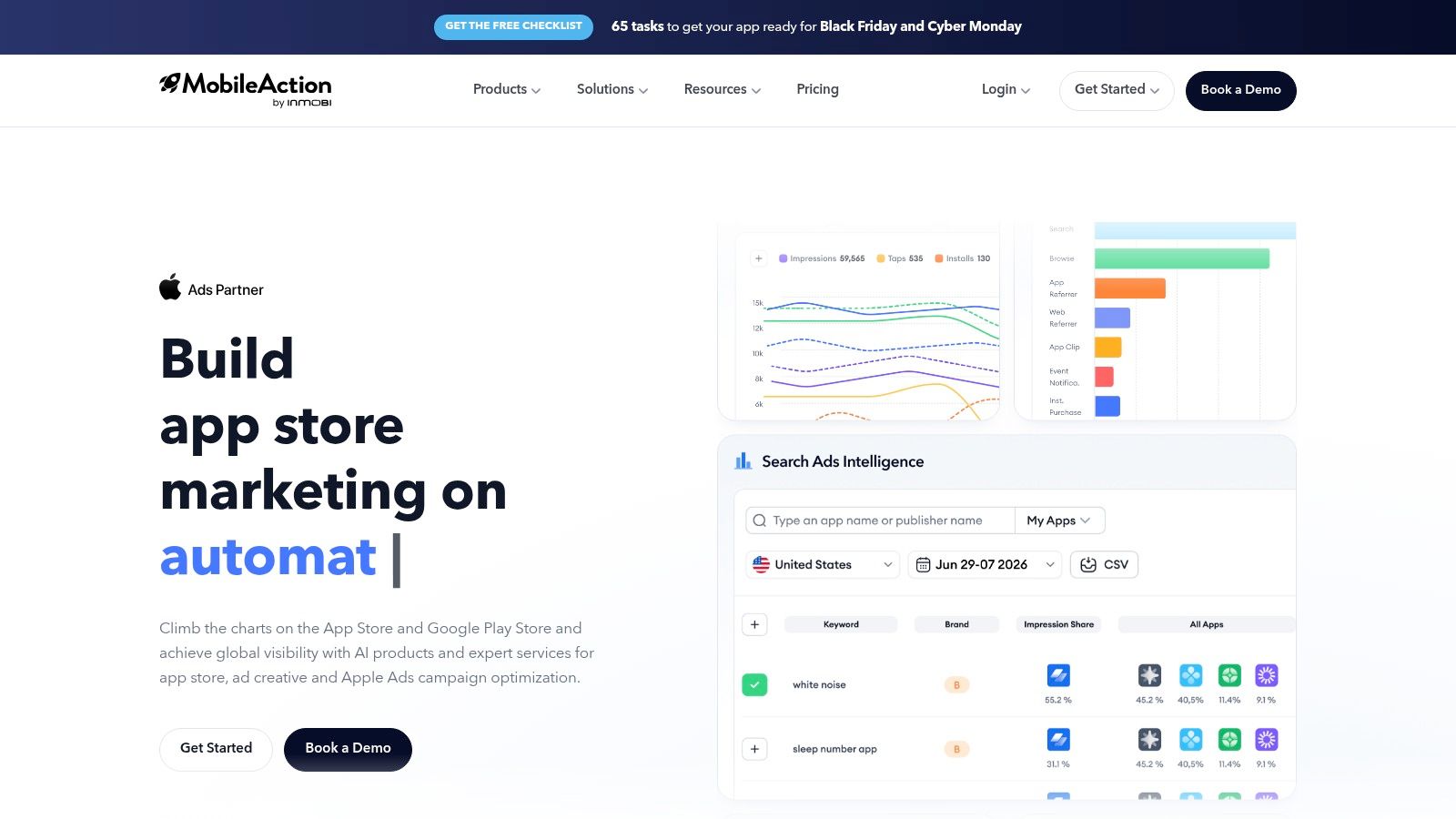
MobileAction is what I'd call the honest entry point for ASO. It doesn't pretend every indie founder needs an enterprise intelligence platform. The Lite plan sits at $15 per month, which is closer to coffee money than software money, and the published tier limits make it easy to know whether you're outgrowing a plan before the invoice surprises you. Pro reaches $239 per month, with annual billing lowering both prices, so the upgrade path is transparent rather than sales-gated.
What you get at the low end is basic keyword research, rank tracking, and competitor keyword analysis. That's the minimum viable toolkit for answering one question: which search terms can your app realistically win? The free 7-day trial on listed ASO plans lets you test whether the keyword data quality matches your category before paying. For a first app launch, the Lite tier is usually enough for the first two or three months while you establish a baseline.
Where the limits bite:
- Keyword caps: The cheapest plan has tighter usage limits, so heavy rank tracking across dozens of terms will hit the ceiling fast.
- Separate advertising tools: Apple Ads and ad intelligence live in higher or separate products, so don't expect paid campaign optimization at the Lite tier.
- Review analysis: Some review workflows exist, but AppFollow below does review operations more thoroughly for the same or less money.
The workflow that fits MobileAction best is disciplined keyword discovery before a metadata update. Pull search demand for five candidate phrases, check competitor rankings, pick two with attainable competition, and test them in your title and subtitle. Keep the subscription only while you're actively running that loop, then pause if you switch to paid acquisition as the primary lever.
3. App Radar
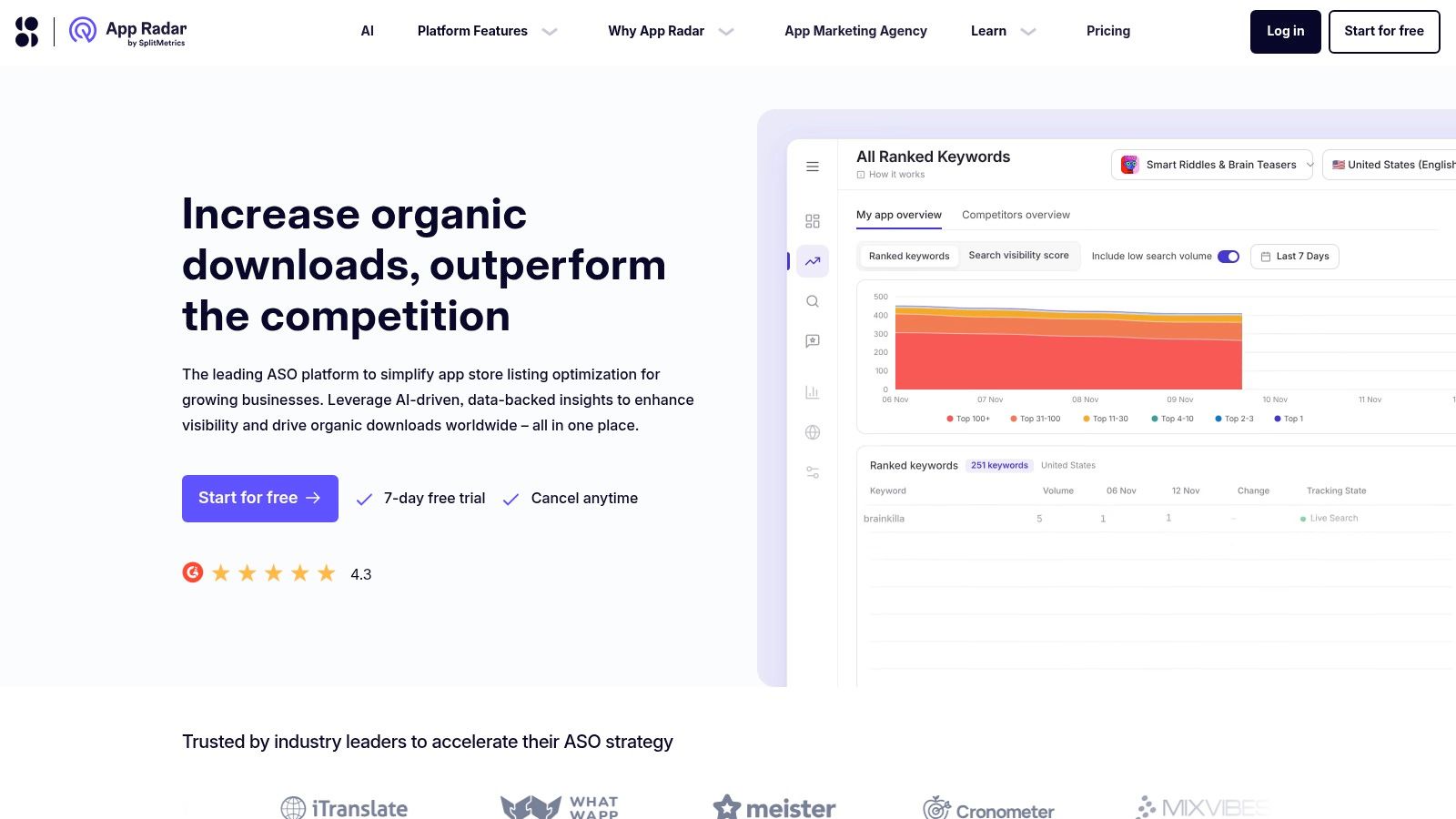
App Radar occupies a pragmatic middle ground: it combines keyword discovery, listing management, competitor monitoring, and review replies without pushing you toward a bloated enterprise suite. Essentials is listed at €58 per month or €690 billed annually, while Growth runs €141 per month or €1,690 annually. The entry point sits higher than MobileAction's Lite tier, but so does the feature depth, making App Radar a reasonable first paid ASO platform if you know you'll use listing management weekly.
The listing-management angle is its real differentiator. Instead of researching keywords in one tool and editing metadata in App Store Connect separately, you can draft title and subtitle changes, preview how they read, and track the resulting rank movement from one workspace. That loop, research, change, measure, is the core habit of effective app store marketing tools, and App Radar compresses it well.
Don't buy a tool for a workflow you run twice a year. Buy it for the loop you run every two weeks. If you're not updating metadata at least monthly, a cheaper research-only tool does the same job.
What to watch:
- Tier caps: App and keyword allowances scale with plan level, so a second app or a large keyword set pushes you toward Growth quickly.
- Trial window: The 7-day trial is enough to import your app and run one research pass, but not to see ranking changes, so evaluate data depth, not movement.
- Creative analysis: Creative-trend features sit on higher plans, which may leave a visual-first founder wanting.
For a one-app portfolio that plans monthly metadata experiments and quarterly competitor check-ins, App Radar's Essentials tier is defensible. For a developer still validating whether anyone searches their category at all, start free or cheap elsewhere and upgrade when the workflow becomes weekly.
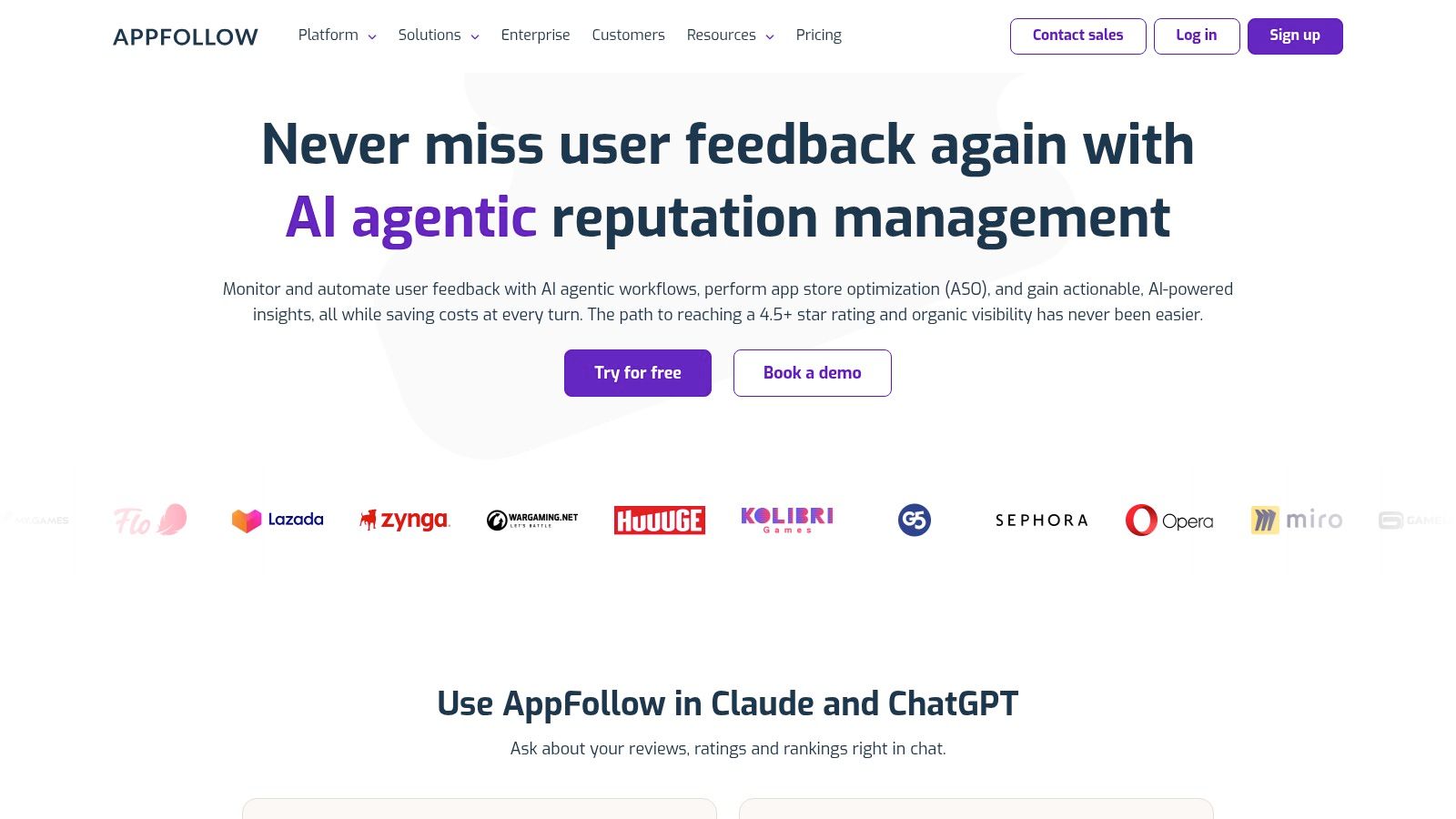
4. AppFollow
A one-star review that names a crash on a specific device is not just a support ticket. It is a conversion problem sitting on your store page. AppFollow is most useful for indie founders who need to catch those signals early, route them to the right person, and respond before a small cluster becomes a visible rating spiral.
The free plan covers basic review monitoring and responses. The ASO plan is listed at $19 per month billed annually, which makes it a practical option for a solo founder who wants review operations and light ASO in the same workflow. That price only makes sense if reviews are part of your monthly routine. If you check ratings once every quarter, a simpler alerting setup is enough.
Store visitors read negative reviews before they install. When search brings a potential user to your listing, an unresolved bug report attached to a low rating can weaken the conversion from that click. That is the trade-off indie founders face: you may win the keyword exposure, then lose the install on the page itself.
AppFollow handles triage and pattern detection better than generic keyword tools. A crash report mentioning one device should trigger a response and a bug ticket the same day. Five reviews in a month mentioning the same missing feature should shape the next roadmap decision. The platform monitors ratings and reviews, identifies recurring issues, and manages responses from a shared workspace, with integrations like Slack and Zendesk connecting support and engineering.
That workflow fits the review-operations job in this list. It is less useful as a pure organic ASO engine. Use it when customer feedback, ratings, and response speed are already part of your launch process, not because you want another keyword dashboard.
Honest limitations:
- Free-plan history: The free tier limits how far back you can see and how many sources you track.
- No ASO trial: The FAQ says the ASO plan does not include a trial, so test the free tier before paying.
- Keyword depth: Its ASO tooling is workable, but it does not go as deep as AppTweak or MobileAction for keyword research.
Run AppFollow from day one, even before launch, if you expect reviews to become a regular operational channel. At $19 per month billed annually, it is worth paying for when a single repeated bug or feature request would otherwise take weeks to spot.
5. Appfigures
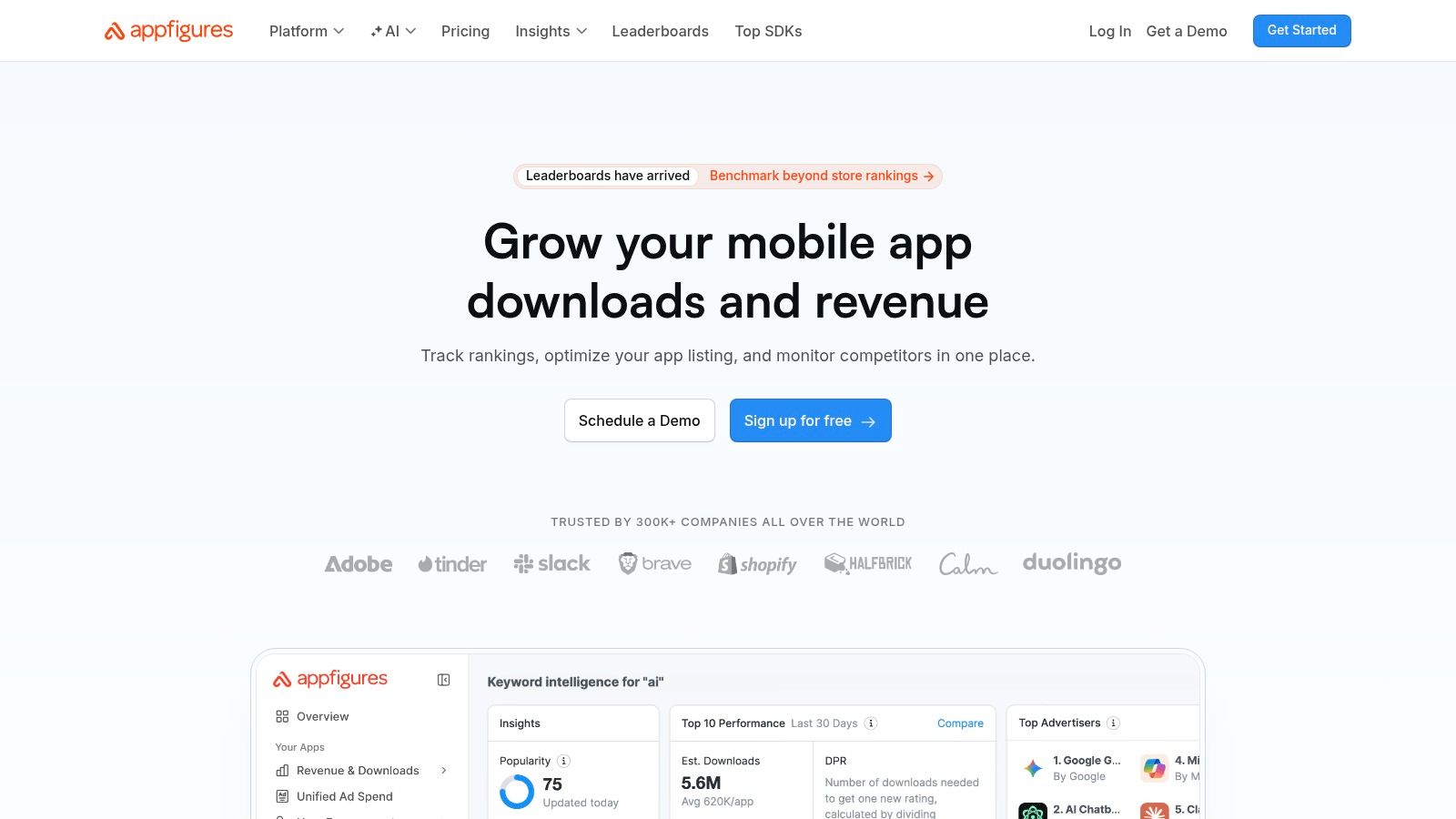
Appfigures is the analytics foundation that most indie founders skip because it feels like a dashboard toy, and then they discover they can't answer whether downloads are up because of a keyword change or a Reddit post. It combines first-party performance tracking, downloads, revenue, rankings, ratings, with ASO research and competitor intelligence in one place. Starter is free, Connect costs $9.99 per month, and Monitor runs $44.99 per month, with monthly plans available and no credit card required for the trial. That pricing structure makes it the easiest entry point in this entire list.
The scale of the problem Appfigures solves becomes clear when you look at discovery volume. Independent analysis of the 2025 transparency data indicates roughly 463.6 million customer accounts searched the App Store weekly, while only about 164,436 apps appeared in the top 10 for at least 1,000 searches in a typical week, per the Spreadcast App Store statistics summary. That's a brutal visibility bottleneck: enormous demand, concentrated ranking exposure. You need to know whether your impressions come from search, browse, or referral, and Appfigures puts that answer on one dashboard.
What to prioritize at each tier:
- Starter (free): Use it to centralize downloads, revenue, and rating changes across App Store and Google Play before you spend anything.
- Connect: Provides basic keyword and ranking tools once organic search becomes your measurable channel.
- Monitor: Worth it when you're running Apple Ads and want keyword-level insight alongside first-party numbers.
For SEO-focused founders, the same need for clear measurement applies off-platform. Our app directory gives you a permanent, crawlable backlink and lightweight analytics so you can distinguish store-driven discovery from web-driven referrals. Appfigures covers the store side; the directory covers the search side.
One caution: market-intelligence products from Appfigures sit in a separate, higher-cost category. Don't confuse the cheap analytics plans with portfolio-level market research. For a one-app indie, Starter and Connect are the relevant tiers, and Monitor becomes relevant when paid acquisition starts.
If you're comparing broader reporting options, AccountShare offers marketing analytics options that help digital marketers look beyond app-store data alone. Start with Appfigures' free tier, and only pay when a specific question requires an upgrade.
6. Asodesk
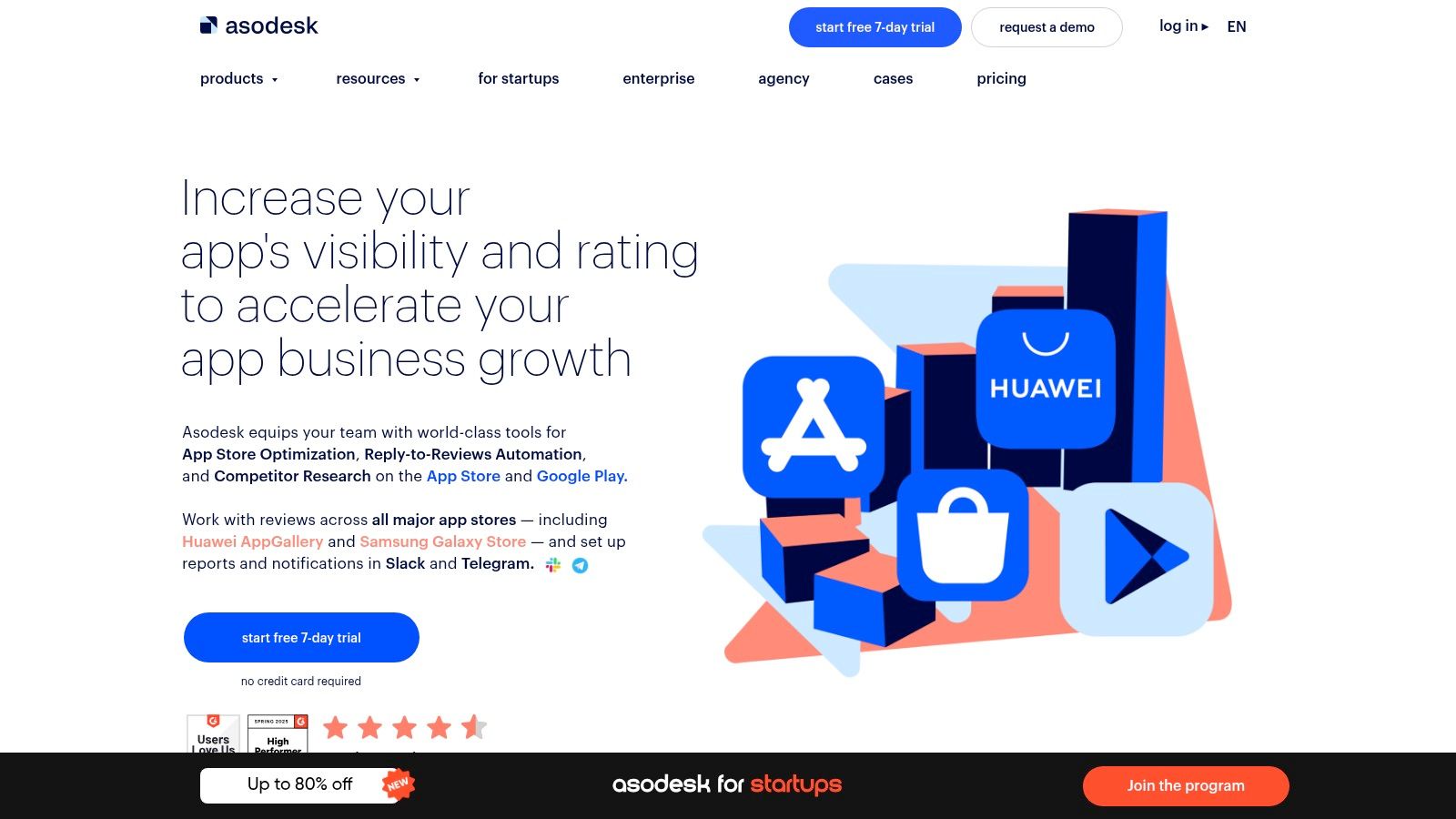
Asodesk is the broad ASO suite spanning the full workflow, keyword exploration, competitor analytics, listing optimization, organic reports, and review replies, but bundles it in a way that makes plan selection harder than it needs to be. Pro is listed at $159 per month and Guru at $343 per month, with free trials on listed plans and customizable options for teams that need a specific slice. For a solo founder, those numbers already signal the positioning: this is a professional tool for people who treat ASO as a job function, not a monthly chore.
Where Asodesk earns consideration is the listing optimizer. Instead of manually assembling a keyword list and guessing whether your title reads well, the optimizer scores your metadata against the terms you're targeting and suggests structural changes. That's useful when you've exhausted your own intuitions and want a systematic second pass. The review-reply tools are separate enough that you can buy only the review management workflow if that's your bottleneck, which keeps you from paying for a full suite when you need one slice.
Practical rule: Buy the narrowest plan that unblocks your current experiment. You can always upgrade when a second workflow becomes weekly.
Reasons to hesitate:
- Plan selection friction: The range of tools across tiers means you'll spend time reading a comparison matrix before choosing.
- Cost creep: Guru's price point assumes multiple apps or an agency workflow.
- Test before committing: Startup-discount terms and promotions vary, so check exactly what a trial includes before entering payment details.
For an indie founder with one app, Asodesk is usually the second or third ASO tool, not the first. Start with Appfigures or MobileAction, establish a baseline, and move up only when you're running enough experiments to justify the higher monthly cost. The free trial matters here: use it to run one deep keyword audit rather than to poke around the dashboard.
7. ASOMobile
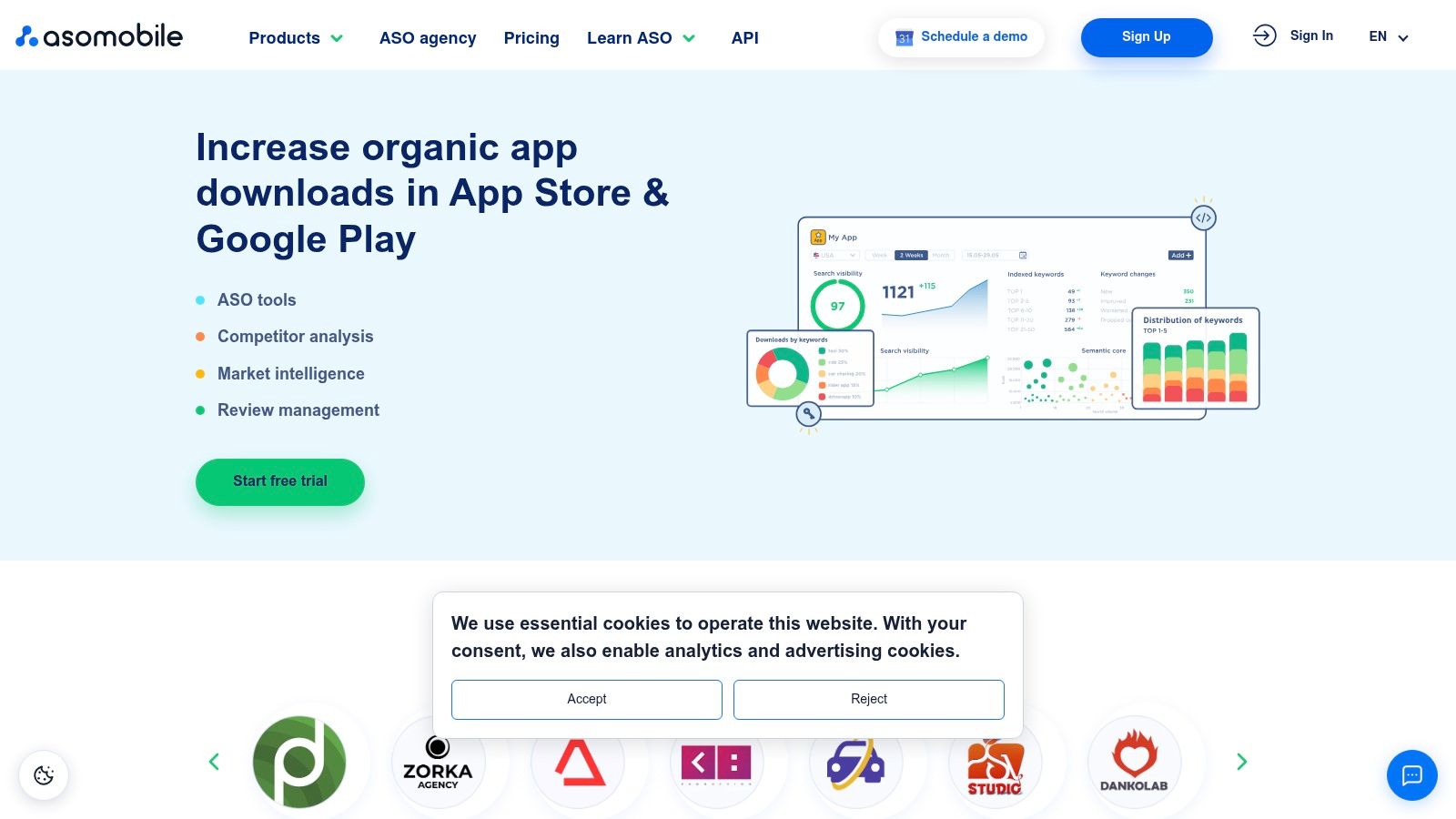
ASOMobile is the workhorse that rarely makes flashy top-ten lists but covers keyword discovery, rank tracking, metadata tools, review replies, and competitor monitoring without demanding a sales call. Published monthly prices range from about $59 for ASO Indie to $299 for Maximum, with annual billing discounted. The plan ladder is straightforward: higher tiers add market comparisons and estimated competitor performance, which are nice-to-haves for a solo founder, not essentials.
The free plan it lists in its plan information is unusual, and worth testing before you pay anything. That free access usually covers a limited keyword and app set, but it's enough to answer the first question: does this tool's data depth match the tool you already use? If it overlaps heavily with Appfigures or MobileAction, you don't need all three. Pick one research tool and commit to learning its quirks.
When ASOMobile fits best:
- You're already established: You've tested free analytics elsewhere and now need a deeper competitor view without Asodesk's price.
- You track both stores: Its App Store and Google Play workflows keep metadata experiments in one interface.
- You want predictable scaling: Published tier limits let you forecast whether the next app addition forces an upgrade.
The core workflow, again, is the loop: discover keywords, check competitor rankings, update metadata, measure movement. ASOMobile handles that loop for less than Asodesk and with more depth than Appfigures' entry tiers. For an indie founder who knows they need ASO research every month but doesn't want to pay for portfolio-level intelligence, the Indie or mid-tier plan earns its keep.
8. Sensor Tower
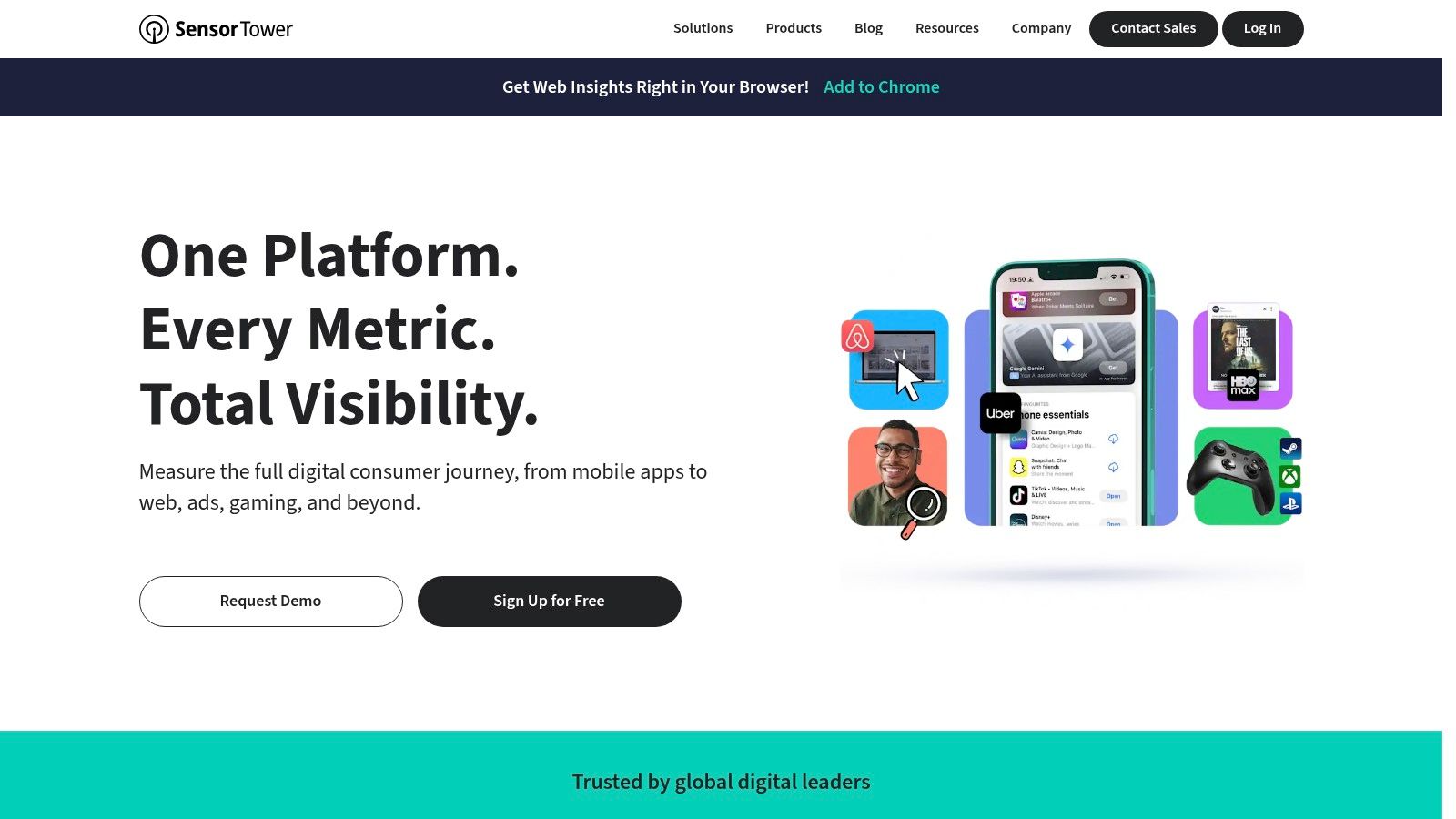
Sensor Tower is the tool most indie founders think they need because every growth article mentions it, then discover they can't sign up without a sales conversation. It's a market-intelligence platform built for organizations examining app-market performance, competitor activity, advertising, and consumer behavior across a portfolio. Pricing is custom and sales-led, which should be the first signal that this is not your ASO starter kit.
The context where Sensor Tower earns its cost is portfolio-level and strategic. Global consumer spending on in-app purchases and paid apps reached $167 billion in 2025 across the App Store and Google Play, according to Sensor Tower data summarized by Statistics Global. If you're a studio or agency deciding whether to enter the productivity space, you'd want to know that productivity alone generated $9.1 billion in global app revenue and grew 79.3% year over year in 2025, per AppTweak's app market report. That category-level intelligence is exactly what Sensor Tower provides, and exactly what a one-app founder doesn't need to pay for.
Where it makes sense:
- Agencies: You manage multiple client app portfolios and need defensible market data for pitch decks and strategy.
- Studios: You allocate significant ad spend and want competitor ad-intelligence before committing budgets.
- Later-stage founders: Your app earns meaningful revenue and you need to model category trends before expanding to a second product.
For everyone else, the cost and sales friction outweigh the benefit. You can find category-level signals through AppTweak or public reports, and your weekly decisions, which keywords to test, which review to answer, which screenshot to change, live closer to the store listing than to a market dashboard. If SEO visibility matters alongside store ranking, our SEO resources for indie tools cover the web side of discovery that market intelligence reports won't solve.
9. SplitMetrics Acquire
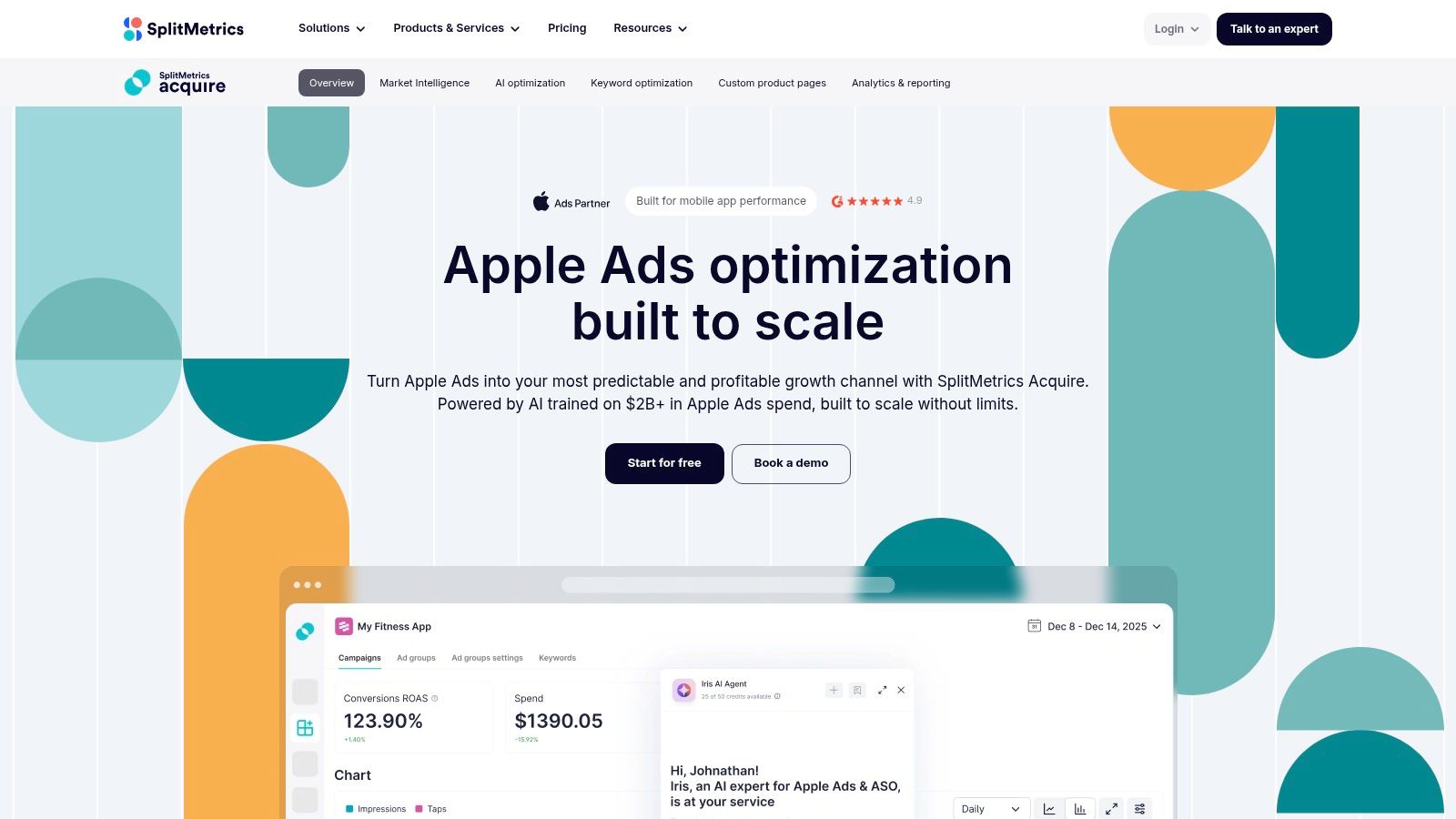
SplitMetrics Acquire exists for one reason: you've decided to spend on Apple Ads and you want someone who has automated the repetitive parts before your budget leaks away. It manages Apple Ads campaigns, discovers search keywords, automates bids, and reports performance from one dashboard. The free Starter plan covers up to $25,000 in monthly ad spend, which is a generous ceiling for most indie budgets. Enterprise pricing is customized when you outgrow that.
The reason paid Apple Ads deserves a dedicated tool rather than a bolt-on module inside an ASO suite is the feedback loop. Search Ads runs on a different economy than organic ranking: you bid on keywords, win impressions, and pay per tap. SplitMetrics Acquire surfaces which search terms convert cheaply and which drain budget without installs, then automates bid adjustments based on your targets. Doing that manually inside Apple's own interface is possible but time-consuming, and the time cost is exactly what an indie founder can't afford.
What the free Starter includes:
- Campaign creation and management across Apple Ads accounts.
- Keyword discovery to find search terms your organic metadata missed.
- Automation tools for bids and campaign rules without custom scripting.
The honest caveat is that advertising spend is paid to Apple separately. SplitMetrics Acquire doesn't make ads cheaper, it makes them less wasteful. If your monthly Apple Ads budget sits under a few hundred dollars, you might run Search Ads manually for a month first to learn the auction, then automate once the pattern is visible. App-store search drives the majority of organic installs, but paid Apple Ads buy visibility in that same search surface before you've earned organic placement. For a new app with zero rankings, that paid exposure is sometimes the only search visibility available in month one.
10. SplitMetrics Optimize
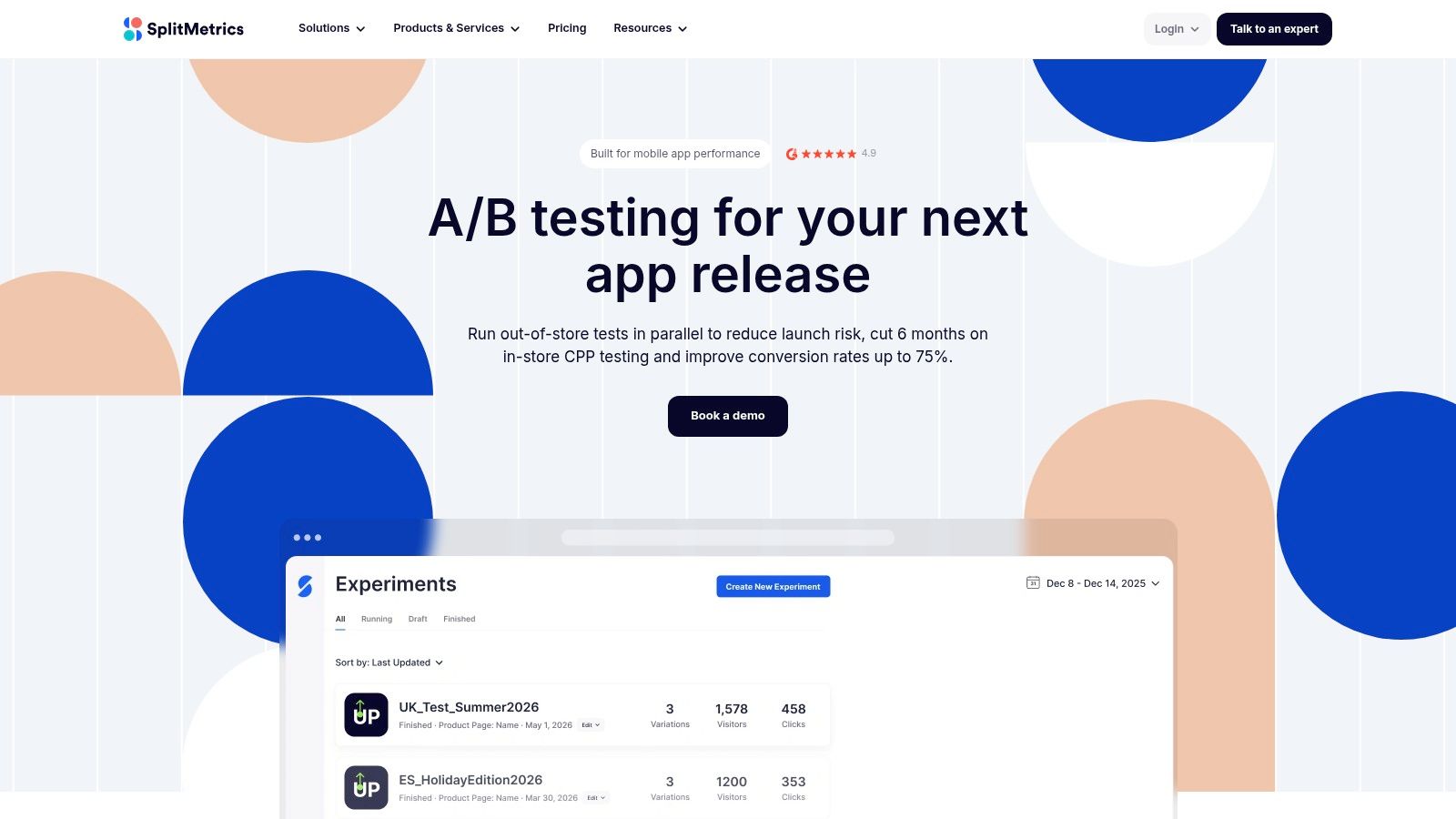
SplitMetrics Optimize solves a different problem than every tool above: what if your product page creative is wrong, and you don't want to wait until after launch to find out? It lets you run traffic to simulated App Store and Google Play-style pages, compare creative and messaging variants, and measure behavioral responses before you change a live listing or even release. Pricing is custom, which is the main friction for a solo founder.
The value proposition lands hardest for prelaunch testing. Instead of guessing whether your icon, first screenshot, or subtitle communicates the right value proposition, you run a test with real audience traffic against version A and version B. The behavioral data you get, scroll depth, tap patterns, time on page, install intent, goes beyond a simple install count, because it shows where attention drops before the download button. For an app whose entire discovery hinges on one screenshot and a two-line subtitle, that prelaunch confidence has real economic value.
Test your first screenshot like it's the only ad you'll ever run. On the App Store, it often is.
What keeps indie founders away:
- Traffic cost: Tests require meaningful traffic, which means paying for ad or panel clicks on top of the platform fee.
- Audience mismatch risk: Results only transfer if test traffic resembles your actual target user.
- Custom pricing: You'll need a sales conversation to learn the cost, which slows down a solo operator's evaluation.
The experiment cadence insight matters here. A 2025 survey of 100 app developers and 102 app marketers found that two-thirds of marketers ran ASO experiments monthly, with 27% experimenting weekly, while 89% described their organizations as regularly or daily monitoring store visibility and conversion, according to Airship's survey press release. Yet enterprise teams were less agile, with 41% experimenting quarterly or less. The lesson for an indie founder is that consistent small tests beat rare big redesigns. SplitMetrics Optimize fits when those tests happen before launch or between live updates, not as a daily driver.
App Store Marketing Tools at a Glance
| Tool | Starting Price | Free Plan or Trial | Core Strength | Best For |
|---|---|---|---|---|
| AppTweak | $79/month | 7-day trial | ASO, Apple Ads, and market intelligence | Teams combining organic and paid app growth |
| MobileAction | $15/month | 7-day trial | ASO research and ad intelligence | Small teams starting with keyword research |
| App Radar | €58/month | 7-day trial | Keyword research and listing management | Developers seeking practical ASO workflows |
| AppFollow | $19/month, billed annually | Free plan available | Review monitoring and response workflows | Teams managing app reviews alongside ASO |
| Appfigures | Free | Free Starter plan | App analytics combined with ASO | Teams tracking performance and rankings together |
| Asodesk | $159/month | Free trials available | Broad ASO and review-management tools | Teams needing an extensive ASO workflow |
| ASOMobile | About $59/month | Free plan available | Keyword research and competitor monitoring | Teams comparing App Store and Google Play performance |
| Sensor Tower | Custom pricing | No public free plan or trial details | App-market and advertising intelligence | Organizations researching markets and portfolios |
| SplitMetrics Acquire | Free | Free Starter plan | Apple Ads management and automation | iOS teams running Apple Ads campaigns |
| SplitMetrics Optimize | Custom pricing | No public free plan or trial details | App-store page testing | Teams testing creative and messaging concepts |
Building Your Stack Without Burning Your Budget
Most indie founders overspend on app store marketing tools by buying an all-in-one suite before they've established which single workflow moves their numbers. The correction is simple: start from a free tier and upgrade only when a specific question, not general curiosity, requires paid data. Appfigures' free Starter plan handles downloads and revenue tracking. AppFollow's free tier covers review monitoring. MobileAction's Lite plan at $15 per month provides basic keyword research. Any one of those is enough to run your first month of store experiments without a serious subscription.
Then pair one organic ASO tool with one job-specific tool. If your bottleneck is reviews, AppFollow plus MobileAction covers reputation and keywords for under $35 total. If you're running Apple Ads, SplitMetrics Acquire's free Starter handles up to $25,000 in monthly ad spend at no platform cost. If you're prelaunch and unsure about creative, SplitMetrics Optimize tests variants before you commit, though you'll need traffic and a sales conversation to price it. Don't layer AppTweak, Asodesk, and Sensor Tower at once. That's a portfolio stack wearing a solo budget.
Finally, remember what ASO tools don't solve: a new app with zero backlinks, zero Google footprint, and no external citations will struggle for discovery even with perfect metadata. Submitting your app to a directory like IndieTool gives you a permanent do-follow backlink that activates in about 60 seconds, plus a browsable category listing, with one-time credit packages instead of another monthly subscription. Optimize the listing first, then make sure your app can be found in the store or on Google. The free and low-cost tiers above get you the data. A directory listing gets you the web-side distribution. Both are cheaper than a single month of overdue enterprise ASO.
We built IndieTool for solo founders who need launch distribution without another monthly bill. Submit your app once, we'll generate a permanent do-follow backlink and category listing within about a minute, then promote your product to an audience of indie hackers through our X account and newsletter. When your app store metadata is optimized, make sure Google can find you too, visit IndieTool and get listed today.