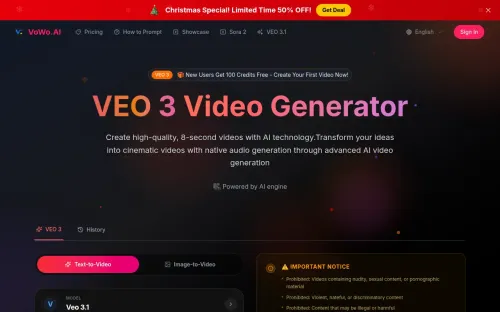
VEO 3 Video Generator
AiDR 24VEO 3 Video Generator
VEO 3 Video Generator by VoWo.AI is an AI-driven tool that transforms text descriptions into cinematic videos with native audio, making professional-grade video creation accessible without technical skills. It offers a unified platform for generating high-quality visual and audio content, appealing to a broad range of creative needs.
Key Advantages
- ✓Transforms text prompts into high-quality cinematic videos with native audio.
- ✓Supports a wide range of creative workflows including text-to-video, image-to-video, and music generation.
- ✓Offers a unified platform utilizing leading AI models for flexible content creation.
Trade-offs & Considerations
- •Requires a significant number of credits for generating high-quality videos.
- •May not be suitable for users seeking detailed manual editing capabilities.
What is VEO 3 Video Generator?
VEO 3 Video Generator by VoWo.AI is an innovative tool that leverages advanced AI technology to transform simple text descriptions into stunning, cinematic videos complete with native audio. This app empowers users to create professional-grade videos effortlessly, making video content creation accessible to everyone, regardless of their technical expertise.
Key Features & Highlights
5 FeaturesCore capabilities and advantages of using VEO 3 Video Generator for your workflow:
How to use VEO 3 Video Generator
Getting started with VEO 3 is a breeze! First, sign up for an account on the VoWo.AI platform. Once logged in, navigate to the video creation section and enter your text description. The app will analyze your input and generate a video in seconds. You can customize elements like visuals and audio to align with your vision. After finalizing your edits, simply export the video and share it across your marketing channels. With VEO 3, you can produce professional videos that captivate your audience effortlessly.
About VEO 3 Video Generator
As a curator always on the lookout for groundbreaking tools, VEO 3 truly stands out in the realm of video generation. This app addresses a common pain point for startup founders: the challenge of producing high-quality video content quickly and affordably. With VEO 3, you can generate engaging videos from just a few lines of text, saving valuable time and resources. Its intuitive interface and powerful AI capabilities make it easy to create compelling visual narratives that can elevate your brand’s storytelling. For founders eager to enhance their marketing efforts and reach wider audiences, VEO 3 is an indispensable asset that doesn't just simplify the process but enhances creativity.
Real performance numbers in the last 30 days
Frequently Asked Questions
Common questions about VEO 3 Video Generator, features, and launch details.
Q:What types of videos can I create with VEO 3?
With VEO 3, you can create various types of videos including cinematic clips, promotional videos, and artistic animations from images and text.
Q:Do I need editing skills to use VEO 3?
No, VEO 3 is designed for users with no editing skills, allowing anyone to create professional-quality videos easily.
Q:Can I generate music as well as videos?
Yes, VEO 3 also includes tools for AI music generation, enabling you to create original music tracks alongside your videos.
Related Ai Apps
View All →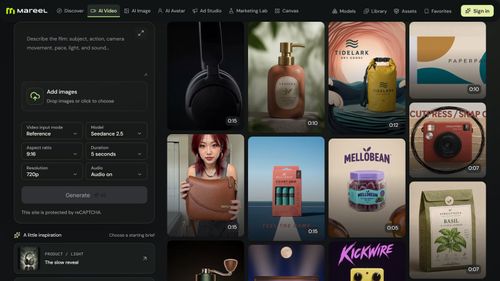
Mareel
AI Video & Image Generator – 40+ AI Models | Mareel

screenRIG
Signage and kiosks your AI agent builds and runs

Kinovi
Run AI Models with an API | Kinovi
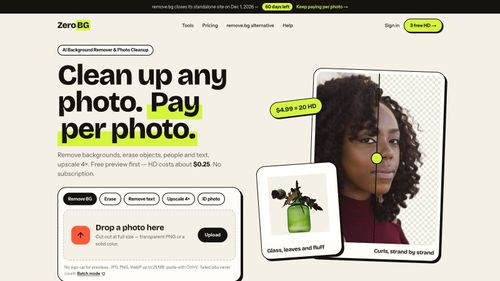
ZeroBG.ai
ZeroBG - AI Background Remover & Photo Cleanup Tools
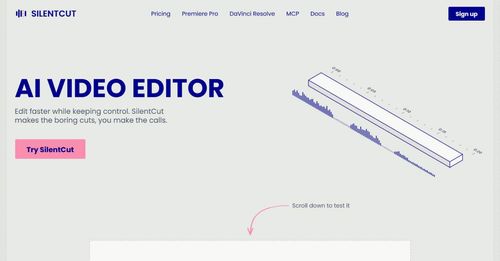
Silentcut
SilentCut makes the boring cuts, you make the calls.

RBQ Exam
Practice questions and mock exams for the RBQ contractor licence exams.
Featured Banner for VEO 3 Video Generator Ai Tool (1080x75)



