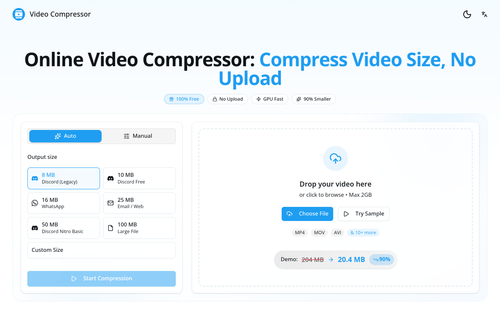
Video Compressor
ProductivityDR 51Online Video Compressor: Compress Video Size, No Upload
Video Compressor offers a practical solution for reducing video file sizes by up to 90% directly in your browser, ensuring privacy and fast processing without uploads. It leverages GPU acceleration to maintain quality while optimizing videos for platforms like Discord and WhatsApp.
Key Advantages
- ✓No upload required, ensuring complete privacy.
- ✓GPU acceleration for faster processing and quality maintenance.
- ✓Supports all major video formats with tailored presets for popular platforms.
Trade-offs & Considerations
- •Limited to browser-based processing, dependent on device capabilities.
- •Focused on compression only, lacking other video editing features.
What is Video Compressor?
Video Compressor is an intuitive online tool that allows users to compress video files without the need for uploads. It efficiently reduces video sizes by up to 90%, ensuring that your files are smaller and easier to share, all while maintaining complete privacy and compatibility with popular platforms like Discord and WhatsApp.
Key Features & Highlights
5 FeaturesCore capabilities and advantages of using Video Compressor for your workflow:
How to use Video Compressor
Using Video Compressor is a breeze! Start by visiting the website and selecting the video file you want to compress from your device. The tool will automatically process the file without any uploads, ensuring your privacy is protected. Once the compression is complete, you'll receive a download link for your newly sized video. It's that simple! You can then easily share your optimized video on platforms like Discord and WhatsApp, enabling seamless communication with your team or audience.
About Video Compressor
As a startup founder, managing resources is critical, and Video Compressor is a game-changer in this regard. This tool addresses the common pain point of large video files that hinder sharing and collaboration. By compressing your videos without uploads, it not only saves time but also ensures that your content remains private. Imagine being able to share high-quality videos on platforms like Discord and WhatsApp without the hassle of managing file sizes. This app empowers founders to communicate effectively and efficiently, making it an indispensable resource for anyone looking to streamline their digital content.
Real performance numbers in the last 30 days
Frequently Asked Questions
Common questions about Video Compressor, features, and launch details.
Q:How do I compress video online?
To compress video online, upload your file, choose the output size, click 'Start Compression', and wait for your compressed video to download—all done in your browser.
Q:Is there a file size limit for compression?
No, there is no file size limit. You can compress videos of any size as processing occurs locally on your device.
Q:Is my video private when using the compressor?
Yes, your video remains private. The compression process is done entirely in your browser, ensuring that no files are uploaded to any servers.
Related Productivity Apps
View All →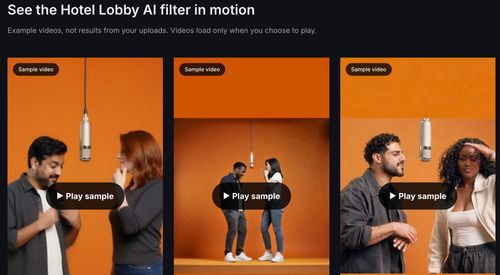
Hotel Lobby AI Filter
Hotel Lobby AI Filter — Two Photos, One Rap Duet
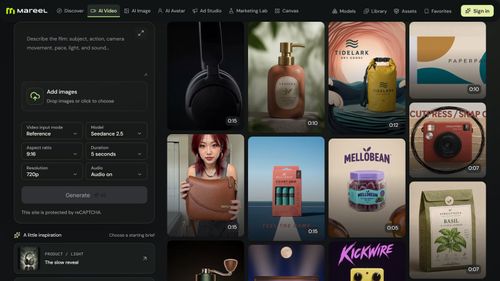
Mareel
AI Video & Image Generator – 40+ AI Models | Mareel

screenRIG
Signage and kiosks your AI agent builds and runs
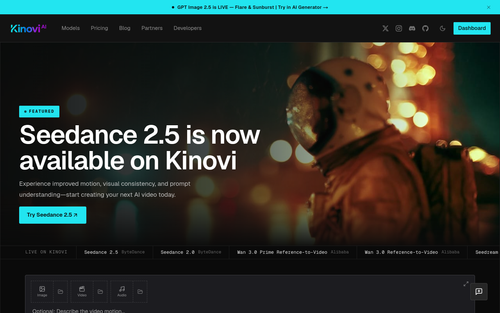
Kinovi
Run AI Models with an API | Kinovi
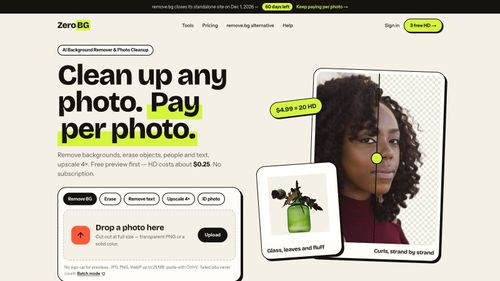
ZeroBG.ai
ZeroBG - AI Background Remover & Photo Cleanup Tools
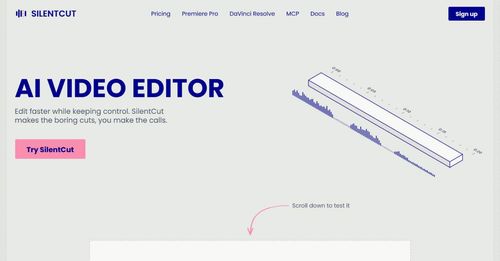
Silentcut
SilentCut makes the boring cuts, you make the calls.
Featured Banner for Video Compressor Productivity Tool (1080x75)



