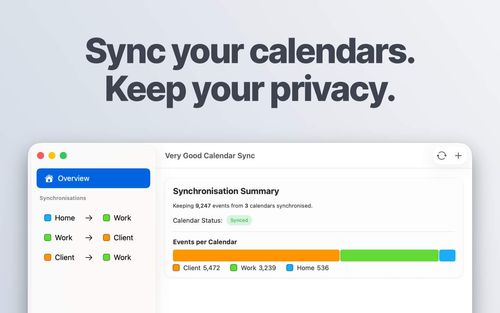
Very Good Calendar Sync
ProductivityDR 23One app. All your calendars. Finally in sync.
Very Good Calendar Sync offers a straightforward solution for Mac users to synchronize multiple calendars without compromising privacy or requiring third-party account access. It efficiently handles calendar updates directly on your device, making it a reliable tool for managing diverse scheduling needs.
Key Advantages
- ✓No third-party server involvement, ensuring user privacy.
- ✓Simple setup with integration directly into macOS Calendar.app.
- ✓Customizable sync rules for specific days and times.
Trade-offs & Considerations
- •Limited to macOS, with no current support for Windows or iOS.
What is Very Good Calendar Sync?
Very Good Calendar Sync is an innovative app designed to seamlessly synchronize events across multiple calendars. Running quietly in your menu bar, it ensures that all your calendar appointments are effortlessly consolidated, eliminating the hassle of manually checking different platforms. This app is perfect for busy professionals who juggle various scheduling tools and need a unified view of their commitments.
Key Features & Highlights
5 FeaturesCore capabilities and advantages of using Very Good Calendar Sync for your workflow:
How to use Very Good Calendar Sync
Getting started with Very Good Calendar Sync is a breeze. First, download and install the app from the official website. Once it's running in your menu bar, click on the app icon to open the settings. Connect your various calendar accounts by following the on-screen prompts. After you've linked your calendars, choose which events you want to sync. The app will automatically update your calendars in real-time, ensuring that you're always informed of your schedule. Enjoy the peace of mind that comes with having all your events in perfect sync!
About Very Good Calendar Sync
As a startup founder, you know that time is your most valuable asset. Very Good Calendar Sync addresses the common struggle of managing multiple calendars, which can lead to missed appointments and confusion. This app serves as a reliable solution, integrating various calendar platforms into one cohesive experience. Imagine the productivity boost when you no longer have to toggle between apps! By streamlining your scheduling process, Very Good Calendar Sync allows you to focus more on what truly matters—growing your business. Its unobtrusive presence in your menu bar means you can stay organized without distractions.
Real performance numbers in the last 30 days
Frequently Asked Questions
Common questions about Very Good Calendar Sync, features, and launch details.
Q:Do you store any of my calendar data?
No, all calendar data is stored and synced locally on your device. Very Good Calendar Sync never transmits or saves your calendar data externally.
Q:Which calendar providers are supported?
The app supports Google Calendar, Microsoft 365, Apple iCloud, CalDAV, and any calendar that appears in macOS' Calendar.app.
Q:Is this app available for Windows?
Not yet. Very Good Calendar Sync is currently focused on providing a native experience for macOS, with Windows support planned for the future.
Related Productivity Apps
View All →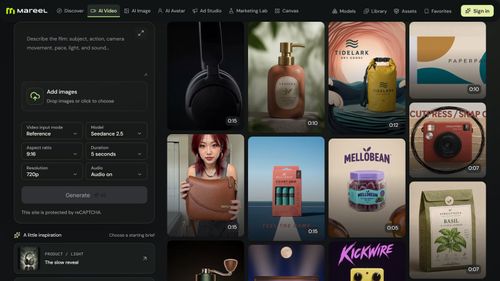
Mareel
AI Video & Image Generator – 40+ AI Models | Mareel

screenRIG
Signage and kiosks your AI agent builds and runs
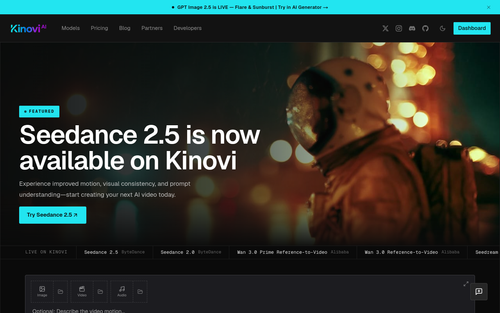
Kinovi
Run AI Models with an API | Kinovi
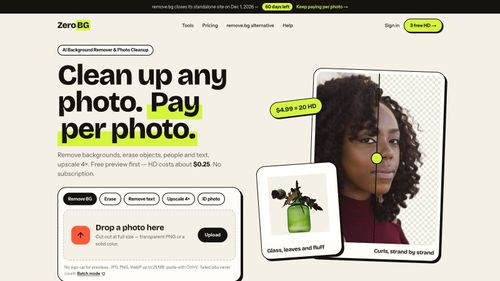
ZeroBG.ai
ZeroBG - AI Background Remover & Photo Cleanup Tools
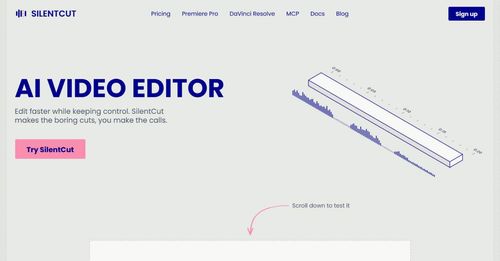
Silentcut
SilentCut makes the boring cuts, you make the calls.
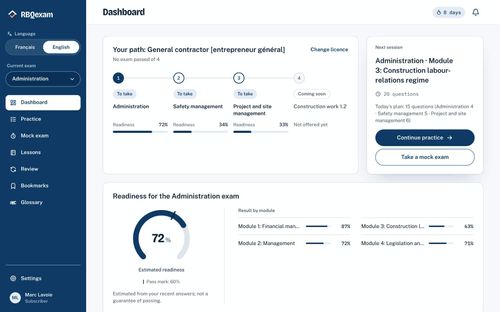
RBQ Exam
Practice questions and mock exams for the RBQ contractor licence exams.
Featured Banner for Very Good Calendar Sync Productivity Tool (1080x75)



