TinyFast
ProductivityDR 14Fast File Size Reducer Tool for MacOS
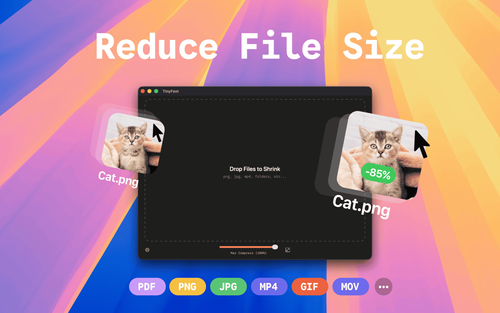
TinyFast offers Mac users a straightforward solution for reducing file sizes of images, videos, and PDFs without the need for cloud services, ensuring privacy and speed. Its drag-and-drop interface makes it an accessible tool for those prioritizing local file handling.
Key Advantages
- ✓Local compression ensures privacy as files never leave your device.
- ✓Supports a wide range of file types including images, videos, and documents.
- ✓Simple drag-and-drop interface for ease of use.
Trade-offs & Considerations
- •Limited to MacOS users only.
- •Free version restricts to 5 compressions per day.
What is TinyFast?
TinyFast is a powerful file size reducer specifically designed for MacOS users. It enables you to quickly and easily compress images, videos, and PDFs, all while maintaining privacy and quality. With just a few clicks, you can optimize your files without compromising on performance or security.
Key Features & Highlights
5 FeaturesCore capabilities and advantages of using TinyFast for your workflow:
How to use TinyFast
Using TinyFast is a breeze! Start by downloading and installing the app on your Mac. Once launched, simply drag and drop your image, video, or PDF files into the TinyFast interface. You can select your desired compression level, and the app will show you the expected file size after compression. Finally, click the 'Compress' button, and within moments, your optimized files are ready for use. It's that simple—get started today and watch your productivity soar!
About TinyFast
As a startup founder, time and efficiency are paramount, and TinyFast is here to help streamline your workflow. This innovative tool solves the common challenge of large file sizes that can hinder sharing and storage. By compressing your images, videos, and PDFs seamlessly, TinyFast not only saves space but also makes it easier to share assets with collaborators and clients. The user-friendly interface and fast processing speed mean you can focus on what truly matters—growing your business. With TinyFast, you’ll never have to worry about file size limitations again, making it a must-have for every indie hacker.
Real performance numbers in the last 30 days
Frequently Asked Questions
Common questions about TinyFast, features, and launch details.
Q:What types of files can I compress with TinyFast?
TinyFast supports a wide range of file types including images (PNG, JPG, TIFF, HEIC, WEBP, GIF, BMP, SVG), videos (MP4, MOV, M4V), documents (PDF, DOCX), code (JS, CSS, JSON), and audio (MP3).
Q:Is my data safe while using TinyFast?
Yes, TinyFast is designed for total privacy. Your files never leave your Mac, ensuring that your sensitive data remains secure and local.
Q:How does the pricing work?
TinyFast offers a free plan that allows you to compress up to 5 files per day, as well as a lifetime plan for €24.99, which unlocks unlimited compressions and future updates.
Related Productivity Apps
View All →
Mareel
AI Video & Image Generator – 40+ AI Models | Mareel

screenRIG
Signage and kiosks your AI agent builds and runs
Kinovi
Run AI Models with an API | Kinovi
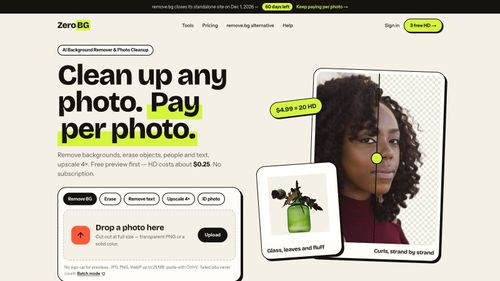
ZeroBG.ai
ZeroBG - AI Background Remover & Photo Cleanup Tools
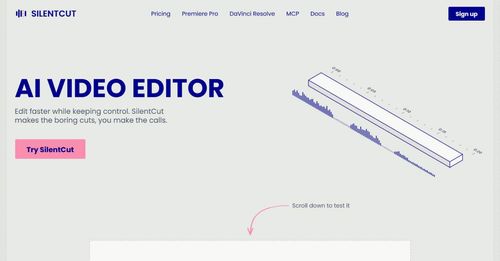
Silentcut
SilentCut makes the boring cuts, you make the calls.
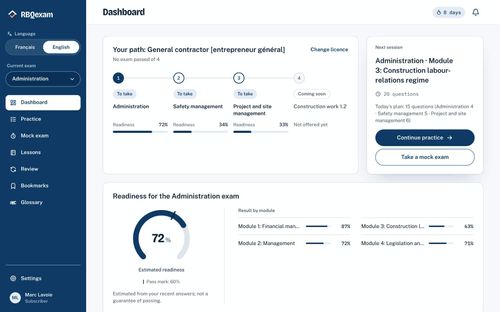
RBQ Exam
Practice questions and mock exams for the RBQ contractor licence exams.
Featured Banner for TinyFast Productivity Tool (1080x75)