StreamVox - AI Live Translator
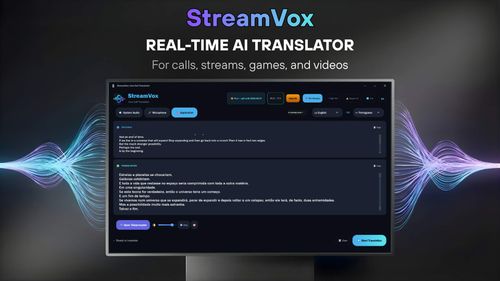
AiDR 16Real-time AI translation for calls, games, streams and videos
StreamVox offers a practical solution for real-time audio translation across multiple platforms, providing live subtitles and text-to-speech capabilities for calls, gaming, and streaming. Its support for over 49 languages makes it a versatile tool for breaking language barriers in various digital interactions.
Key Advantages
- ✓Supports over 49 input and target languages
- ✓Real-time subtitles and text-to-speech on both Windows and Mac
- ✓Free plan available with daily usage
Trade-offs & Considerations
- •Limited free usage to 15 minutes per day
- •Subscription required for extended translation time
What is StreamVox - AI Live Translator?
StreamVox is an innovative AI-powered live translation tool designed for seamless communication across various platforms. It provides real-time subtitles for Zoom calls, gaming streams, videos, and mobile calls, supporting over 49 input and target languages, making it a versatile solution for global interactions.
Key Features & Highlights
5 FeaturesCore capabilities and advantages of using StreamVox - AI Live Translator for your workflow:
How to use StreamVox - AI Live Translator
Getting started with StreamVox is a breeze! First, download and install the app on your Windows device. Once installed, open StreamVox and select your preferred input and output languages from the extensive list. Integrate it with your favorite platforms, like Zoom or gaming services, by following the simple setup prompts. During your calls or streams, StreamVox will automatically generate live subtitles, making interactions smoother than ever. Don’t forget to explore the settings to customize your experience, ensuring you get the most out of this powerful tool!
About StreamVox - AI Live Translator
StreamVox is a game-changer for anyone looking to break down language barriers in real-time communication. As a founder, you understand the importance of reaching a wider audience, and this tool enables you to do just that. Whether you're hosting an international Zoom meeting, streaming a game, or sharing video content, StreamVox's AI translation capabilities ensure that your message is understood across different languages. It's not just about convenience; it's about accessibility and inclusivity. With a free plan available, founders can experiment with its features and see firsthand how it can elevate their communication strategies and enhance engagement with diverse audiences.
Real performance numbers in the last 30 days
Frequently Asked Questions
Common questions about StreamVox - AI Live Translator, features, and launch details.
Q:What platforms does StreamVox support?
StreamVox supports Windows and macOS, allowing users to translate audio on both platforms effortlessly.
Q:Can I use StreamVox for gaming?
Yes, StreamVox provides real-time subtitles for in-game voice chat, making it perfect for multiplayer games across various languages.
Q:Is there a free version of StreamVox?
Yes, StreamVox offers a free starter plan that provides 15 minutes of translation every 24 hours with access to all supported languages.
Related Ai Apps
View All →
Meta Image
Meta Muse Image — Edit & Generate Online | Meta Image
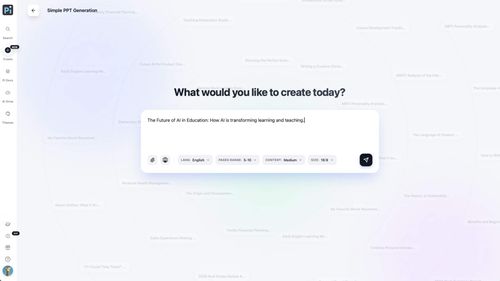
Presentation Intelligence
Next-Gen Presentation. Agent-Native Creation.
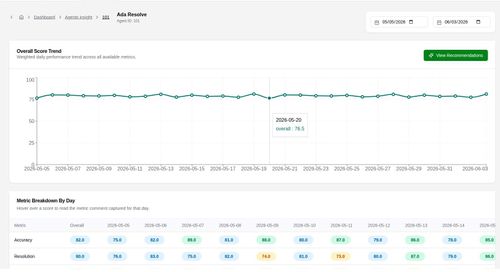
Agent Insight
Agent evaluation on the standards you define.
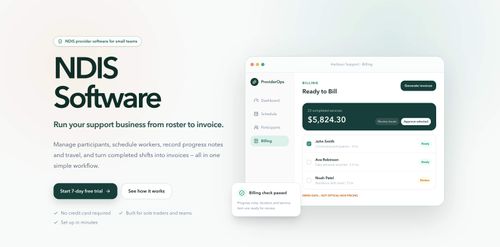
ProviderOps
NDIS provider management software for small Australian teams.

Volta Peptides
Canadian based trusted supplier of research peptides. Canadian Based. Trusted Quality.
Reeldo AI
Reeldo AI | Text, Image & Reference to Video Generator
Featured Banner for StreamVox - AI Live Translator Ai Tool (1080x75)