Rename for me
ProductivityOrganize your screenshots in seconds
Rename for me leverages AI to automatically generate captions for your screenshots, simplifying the organization and retrieval process for visual content. It's a practical tool for those who frequently manage large volumes of images.
Key Advantages
- ✓AI-generated captions save time on manual labeling.
- ✓Streamlines visual content organization.
- ✓Enhances productivity for users with large image libraries.
Trade-offs & Considerations
- •Limited to screenshot organization rather than broader file management.
- •Depends on AI accuracy for caption relevance.
What is Rename for me?
Rename for me is an innovative app designed to help users organize their screenshots quickly and efficiently. By utilizing advanced AI technology, it generates relevant captions for your images, making it easier to find and manage your visual content. Perfect for designers, content creators, and photo enthusiasts, this tool streamlines the process of sorting and naming screenshots, enhancing overall productivity.
Key Features & Highlights
5 FeaturesCore capabilities and advantages of using Rename for me for your workflow:
How to use Rename for me
Using Rename for me is a breeze! First, download and install the app on your device. Once opened, simply upload your screenshots into the app. The AI will automatically analyze the images and suggest appropriate captions. Review these suggestions, make any necessary edits, and then save your newly organized screenshots. Additionally, you can customize settings to fit your specific needs, such as choosing folder destinations or preferred caption styles. It’s that easy—get ready to boost your productivity!
About Rename for me
As a curator, I'm genuinely excited about Rename for me because it addresses a common pain point for many creators: the chaos of unorganized screenshots. In a fast-paced digital world, the ability to quickly categorize and caption images can save invaluable time and effort. This app not only simplifies the tedious task of renaming screenshots but also adds a layer of intelligence with its AI-driven captions. For founders and solo entrepreneurs, this means more time to focus on creativity rather than organization. Embracing such tools can significantly enhance workflow and productivity, making Rename for me an essential addition to any creator's toolkit.
Real performance numbers in the last 30 days
Frequently Asked Questions
Common questions about Rename for me, features, and launch details.
Q:Is Rename for me available on multiple platforms?
Yes, Rename for me is available on both iOS and Android platforms, ensuring accessibility for all users.
Q:Can I rename multiple files at once?
Absolutely! Rename for me allows you to select and rename multiple files simultaneously, making bulk renaming easy and efficient.
Q:Is there a limit to how many files I can rename?
No, there is no limit to the number of files you can rename at once with Rename for me, allowing for maximum flexibility.
Related Productivity Apps
View All →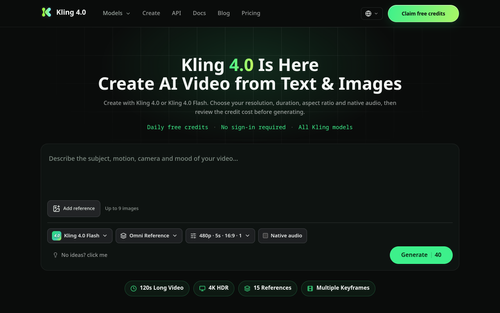
Kling 4.0
Kling 4.0 — Video Credit Plans
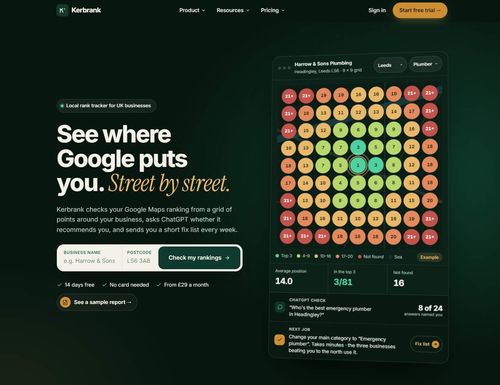
Kerbrank
See where Google puts you. Street by street.

Adobe Firefly Background Remover
Adobe Firefly AI Background Remover: free one-click transparent cutouts
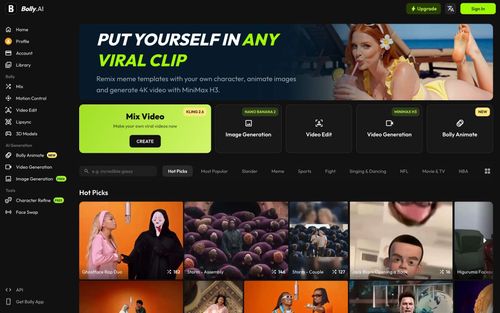
Bolly.AI
Put yourself in any viral clip. AI image, video and audio in one creative suite.
Video Compressor — VidPackit
Video Compressor — Compress Video Free Online
Techory.ai
Run your entire service business in one powerful platform.
Featured Banner for Rename for me Productivity Tool (1080x75)