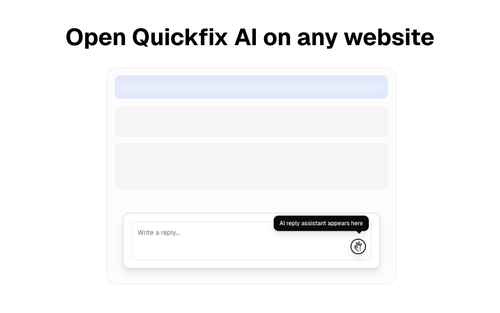
Quickfix AI
ProductivityDR 5Reply faster with AI on any website
Quickfix AI is a browser extension that simplifies generating AI-powered replies across any website, enhancing communication efficiency for users. Its real-world utility lies in saving time and effort in crafting responses, especially for those frequently engaged in online interactions.
Key Advantages
- ✓Generates AI replies instantly on any website
- ✓Streamlines communication across various platforms
- ✓Easy to use as a browser extension
Trade-offs & Considerations
- •Limited to reply generation rather than full communication management
- •May require manual setup for optimal AI performance
What is Quickfix AI?
Quickfix AI is a browser extension designed to help users generate instant AI replies on any website. By leveraging advanced AI technology, it streamlines communication, allowing users to respond faster and more effectively, regardless of the platform they are on.
Key Features & Highlights
5 FeaturesCore capabilities and advantages of using Quickfix AI for your workflow:
How to use Quickfix AI
Using Quickfix AI is a breeze! First, install the browser extension from the official website or your browser’s extension store. Once installed, navigate to any website where you want to reply. Simply highlight the text or context you wish to respond to, click the Quickfix AI icon, and let the tool generate a tailored reply for you. Review the suggested response, make any necessary tweaks, and hit send. It's that simple—transforming your communication process in just a few clicks!
About Quickfix AI
As a curator, I’m genuinely excited about Quickfix AI because it tackles a common challenge faced by many founders: time-consuming responses. In today's fast-paced digital world, efficient communication is crucial. Quickfix AI not only saves you time but also enhances the quality of your replies, ensuring they are relevant and engaging. For indie hackers and solo founders, this tool can be a game-changer, enabling you to focus on what truly matters—growing your business while maintaining effective communication with your audience, customers, or collaborators.
Real performance numbers in the last 30 days
Frequently Asked Questions
Common questions about Quickfix AI, features, and launch details.
Q:Is Quickfix AI free?
Yes, Quickfix AI can be downloaded and used for free for initial diagnostics.
Q:Do I need technical knowledge to use Quickfix AI?
No, Quickfix AI is designed to provide insights in plain English, making it accessible for users with no technical background.
Q:How long does a scan take?
A scan typically completes in under a minute, providing instant insights into your system's performance.
Related Productivity Apps
View All →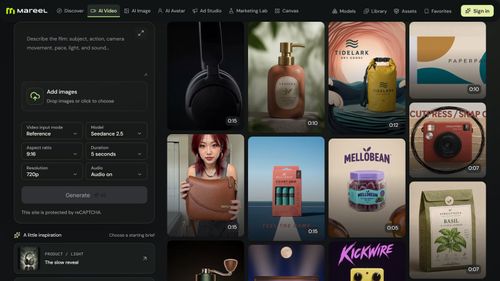
Mareel
AI Video & Image Generator – 40+ AI Models | Mareel

screenRIG
Signage and kiosks your AI agent builds and runs
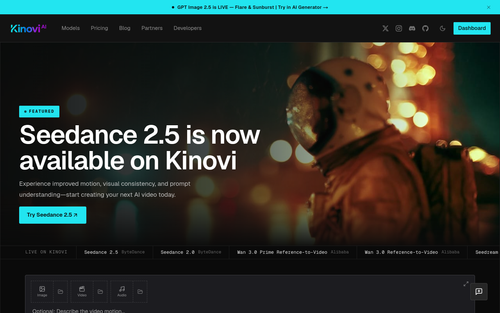
Kinovi
Run AI Models with an API | Kinovi
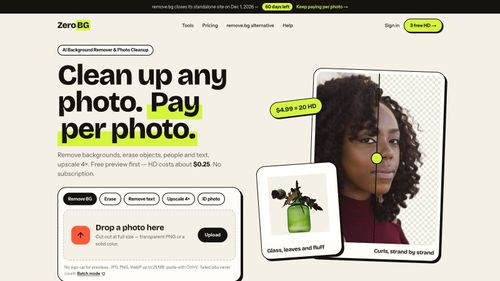
ZeroBG.ai
ZeroBG - AI Background Remover & Photo Cleanup Tools
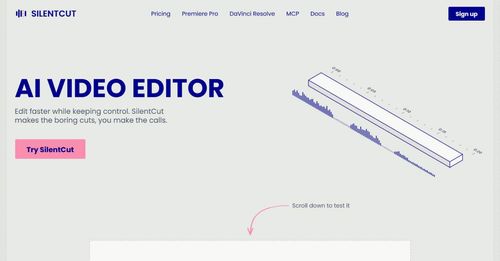
Silentcut
SilentCut makes the boring cuts, you make the calls.
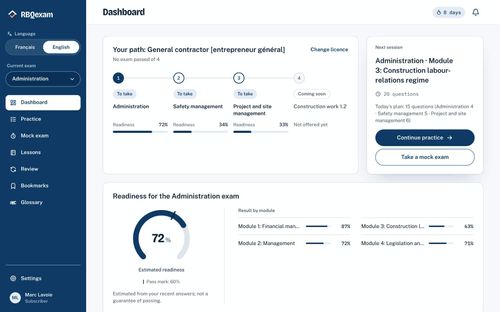
RBQ Exam
Practice questions and mock exams for the RBQ contractor licence exams.
Featured Banner for Quickfix AI Productivity Tool (1080x75)



