
YouTube to Transcript
ProductivityDR 11YouTube to Transcript - Create study Notes, AI ready bulk export
YouTube to Transcript is a must-have for anyone looking to maximize their learning from video content, providing unmatched efficiency and flexibility.
Key Advantages
- ✓Supports bulk transcription for time-saving efficiency
- ✓Offers multiple export formats for diverse use cases
- ✓Integrates easily with existing workflows via API
Trade-offs & Considerations
- •May require additional setup for API integration
- •Quality of transcripts can vary depending on video clarity
What is YouTube to Transcript?
YouTube to Transcript is an innovative tool that converts YouTube videos, playlists, and channels into searchable text. It solves the challenge of extracting and managing video content efficiently for study and productivity.
Key Features & Highlights
5 FeaturesCore capabilities and advantages of using YouTube to Transcript for your workflow:
How to use YouTube to Transcript
To use YouTube to Transcript, simply input the URL of the video, playlist, or channel you wish to transcribe. Choose your desired export format and click 'Generate'. In moments, you'll have a complete transcript ready for study, integration, or sharing.
About YouTube to Transcript
YouTube to Transcript is a game-changer for educators, students, and content creators alike. This tool not only simplifies the process of obtaining transcripts from videos but also allows bulk exports in multiple formats like Markdown and JSON. By streamlining the extraction and organization of video content, it empowers users to create comprehensive study notes and enhances their workflow with AI capabilities. Founders should take note, as this tool addresses a significant gap in content accessibility and usability.
Real performance numbers in the last 30 days
Frequently Asked Questions
Common questions about YouTube to Transcript, features, and launch details.
Q:How accurate are the transcripts generated by YouTube to Transcript?
The accuracy of the transcripts largely depends on the clarity of the video's audio; however, the tool is designed to provide high-quality transcriptions for most content.
Q:Can I use YouTube to Transcript for live streams?
Currently, YouTube to Transcript focuses on recorded videos, playlists, and channels. Live stream transcription may not be supported at this time.
Q:What formats can I export the transcripts to?
You can export transcripts in various formats including plain text, Markdown, JSON, and VTT, making it versatile for different applications.
Related Productivity Apps
View All →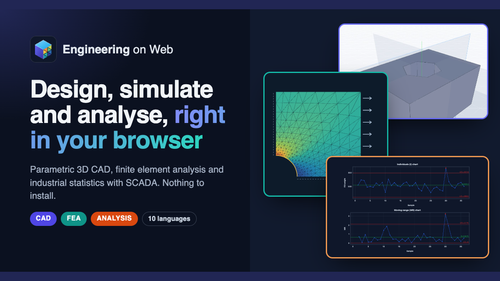
Engineering on Web
Engineering on Web - Free CAD, FEA and Analysis in Your Browser
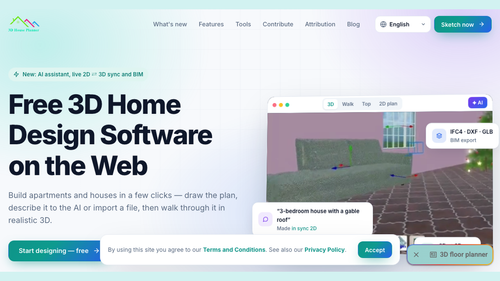
3D House Planner
3D House Planner - Free 3D Floor Planner on the Web
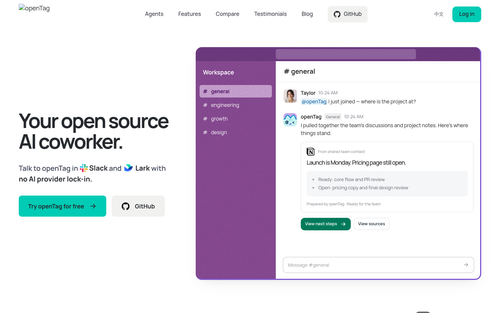
OpenTag
openTag — Open source AI coworker for Slack and Lark
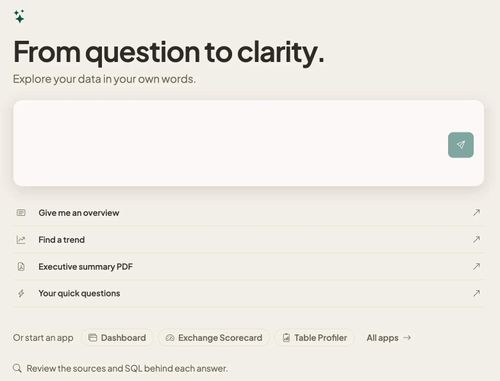
Databasin
One platform for connectors, pipelines, lakehouse and AI answers, on one meter.
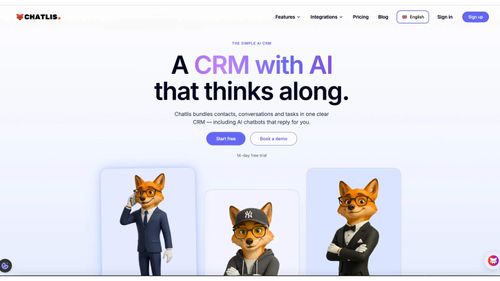
Chatlis CRM
Future of customer relationships is now
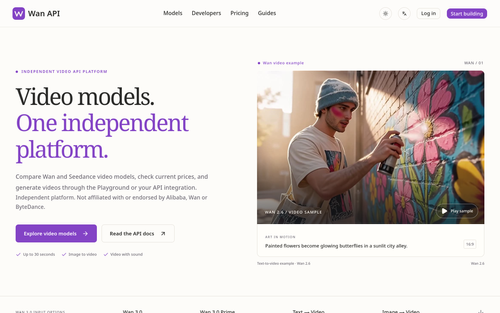
Wan API
Wan API — Wan 3.0, Prime & Pro Video Models
Featured Banner for YouTube to Transcript Productivity Tool (1080x75)