
Playwriter
AiDR 18Chrome extension that bridges AI agents and your browser
Playwriter is a Chrome extension that enables AI agents to control your browser using CLI or MCP, leveraging your existing Chrome session for enhanced automation and reduced bot detection. It offers a practical solution for integrating AI-driven automation directly into your web browsing experience.
Key Advantages
- ✓Allows AI agents to use the full Playwright API within your existing Chrome session.
- ✓No need for headless browser instances, reducing bot detection and memory usage.
- ✓Facilitates real-time collaboration and manual intervention when needed.
Trade-offs & Considerations
- •Requires technical setup with Node.js and compatible AI agents.
- •Limited to users comfortable with CLI and browser debugging tools.
What is Playwriter?
Playwriter is a cutting-edge Chrome extension that empowers AI agents like Claude, OpenAI's Codex, and others to control and automate tasks in your Chrome browser through a Command Line Interface (CLI) or Multi-Command Protocol (MCP). This tool enhances productivity by allowing seamless interaction between AI and web applications.
Key Features & Highlights
5 FeaturesCore capabilities and advantages of using Playwriter for your workflow:
How to use Playwriter
To get started with Playwriter, first install the Chrome extension from the Chrome Web Store. Once installed, launch the extension and connect it to your preferred AI agent. You can then use the CLI to input commands or scripts that the AI will execute within your browser. For instance, you can instruct the AI to fill forms, scrape data, or navigate through web pages. Experiment with different commands to discover the full potential of Playwriter, and watch your productivity soar!
About Playwriter
As a founder, your time is invaluable, and Playwriter addresses a significant bottleneck in productivity. This innovative tool allows you to leverage the capabilities of advanced AI agents to automate repetitive web tasks directly from your browser. Imagine coding, data scraping, or even managing your online workflow with ease, all while letting AI handle the intricacies. It’s exciting because it not only streamlines daily operations but also opens doors to new possibilities in automation and efficiency. For solo founders and indie hackers looking to maximize their output, Playwriter is a game-changer that can transform how you interact with the web.
Real performance numbers in the last 30 days
Frequently Asked Questions
Common questions about Playwriter, features, and launch details.
Q:What types of tasks can I automate with Playwriter?
You can automate web development tasks, QA testing, API reverse engineering, and more using Playwriter's extensive features.
Q:Is Playwriter compatible with headless browsers?
Yes, Playwriter supports headless browsing, allowing you to run automated tasks without a visible browser interface.
Q:How does Playwriter ensure security while controlling browsers?
Playwriter incorporates security measures like sandboxed filesystems and cookie safety protocols to protect your data while controlling browsers remotely.
Related Ai Apps
View All →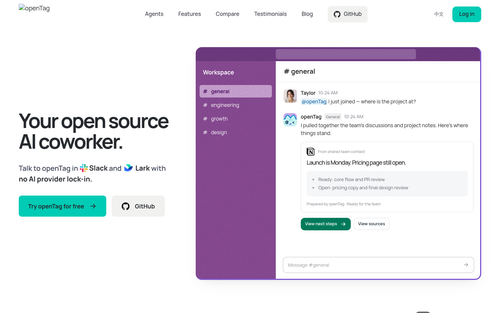
OpenTag
openTag — Open source AI coworker for Slack and Lark
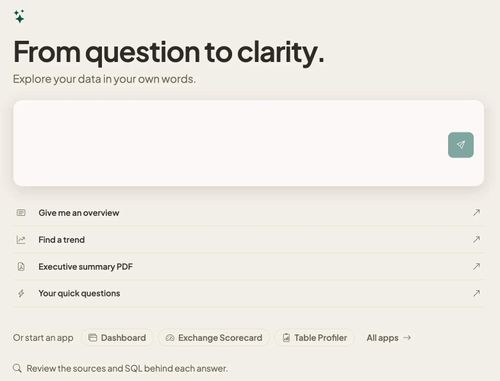
Databasin
One platform for connectors, pipelines, lakehouse and AI answers, on one meter.

Chatlis CRM
Future of customer relationships is now

Wan API
Wan API — Wan 3.0, Prime & Pro Video Models

MegaLaunch
Free permanent listings for indie products, plus daily Builders vs Shippers community battles.

JuJuBit
JuJuBit | Custom Figurines, Crystal Bracelets & Art Toys
Featured Banner for Playwriter Ai Tool (1080x75)