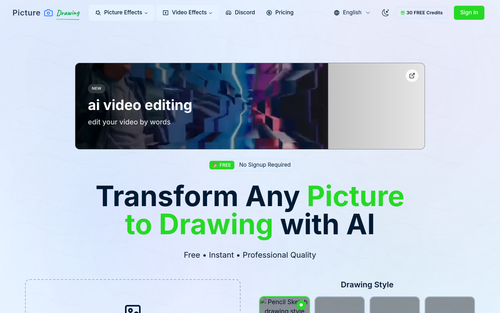
Picture to Drawing offers an AI-powered solution for transforming photos into artistic drawings with various styles, providing a simple and free way to create unique artwork. Its ease of use and range of styles make it a practical tool for casual users and creative professionals alike.
Key Advantages
- ✓Offers multiple art styles like pencil sketch, watercolor, and pastel.
- ✓Free to use with no registration required, making it accessible to all.
- ✓Fast processing time for quick results.
Trade-offs & Considerations
- •Limited to artistic conversions without additional editing features.
- •Free version may experience longer generation times and stability issues.
What is Picture to Drawing?
Picture to Drawing is an innovative AI-powered application that effortlessly transforms your photos into stunning artistic drawings. Users can explore various art styles and achieve instant results, turning everyday images into unique pieces of art with just a few clicks.
Key Features & Highlights
5 FeaturesCore capabilities and advantages of using Picture to Drawing for your workflow:
How to use Picture to Drawing
Using Picture to Drawing is a breeze! First, visit the app's website and upload the photo you'd like to transform. Next, choose from a variety of artistic styles that suit your vision. Once you've made your selection, click 'Transform' and watch as the AI generates your drawing in real-time. Finally, download your newly created artwork and share it across your platforms or incorporate it into your projects. It's that simple to turn your images into eye-catching art!
About Picture to Drawing
As a curator, I'm genuinely excited about Picture to Drawing because it democratizes art creation, making it accessible for everyone, including indie founders who want to enhance their branding or content. This tool addresses the common challenge of generating eye-catching visuals without the need for extensive design skills or resources. By harnessing the power of AI, it provides a seamless and efficient way to elevate your visual storytelling, which is crucial for startups looking to stand out in a crowded market. Whether you're creating social media posts, marketing materials, or personal projects, this app can help you unlock your creative potential.
Real performance numbers in the last 30 days
Frequently Asked Questions
Common questions about Picture to Drawing, features, and launch details.
Q:Is Picture to Drawing really free to use?
Yes, Picture to Drawing offers unlimited conversions at no cost, with no hidden fees involved.
Q:What file formats does the app support?
The app supports various image formats including JPG, PNG, WEBP, and HEIC.
Q:How long does it take to generate a drawing?
The picture to drawing process takes just seconds to complete, delivering fast results.
Related Ai Apps
View All →
SnowCatForSale
Snowcats for sale
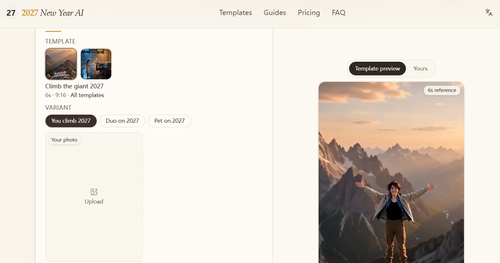
2027 New Year AI
2027 New Year AI Video Generator | Hello 2027 & Goodbye 2026
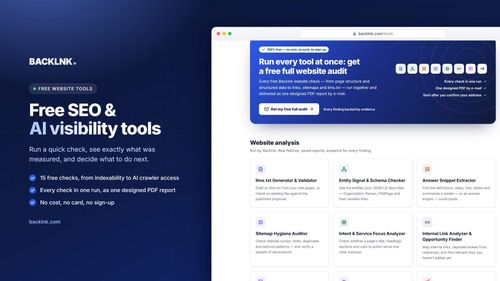
BACKLNK
Free SEO and AI visibility tools and guides to get found in search engines and AI answers
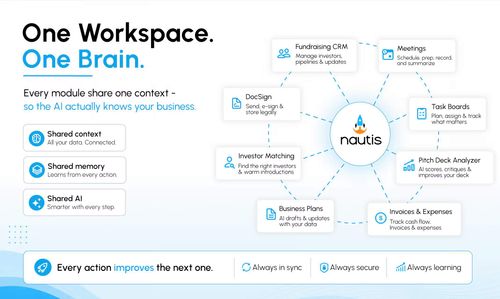
Nautis
The AI-Native Operating System for Founders and Growing Businesses
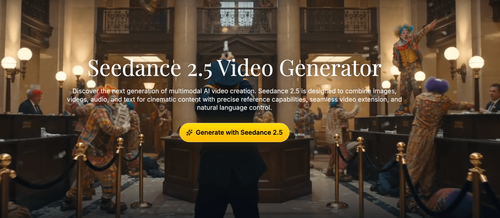
Seedance 2.5
Seedance 2.5 Video Generator
Seedance 3.0
Seedance 3.0 AI Video Generator