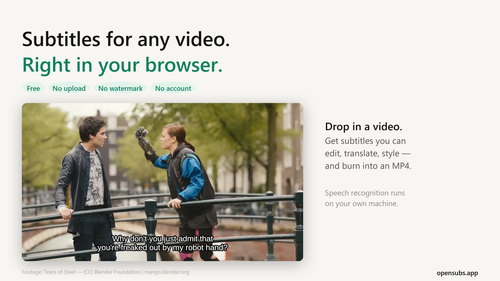
OpenSubs
ProductivityFree AI subtitle generator that runs in your browser
OpenSubs offers an unparalleled solution for generating subtitles with complete privacy and ease of use, making it a must-have for creators.
Key Advantages
- ✓Completely free and open source with no account required.
- ✓Processes video locally, ensuring privacy and security.
- ✓Offers extensive customization options for subtitles.
Trade-offs & Considerations
- •Requires a modern browser with GPU support for optimal performance.
- •May have a learning curve for users unfamiliar with video editing tools.
What is OpenSubs?
OpenSubs is a free AI subtitle generator that runs directly in your browser, allowing users to transcribe, translate, and burn subtitles into videos without uploading any files. It solves the problem of privacy and convenience by processing everything locally on your machine.
Key Features & Highlights
5 FeaturesCore capabilities and advantages of using OpenSubs for your workflow:
How to use OpenSubs
To use OpenSubs, simply drop your video file into the browser interface. The app will automatically transcribe the audio, allowing you to translate and style the subtitles as desired. Once you're satisfied with the results, you can burn the subtitles directly into the video or export them in various formats.
About OpenSubs
OpenSubs is an innovative tool for indie hackers and content creators seeking to effortlessly add subtitles to their videos. By operating entirely within the user's browser, it eliminates privacy concerns associated with uploading media files to external servers. With features like speech transcription, translation into 20 languages, and customizable styling options, OpenSubs empowers founders to enhance their video content while maintaining complete control over their data. It's a game changer for anyone looking to boost accessibility and engagement without unnecessary hurdles.
Real performance numbers in the last 30 days
Frequently Asked Questions
Common questions about OpenSubs, features, and launch details.
Q:Is my video uploaded anywhere when using OpenSubs?
No, your video is processed entirely in your browser, and it never leaves your machine.
Q:Do I need to create an account to use OpenSubs?
No account is needed; you can use all features without signing up.
Q:Can I customize the style of my subtitles?
Yes, OpenSubs offers twelve different subtitle presets, allowing you to style them to fit your video's aesthetic.
Related Productivity Apps
View All →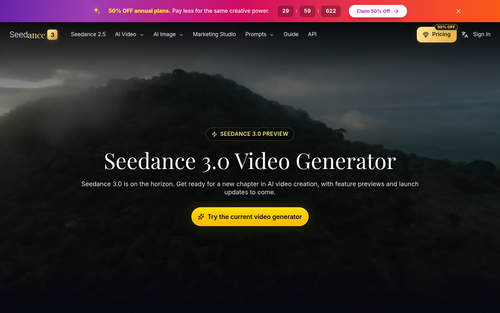
Seedance 3.0
Seedance 3.0 AI Video Generator
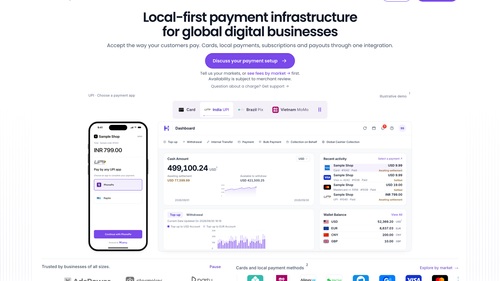
HaiPay
Local Payment Infrastructure for Digital Businesses | HaiPay

Demo Editor
Get a promo video of your real product.
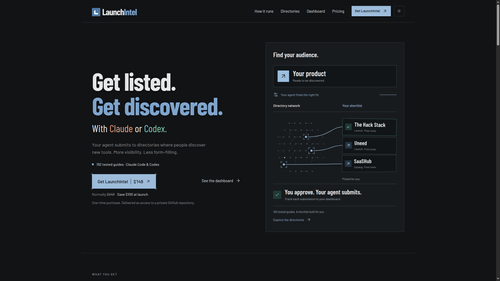
LaunchIntel
Curated directory playbooks for Claude Code and Codex
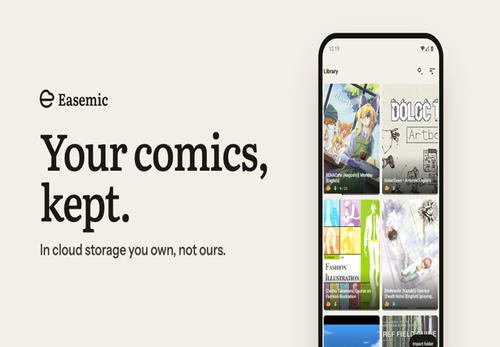
Easemic
Open-Source Android Comic & Manga Cloud Reader
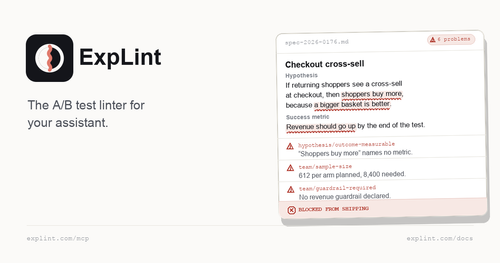
explint.com
explint.com — the A/B test linter for your assistant
Featured Startups
Submit App →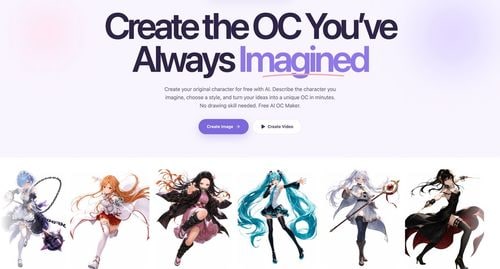
Try OC Maker
AI OC Maker for Anime & Original Characters | Try OC Maker

AI Jewelry Model
AI Jewelry Model – Show Your Jewelry on Models

screenRIG
Signage and kiosks your AI agent builds and runs

Influence
Plan, write and schedule your social media posts.
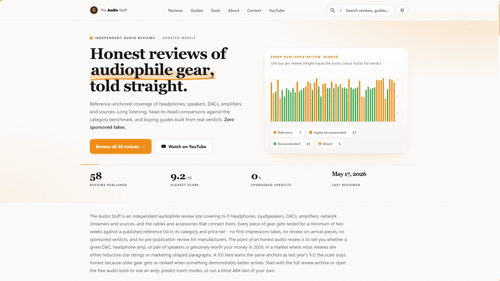
The Audio Stuff
Honest Hi-Fi Gear Reviews Built on Real Listening

DunCrux
Offline First Auto Prioritizing todo list