Opal
ProductivityDR 15Spatial knowledge management for solopreneurs, freelancers, and neurodivergent thinkers.
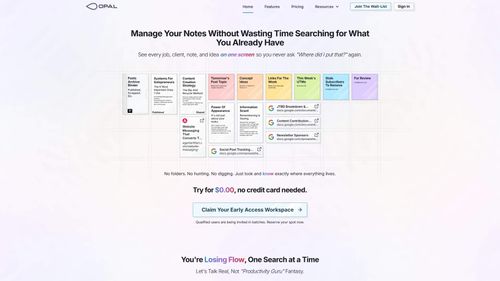
Opal offers a spatial approach to knowledge management, allowing users to visually organize their projects and ideas, which can significantly aid in maintaining clarity and control over complex workflows. It's particularly beneficial for those who prefer a visual layout over traditional list-based systems.
Key Advantages
- ✓Visual organization mimics a physical desk, aiding memory retention and quick access.
- ✓No onboarding wizard needed, making it easy to start organizing immediately.
- ✓Integration with Google Docs & Sheets allows for live editing within the platform.
Trade-offs & Considerations
- •May not suit users who prefer traditional folder-based organization.
- •Limited to small teams rather than large enterprise environments.
What is Opal?
Opal is a spatial knowledge management tool designed specifically for solopreneurs, freelancers, and neurodivergent thinkers. It empowers users to visually organize their projects and ideas, ensuring they maintain total control and clarity in their workflows.
Key Features & Highlights
5 FeaturesCore capabilities and advantages of using Opal for your workflow:
How to use Opal
To get started with Opal, first, create an account and familiarize yourself with the intuitive interface. Begin by setting up your project space, where you can add ideas, tasks, and notes visually. Use the drag-and-drop feature to organize items according to priorities or themes. As you work, leverage Opal's tagging and linking capabilities to connect related concepts and manage your workflow effectively. Regularly revisit and adjust your layout to reflect your evolving project needs, ensuring that you maintain clarity and control throughout your journey.
About Opal
Opal stands out in the crowded landscape of productivity tools by focusing on the unique needs of solopreneurs and neurodivergent thinkers. It addresses the common struggle of managing complex projects by offering a spatial approach to knowledge management. With Opal, users can create visual maps of their ideas, making it easier to see connections and prioritize tasks. This innovative tool not only enhances productivity but also fosters creativity, making it a must-have for founders looking to streamline their processes and cultivate their unique way of thinking.
Real performance numbers in the last 30 days
Frequently Asked Questions
Common questions about Opal, features, and launch details.
Q:Is Opal suitable for large teams?
While Opal is designed primarily for freelancers and small teams, it can be scaled for larger teams, allowing them to benefit from enhanced visual organization.
Q:What types of files can I organize in Opal?
You can organize a variety of files in Opal, including notes, documents, links, images, and even Google Docs and Sheets directly within the workspace.
Q:Can I collaborate with others in Opal?
Yes, Opal allows you to share notes, documents, and binders with others, enabling real-time collaboration on projects.
Related Productivity Apps
View All →
Kinovi
Run AI Models with an API | Kinovi
ZeroBG.ai
ZeroBG - AI Background Remover & Photo Cleanup Tools
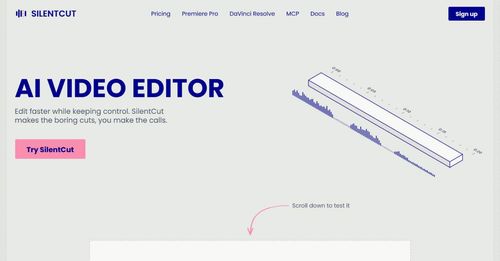
Silentcut
SilentCut makes the boring cuts, you make the calls.
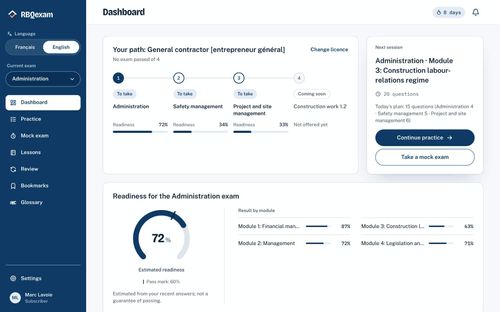
RBQ Exam
Practice questions and mock exams for the RBQ contractor licence exams.
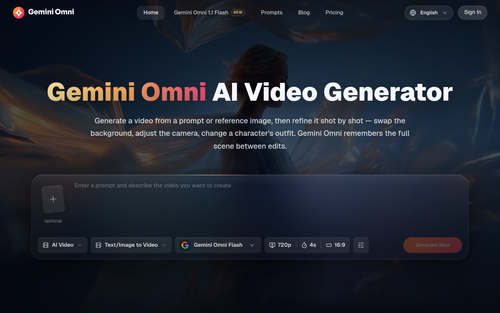
Gemini Omni
Gemini Omni - Free Online AI Video Generator & Editor

tripto.to
Your bookings, day plans, documents, and saved places—beautifully together.
Featured Banner for Opal Productivity Tool (1080x75)