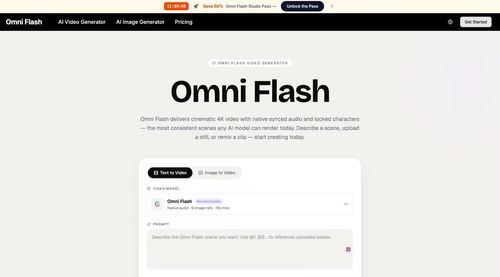
Omni Flash
AiDR 18Omni Flash is a multimodal AI video generator that produces cinematic 4K clips with native synced audio and locked character consistency from text, image, or video input.
Omni Flash is an AI-driven video generator that transforms text, images, or videos into high-quality 4K cinematic clips with synchronized audio and consistent character portrayal. It streamlines the video creation process for creators, providing a fast and versatile tool for producing professional-grade content.
Key Advantages
- ✓Produces 4K videos with synchronized audio and locked character consistency.
- ✓Supports multimodal inputs including text, images, and video for flexible content creation.
- ✓Fast rendering times with previews available in under a minute.
Trade-offs & Considerations
- •Limited to 10-second video clips per render.
- •May not be suitable for large-scale or long-duration video projects.
What is Omni Flash ?
Omni Flash is a multimodal AI video generator that creates stunning cinematic 4K videos. It seamlessly integrates text, images, or video inputs to produce clips with native synced audio and consistent character portrayal, making it a versatile tool for creators and marketers alike.
Key Features & Highlights
5 FeaturesCore capabilities and advantages of using Omni Flash for your workflow:
How to use Omni Flash
Getting started with Omni Flash is a breeze! First, sign up for an account on their platform. Once you're logged in, you can choose your input method: describe a scene in text, upload a still image, or select a video clip to remix. After providing your input, the app will process your request and generate a cinematic 4K video for you. Review the output, make any necessary adjustments, and download your final product. Omni Flash simplifies video creation, allowing you to focus on what truly matters – your message and your audience.
About Omni Flash
Omni Flash is a game-changer for startup founders and content creators looking to elevate their video production. It addresses the common pain point of producing high-quality video content quickly without sacrificing quality. With its ability to generate cinematic clips that feature locked character consistency and synced audio, Omni Flash empowers users to bring their creative visions to life effortlessly. Whether you're crafting promotional materials, educational content, or engaging social media posts, this tool saves you time and enhances your storytelling capabilities. Founders should take note of this powerful solution that combines cutting-edge technology with user-friendly interfaces, making professional video creation accessible to everyone.
Real performance numbers in the last 30 days
Frequently Asked Questions
Common questions about Omni Flash , features, and launch details.
Q:What types of inputs can I use with Omni Flash?
You can use text descriptions, images, and audio files as inputs to generate videos with Omni Flash.
Q:How long does it take to generate a video?
Most previews come back in well under a minute, allowing for quick iterations and adjustments.
Q:Is the output suitable for commercial use?
Yes, every Omni Flash render includes a commercial-use license and watermark-free masters.
Related Ai Apps
View All →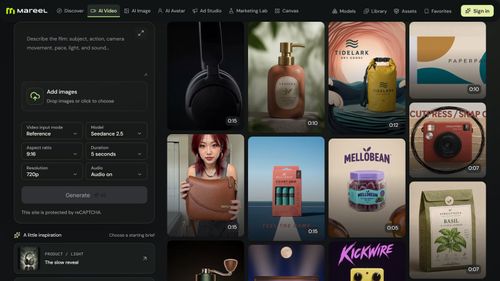
Mareel
AI Video & Image Generator – 40+ AI Models | Mareel

screenRIG
Signage and kiosks your AI agent builds and runs
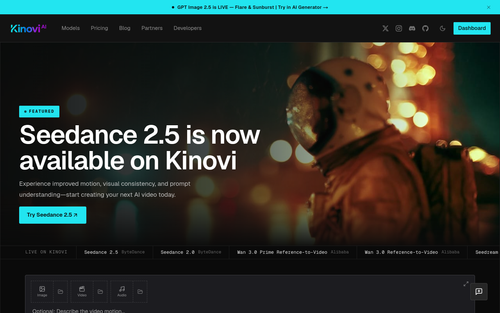
Kinovi
Run AI Models with an API | Kinovi
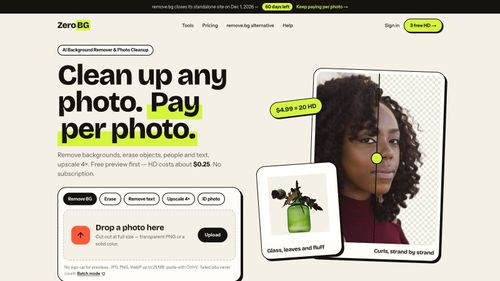
ZeroBG.ai
ZeroBG - AI Background Remover & Photo Cleanup Tools
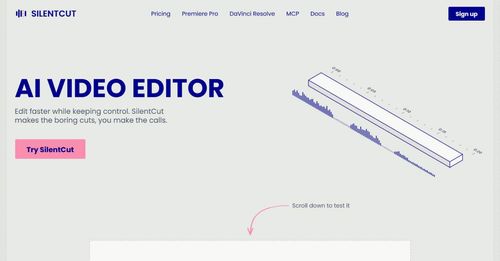
Silentcut
SilentCut makes the boring cuts, you make the calls.
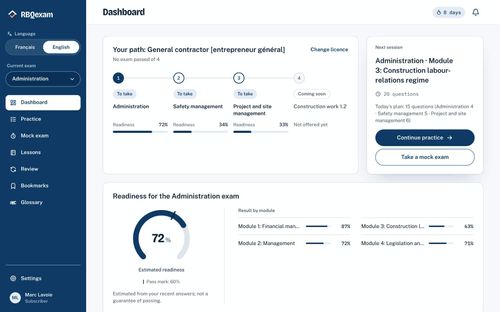
RBQ Exam
Practice questions and mock exams for the RBQ contractor licence exams.
Featured Banner for Omni Flash Ai Tool (1080x75)



