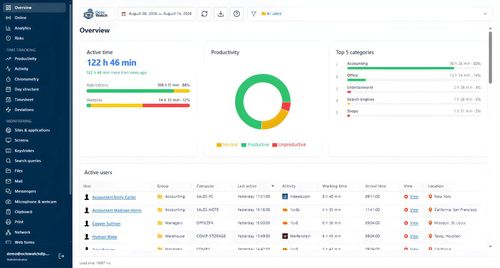
OctoWatch DLP
ProductivityDR 0.1Cloud or on-prem DLP for Windows teams that need proof.
OctoWatch DLP delivers real-time insights and robust security features, making it essential for Windows teams serious about productivity and data protection.
Key Advantages
- ✓Comprehensive monitoring features including keystroke logging and live view.
- ✓Flexible deployment options with both cloud and on-premise solutions.
- ✓Robust DLP capabilities to protect sensitive data.
Trade-offs & Considerations
- •Limited to Windows environments, not suitable for Mac or Linux users.
- •Initial setup may require technical expertise.
What is OctoWatch DLP?
OctoWatch DLP is a comprehensive employee monitoring and data loss prevention (DLP) software tailored specifically for Windows environments. It helps organizations track employee activity, enforce policies, and mitigate risks, ensuring compliance and security.
Key Features & Highlights
5 FeaturesCore capabilities and advantages of using OctoWatch DLP for your workflow:
How to use OctoWatch DLP
To get started with OctoWatch DLP, create an account and choose between cloud or on-premise deployment. Install the Grabber on your Windows PCs, then access the Web Console to configure settings and monitor activities. Regularly review the collected data to ensure compliance and address any identified risks.
About OctoWatch DLP
OctoWatch DLP stands out as a powerful tool for startups and indie builders aiming to enhance workplace productivity and security. By combining employee monitoring with robust data loss prevention features, it allows founders to gain insights into team performance while safeguarding sensitive information. Its dual deployment options—cloud or on-premise—offer flexibility and control, making it a must-have for any Windows-based organization.
Real performance numbers in the last 30 days
Frequently Asked Questions
Common questions about OctoWatch DLP, features, and launch details.
Q:What operating systems does OctoWatch DLP support?
OctoWatch DLP is specifically designed for Windows operating systems, including Windows PCs and Terminal Servers.
Q:Can I try OctoWatch DLP for free?
Yes, OctoWatch DLP offers a free trial to allow users to explore its features before making a commitment.
Q:How does OctoWatch DLP ensure data security?
OctoWatch DLP uses encrypted data transfers and offers on-premise deployment options, allowing organizations to keep sensitive data within their own infrastructure.
Related Productivity Apps
View All →
SeaMove AI
SeaMove AI — Seedance 2.0 Multimodal AI Video Generator Free | SeaDance AI
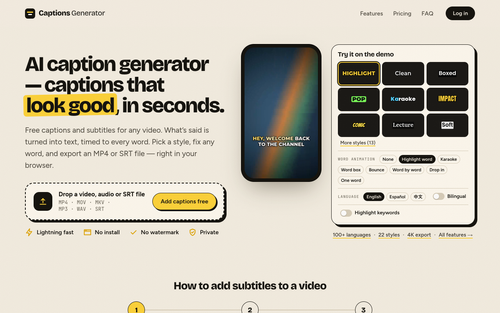
Captions Generator
AI caption generator — captions that look good, in seconds.
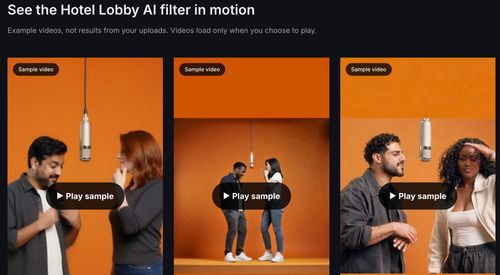
Hotel Lobby AI Filter
Hotel Lobby AI Filter — Two Photos, One Rap Duet
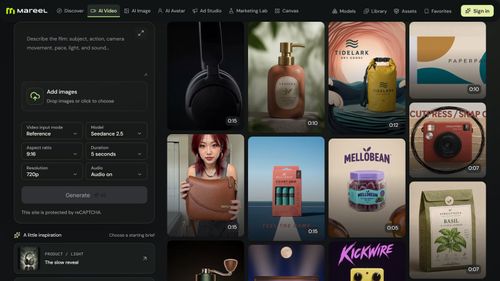
Mareel
AI Video & Image Generator – 40+ AI Models | Mareel

screenRIG
Signage and kiosks your AI agent builds and runs
Kinovi
Run AI Models with an API | Kinovi
Featured Banner for OctoWatch DLP Productivity Tool (1080x75)



