MD File Viewer
ProductivityDR 6Free Online Markdown Live Preview
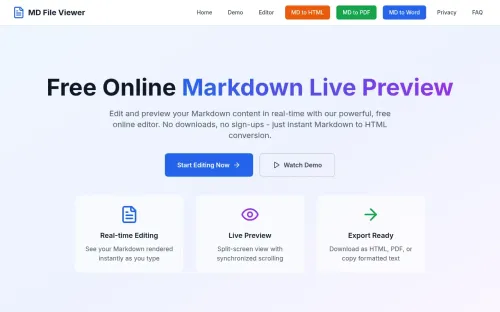
MD File Viewer provides a straightforward, no-frills online Markdown editor with live preview capabilities, allowing users to edit and visualize Markdown documents instantly without any sign-up or downloads. It's a practical tool for anyone needing a quick and private way to work with Markdown files.
Key Advantages
- ✓Instant live preview with syntax highlighting
- ✓No sign-up or downloads required, ensuring user privacy
- ✓Supports file uploads and exports for flexible document handling
Trade-offs & Considerations
- •Limited to Markdown editing without additional formatting tools
- •May not cater to users needing offline access or advanced collaboration features
What is MD File Viewer?
MD File Viewer is a free online tool that provides a live preview editor for Markdown content. Users can effortlessly write, edit, and visualize their Markdown documents in real-time, all without the need for downloads or sign-ups. It simplifies the Markdown editing process, making it accessible for everyone.
Key Features & Highlights
5 FeaturesCore capabilities and advantages of using MD File Viewer for your workflow:
How to use MD File Viewer
Using MD File Viewer is incredibly straightforward. Simply visit the website, and you’ll be greeted by a clean interface featuring a text editor and a live preview pane. Start typing or paste your Markdown content into the editor, and watch as the preview updates instantly. You can experiment with formatting, add links, images, and more, all while seeing the results in real-time. Once you’re satisfied, you can easily copy your formatted text for use elsewhere. No downloads or sign-ups required—just pure Markdown magic at your fingertips!
About MD File Viewer
MD File Viewer is a game-changer for indie hackers and solo founders looking to streamline their content creation process. This tool addresses the common pain point of needing a hassle-free way to create and edit Markdown documents. With its real-time preview functionality, you can effortlessly see how your text transforms as you write, enhancing productivity and creativity. Whether you’re drafting project documentation, blog posts, or notes, this app saves you time and reduces friction, allowing you to focus on what truly matters—building your product. It’s a must-have for anyone in the startup ecosystem.
Real performance numbers in the last 30 days
Frequently Asked Questions
Common questions about MD File Viewer, features, and launch details.
Q:Is my data safe while using MD File Viewer?
Yes, all processing occurs client-side, ensuring that your files remain private and never leave your browser.
Q:Can I upload multiple .md files at once?
Currently, the tool allows for one file upload at a time, but you can quickly upload additional files as needed.
Q:Do I need to create an account to use MD File Viewer?
No, MD File Viewer is completely free and requires no signup or account creation.
Related Productivity Apps
View All →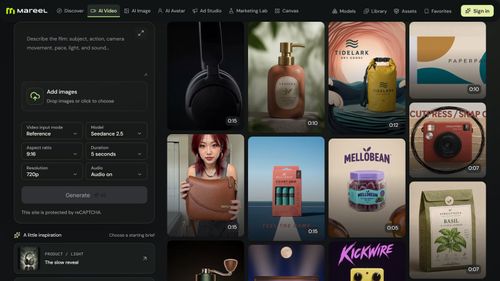
Mareel
AI Video & Image Generator – 40+ AI Models | Mareel

screenRIG
Signage and kiosks your AI agent builds and runs
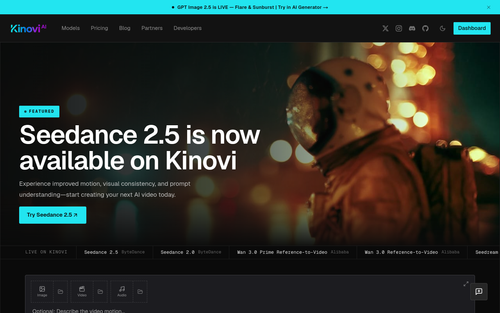
Kinovi
Run AI Models with an API | Kinovi
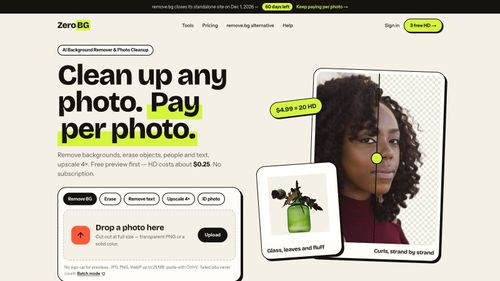
ZeroBG.ai
ZeroBG - AI Background Remover & Photo Cleanup Tools
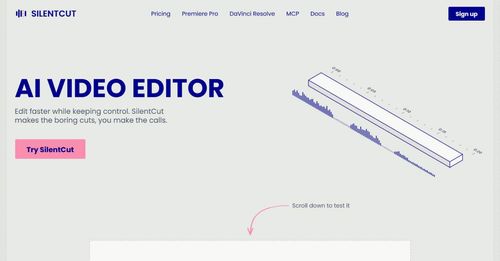
Silentcut
SilentCut makes the boring cuts, you make the calls.
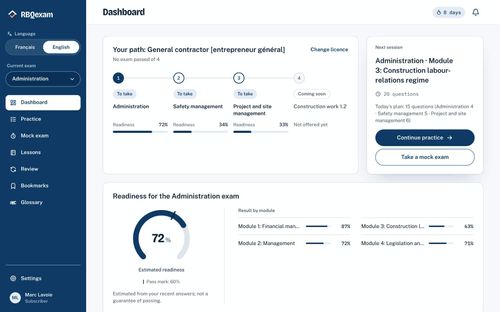
RBQ Exam
Practice questions and mock exams for the RBQ contractor licence exams.
Featured Banner for MD File Viewer Productivity Tool (1080x75)