Make3DMap
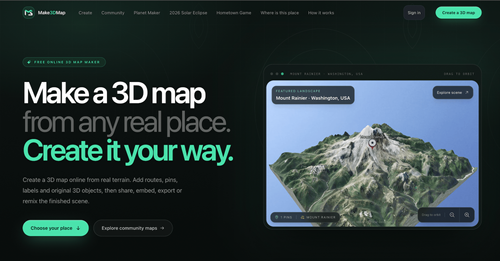
AiDR 0.1Make a 3D map from any real place. Create it your way.
Make3DMap is a browser-based application that allows users to create customizable 3D maps from real-world locations, offering a unique way to visualize terrain data interactively. Its utility lies in enhancing maps with custom objects and sharing them easily, making it a versatile tool for creative and educational projects.
Key Advantages
- ✓Customizable with user-uploaded 3D models and assets.
- ✓Interactive sharing and remixing capabilities enhance collaboration.
- ✓Supports exporting for 3D printing and integration with other 3D design tools.
Trade-offs & Considerations
- •Limited to browser-based use, which may not suit all workflows.
- •Requires user sign-in for full feature access like exporting and remixing.
What is Make3DMap?
Make3DMap is an innovative browser-based app that allows users to create customizable 3D maps from real-world locations, transforming elevation data into interactive scenes. Users can enhance their maps with various objects, routes, and labels to create unique visual experiences.
Key Features & Highlights
5 FeaturesCore capabilities and advantages of using Make3DMap for your workflow:
How to use Make3DMap
To use Make3DMap, simply search for a real location, frame the area you wish to map, and generate the terrain. Afterward, you can add custom elements like routes, pins, and 3D objects before publishing or exporting your finished map.
About Make3DMap
Make3DMap is designed for creators, educators, and storytellers who want to bring real places to life through 3D visuals. It provides tools for collaboration, allowing users to remix and share their maps easily.
Real performance numbers in the last 30 days
Frequently Asked Questions
Common questions about Make3DMap, features, and launch details.
Q:How do I make a 3D map online?
Search for any real place, frame the area you need, and create the terrain. You can then style the map with routes, pins, labels, and 3D objects before publishing or exporting the finished scene.
Q:Can I upload my own 3D models?
Yes, signed-in creators can upload GLB model files up to 250 MB and reuse them across different maps.
Q:Can I embed or export a 3D map?
Yes, signed-in creators can embed maps on other websites and export images, 3D scene files, or files suitable for 3D printing, while maintaining interactivity.
Related Ai Apps
View All →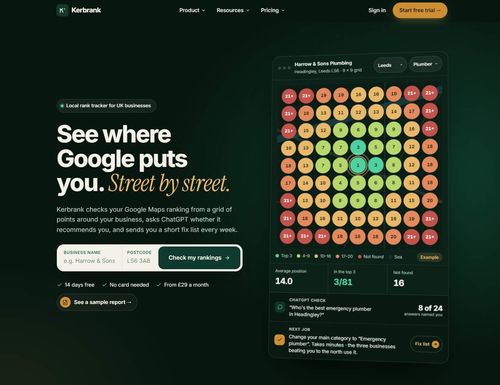
Kerbrank
See where Google puts you. Street by street.
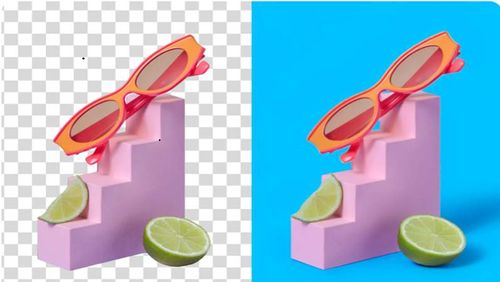
Adobe Firefly Background Remover
Adobe Firefly AI Background Remover: free one-click transparent cutouts
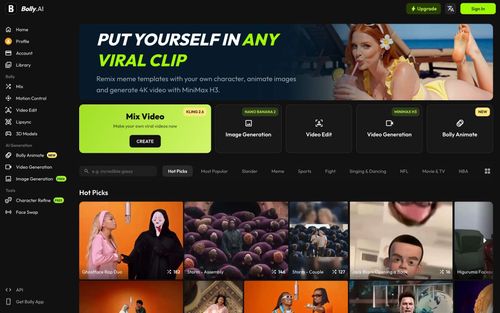
Bolly.AI
Put yourself in any viral clip. AI image, video and audio in one creative suite.
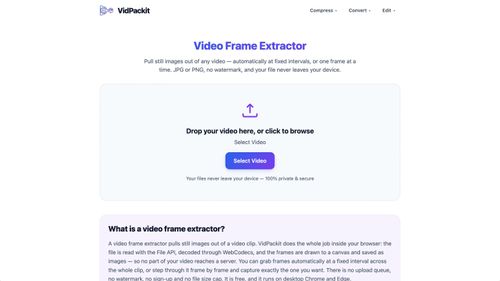
Video Compressor — VidPackit
Video Compressor — Compress Video Free Online
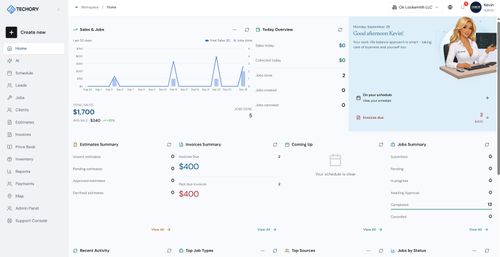
Techory.ai
Run your entire service business in one powerful platform.

HAGS Clothing
HAGS Clothing
Featured Banner for Make3DMap Ai Tool (1080x75)