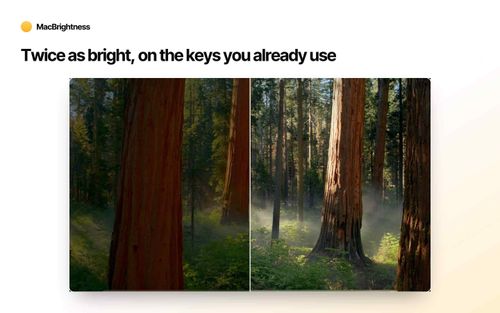
Unlock Full Screen Brightness
MacBrightness is a practical utility for MacBook Pro users needing enhanced screen visibility in bright environments by unlocking the full brightness potential of their display. It operates without additional setup, using existing brightness keys to extend the brightness range, making it a straightforward solution for outdoor productivity.
Key Advantages
- ✓Unlocks full brightness potential of MacBook Pro displays
- ✓Easy setup with no account required
- ✓One-time purchase with no subscription fees
Trade-offs & Considerations
- •Limited to specific MacBook Pro models with M-series chips
- •Increased brightness may result in higher battery consumption
What is MacBrightness?
MacBrightness is a utility designed for MacBook Pro users, allowing them to unlock the full brightness of their screens. This feature is particularly beneficial for those who work outdoors or in brightly lit environments, ensuring optimal visibility and productivity.
Key Features & Highlights
5 FeaturesCore capabilities and advantages of using MacBrightness for your workflow:
How to use MacBrightness
Getting started with MacBrightness is a breeze. First, download and install the app from the official website. Once installed, launch the application and grant any necessary permissions it requests. You can then easily adjust the brightness settings to unlock the full potential of your MacBook Pro's display. For those wanting to test it out, simply activate Splitscreen Mode to experience the difference in brightness while multitasking. With just a few clicks, you’ll be ready to tackle your work, no matter where the day takes you!
About MacBrightness
As a startup founder, you know the importance of maximizing productivity, and MacBrightness is a game-changer in that department. This app addresses a common frustration for MacBook Pro users—limited screen brightness in outdoor settings. With MacBrightness, you can finally enjoy the full brightness of your device, making it possible to work comfortably under the sun. The best part? It offers a free trial in Splitscreen Mode, allowing you to experience the difference before committing. In a world where every ounce of productivity counts, this tool is essential for those who thrive in dynamic environments.
Real performance numbers in the last 30 days
Frequently Asked Questions
Common questions about MacBrightness, features, and launch details.
Q:Can I try it before I pay?
Yes, MacBrightness opens in Splitscreen Mode for free, allowing you to experience full brightness on half your screen as long as you want.
Q:Does it slow down my Mac or kill my battery?
No, MacBrightness adds no noticeable CPU overhead and utilizes brightness levels your display already supports.
Q:What devices are compatible with MacBrightness?
MacBrightness is compatible with MacBook Pro models equipped with M-series Pro or Max chips and the Pro Display XDR.
Related Productivity Apps
View All →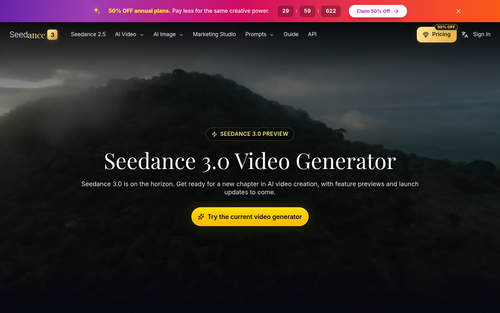
Seedance 3.0
Seedance 3.0 AI Video Generator
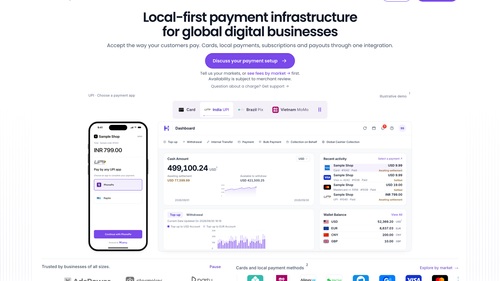
HaiPay
Local Payment Infrastructure for Digital Businesses | HaiPay

Demo Editor
Get a promo video of your real product.
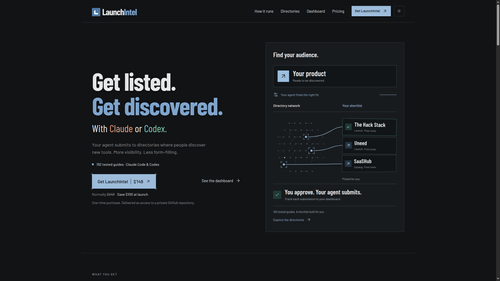
LaunchIntel
Curated directory playbooks for Claude Code and Codex

Easemic
Open-Source Android Comic & Manga Cloud Reader
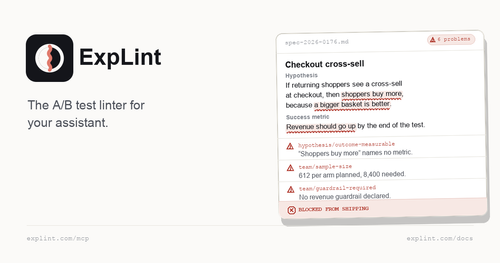
explint.com
explint.com — the A/B test linter for your assistant
Featured Startups
Submit App →
Try OC Maker
AI OC Maker for Anime & Original Characters | Try OC Maker

AI Jewelry Model
AI Jewelry Model – Show Your Jewelry on Models

screenRIG
Signage and kiosks your AI agent builds and runs

Influence
Plan, write and schedule your social media posts.
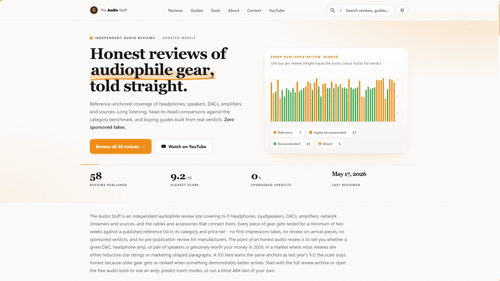
The Audio Stuff
Honest Hi-Fi Gear Reviews Built on Real Listening

DunCrux
Offline First Auto Prioritizing todo list