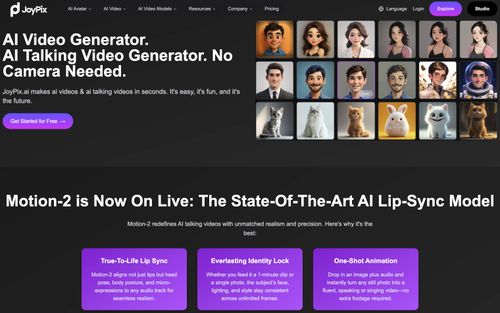
JoyPix
AiDR 30AI Video Generator. AI Talking Video Generator. No Camera Needed.
JoyPix offers a straightforward way to create AI-generated talking videos from text, photos, and audio, making it a valuable tool for content creators looking to enhance visual storytelling without camera equipment. Its strong lip-sync technology and avatar customization options provide a unique, engaging video production experience.
Key Advantages
- ✓Efficient AI lip-sync technology for realistic talking avatars.
- ✓Diverse avatar styles and customization options.
- ✓Supports multilingual voiceovers and voice cloning.
Trade-offs & Considerations
- •Limited to talking video generation rather than full video editing suite.
- •May not meet the needs of large-scale enterprise video production.
What is JoyPix?
JoyPix is an innovative AI video generator that allows users to create engaging talking videos without the need for a camera. By leveraging advanced AI technology, it transforms text into professional-quality visual content, making it ideal for creators, marketers, and designers looking to enhance their storytelling capabilities.
Key Features & Highlights
5 FeaturesCore capabilities and advantages of using JoyPix for your workflow:
How to use JoyPix
Getting started with JoyPix is straightforward. First, sign up for an account on their website. Once logged in, choose your desired video format and template. Next, input your text or script that you want to transform into a talking video. Customize your video by selecting visuals, backgrounds, and voice options. Finally, preview your creation and make any necessary adjustments before exporting your video. With just a few clicks, you’ll have a captivating video ready to share with your audience!
About JoyPix
As a curator, I am genuinely excited about JoyPix because it addresses a common pain point for founders: the need for high-quality video content without the extensive resources typically required. With JoyPix, you can create stunning videos in just a few clicks, which is a game-changer for busy entrepreneurs. This platform not only simplifies the video creation process but also empowers you to convey your brand's message more effectively. For startup founders, embracing JoyPix means saving time and resources while elevating your marketing efforts, making it a must-have tool in your arsenal.
Real performance numbers in the last 30 days
Frequently Asked Questions
Common questions about JoyPix, features, and launch details.
Q:Can I create my own avatar?
Yes, JoyPix allows you to create and customize your own unique avatar.
Q:How long does it take to generate a video?
JoyPix can generate videos in just minutes, allowing for quick and efficient video production.
Q:How many voices and languages are available in JoyPix?
JoyPix offers 100+ voices in 20+ popular languages, allowing for a diverse range of voice options.
Related Ai Apps
View All →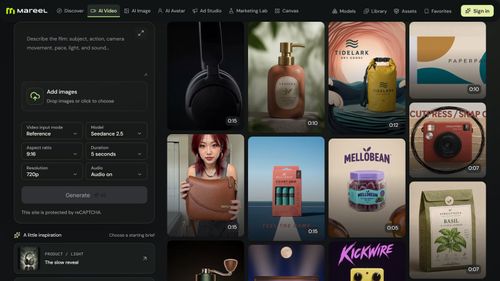
Mareel
AI Video & Image Generator – 40+ AI Models | Mareel

screenRIG
Signage and kiosks your AI agent builds and runs
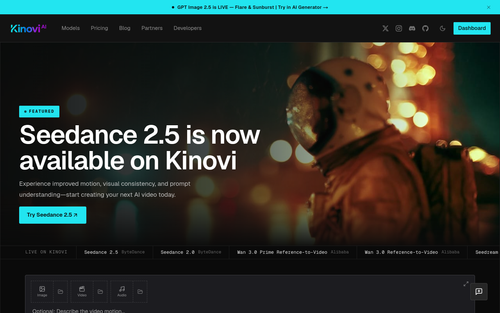
Kinovi
Run AI Models with an API | Kinovi
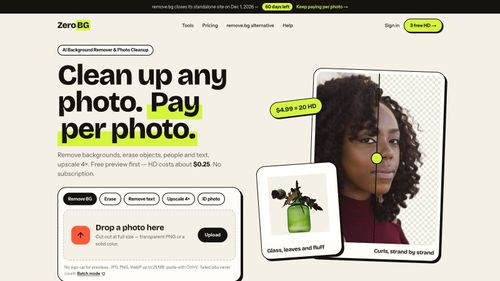
ZeroBG.ai
ZeroBG - AI Background Remover & Photo Cleanup Tools
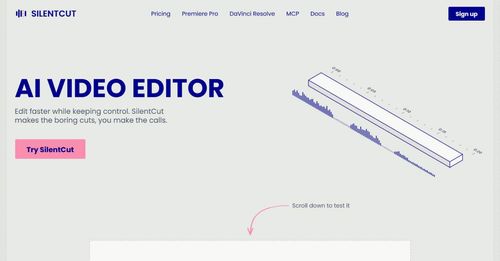
Silentcut
SilentCut makes the boring cuts, you make the calls.
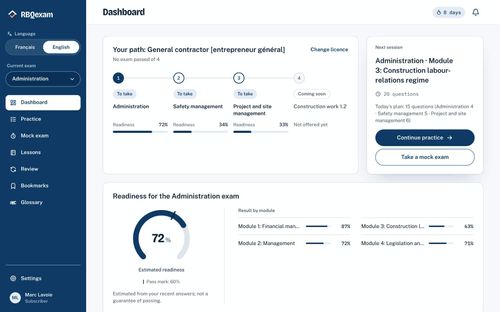
RBQ Exam
Practice questions and mock exams for the RBQ contractor licence exams.
Featured Banner for JoyPix Ai Tool (1080x75)



