invoicesonic
ProductivityDR 14building
InvoiceSonic simplifies the invoicing process for indie hackers and solo founders, offering a centralized platform to create, send, and manage invoices while tracking payments and expenses efficiently.
Key Advantages
- ✓Centralized platform for managing invoices and tracking payments.
- ✓Tailored specifically for indie hackers and solo founders.
- ✓Streamlines billing process with an intuitive interface.
Trade-offs & Considerations
- •Limited to invoicing and expense tracking rather than full accounting solutions.
- •May lack advanced features needed by larger teams or businesses.
What is invoicesonic?
InvoiceSonic is a powerful invoicing tool designed specifically for indie hackers and solo founders. It streamlines the billing process by allowing users to create, send, and manage invoices effortlessly, all while tracking payments and expenses in one centralized platform.
Key Features & Highlights
5 FeaturesCore capabilities and advantages of using invoicesonic for your workflow:
How to use invoicesonic
Getting started with InvoiceSonic is a breeze. First, sign up for an account on their website. Once logged in, you can customize your invoice templates to reflect your brand. Next, simply input your client details, add the services or products provided, and set payment terms. After finalizing your invoice, send it directly to your clients via email. You can track the status of each invoice in real-time, ensuring you're always updated on payments. Don't forget to explore additional features like expense tracking and reporting to maximize your financial oversight.
About invoicesonic
As a solo founder, managing finances can often feel overwhelming, but InvoiceSonic is here to lighten that load. This app not only simplifies the invoicing process but also provides a seamless experience for tracking payments and expenses. Imagine having all your financial data organized in one place, eliminating the chaos of spreadsheets and manual entries. InvoiceSonic's user-friendly interface and robust features empower founders to focus on what they do best—building their business. By automating invoicing, you can save precious time and avoid costly mistakes, allowing you to channel your energy into growth and innovation.
Real performance numbers in the last 30 days
Frequently Asked Questions
Common questions about invoicesonic, features, and launch details.
Q:Is Invoicesonic suitable for freelancers?
Yes, Invoicesonic is perfect for freelancers as it allows them to create professional invoices quickly and manage their payments effectively.
Q:Can I customize my invoices?
Absolutely! Invoicesonic allows you to customize your invoices with your branding, including logos, colors, and layout preferences.
Q:Is there a mobile app available?
Yes, Invoicesonic offers a mobile app for both iOS and Android, allowing you to manage your invoices on the go.
Related Productivity Apps
View All →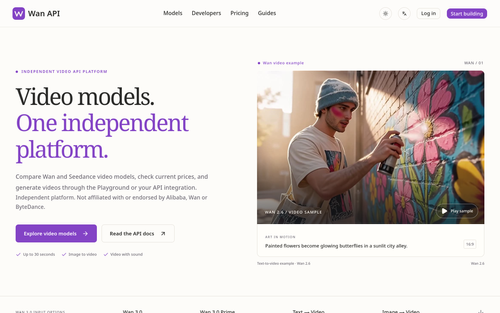
Wan API
Wan API — Wan 3.0, Prime & Pro Video Models

MegaLaunch
Free permanent listings for indie products, plus daily Builders vs Shippers community battles.
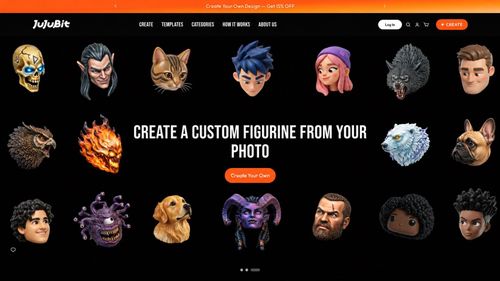
JuJuBit
JuJuBit | Custom Figurines, Crystal Bracelets & Art Toys

Hotel Lobby AI
Hotel Lobby AI Video Generator
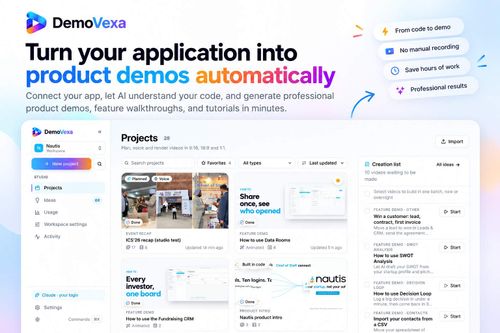
DemoVexa
Turn Your Code into Stunning Product Demo Videos
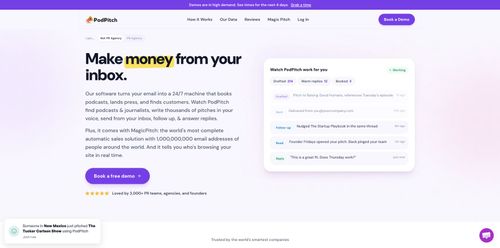
PodPitch
Get your expertise in front of the right podcast audiences
Featured Banner for invoicesonic Productivity Tool (1080x75)