Inspector
AiDR 53Code Execution Monitoring, built for software developers
Inspector is a real-time code execution monitoring tool tailored for PHP developers, offering immediate insights into code performance and issues without server-level installations. It simplifies debugging by connecting directly to production environments, thus enhancing the reliability of software releases.
Key Advantages
- ✓No server-level installation required, making it easy to integrate into existing workflows.
- ✓Supports a wide range of PHP frameworks with zero configuration needed.
- ✓Offers real-time insights and AI-assisted bug fixing to improve code robustness.
Trade-offs & Considerations
- •Focused primarily on PHP, limiting utility for non-PHP environments.
- •May not be suitable for large enterprise systems due to its PHP-specific focus.
What is Inspector?
Inspector is a powerful code execution monitoring tool designed specifically for software developers. It provides real-time insights into your code's performance, helping teams identify and address issues quickly, ensuring that each release is robust and reliable.
Key Features & Highlights
5 FeaturesCore capabilities and advantages of using Inspector for your workflow:
How to use Inspector
Getting started with Inspector is straightforward. First, integrate the tool into your development environment with just a few clicks. Once set up, begin monitoring your code execution by running your applications as usual. Inspector will automatically track performance metrics and highlight potential weak points. Regularly review the insights provided in the dashboard, and leverage the detailed reports to prioritize fixes during your development cycle. With consistent use, you’ll not only enhance code quality but also gain confidence in every release.
About Inspector
As a curator for IndieTool, I’m genuinely excited about Inspector. This innovative app addresses a crucial pain point for developers: the challenge of maintaining code quality amidst frequent changes. With its ability to spot vulnerabilities and performance bottlenecks in real-time, Inspector empowers teams to fix issues faster than ever before. For startup founders looking to streamline their development process, this tool is invaluable. By adopting Inspector, you can enhance the stability of your releases and foster a culture of continuous improvement, ultimately driving your product’s success.
Real performance numbers in the last 30 days
Frequently Asked Questions
Common questions about Inspector, features, and launch details.
Q:What frameworks does Inspector support?
Inspector supports Laravel, Symfony, CodeIgniter, Drupal, and the Neuron AI framework, among others.
Q:Is there any installation required on the server?
No, Inspector does not require any installation on the server level, making it easy to integrate with any application environment.
Q:What kind of support does Inspector provide?
Inspector offers one-to-one support, ensuring that you receive assistance whether you're a beginner or an experienced developer.
Related Ai Apps
View All →
JuJuBit
JuJuBit | Custom Figurines, Crystal Bracelets & Art Toys

Hotel Lobby AI
Hotel Lobby AI Video Generator
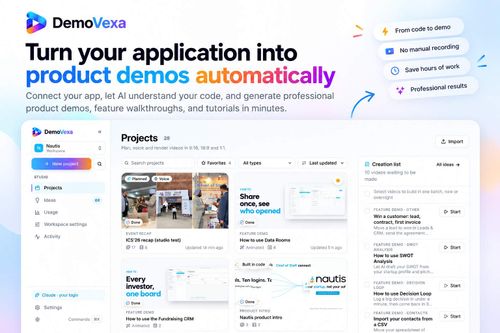
DemoVexa
Turn Your Code into Stunning Product Demo Videos

PodPitch
Get your expertise in front of the right podcast audiences

Seedance 3.0
Seedance 3.0 AI Video Generator: Make Videos from References
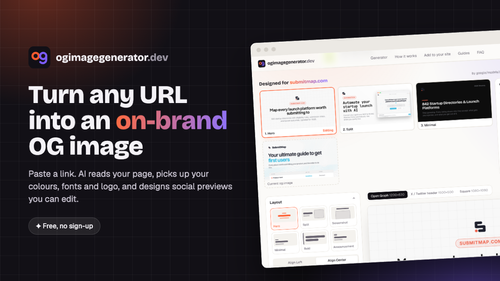
ogimagegenerator.dev
Turn any URL into an on-brand social preview with AI
Featured Banner for Inspector Ai Tool (1080x75)