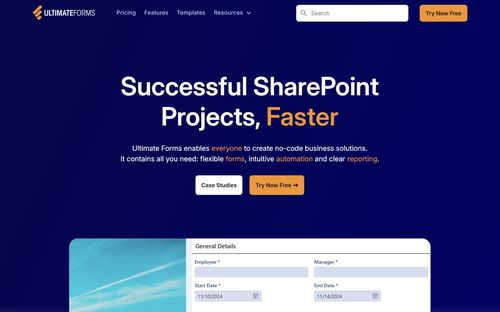
Ultimate Forms
ProductivityDR 49Successful SharePoint Projects, Faster
Ultimate Forms transforms SharePoint into a powerful business application platform without requiring coding skills, enabling users to design forms and automate workflows swiftly. This tool significantly enhances productivity by allowing non-developers to create, manage, and deploy solutions efficiently.
Key Advantages
- ✓No-code platform that simplifies form and workflow creation in SharePoint.
- ✓Comprehensive integration capabilities with Microsoft 365 applications.
- ✓Offers templates and reusable components for quick deployment.
Trade-offs & Considerations
- •Primarily focused on SharePoint environments, limiting use outside this ecosystem.
- •May require initial learning curve for non-technical users unfamiliar with SharePoint.
What is Ultimate Forms?
Ultimate Forms is a no-code forms and automation platform designed specifically for Microsoft SharePoint and Microsoft 365. It empowers users to create sophisticated forms and workflows without needing extensive coding knowledge, enhancing productivity and streamlining processes.
Key Features & Highlights
5 FeaturesCore capabilities and advantages of using Ultimate Forms for your workflow:
How to use Ultimate Forms
To get started with Ultimate Forms, first, sign in to your Microsoft SharePoint or Microsoft 365 account. Once logged in, navigate to the Ultimate Forms app and select 'Create New Form.' Customize your form by dragging and dropping fields to suit your needs. After designing your form, set up automation by defining workflows that trigger actions based on user inputs. Finally, publish your form and share it with your team or clients. Monitor responses in real-time and adjust workflows as necessary to optimize your processes.
About Ultimate Forms
Ultimate Forms is a game-changer for startup founders navigating the complexities of project management within the Microsoft ecosystem. By eliminating the need for coding, this tool allows users to swiftly create custom forms and automate workflows, saving valuable time and resources. Founders who leverage Ultimate Forms can focus on their core business strategies rather than getting bogged down in technical details. With its intuitive interface and powerful capabilities, it addresses the challenge of efficient data collection and management, making it an essential asset for any team looking to maximize their SharePoint experience and drive project success.
Real performance numbers in the last 30 days
Frequently Asked Questions
Common questions about Ultimate Forms, features, and launch details.
Q:Do I need coding skills to use Ultimate Forms?
No, Ultimate Forms is designed for users of all skill levels, allowing anyone to create and manage applications without writing any code.
Q:Can I integrate Ultimate Forms with other applications?
Yes, Ultimate Forms seamlessly integrates with various data sources and applications, enhancing its capabilities to drive business results.
Q:What types of templates are available in Ultimate Forms?
Ultimate Forms offers a variety of ready-to-use templates, including project management, help desk, and leave request forms, which can be customized to suit your specific needs.
Related Productivity Apps
View All →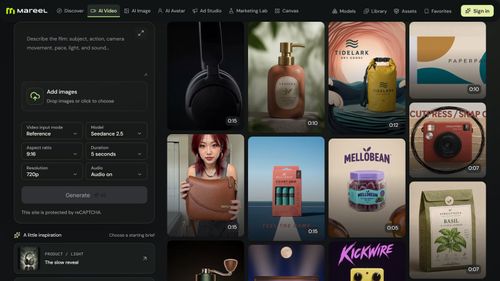
Mareel
AI Video & Image Generator – 40+ AI Models | Mareel

screenRIG
Signage and kiosks your AI agent builds and runs
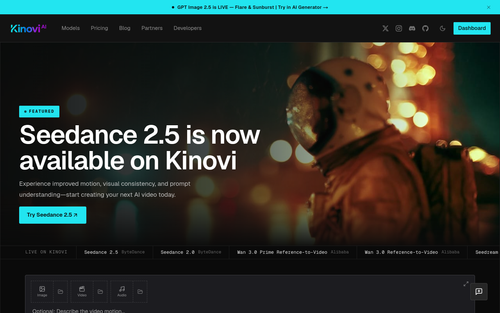
Kinovi
Run AI Models with an API | Kinovi
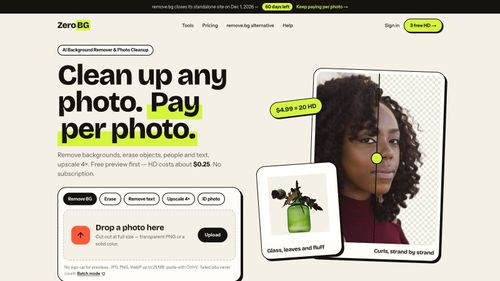
ZeroBG.ai
ZeroBG - AI Background Remover & Photo Cleanup Tools
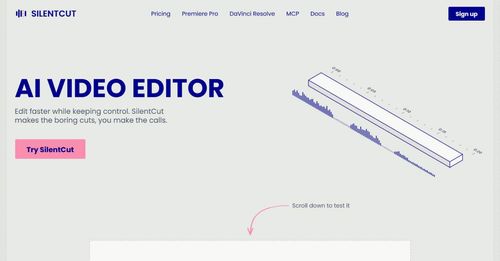
Silentcut
SilentCut makes the boring cuts, you make the calls.
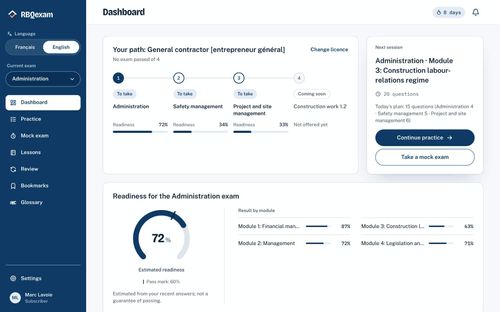
RBQ Exam
Practice questions and mock exams for the RBQ contractor licence exams.
Featured Banner for Ultimate Forms Productivity Tool (1080x75)



