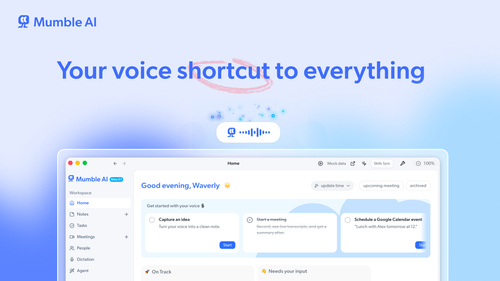
Mumble AI
ProductivityDR 25Voice-first AI for
Mumble AI offers Mac users a voice-first productivity tool that integrates meeting recording, dictation, and voice notes, providing privacy-focused and cloud-based options for language processing. Its real-world utility lies in streamlining note-taking and task management through voice commands without the need for intrusive bots.
Key Advantages
- ✓Allows meeting recording without bots intruding on calls.
- ✓Offers both local and cloud AI options for privacy and accuracy.
- ✓Supports dictation into any app with a simple keypress.
Trade-offs & Considerations
- •Currently focused on Mac users only.
- •Limited to voice-first interactions, which may not suit all users.
What is Mumble AI?
Mumble AI is a voice-first productivity app designed for Mac users, integrating meeting recording, dictation, and voice notes into a seamless experience. It allows users to record meetings without intrusive bots, dictate into any application with a simple keypress, and automatically organize voice notes. With a built-in agent, users can perform tasks like scheduling and content creation through voice commands, all while maintaining privacy and accuracy.
Key Features & Highlights
5 FeaturesCore capabilities and advantages of using Mumble AI for your workflow:
How to use Mumble AI
To get started with Mumble AI, download and install the app on your Mac. Once set up, you can easily record meetings by clicking the record button—no bots needed. For dictation, simply press the designated key and start speaking into any app. To capture voice notes, start speaking, and Mumble AI will automatically organize them for you. Explore the built-in agent features to perform tasks like scheduling and research by voice command. Don't forget to customize your settings to choose between local and cloud AI options for your preferred balance of privacy and accuracy.
About Mumble AI
Mumble AI is a game-changer for busy founders and entrepreneurs looking to streamline their productivity. By combining meeting recording, dictation, and voice notes into one robust platform, it addresses the common pain points of managing information overload and time constraints. The ability to record meetings without a bot present ensures a natural conversation flow, while the voice-driven features allow for effortless multitasking. With support for over 40 languages and options for local or cloud AI, Mumble AI offers the flexibility and privacy that modern users demand. For founders seeking to optimize their workflow, this tool is not just useful—it's essential.
Real performance numbers in the last 30 days
Frequently Asked Questions
Common questions about Mumble AI, features, and launch details.
Q:What makes Mumble AI different from other note-taking apps?
Mumble AI stands out by offering voice-first capabilities, allowing users to speak naturally while it captures and organizes notes automatically without the need for typing.
Q:Is Mumble AI available for platforms other than Mac?
Currently, Mumble AI is focused on Mac users, but expansions to other platforms are planned for the future.
Q:Can I customize the note templates in Mumble AI?
Yes, Mumble AI allows you to choose from customizable templates or create your own to suit your meeting and note-taking needs.
Related Productivity Apps
View All →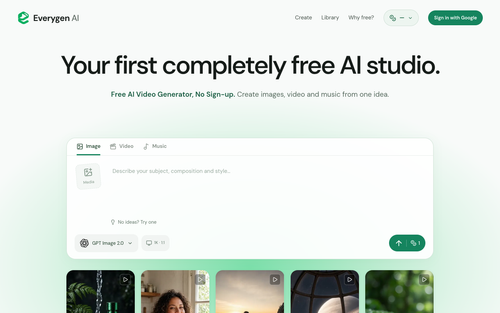
Everygen AI
Everygen AI : Every Top AI Video & Image Model in One Place
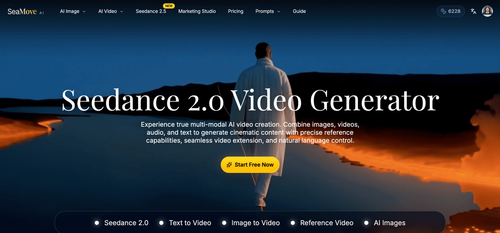
SeaMove AI
SeaMove AI — Seedance 2.0 Multimodal AI Video Generator Free | SeaDance AI
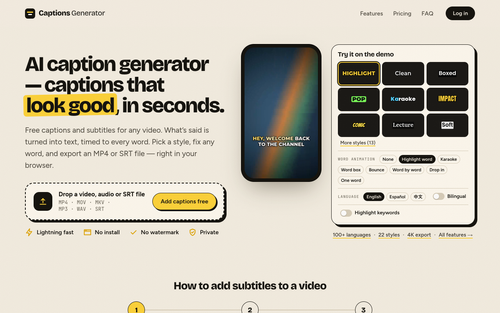
Captions Generator
AI caption generator — captions that look good, in seconds.
Hotel Lobby AI Filter
Hotel Lobby AI Filter — Two Photos, One Rap Duet
Mareel
AI Video & Image Generator – 40+ AI Models | Mareel

screenRIG
Signage and kiosks your AI agent builds and runs
Featured Banner for Mumble AI Productivity Tool (1080x75)



