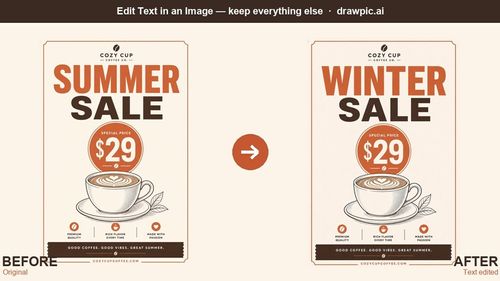
DrawPic is a practical solution for quickly updating text in images, making it invaluable for busy founders and marketers. It streamlines the editing process without sacrificing quality.
Key Advantages
- ✓User-friendly interface for quick edits
- ✓Maintains original font and color for seamless integration
- ✓No design software knowledge required
Trade-offs & Considerations
- •Limited to text changes only
- •May struggle with very small or blurry text
What is DrawPic Edit Text in Image?
DrawPic Edit Text in Image empowers users to effortlessly replace text in images and screenshots while preserving the original design. It solves the problem of having no access to source files, allowing quick corrections and updates.
Key Features & Highlights
5 FeaturesCore capabilities and advantages of using DrawPic Edit Text in Image for your workflow:
How to use DrawPic Edit Text in Image
To use DrawPic, simply upload your image and draw a box around the text you want to change. Type in the new text, ensuring to specify 'keep the same font and color' for best results. Hit generate, and your edited image is ready for download, preserving the original layout.
About DrawPic Edit Text in Image
DrawPic Edit Text in Image is a game-changer for indie founders and marketers alike. This innovative tool simplifies the process of correcting text in images, whether it's a typo on a flyer or a price update on a menu. With its user-friendly interface and capability to match the original font and color, DrawPic saves time and effort, eliminating the need for complex design software or relying on external designers. It's a must-have for anyone looking to maintain a polished brand image without the hassle.
Real performance numbers in the last 30 days
Frequently Asked Questions
Common questions about DrawPic Edit Text in Image, features, and launch details.
Q:Can I use DrawPic to edit text in images without the original design files?
Yes, DrawPic is specifically designed to work directly on finished images, allowing you to edit text without needing the source files.
Q:Does DrawPic support languages other than English?
Absolutely! DrawPic supports major languages, including accented Latin scripts and CJK, making it versatile for global use.
Q:Is there a free trial available for new users?
Yes, new accounts receive 20 free credits upon signup, allowing you to test the tool with one full edit at no cost.
Related Design Apps
View All →
Flux 3
Flux 3 — Multimodal AI by Black Forest Labs | Real World Models
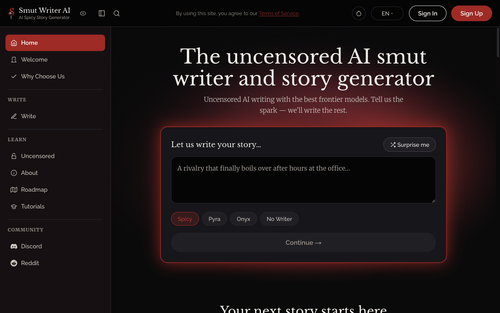
Smut Writer AI
Completely uncensored AI smut writer and story generator

Small Landlord Security Deposit & Turnover Ops Kit
Deposit & turnover ops spreadsheet kit, $19

Small Landlord Schedule E Ops Kit
Schedule E rental tax prep ops kit, $29

BuyHub
Search eBay, Vinted, Mercari and 100+ marketplaces at once
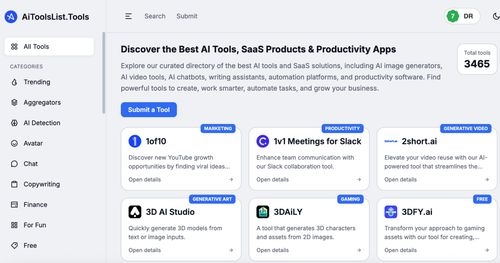
AiToolsList.Tools
AI Tools Directory, SaaS Products & Productivity Apps | AiToolsList.Tools
Featured Startups
Submit App →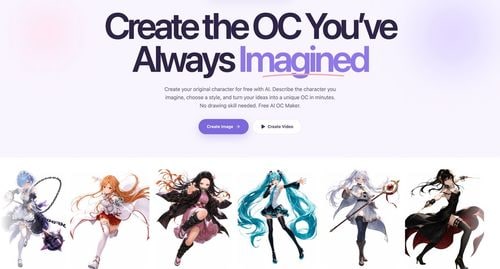
Try OC Maker
AI OC Maker for Anime & Original Characters | Try OC Maker

AI Jewelry Model
AI Jewelry Model – Show Your Jewelry on Models

screenRIG
Signage and kiosks your AI agent builds and runs

Influence
Plan, write and schedule your social media posts.
The Audio Stuff
Honest Hi-Fi Gear Reviews Built on Real Listening

DunCrux
Offline First Auto Prioritizing todo list