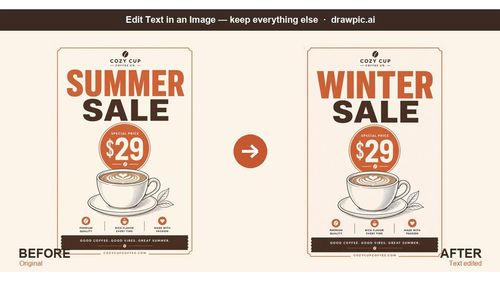
DrawPic Edit Text in Image
DesignDR 19Edit text in any image — same font, rest untouched
DrawPic is a must-have tool for anyone looking to streamline their image editing workflow, making text updates quick and hassle-free.
Key Advantages
- ✓User-friendly interface that requires no design skills
- ✓AI technology ensures consistent font and color matching
- ✓Quick updates save time and enhance productivity
Trade-offs & Considerations
- •Limited to text editing—doesn't offer full image editing capabilities
- •Some users may prefer more advanced features
What is DrawPic Edit Text in Image?
DrawPic Edit Text in Image is a powerful tool that allows users to effortlessly edit text in images while preserving the original design. It solves the problem of needing sophisticated software like Photoshop for simple text updates, making it accessible for everyone.
Key Features & Highlights
5 FeaturesCore capabilities and advantages of using DrawPic Edit Text in Image for your workflow:
How to use DrawPic Edit Text in Image
To use DrawPic, simply upload your image and select the text you wish to edit by boxing it. Type in your new text, and the AI will automatically rewrite it in the same font and color. Download your updated image and use it wherever you need!
About DrawPic Edit Text in Image
DrawPic Edit Text in Image is a game-changer for indie builders and solopreneurs seeking quick text modifications in their visuals. This innovative app allows users to box any word or number in an image and replace it seamlessly with AI, maintaining the original font and color. Whether you're fixing typos on promotional materials or updating menu prices, DrawPic simplifies the process, saving you time and effort while delivering professional results.
Real performance numbers in the last 30 days
Frequently Asked Questions
Common questions about DrawPic Edit Text in Image, features, and launch details.
Q:Can I use DrawPic for commercial purposes?
Yes, you can use DrawPic for both personal and commercial projects, making it ideal for businesses and freelancers.
Q:Is there a free trial available?
Absolutely! DrawPic offers a free trial with 20 credits upon signup, allowing you to explore its features risk-free.
Q:What image formats does DrawPic support?
DrawPic supports popular image formats such as JPEG, PNG, and GIF, making it versatile for various needs.
Related Design Apps
View All →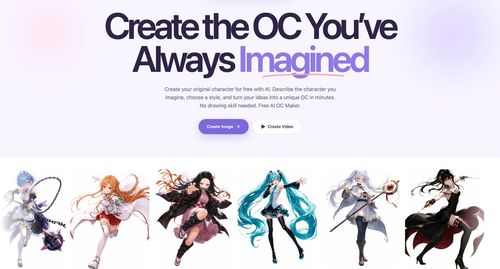
Try OC Maker
AI OC Maker for Anime & Original Characters | Try OC Maker
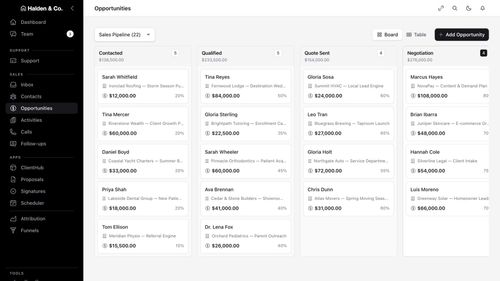
AMW Suite
Your CRM, inbox, help desk and proposals in one place, with an AI team
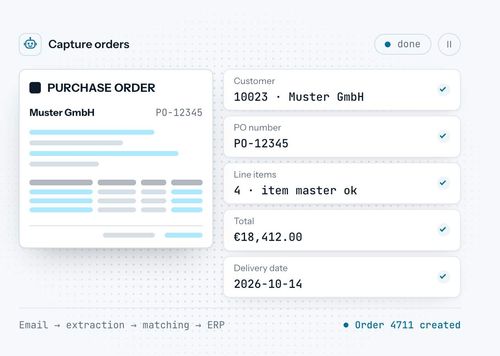
robodocxs.ai
AI agents that work inside your systems, with your team always in control.

App-Vault
A sealed vault for the photos, files and documents you'd rather not hand a stranger.

Trucess LLC
Financial Clarity for a More Purposeful Future.

Pinder Plotkin Legal Team
Maryland's injury law team since 2002.
Featured Banner for DrawPic Edit Text in Image Design Tool (1080x75)