cssPicker
DesignDR 17Copy CSS from any website
cssPicker offers a straightforward solution for developers and designers to extract and convert CSS from any website into various frameworks with a single click, enhancing workflow efficiency. Its AI-powered tools further enable rapid UI development by transforming images and descriptions into clean code.
Key Advantages
- ✓One-click CSS extraction from any website
- ✓Supports conversion to multiple frameworks including React and Tailwind
- ✓AI tools for transforming images and text descriptions into code
Trade-offs & Considerations
- •Requires browser extension installation
- •Complex layouts may need manual adjustments after conversion
What is cssPicker?
cssPicker is a powerful tool that allows users to effortlessly copy CSS styles from any website with just one click. It simplifies the process of gathering and implementing styles, streamlining the workflow for designers and developers alike.
Key Features & Highlights
5 FeaturesCore capabilities and advantages of using cssPicker for your workflow:
How to use cssPicker
Using cssPicker is a breeze! First, install the browser extension or access the web app. Next, navigate to the website from which you want to copy CSS. Simply click on the cssPicker icon, and hover over the elements you're interested in. When you find the right style, click to copy the CSS to your clipboard. You can then paste it into your project seamlessly. It’s that simple—no more guessing or manual coding!
About cssPicker
As a curator passionate about empowering indie hackers, I’m excited to share cssPicker, a game-changer for web development. This tool eliminates the tedious and often frustrating task of manually writing CSS by allowing you to instantly copy styles directly from any webpage. For founders juggling multiple tasks, cssPicker not only saves precious time but also enhances your efficiency by providing a seamless way to replicate and experiment with styles. Whether you're prototyping or building your product, this tool will undoubtedly become a crucial part of your development toolkit. Don't let CSS overwhelm you; embrace the simplicity and focus on what truly matters—your vision.
Real performance numbers in the last 30 days
Frequently Asked Questions
Common questions about cssPicker, features, and launch details.
Q:What is Gemini 3?
Gemini 3 is Google's most capable AI model, used by cssPicker to generate code and convert screenshots into clean, production-ready code with unmatched accuracy.
Q:How does AI Code Generator work?
The AI Code Generator interprets your natural language descriptions of the desired interface and generates the corresponding code, allowing for interactive refinement.
Q:Can I customize the generated code?
Yes, all code generated by cssPicker is fully customizable, allowing you to edit, modify, and preview changes instantly.
Related Design Apps
View All →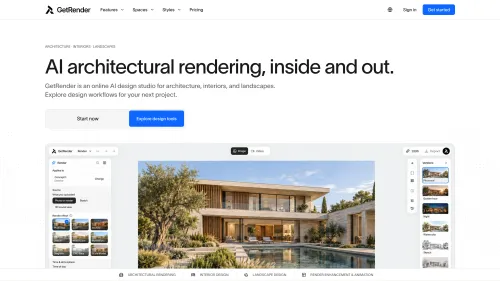
GetRender
AI Architectural Rendering & Design Tools | GetRender
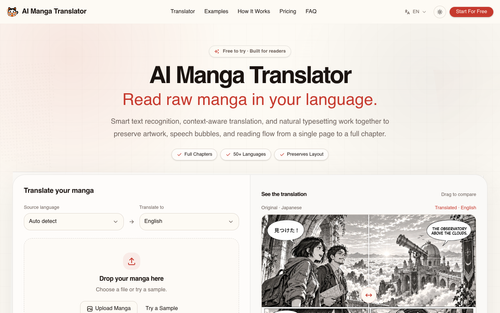
AI Manga Translator
Free AI Manga Translator – Translate Manga Online

AI Jewelry Model
AI Jewelry Model – Show Your Jewelry on Models
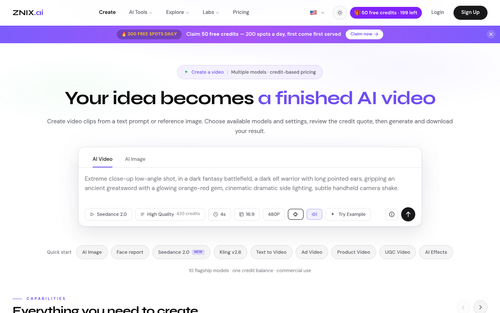
ZNIX.ai
AI Video & Image Generator — Multi-Model Studio | ZNIX.ai

AirLST
Invitations, registration, check-in and every guest in between, in one event platform.

Jason Plotkin
Personal authority platform as an author, advocate, lawyer and speaker.
Featured Banner for cssPicker Design Tool (1080x75)