
CompressX
ProductivityDR 28Ultra video and image compression
Compresto, formerly known as CompressX, offers a robust offline solution for dramatically reducing file sizes of videos, images, PDFs, and GIFs while maintaining quality. Its batch processing and automation features make it a practical choice for those needing efficient media optimization on macOS.
Key Advantages
- ✓Supports multiple formats including video, image, PDF, and GIF compression.
- ✓Operates entirely offline, ensuring privacy and security of files.
- ✓Automates compression with folder monitoring and Raycast integration for enhanced workflow.
Trade-offs & Considerations
- •Currently available only for macOS, limiting accessibility for Windows users.
What is CompressX?
CompressX is a powerful application designed for ultra-efficient video and image compression. It enables users to reduce file sizes by up to 90% while maintaining impressive quality, all without requiring an internet connection. This makes it an ideal solution for content creators and professionals who need to optimize their media files quickly and effectively.
Key Features & Highlights
5 FeaturesCore capabilities and advantages of using CompressX for your workflow:
How to use CompressX
Using CompressX is a breeze! First, download and install the application on your device. Once launched, simply drag and drop the videos or images you wish to compress into the app interface. Select your desired compression level, and hit the 'Compress' button. In just moments, you’ll have optimized files ready for use. Don’t forget to explore the settings for additional customization options, ensuring you achieve the perfect balance between file size and quality. Happy compressing!
About CompressX
What excites me about CompressX is its ability to solve a common pain point for founders and creatives: managing large media files. In today's fast-paced digital world, storage space and bandwidth are precious commodities. CompressX tackles this issue head-on, allowing users to compress videos and images significantly without compromising quality. This is especially crucial for indie hackers who need to share their work seamlessly across platforms. With its offline capabilities, CompressX provides flexibility and convenience, making it a must-have tool for anyone looking to streamline their workflow and enhance productivity.
Real performance numbers in the last 30 days
Frequently Asked Questions
Common questions about CompressX, features, and launch details.
Q:What types of files can I compress with CompressX?
You can compress videos, images, PDFs, and GIFs using CompressX, making it a versatile tool for various media formats.
Q:Is my data safe when using CompressX?
Yes, all processing happens offline on your Mac, ensuring that your files never leave your device and maintaining your privacy.
Q:Can I automate the compression process?
Absolutely! CompressX allows you to monitor folders so that any new files added are compressed automatically.
Related Productivity Apps
View All →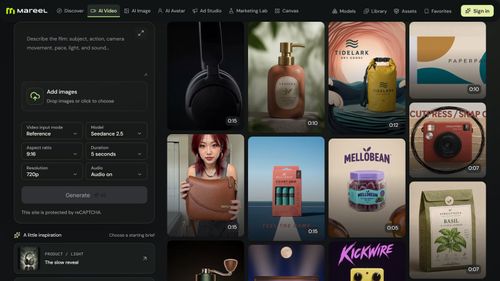
Mareel
AI Video & Image Generator – 40+ AI Models | Mareel

screenRIG
Signage and kiosks your AI agent builds and runs

Kinovi
Run AI Models with an API | Kinovi

ZeroBG.ai
ZeroBG - AI Background Remover & Photo Cleanup Tools
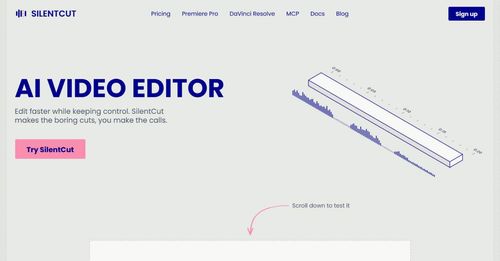
Silentcut
SilentCut makes the boring cuts, you make the calls.
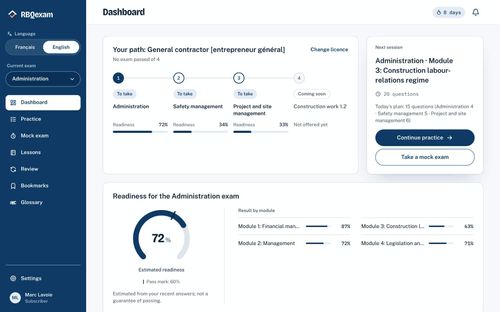
RBQ Exam
Practice questions and mock exams for the RBQ contractor licence exams.
Featured Banner for CompressX Productivity Tool (1080x75)



