ColoringStore
AiDR 8AI Coloring Page Generator for Printable Coloring Pages
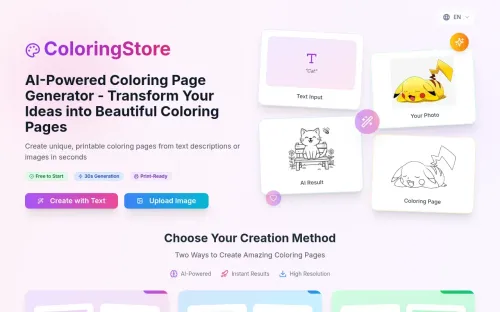
ColoringStore offers a straightforward AI-powered solution to transform text prompts or photos into printable coloring pages in seconds, making it ideal for quick creative projects. It provides high-resolution PNG or PDF downloads, catering to a variety of uses from educational settings to personal crafts.
Key Advantages
- ✓Quick generation of coloring pages from text or images.
- ✓High-resolution PNG and PDF downloads for easy printing.
- ✓No drawing skills required, making it accessible to a broad audience.
Trade-offs & Considerations
- •Requires credits for each page generated, which might limit frequent use.
- •Best suited for individual or small group projects rather than large-scale production.
What is ColoringStore?
ColoringStore is an innovative app that generates printable coloring pages from text prompts or photos, utilizing advanced AI technology. Users can create unique line art in just seconds and download high-resolution PNG or PDF files, making it easy to share or print their creations.
Key Features & Highlights
5 FeaturesCore capabilities and advantages of using ColoringStore for your workflow:
How to use ColoringStore
Using ColoringStore is a breeze! Start by visiting the app’s homepage and entering your desired text prompt or uploading a photo. The AI will analyze your input and generate a unique coloring page in seconds. Once you’re satisfied with the design, you can customize it further if needed. Finally, download your creation in high-resolution PNG or PDF format for easy printing. It’s that simple—unleash your creativity and bring your ideas to life with just a few clicks!
About ColoringStore
As a curator for IndieTool, I’m thrilled to introduce ColoringStore—a game-changer for creative minds and entrepreneurs alike. This app addresses the growing demand for custom art by enabling users to effortlessly generate unique coloring pages. Whether you’re a teacher seeking engaging activities, a parent looking for fun projects, or a business aiming to offer creative products, ColoringStore empowers you to take your ideas and turn them into tangible art. The potential for monetization is significant, as you can create and sell custom coloring pages or use them as promotional materials. This tool simplifies the creative process, making it a must-have for anyone looking to innovate in their projects.
Real performance numbers in the last 30 days
Frequently Asked Questions
Common questions about ColoringStore, features, and launch details.
Q:What formats can I download my coloring pages in?
You can download your coloring pages in both PNG and PDF formats, making them easy to print at home or in the classroom.
Q:Is there a cost to generate coloring pages?
Each AI-generated coloring page costs 10 credits, with one free generation available to get you started.
Q:Can I keep my creations private?
Yes, your uploads and generated pages are private by default unless you choose to share them publicly.
Related Ai Apps
View All →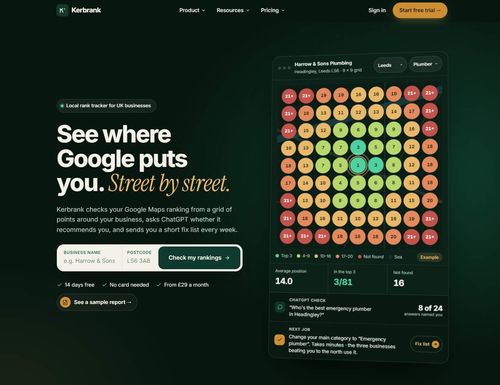
Kerbrank
See where Google puts you. Street by street.

Adobe Firefly Background Remover
Adobe Firefly AI Background Remover: free one-click transparent cutouts

Bolly.AI
Put yourself in any viral clip. AI image, video and audio in one creative suite.
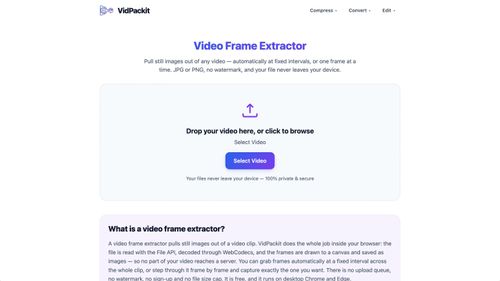
Video Compressor — VidPackit
Video Compressor — Compress Video Free Online
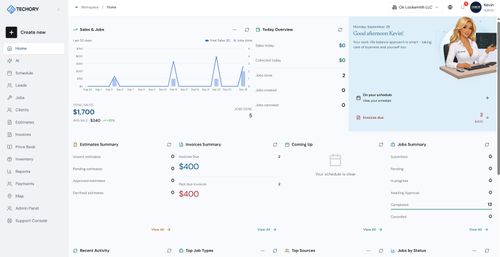
Techory.ai
Run your entire service business in one powerful platform.

HAGS Clothing
HAGS Clothing
Featured Banner for ColoringStore Ai Tool (1080x75)