.avif)
Chat2DB Local
AiDR 43Everything with data is easier in Chat2DB
Chat2DB Local offers a comprehensive AI-powered platform for managing and querying databases, making data insights more accessible and efficient. It excels in generating SQL queries from natural language inputs and supports a wide range of databases, ensuring utility for diverse data management needs.
Key Advantages
- ✓Supports both relational and non-relational databases, providing flexibility in data management.
- ✓AI-powered text-to-SQL feature enhances productivity by simplifying complex query generation.
- ✓Emphasizes data security with local processing and robust encryption measures.
Trade-offs & Considerations
- •May require initial setup and configuration for optimal use with specific databases.
- •Primarily focused on SQL generation and database management, lacking broader data analytics features.
What is Chat2DB Local?
Chat2DB Local is an innovative data management tool designed to simplify your interactions with data. It connects seamlessly to all your data sources and generates optimal SQL queries instantly, enabling you to extract meaningful insights at lightning speed. Whether you're analyzing trends or making data-driven decisions, Chat2DB Local makes the entire process more efficient.
Key Features & Highlights
5 FeaturesCore capabilities and advantages of using Chat2DB Local for your workflow:
How to use Chat2DB Local
Getting started with Chat2DB Local is a breeze! First, download and install the application on your local machine. Once installed, launch the app and connect to your desired data sources—whether it’s a database, spreadsheet, or cloud service. After establishing your connections, leverage the intuitive interface to ask questions or specify the data queries you need. The app will automatically generate optimal SQL queries for you. Review the insights generated and use them to drive your next strategic decision with confidence!
About Chat2DB Local
As a startup founder, you know that time is of the essence, especially when it comes to data analysis. Chat2DB Local is here to revolutionize the way you handle data by eliminating the complexities of SQL query writing. This app not only saves you precious time but also empowers you to gain actionable insights faster than ever. Imagine connecting to all your data sources with a few clicks and getting tailored SQL queries generated in an instant. This tool is a game-changer for those who want to focus on what truly matters: growing their business and making informed decisions based on real-time data.
Real performance numbers in the last 30 days
Frequently Asked Questions
Common questions about Chat2DB Local, features, and launch details.
Q:What databases does Chat2DB Local support?
Chat2DB Local supports a wide range of databases including MySQL, PostgreSQL, MongoDB, Oracle, and many others, both local and cloud-based.
Q:Is my data secure with Chat2DB Local?
Yes, Chat2DB Local prioritizes data security, ensuring that your data remains private and is processed locally without being uploaded to the cloud.
Q:Can I integrate Chat2DB Local with my existing applications?
Absolutely! Chat2DB Local offers API services, allowing easy integration into your existing applications for enhanced data management capabilities.
Related Ai Apps
View All →
Trucess LLC
Financial Clarity for a More Purposeful Future.
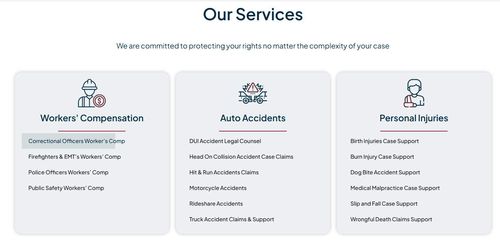
Pinder Plotkin Legal Team
Maryland's injury law team since 2002.
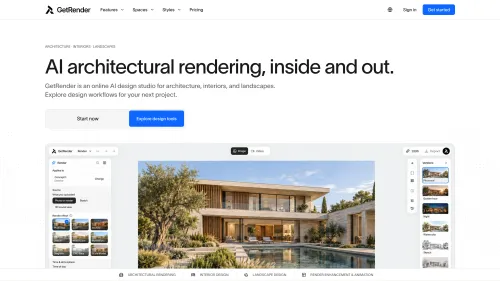
GetRender
AI Architectural Rendering & Design Tools | GetRender
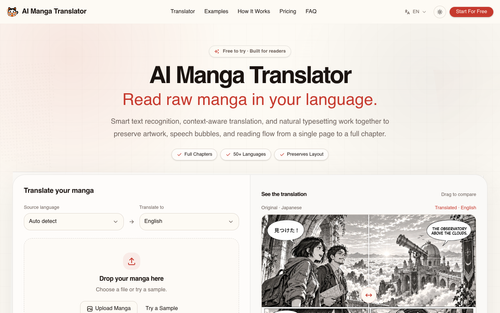
AI Manga Translator
Free AI Manga Translator – Translate Manga Online

AI Jewelry Model
AI Jewelry Model – Show Your Jewelry on Models
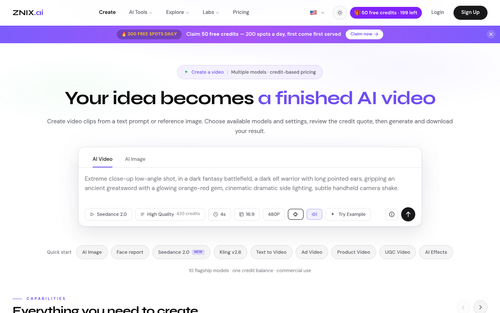
ZNIX.ai
AI Video & Image Generator — Multi-Model Studio | ZNIX.ai
Featured Banner for Chat2DB Local Ai Tool (1080x75)



