Bankstmtconverter.com
AiDR 25Transform Your PDF/Scanned Image Bank Statements to Excel, CSV
Bankstmtconverter.com efficiently converts PDF and scanned bank statements into Excel and CSV formats using AI, making it a practical tool for financial data management. Its straightforward process and secure handling of financial documents cater to professionals in need of quick data extraction.
Key Advantages
- ✓Supports multiple file formats including PDF, JPG, JPEG, and PNG.
- ✓Offers integration with accounting software like Xero and QuickBooks.
- ✓Provides secure processing with 256-bit SSL encryption and automatic deletion of files.
Trade-offs & Considerations
- •Limited free usage with only 2 conversions per day in demo mode.
- •Full features like AI chat and email automation require a subscription.
What is Bankstmtconverter.com?
Bankstmtconverter.com is an innovative tool that converts PDF and scanned image bank statements into Excel and CSV formats. It uses AI-powered technology to effortlessly extract tables from various documents, such as invoices, receipts, and purchase orders, making data management a breeze for users.
Key Features & Highlights
5 FeaturesCore capabilities and advantages of using Bankstmtconverter.com for your workflow:
How to use Bankstmtconverter.com
Using Bankstmtconverter.com is straightforward and user-friendly. First, upload your PDF or scanned image bank statement directly on the website. Next, select the desired output format—Excel or CSV. The AI-powered extractor will process the document, identifying and converting tables with precision. Once the conversion is complete, download your file with just a click! It’s that simple—transforming tedious data management into a fast, hassle-free experience, allowing you to focus on what truly matters: growing your business.
About Bankstmtconverter.com
As a solo founder, you know how vital it is to streamline operations and manage finances efficiently. Bankstmtconverter.com is a game-changer, simplifying the tedious task of data entry. By transforming your bank statements and financial documents into editable formats, this app saves you time and reduces human error. Imagine reclaiming hours spent on manual data entry—this tool empowers you to focus on growing your business instead. With its intuitive design and powerful AI capabilities, it’s a must-have resource for any startup founder looking to enhance productivity and maintain accurate financial records.
Real performance numbers in the last 30 days
Frequently Asked Questions
Common questions about Bankstmtconverter.com, features, and launch details.
Q:What file formats can I upload?
You can upload bank statements in PDF, JPG, JPEG, or PNG formats, with a maximum size of 1MB.
Q:How secure is my data?
We prioritize your privacy with 256-bit SSL encryption, ensuring no data sharing and automatic deletion of your files after processing.
Q:What output formats are available?
You can download your converted bank statements in Excel, CSV, or Google Sheets formats.
Related Ai Apps
View All →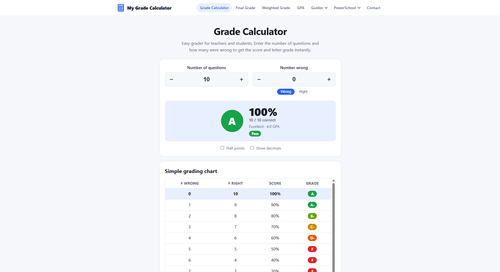
My Grade Calculator
Grade Calculator

DrawPic Edit Text in Image
Edit text in any image — same font, rest untouched

Try OC Maker
AI OC Maker for Anime & Original Characters | Try OC Maker
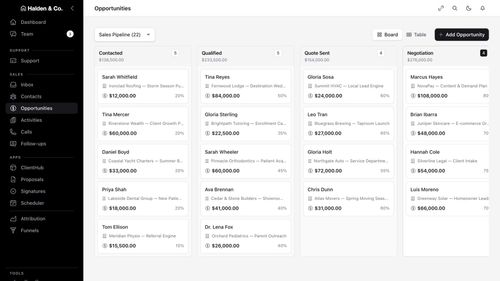
AMW Suite
Your CRM, inbox, help desk and proposals in one place, with an AI team
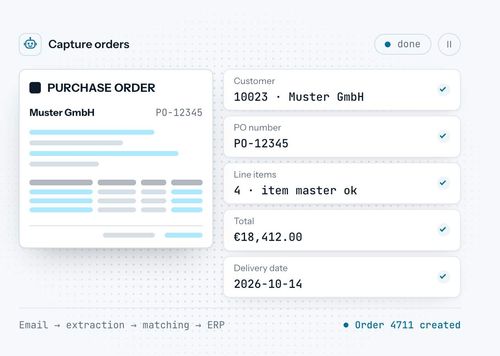
robodocxs.ai
AI agents that work inside your systems, with your team always in control.

App-Vault
A sealed vault for the photos, files and documents you'd rather not hand a stranger.
Featured Banner for Bankstmtconverter.com Ai Tool (1080x75)