
Monitor your REST APIs with ease.
Apitally is a streamlined API monitoring tool that offers developers real-time insights and alerts with minimal setup, requiring just a few lines of code. It simplifies tracking API performance, usage, and errors, making it a practical choice for developers looking to maintain robust APIs.
Key Advantages
- ✓Easy integration with just a few lines of code
- ✓Real-time monitoring and alerting for API issues
- ✓Supports popular web frameworks with open-source SDKs
Trade-offs & Considerations
- •Limited to REST APIs, not suitable for other API types
- •May not scale well for large enterprise environments requiring extensive customization
What is Apitally?
Apitally is a robust monitoring tool designed specifically for REST APIs. It enables developers and founders to gain valuable insights into API usage, performance, and potential issues. By integrating just two lines of code into your project, Apitally helps you proactively manage your APIs and ensures that you are alerted immediately when any anomalies occur.
Key Features & Highlights
5 FeaturesCore capabilities and advantages of using Apitally for your workflow:
How to use Apitally
Getting started with Apitally is a breeze! First, sign up for an account on their website to access your unique API key. Next, integrate Apitally into your project by adding just two lines of code, as specified in the documentation. Once integrated, you can customize the settings to monitor specific endpoints and set alert thresholds. Finally, sit back and let Apitally do the heavy lifting—monitoring your API performance and sending real-time alerts whenever something goes awry. It’s that simple!
About Apitally
Apitally stands out in the crowded landscape of API monitoring tools by emphasizing simplicity and effectiveness. For startup founders, understanding API performance is crucial; it directly affects user experience and application reliability. Apitally not only simplifies the monitoring process but also provides actionable insights that can help you fine-tune your services. Imagine having peace of mind knowing that you’ll be alerted at the first sign of trouble—this is what Apitally delivers. It’s a game-changer for solo founders and indie hackers who need to focus on building their products rather than troubleshooting API issues.
Real performance numbers in the last 30 days
Frequently Asked Questions
Common questions about Apitally, features, and launch details.
Q:What frameworks does Apitally support?
Apitally works with most popular web frameworks, allowing for seamless integration into your existing applications.
Q:How does the alerting system work?
Apitally features custom alerts that notify you immediately when predefined traffic, error, or performance thresholds are breached.
Q:Is there a mobile version of Apitally?
Yes, Apitally offers a mobile-friendly dashboard that allows you to monitor your APIs on the go, optimized for both small and large screens.
Related Productivity Apps
View All →
Smut Writer AI
Completely uncensored AI smut writer and story generator

Small Landlord Security Deposit & Turnover Ops Kit
Deposit & turnover ops spreadsheet kit, $19

Small Landlord Schedule E Ops Kit
Schedule E rental tax prep ops kit, $29

BuyHub
Search eBay, Vinted, Mercari and 100+ marketplaces at once
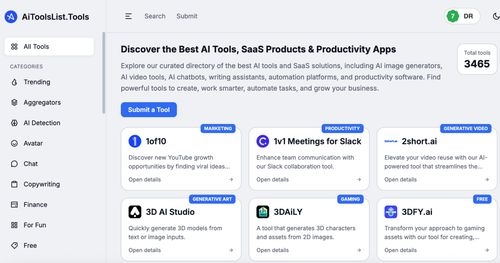
AiToolsList.Tools
AI Tools Directory, SaaS Products & Productivity Apps | AiToolsList.Tools

Story2Board
Story2Board — AI Co-Director for Storyboards
Featured Startups
Submit App →
Try OC Maker
AI OC Maker for Anime & Original Characters | Try OC Maker

AI Jewelry Model
AI Jewelry Model – Show Your Jewelry on Models

screenRIG
Signage and kiosks your AI agent builds and runs

Influence
Plan, write and schedule your social media posts.
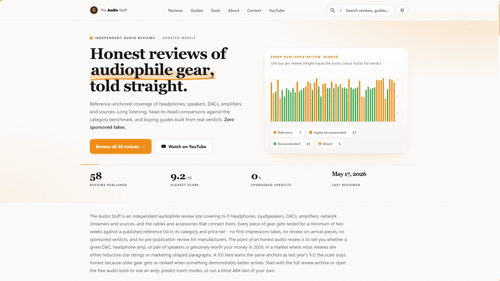
The Audio Stuff
Honest Hi-Fi Gear Reviews Built on Real Listening

DunCrux
Offline First Auto Prioritizing todo list