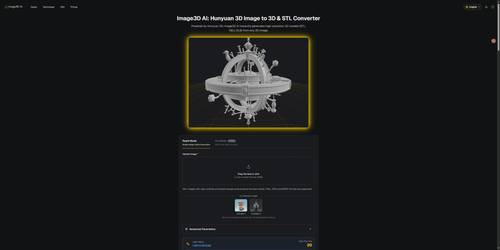
Image3D AI
ProductivityDR 25Image to 3D & STL Converter powered by Hunyuan 3D
Image3D AI effectively converts 2D images into 3D models, supporting STL, OBJ, and GLB formats, making it a practical tool for creators in 3D printing and game development. Its real-world utility lies in its ability to streamline the creation of 3D assets from simple images, thus saving time and effort for designers.
Key Advantages
- ✓Supports multiple 3D file formats including STL, OBJ, and GLB.
- ✓Offers a fast preview and multiple AI engines for optimized results.
- ✓No login required to test with free sample images.
Trade-offs & Considerations
- •Best results require images with clear outlines and simple backgrounds.
- •May not be suitable for high-detail or complex 3D modeling tasks.
What is Image3D AI?
Image3D AI is an innovative tool that transforms 2D images into high-quality 3D models, supporting formats like STL, OBJ, and GLB. Powered by Hunyuan 3D, it caters to creators in fields such as 3D printing and game development, making it easier than ever to bring flat designs to life.
Key Features & Highlights
5 FeaturesCore capabilities and advantages of using Image3D AI for your workflow:
How to use Image3D AI
Using Image3D AI is a breeze! Start by uploading your 2D image into the app. Once uploaded, the tool will process your image and generate a 3D model automatically. You can then preview the model and make adjustments as needed. Finally, choose your desired file format (STL, OBJ, or GLB) and download the finished 3D model. It's that simple! This seamless process allows you to focus on creativity while the app handles the technical aspects.
About Image3D AI
As a curator for IndieTool, I am genuinely excited about Image3D AI and its potential impact on indie founders and creators. This app addresses a common hurdle in the creative process: converting 2D imagery into 3D models. With its user-friendly interface and powerful capabilities, it allows even those without extensive 3D modeling experience to produce high-quality assets. Founders in both the 3D printing and gaming industries will find it particularly valuable, as it streamlines workflows and enhances product offerings. Embracing tools like Image3D AI empowers creators to innovate and elevate their projects, making it a must-have in any indie toolkit.
Real performance numbers in the last 30 days
Frequently Asked Questions
Common questions about Image3D AI, features, and launch details.
Q:What image formats does Image3D AI support?
Image3D AI supports PNG, JPEG, and WEBP formats for image uploads.
Q:How long does it take to generate a 3D model?
The generation process typically takes around 60 seconds, depending on the complexity of the image.
Q:Can I use the generated models for 3D printing?
Yes, the app can convert images into STL files, which are ideal for 3D printing workflows.
Related Productivity Apps
View All →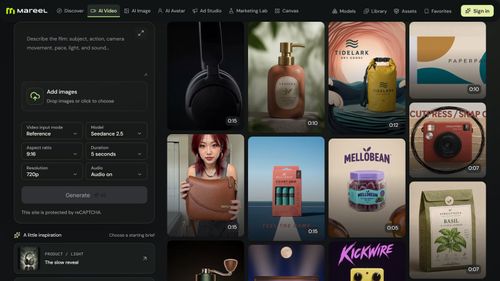
Mareel
AI Video & Image Generator – 40+ AI Models | Mareel

screenRIG
Signage and kiosks your AI agent builds and runs
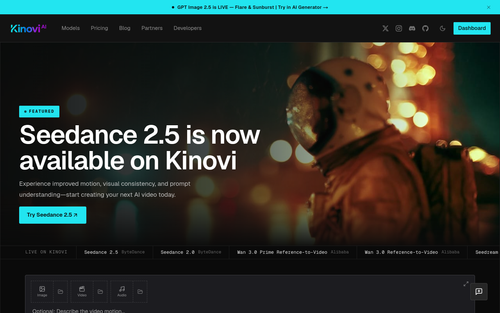
Kinovi
Run AI Models with an API | Kinovi
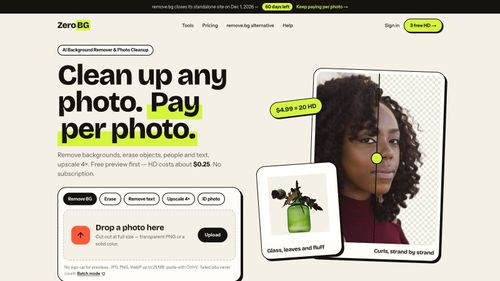
ZeroBG.ai
ZeroBG - AI Background Remover & Photo Cleanup Tools
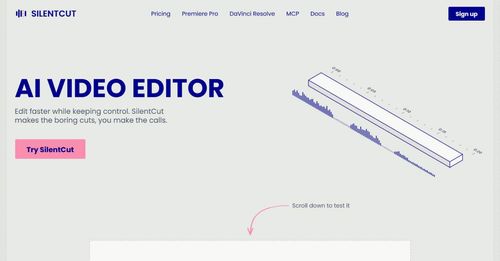
Silentcut
SilentCut makes the boring cuts, you make the calls.
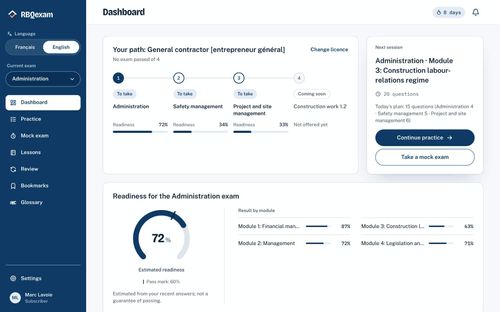
RBQ Exam
Practice questions and mock exams for the RBQ contractor licence exams.
Featured Banner for Image3D AI Productivity Tool (1080x75)



